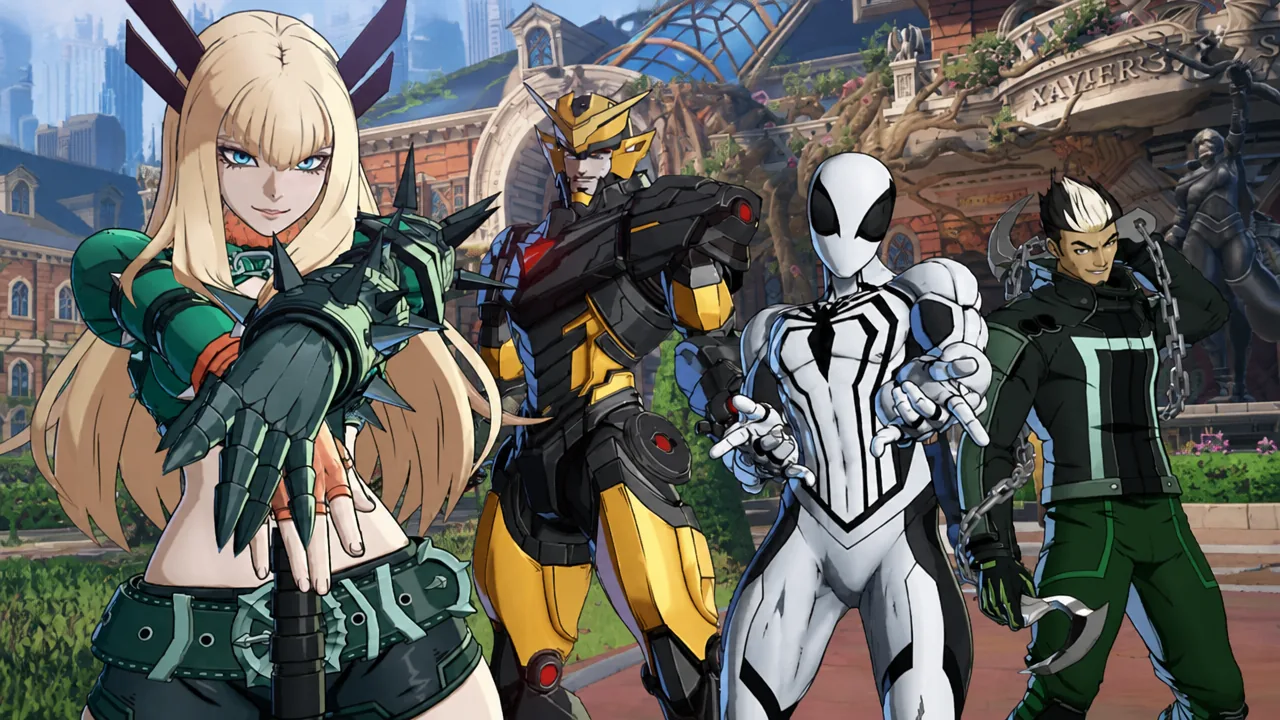
Marvel Tōkon: Fighting Souls ran well on PS5 from day one, but the PC version shipped with micro-stutters, unusually high CPU load, and frame-rate drops that made online play rough for a lot of players. Arc System Works has now pushed the game’s first major update, and it targets exactly those problems. If you play on PC, this is the patch that makes the game feel the way it was supposed to at launch.
Quick answer: Update the game to pull the roughly 10GB patch, then accept the shader warm-up prompt and turn on the auto graphics quality setting. Once shaders finish warming up, CPU usage and stutters should drop sharply.
What the PC patch fixes
The core problem was audio, not graphics. The game was running periodic audio processing during matches and repeatedly checking for available audio devices in the background. Those unnecessary checks piled extra work onto the CPU and triggered sudden frame drops. Removing them is what brings the CPU load down.
The update was announced by the team and rolled out after a short period of server downtime.
| Problem | Cause | Fix |
|---|---|---|
| High CPU usage at startup | CPU ran heavy through the whole start-up process | Multiple fixes to reduce load during launch |
| High CPU usage in matches | Periodic audio processing during play | Extra audio load removed |
| Sudden performance drops | Constant checks for available audio inputs | Unnecessary checks stopped |
| Frame-rate drops | Certain screen resolutions | Resolution-linked drop fixed |
Backend crash reporting was also improved so future stability problems can be found and fixed faster.
Non-performance bug fixes
Two smaller issues got cleaned up in the same update. Restarting the game with certain customization items or colors enabled could reset those settings back to default, and that no longer happens. In the online lobby, switching attack button displays to action icons could leave some buttons unresponsive during the open lobby mini-games. That input problem is fixed too.
How to get the best performance after updating
You’ll know it worked when CPU usage sits noticeably lower during matches and the stutter and sudden frame drops stop. Many players report CPU load roughly cut in half after installing the update.
What still isn’t fixed
Two things to keep in mind. Linux support is still absent, so this update does nothing for that platform. And while local performance is much better, the netcode still lags behind other fighting games right now, and matches against players on weaker PCs can still feel rough. The turnaround here was fast, coming just four days after the August 6, 2026 launch, but the online experience is not fully settled yet.
The improvement has been enough to move some players back to the game’s Steam page to revise negative reviews upward, pushing the community score away from “mixed.” Marvel Tōkon: Fighting Souls is available on PlayStation 5 and PC via Windows, developed by Arc System Works.