Web browsers on your iPhone automatically keep track of the websites you visit, storing this information as ‘History.’ This feature allows you to quickly access previously visited sites without retyping full URLs, saving you time and effort.
Despite its convenience, there are times when you might want to erase your browsing history—perhaps to maintain privacy if others use your device. Although iPhones are known for their robust security features, personal browsing data can still be accessed if not properly managed.
Regularly clearing your browsing history can be time-consuming and impractical. A more efficient solution is to use Private or Incognito mode, which prevents the browser from recording your online activity. Keep in mind, though, that while this mode hides your history from others using your device, your internet service provider may still monitor your visited websites.
The following sections explain how to delete browsing history on your iPhone for Safari, Microsoft Edge, Google Chrome, and Mozilla Firefox. Remember, once the history is cleared, it cannot be restored.
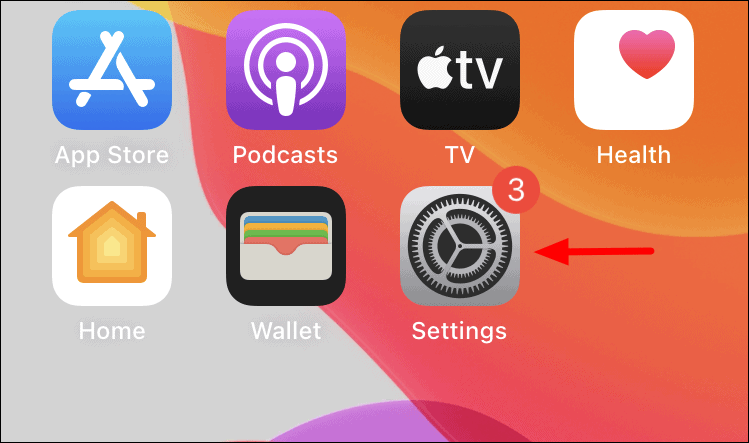
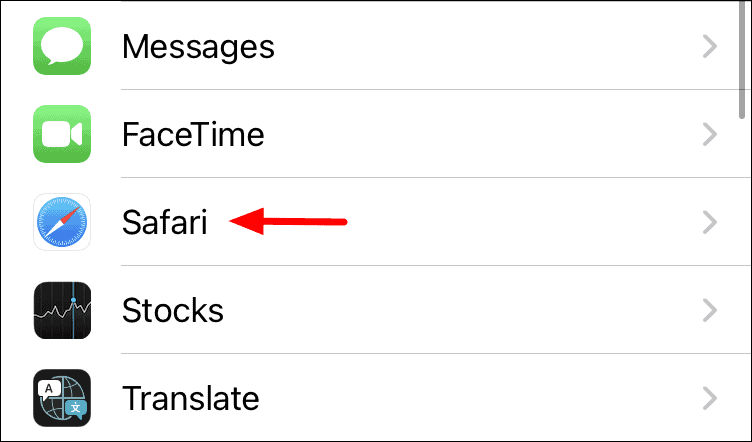
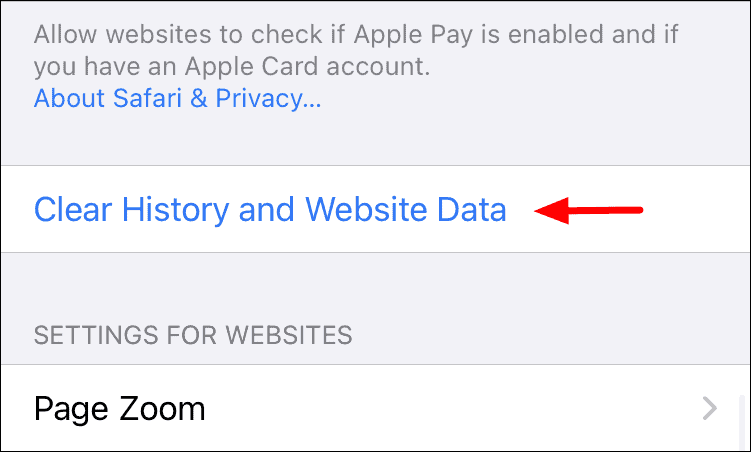
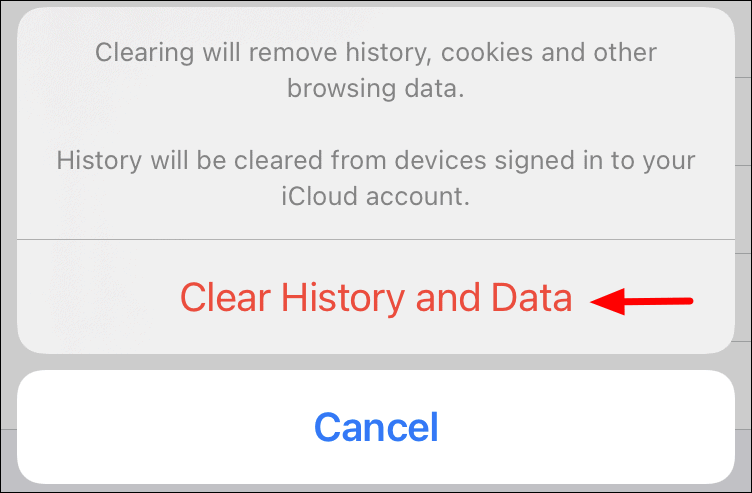
Deleting history for Safari on iPhone
Deleting history for Microsoft Edge on iPhone

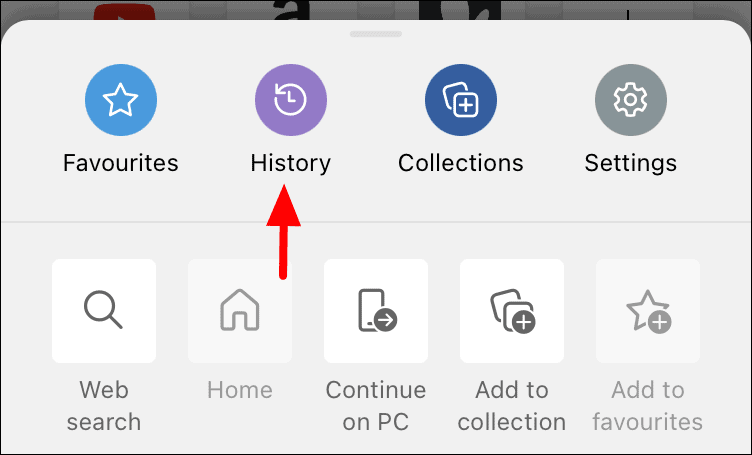
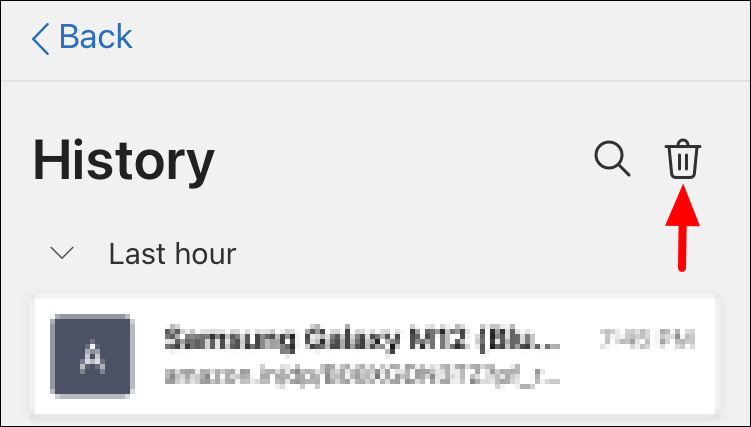
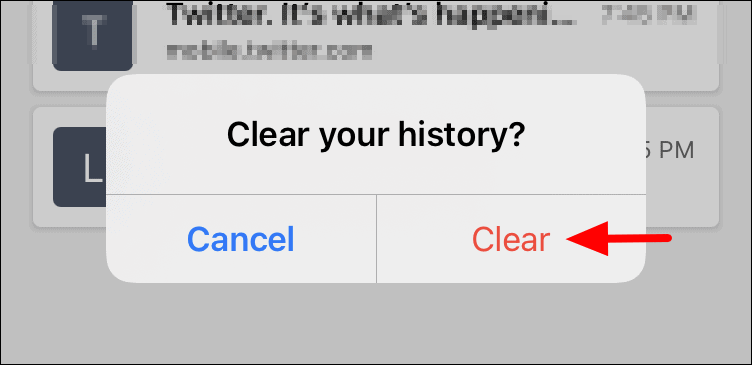
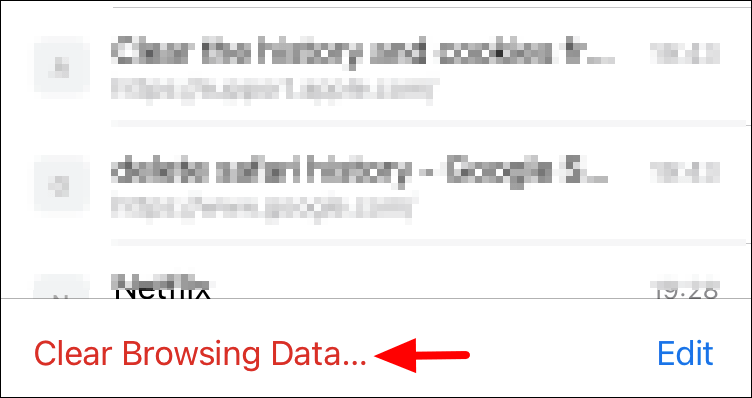
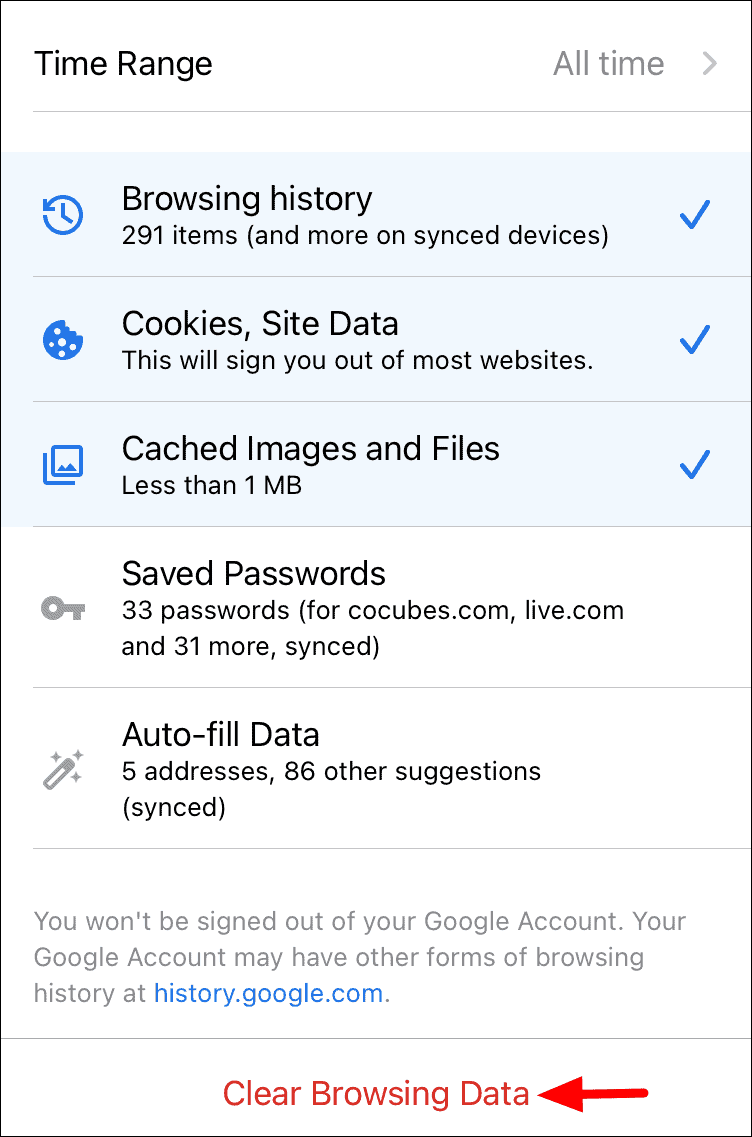
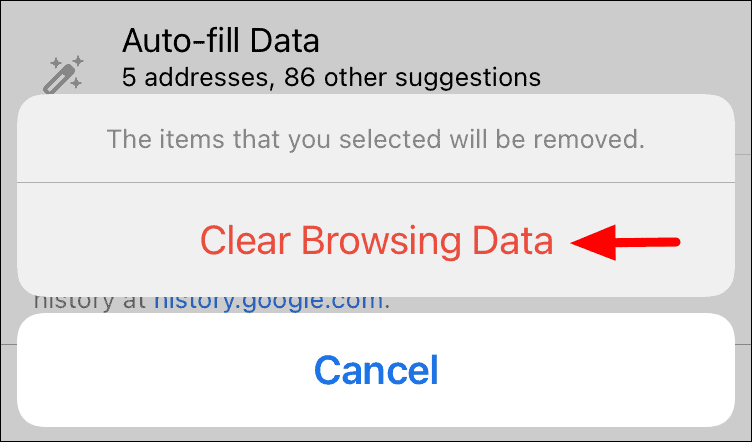
Deleting history for Google Chrome on iPhone

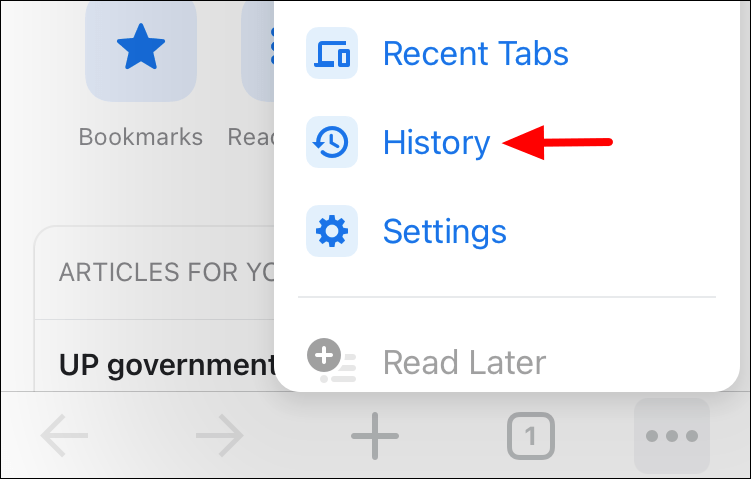
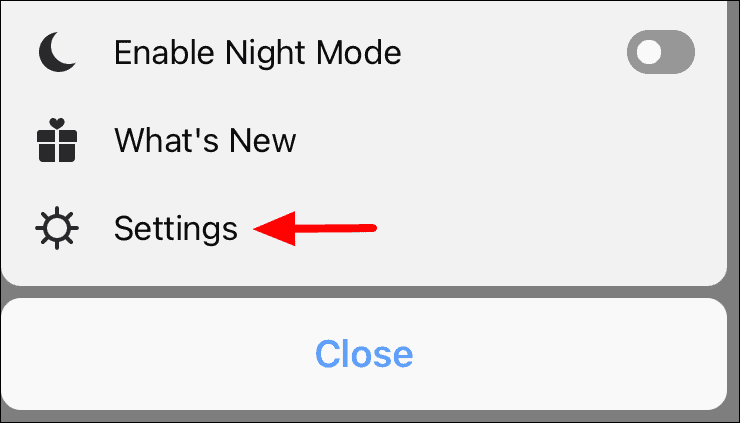
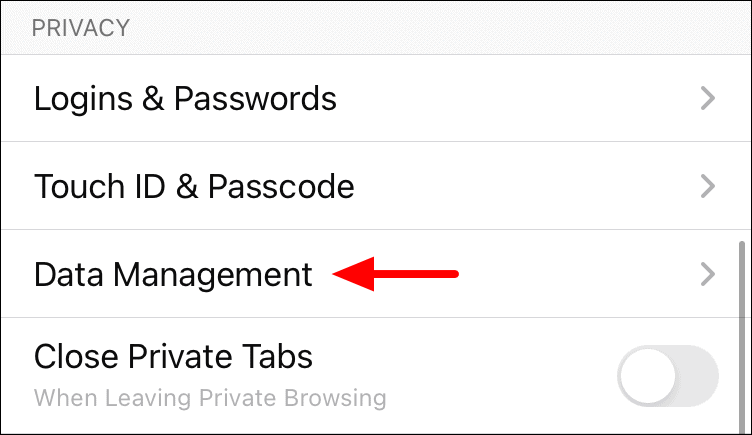
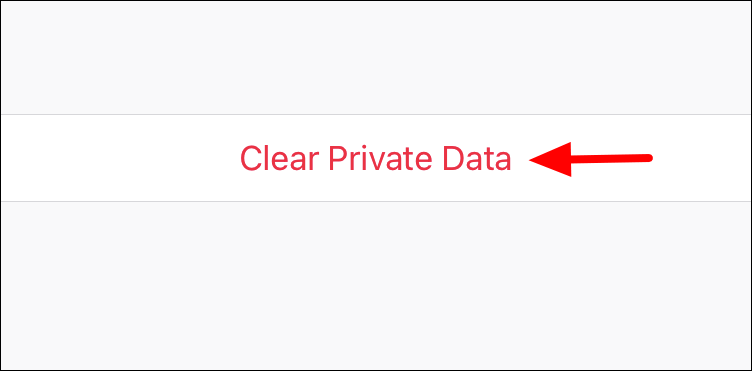
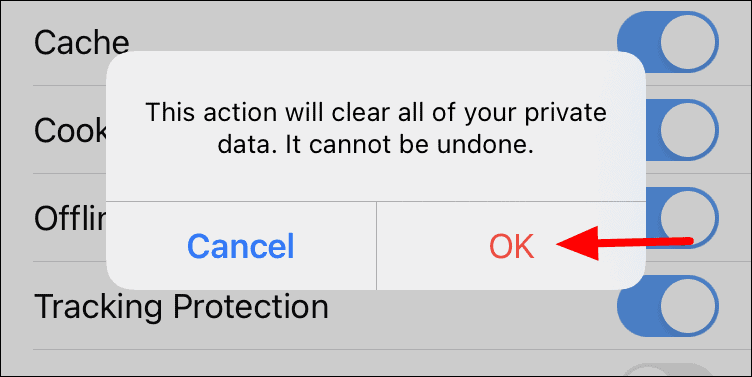
Deleting history for Firefox on iPhone

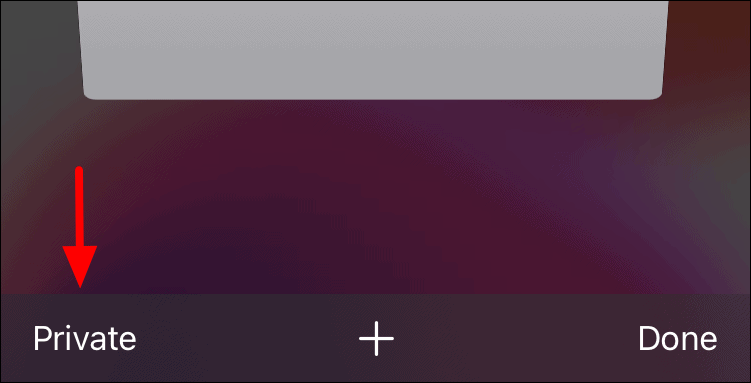
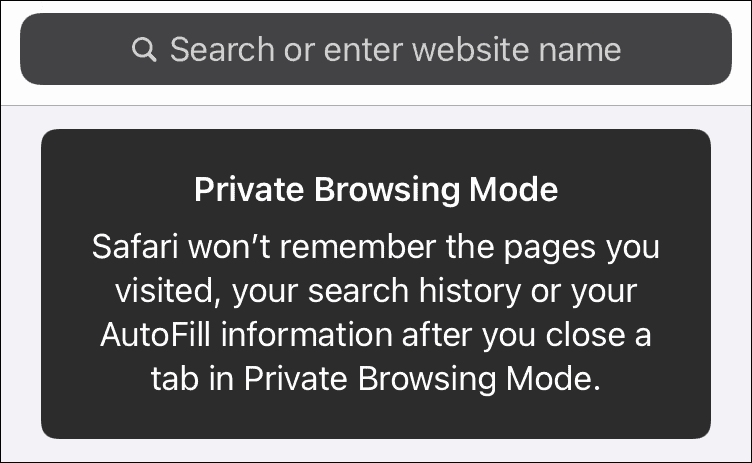
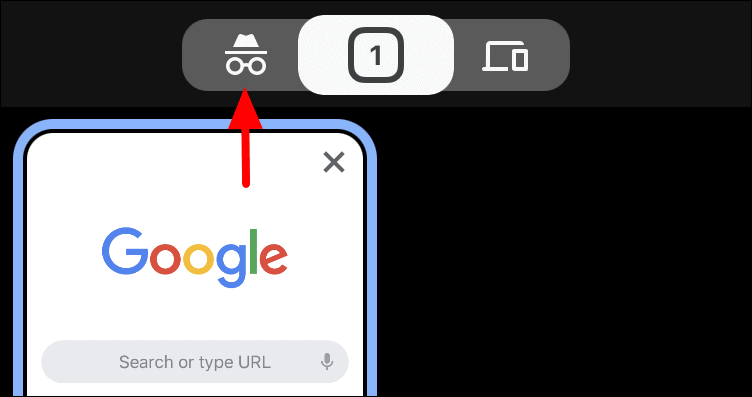
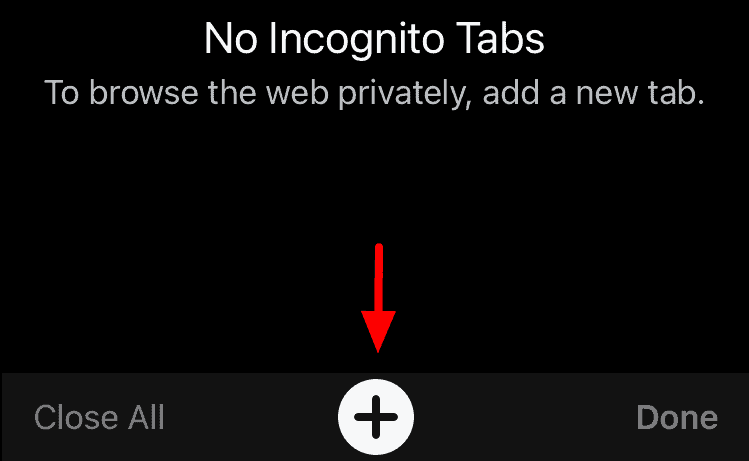
While clearing your browsing history enhances privacy, using Private or Incognito mode prevents the browser from saving your history in the first place. Most browsers on the App Store offer this feature. Here’s how to activate it in Safari and Google Chrome.
Switching to private/incognito mode on Safari


Switching to private/incognito mode on Google Chrome


Other browsers offer similar private browsing features, allowing you to maintain your privacy without manually deleting your history.
Managing your browsing history on your iPhone is essential for maintaining privacy. Whether you choose to delete your history or browse in private mode, these steps can help protect your personal information.