The Jetpack is the only item in PEAK that lets you leave the ground under your own power. Added with The Final Ascent, it takes over your backpack slot and turns a jump into controlled flight, so you can float across gaps, climb to ledges you couldn’t reach, and reposition mid-route. It runs on fuel, and once that fuel is gone you drop.
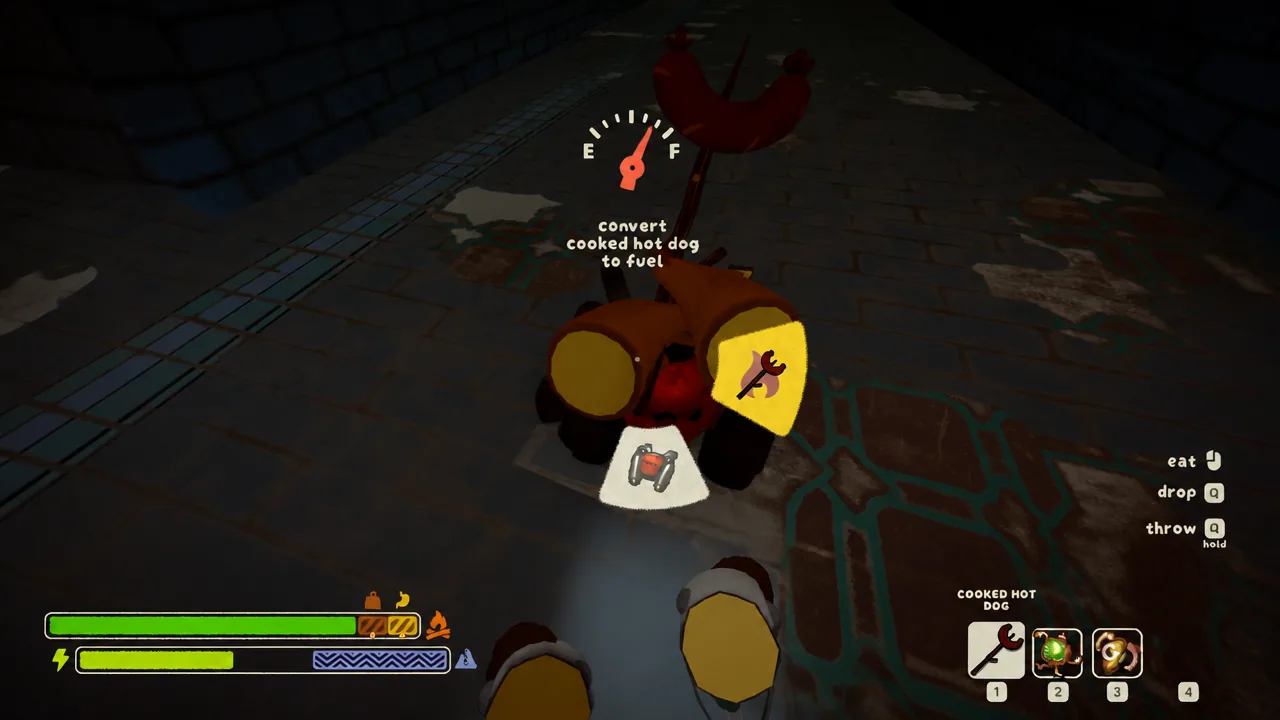
Quick answer: Equip the Jetpack, jump, then hold Spacebar in the air to float and use WASD to steer and gain height. Watch the fuel gauge in the bottom right, and refuel by dropping the Jetpack and sacrificing an item into it.
Where the Jetpack drops in PEAK
The Jetpack comes from Luggage, and it spawns on a random chance rather than in a fixed spot. It can appear in Regular Luggage, Big Luggage, and Explorer’s Luggage. The one place it will not show up is Ancient Luggage, so don’t wait on those for it.
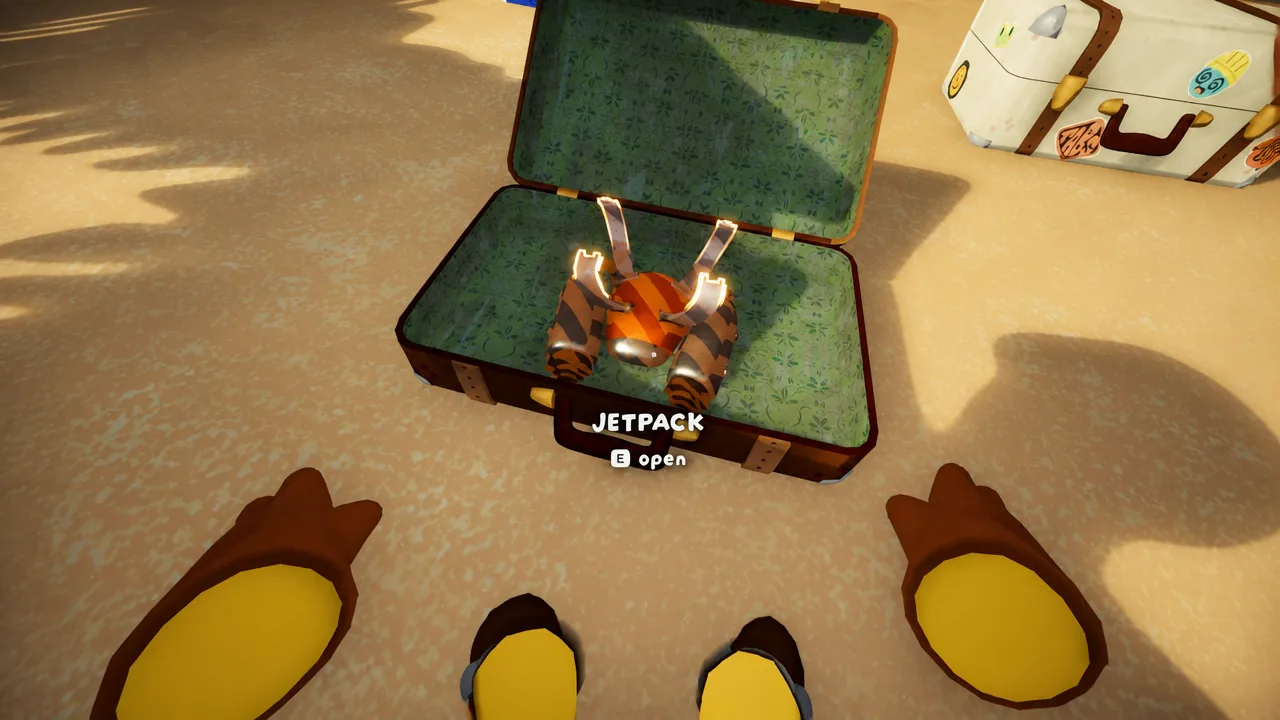
When a suitcase contains one, you’ll see the highlighted JETPACK item inside with an “E Open” prompt. Interact to grab it.
Jetpack vs. Backpack: what you give up
The Jetpack occupies the same slot as your Backpack, so you can only carry one at a time. That trade matters. The Jetpack is fun but situational, and for most climbing you’ll want the storage a Backpack gives you. Keep the Backpack equipped by default and switch to the Jetpack when you genuinely need to clear a gap or reach height that no other item can.
How to fly with the Jetpack
How to refuel the Jetpack
An empty Jetpack isn’t dead weight. You can refill it in the field by feeding items into it, the same way you interact with a Backpack.
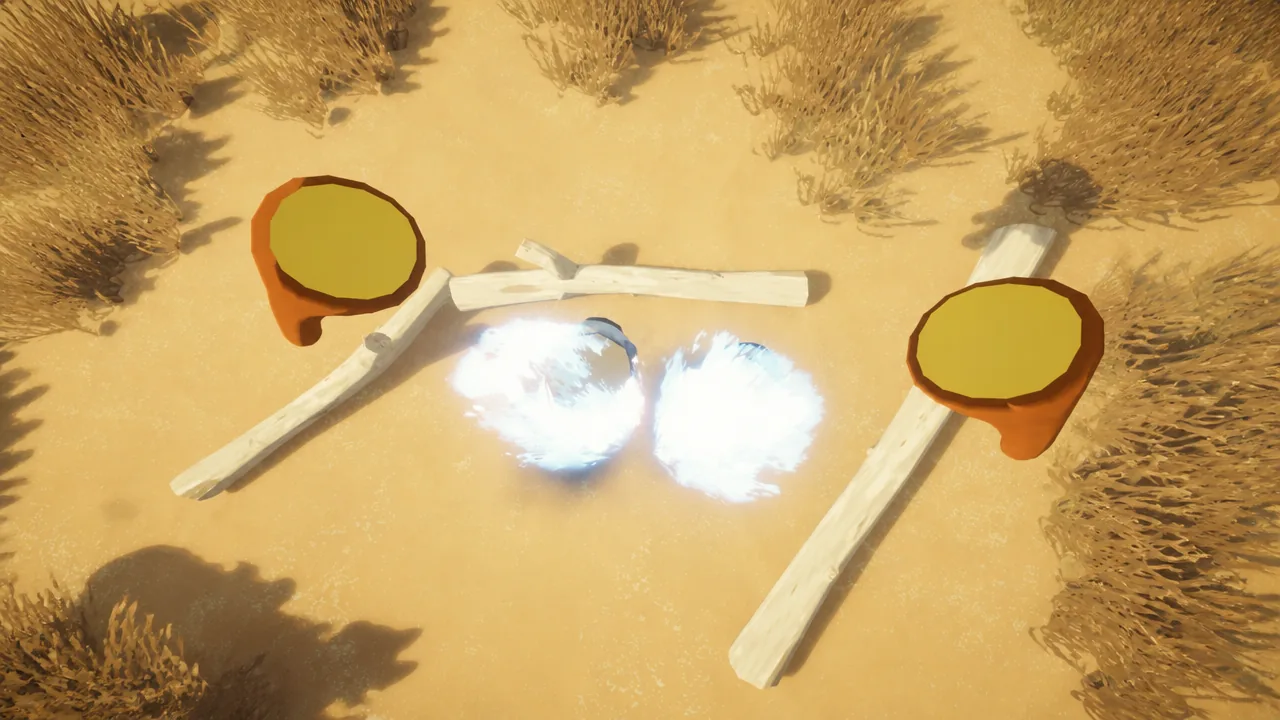
Cook an item before you convert it. A cooked item yields more fuel per sacrifice than a raw one, so run food through a cooking step first to squeeze out extra flight time.
Jetpack fuel and controls reference
| Action | How it works |
|---|---|
| Start flying | Jump, then hold Spacebar while airborne |
| Steer and climb | WASD while holding Spacebar |
| Fuel gauge | Shown in the bottom right; empties as you fly |
| Out of fuel | Thrust stops and you fall |
| Refuel | Drop the Jetpack, interact, sacrifice an item |
| Best fuel value | Cook the item before converting it |
Treat the Jetpack as a tool for specific problems rather than a constant carry. Save your fuel for the crossings and climbs that need it, keep cooked items on hand for top-ups, and land before the gauge hits zero so a shortcut across a gap doesn’t turn into a long fall.