Accidentally deleting an important iMessage thread doesn’t necessarily mean it’s lost forever. There are several methods you can use to recover deleted messages on your iPhone, depending on your settings and backups.
Recover deleted messages from iCloud backup
If you regularly back up your iPhone to iCloud and have Messages in iCloud disabled, you can restore deleted iMessages from an earlier iCloud backup. Keep in mind that if you use Messages in iCloud, your messages aren’t included in iCloud backups, so this method won’t work in that case.
Before proceeding, consider whether the backup is old enough to contain the deleted messages. Restoring from a backup will replace all current data on your iPhone with the data from the backup, so any new data created after the backup will be lost. If you’re willing to proceed, follow the steps below.
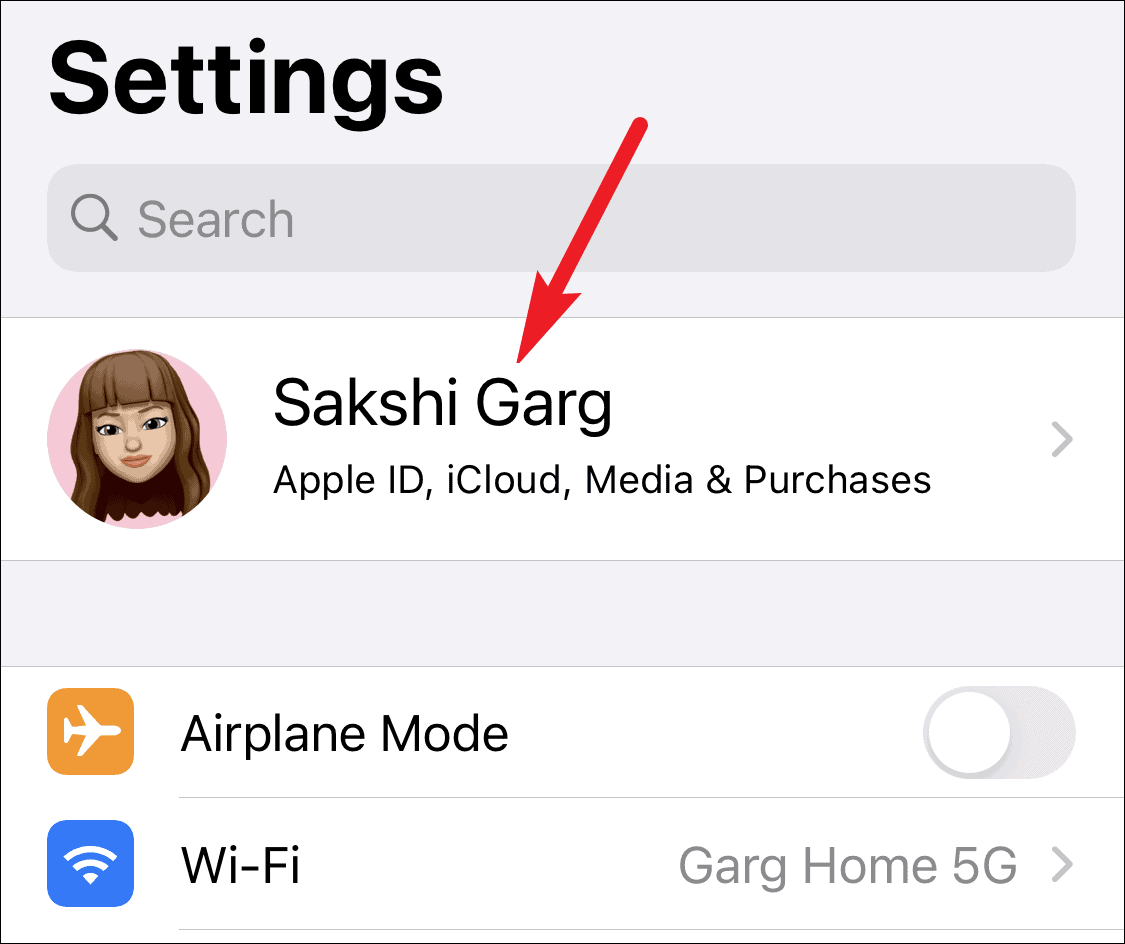

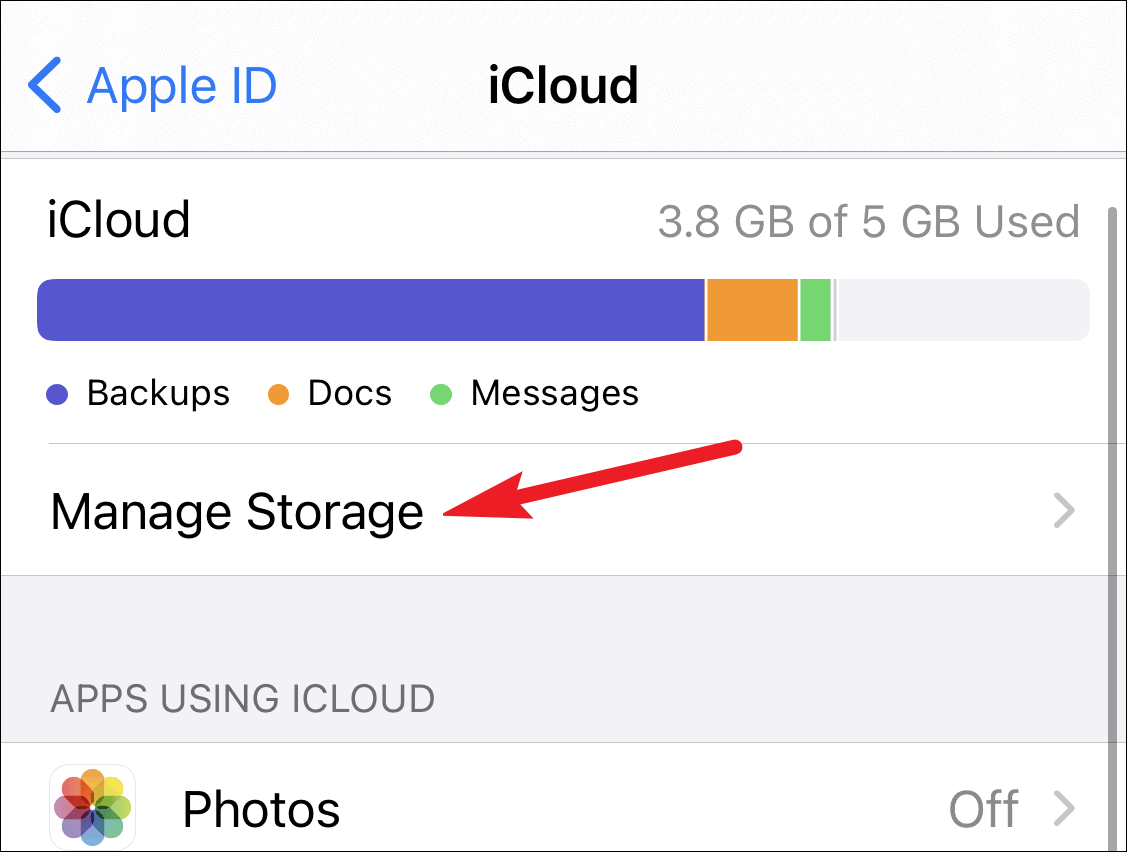
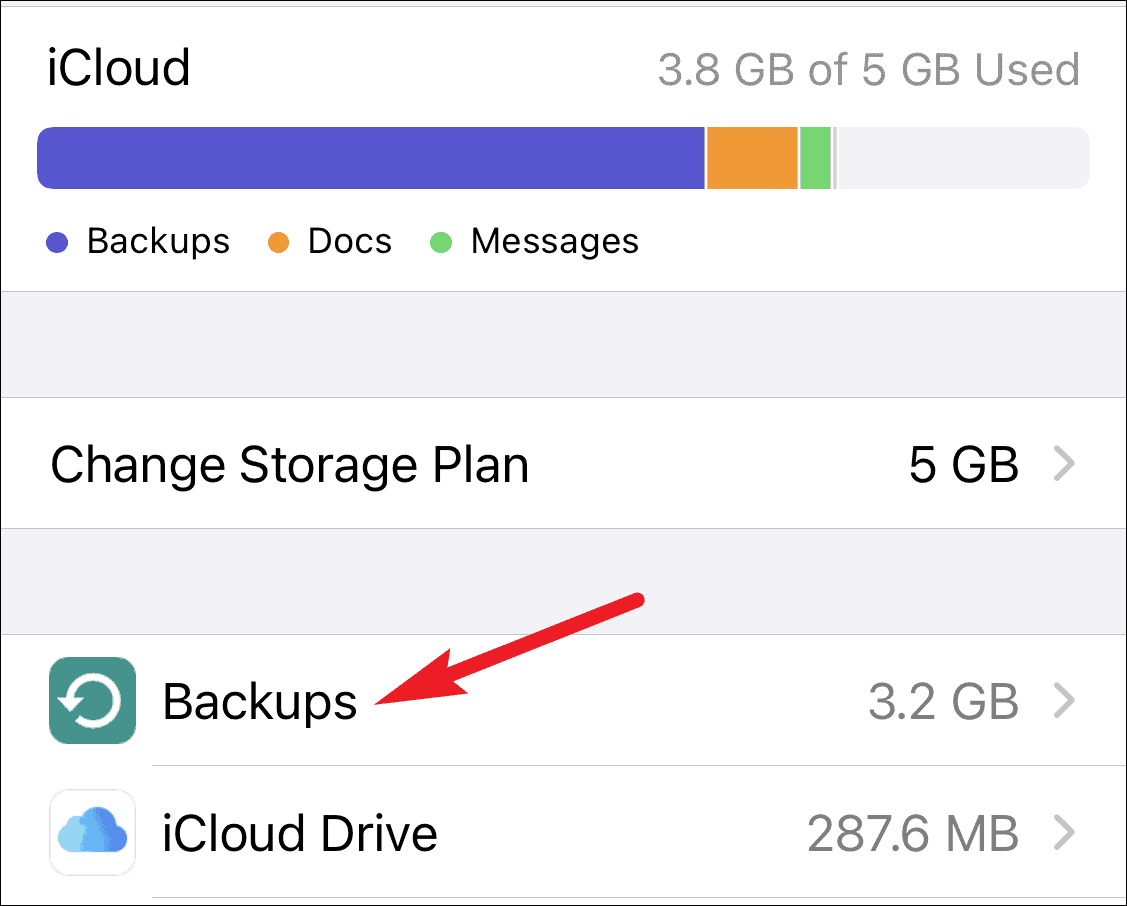
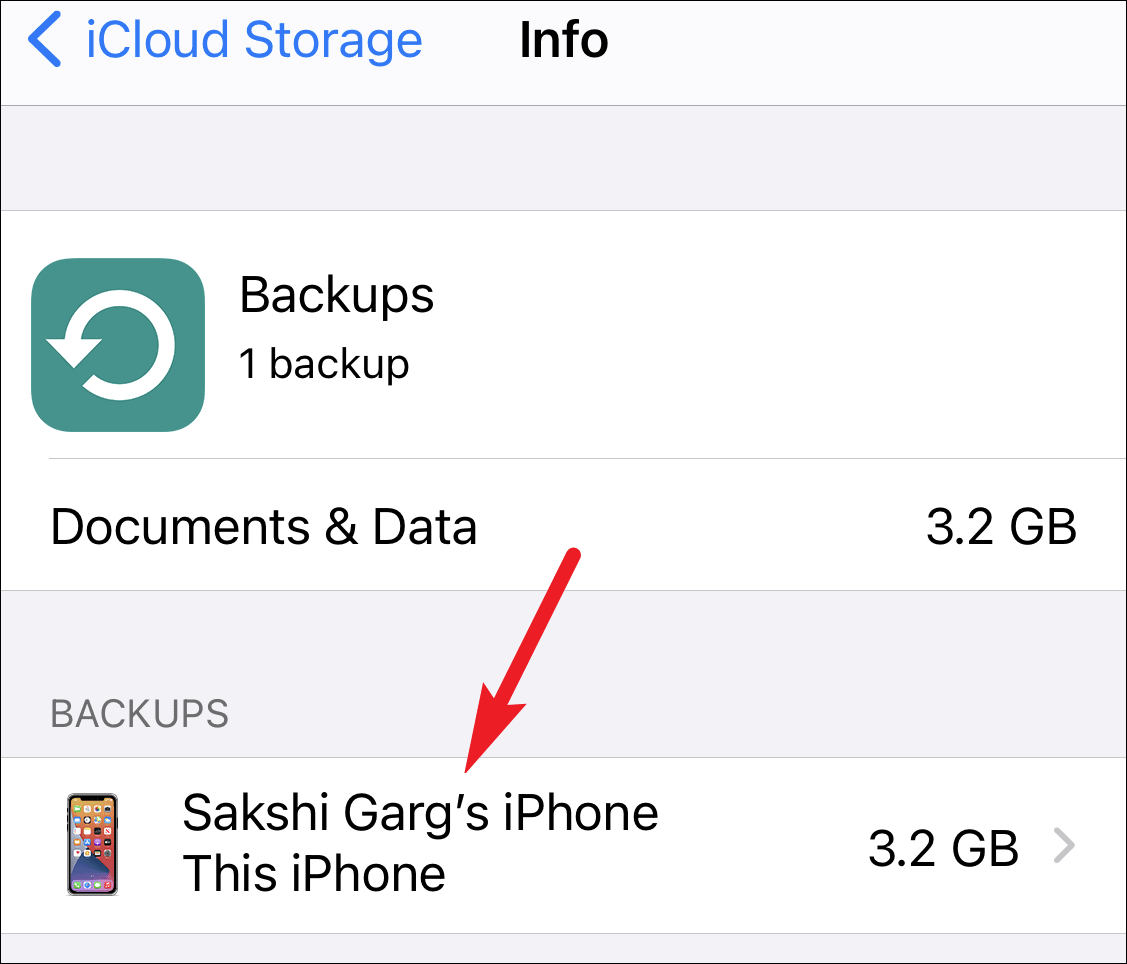
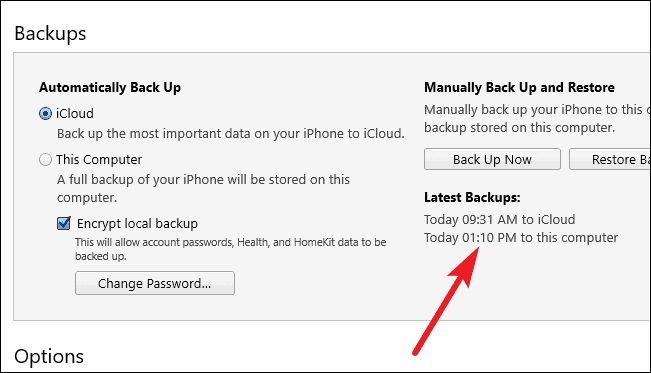
Check the date and time next to Last Backup to ensure it was made before you deleted the iMessage thread.
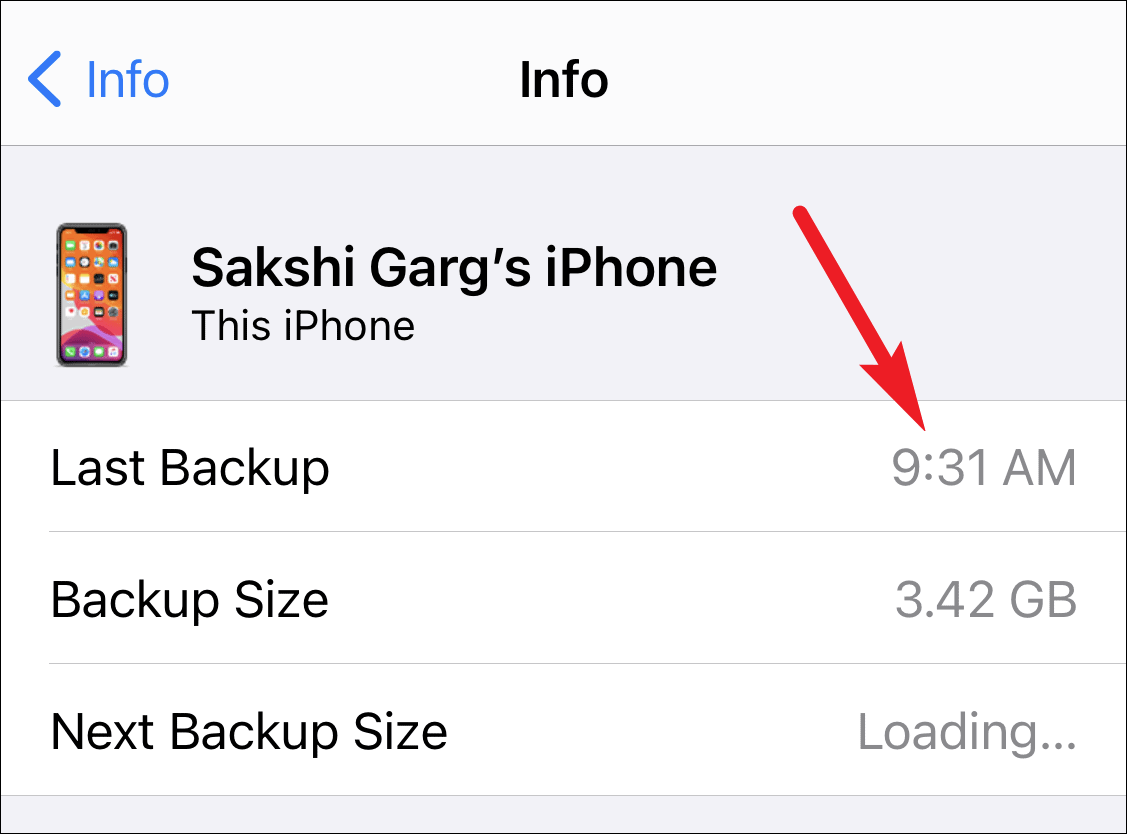
If the backup predates the deletion, you can proceed to restore your iPhone from this backup. Remember that this process will erase all current data and settings on your iPhone and replace them with the information from the backup.
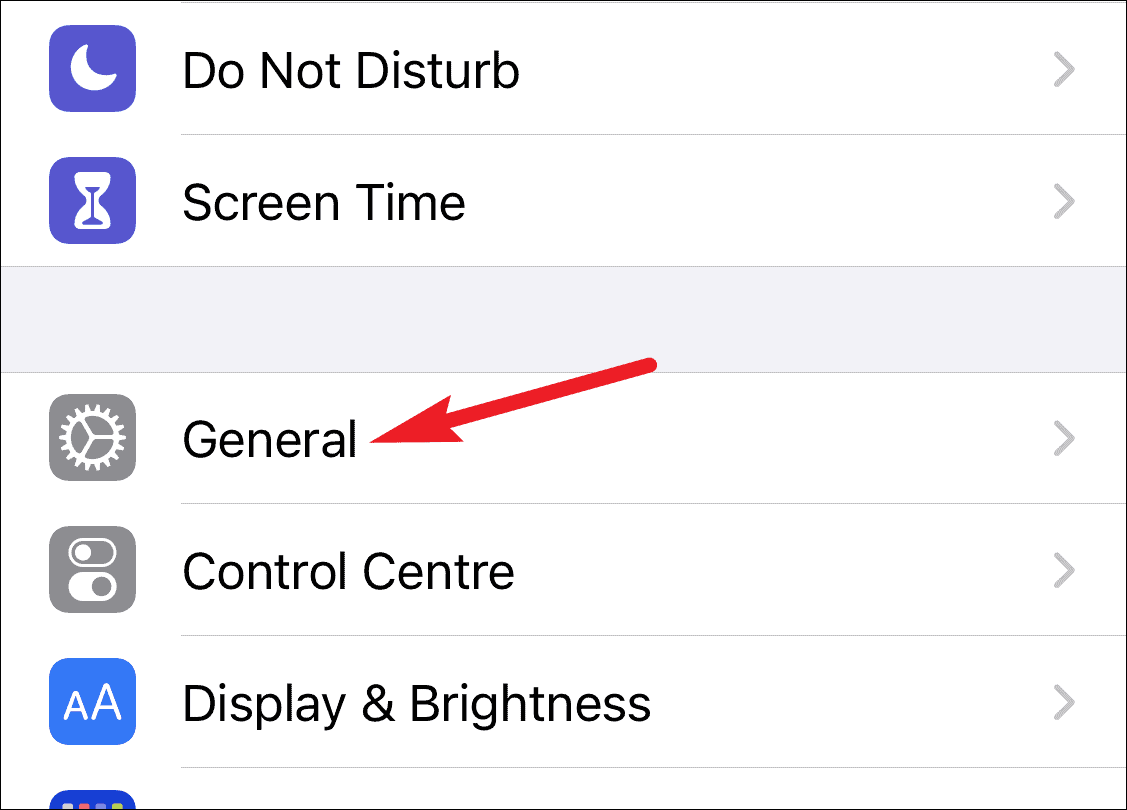
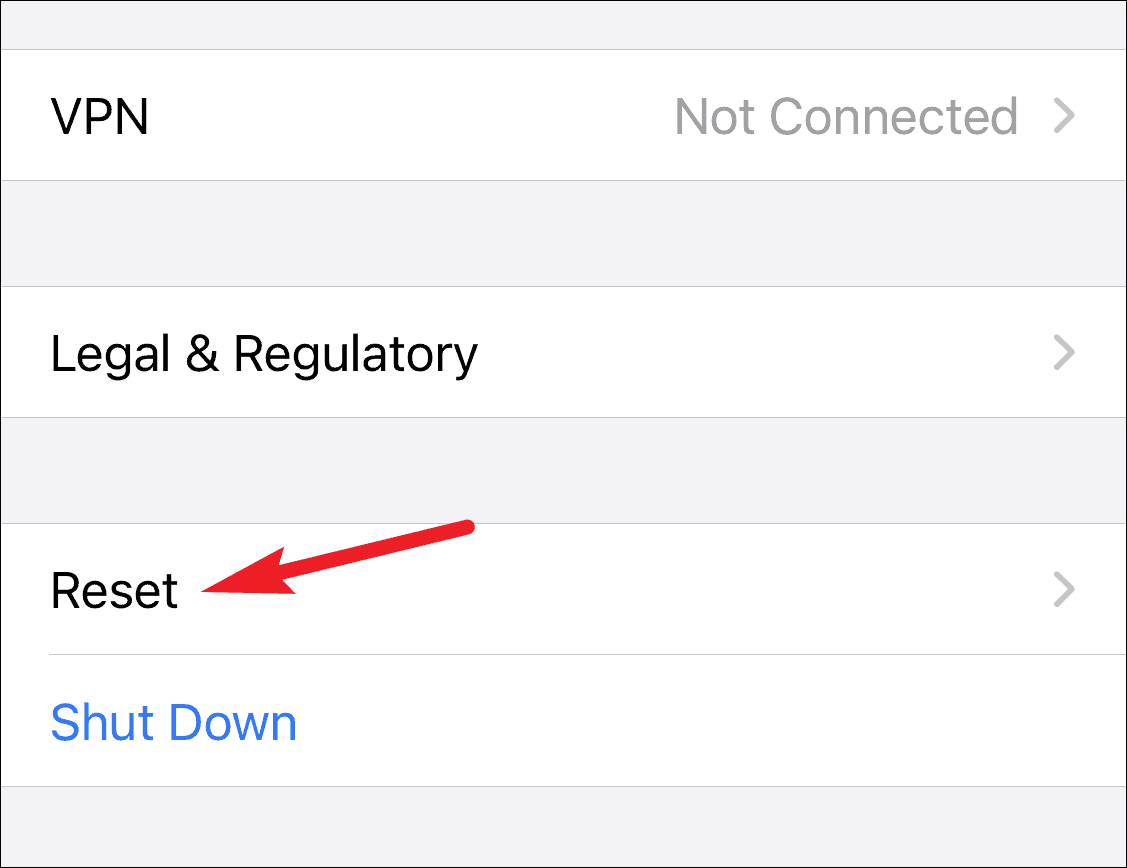
After the reset is complete, your iPhone will restart.
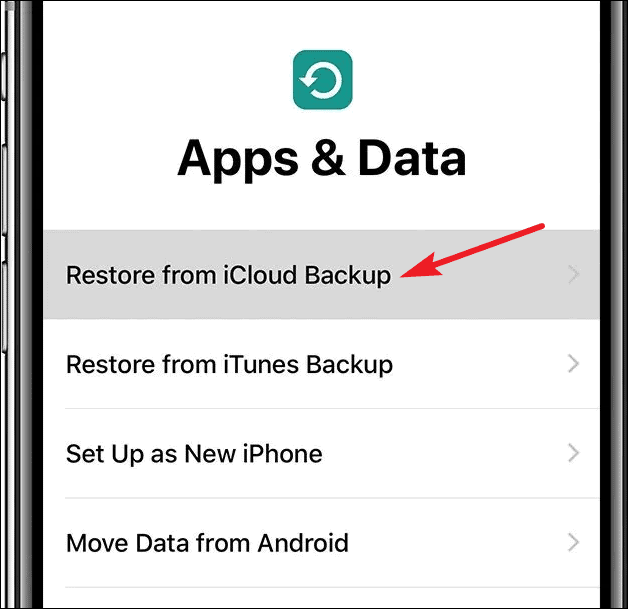
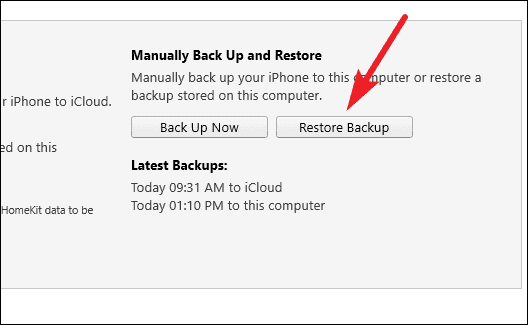
Restore from iTunes backup
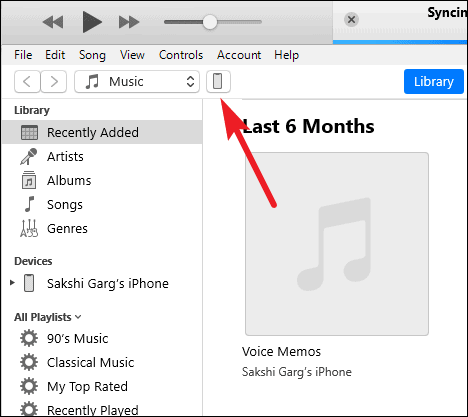
If you regularly back up your iPhone to a computer using iTunes, you can restore your device from an iTunes backup to recover deleted iMessages, provided the backup was made before the messages were deleted. However, if you use Messages in iCloud, your messages won’t be included in iTunes backups.
Be aware that restoring from an iTunes backup will overwrite all current data on your iPhone with the data from the backup. Make sure you have copies of any important data that isn’t included in the backup.
Act quickly and turn off iCloud
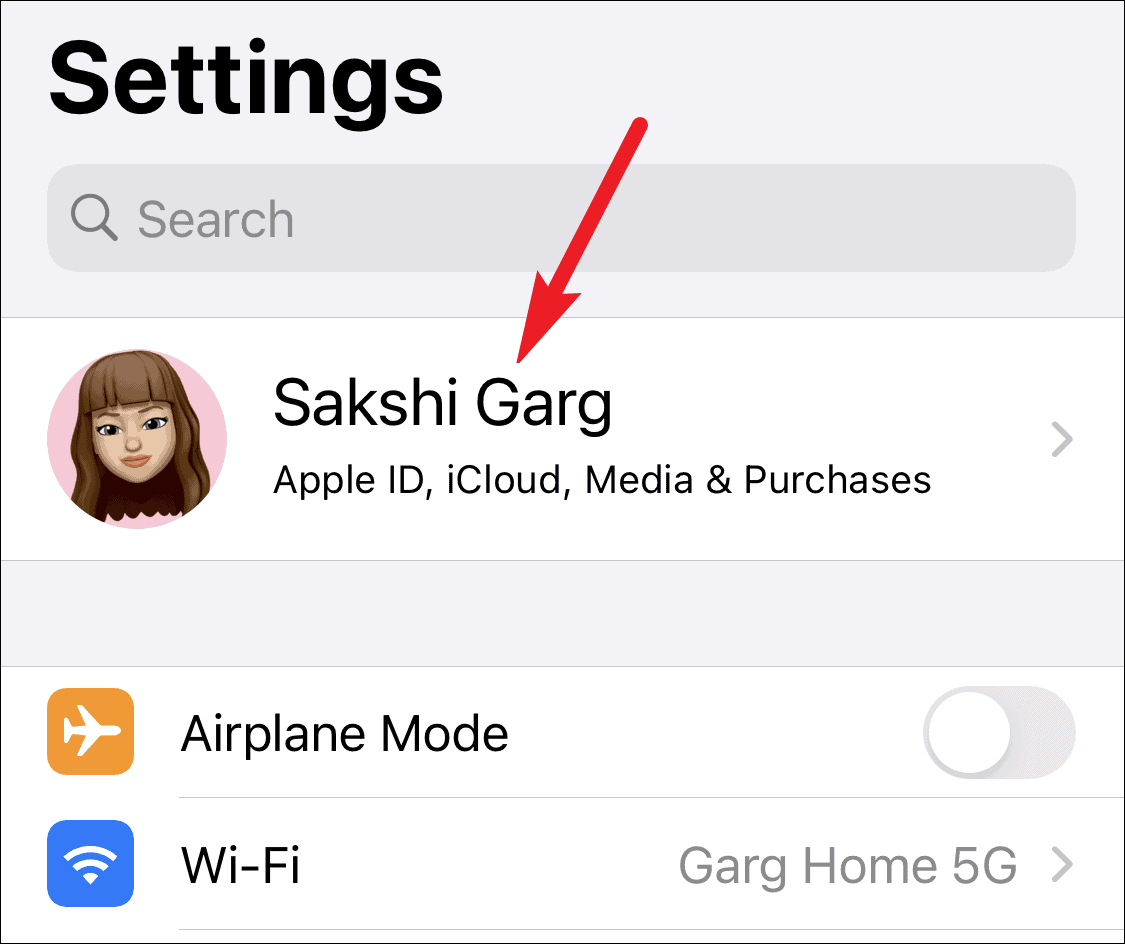
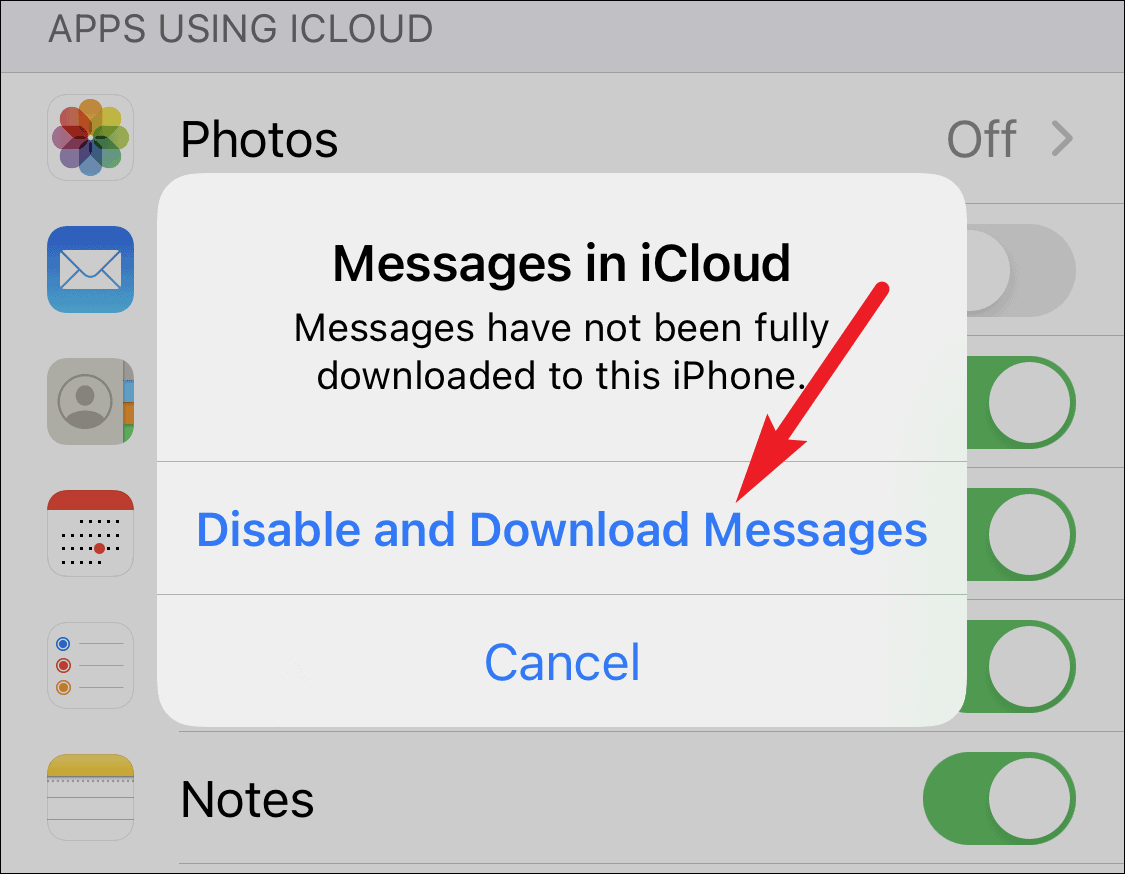
If you use Messages in iCloud and have just accidentally deleted an iMessage thread, you might be able to recover it if you act swiftly. Turning off Messages in iCloud immediately after deletion can prevent the change from syncing across your devices and the iCloud server.
Check your other Apple devices
If you have other Apple devices like an iPad, Mac, or another iPhone that use the same Apple ID and don’t have Messages in iCloud enabled, you might find the deleted iMessage thread still present on those devices. Since Messages in iCloud syncs deletions across all devices, this method only works if you don’t use it.
If you locate the thread, you can keep it on that device or forward the messages to your iPhone. Be aware that forwarding the messages will create a new conversation thread with yourself rather than restoring the original conversation with the other person.
Recovering deleted iMessages can be a challenge, but by using backups and acting quickly, you may be able to restore your important conversations.