Jitsi Meet is an open-source video conferencing platform that emphasizes privacy and ease of use. Unlike many other video conferencing tools, it doesn’t require users to create an account or provide personal information. Whether you want to host a one-on-one chat or a group meeting, Jitsi Meet makes it simple to connect with others securely.
Using Jitsi Meet on iOS and Android Devices

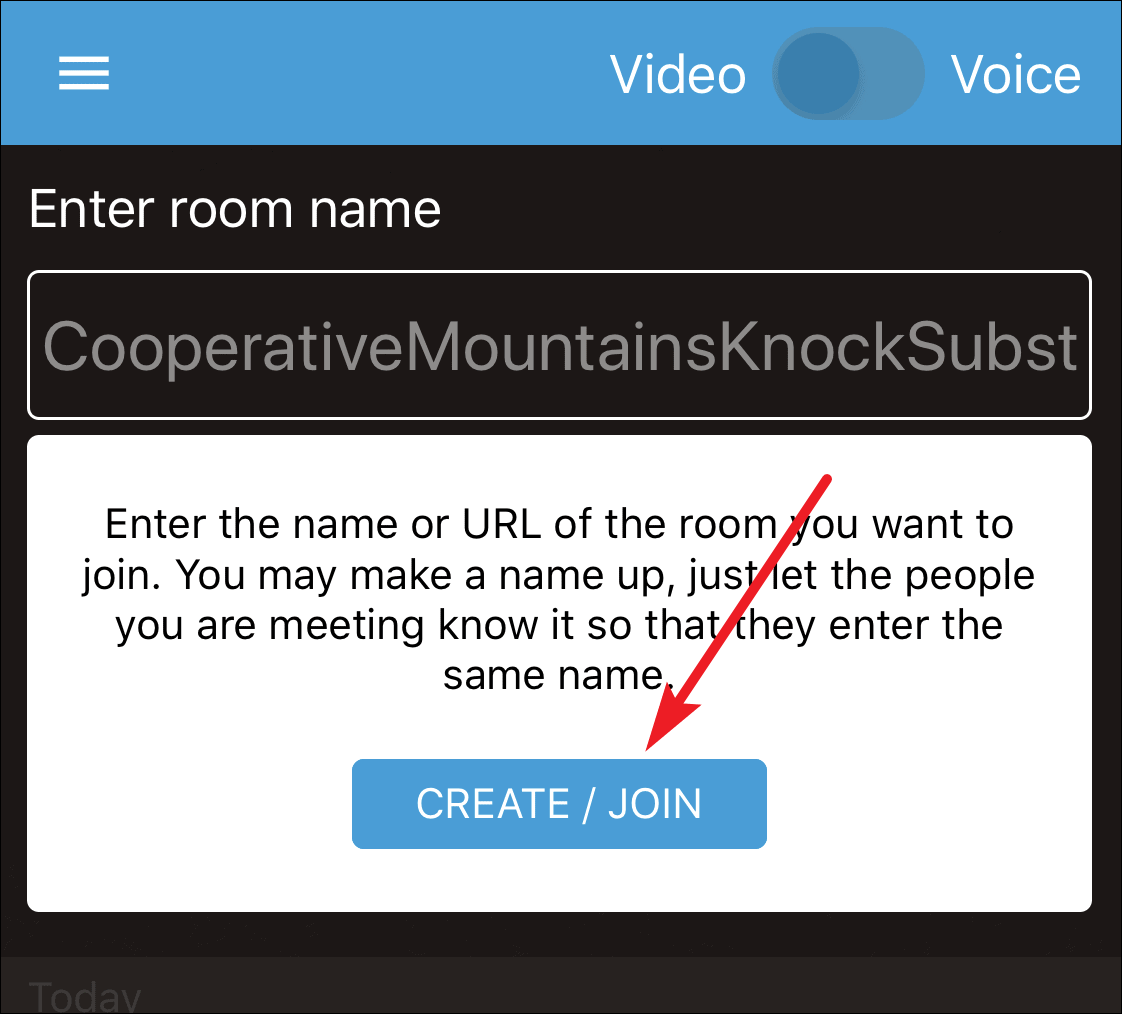
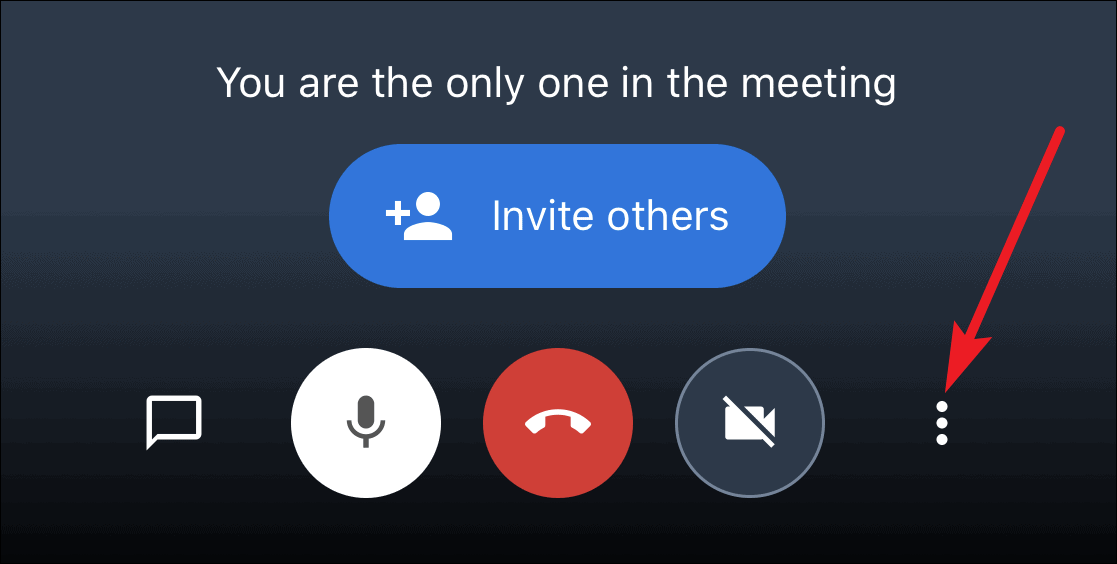
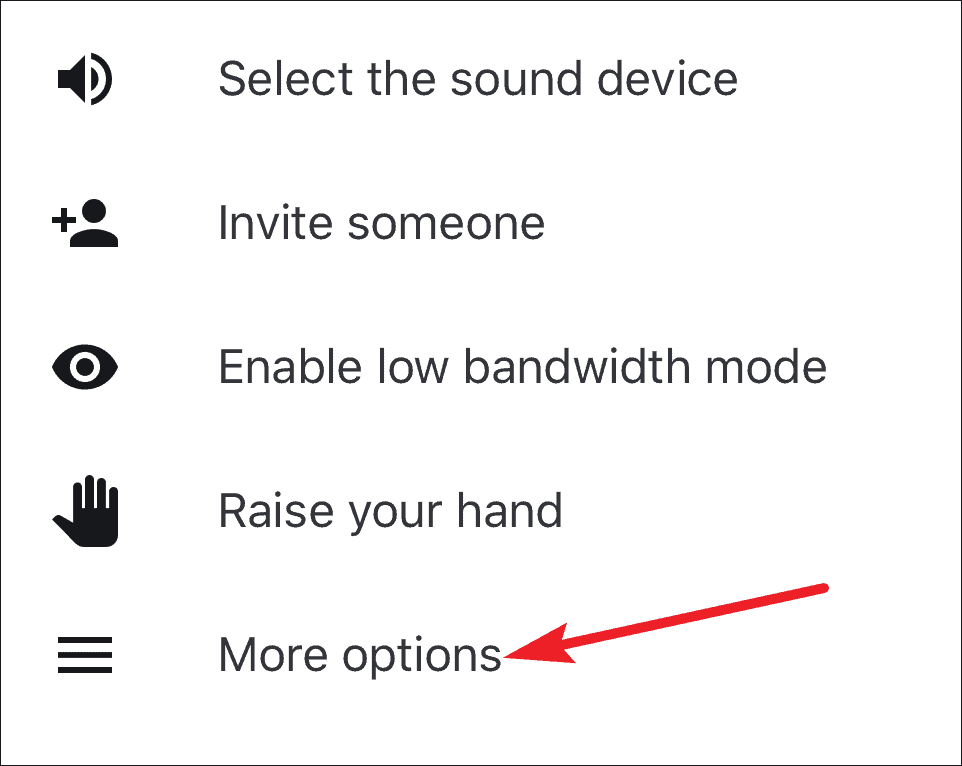
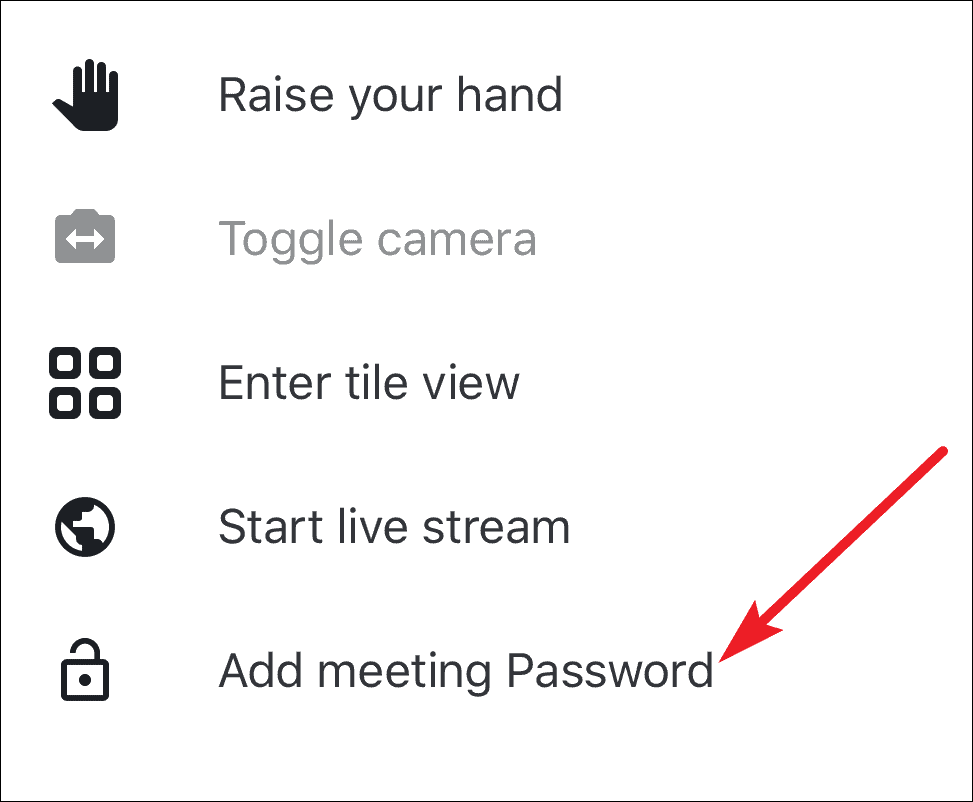
Bonus Tip: The Jitsi Meet mobile app can also be used to join Brave Together meetings.
Using Jitsi Meet on a Desktop
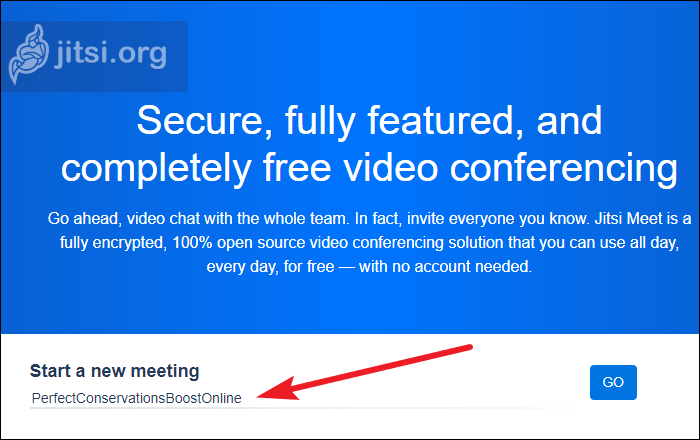
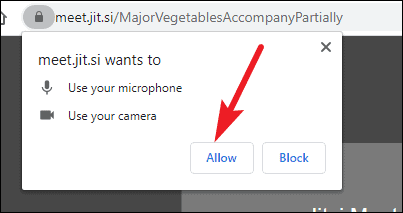

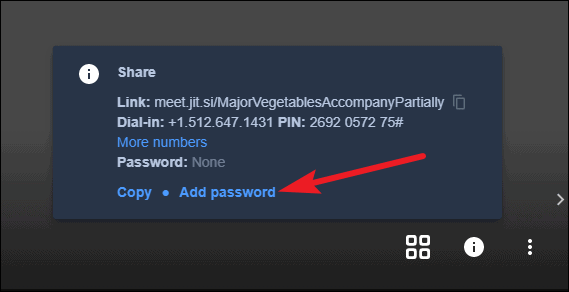
Only the meeting moderator can set a password for the meeting. If you created the meeting room or have been assigned as the moderator, you’ll have this option available.
Remember to share the password separately with participants, as it is not included when you share the meeting link or details. Participants can join your meeting via the meeting link, room name, or by dialing in with the provided number and PIN.
Jitsi Meet stands out as a simple yet powerful video conferencing platform that values user privacy and ease of access, making it a strong contender among today’s communication tools.