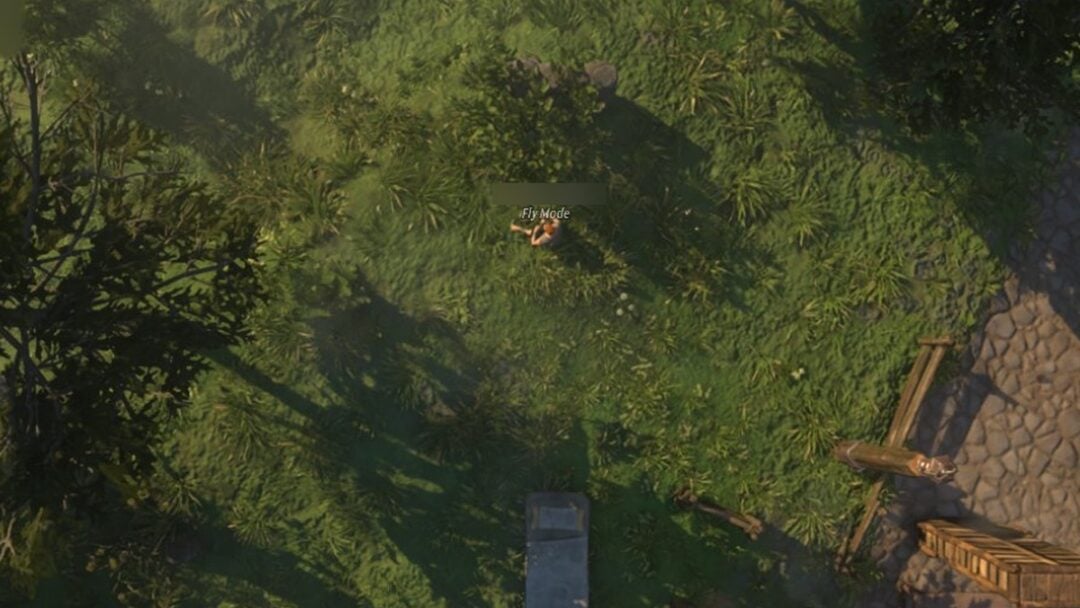
The Supporter Halo is a glowing ring that floats above your character’s head in Fisch, and it exists purely to show that you back the game. It grants no fishing luck, no stat boost, and no effect on progression. It is a cosmetic tied to one requirement, and once that requirement is met, turning it on takes a few clicks.
Quick answer: Buy the Supporter game pass with Robux, then open the in-game Menu, go to the Other (or Appearance) tab, and switch on Supporter Halo Enabled. The halo appears above your character instantly.

What you need before the halo appears
The default halo is locked behind the Supporter game pass, which is sold inside Fisch for Robux. There is no other way to unlock it. You cannot fish for it, trade for it, level up into it, or claim it from an event. If you do not own the pass, the halo toggle will not appear in your menus at all.
Once you buy the pass, your account is flagged as a Supporter automatically. There is no separate claim step. The halo option becomes available in the settings as soon as the purchase goes through.
| Requirement | Detail |
|---|---|
| Unlock method | Supporter game pass purchase |
| Currency | Robux |
| Gameplay effect | None (cosmetic only) |
| Binding | Tied to your Roblox account while you own the pass |
If the pass is refunded or revoked, the halo stops being accessible, since it is directly tied to ownership.
Equip the Supporter Halo
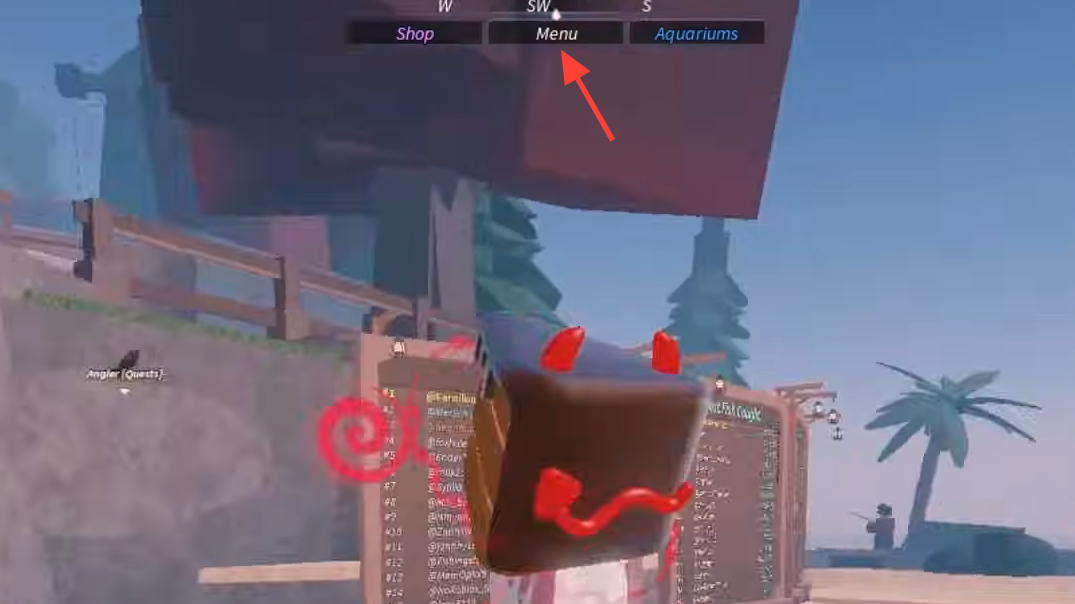
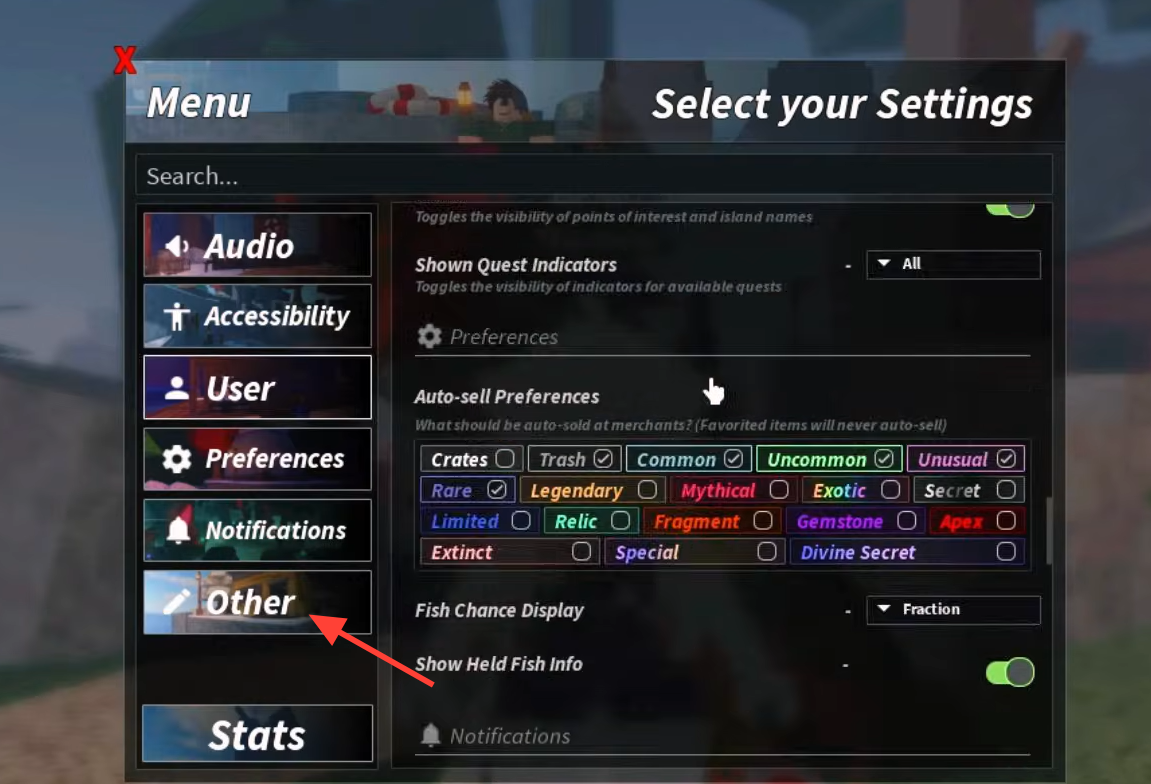
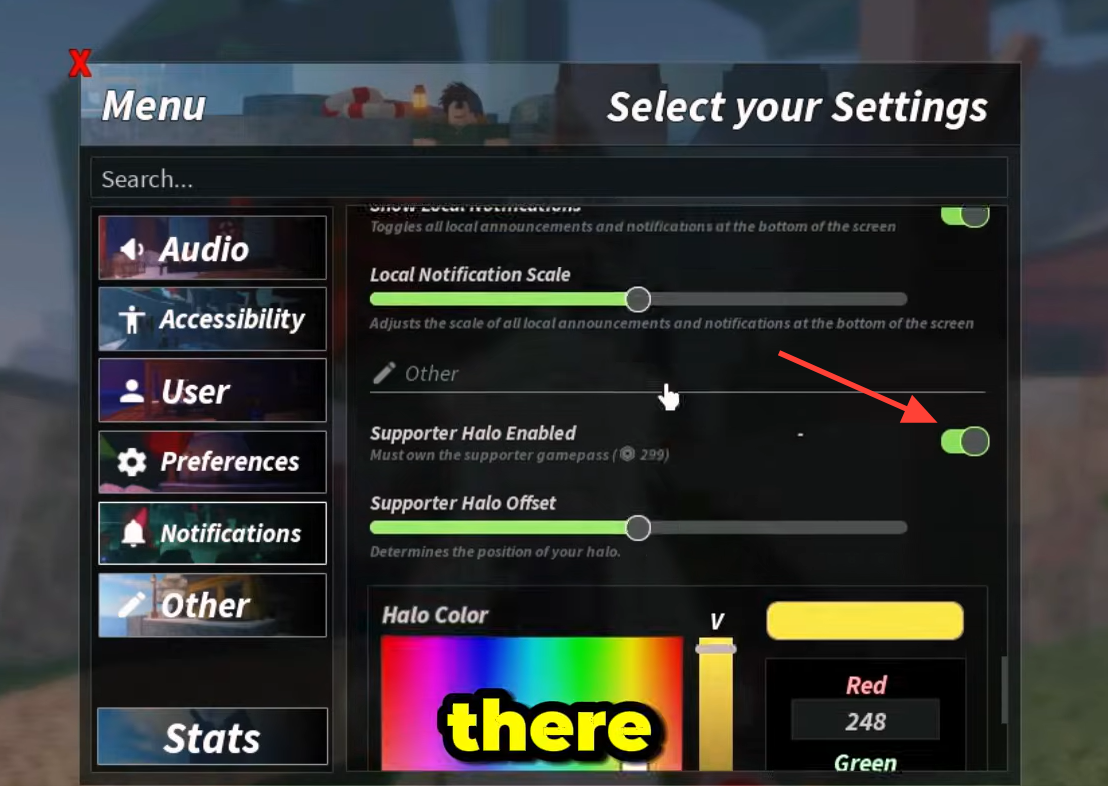
You know it worked when a glowing ring appears over your avatar’s head in real time. It stays active across sessions, so if you leave and come back later, it will still be there unless you switch it off yourself.
Adjust the position and color
After the halo is on, the same menu holds the tools to fit it to your avatar and match your look. You can move it up or down so it sits correctly above different character heights, and you can recolor it across the full RGB range.
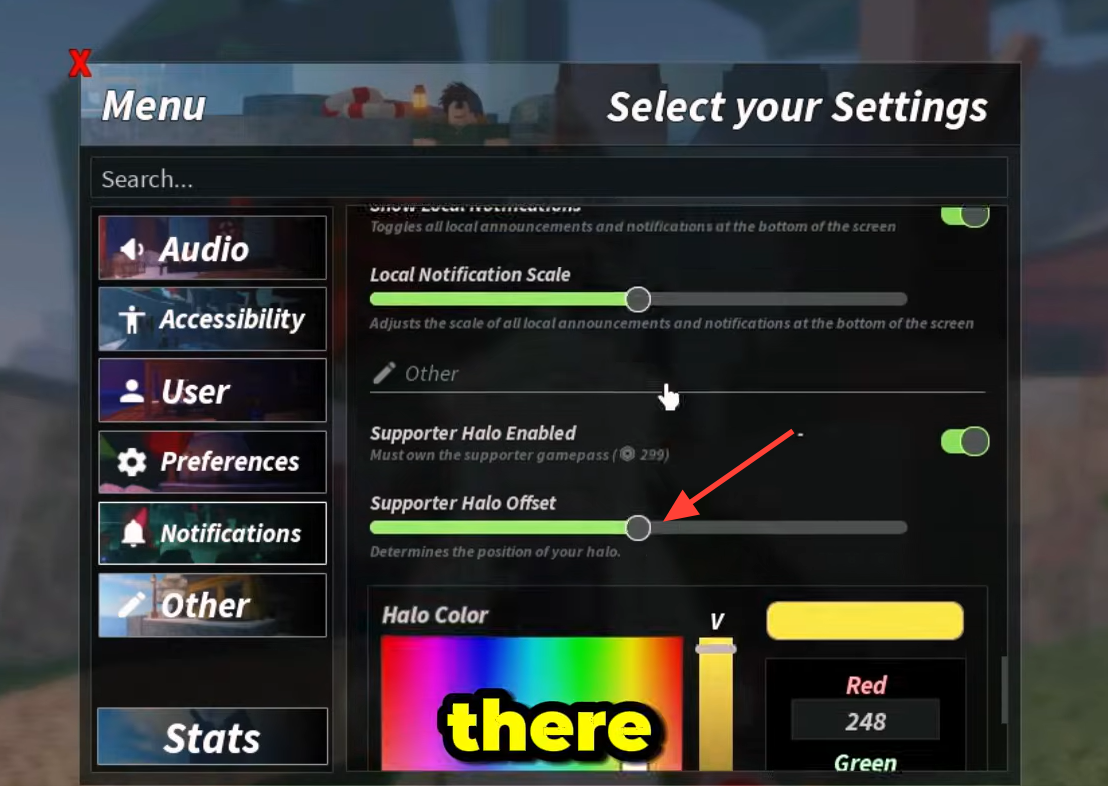
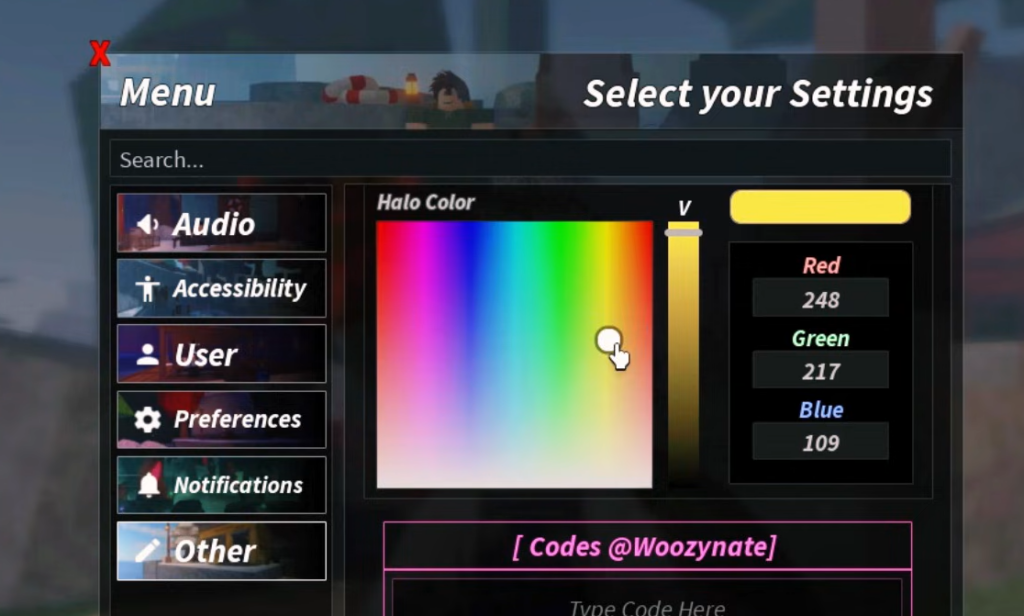
| Setting | What it changes |
|---|---|
| Supporter Halo Enabled | Turns the halo on or off |
| Halo Offset | Vertical (and on some versions horizontal/depth) position above the head |
| Halo Color / RGB | Full color of the glow via picker or Red/Green/Blue values |
| Persistence | Your settings save between sessions |
Turning it off does not delete it
Switching the halo off only hides it. It is not removed from your account. As long as you keep the Supporter pass, you can switch it back on and recolor it whenever you want. The default halo is the version that comes with the pass and stays available; other halos in the game are tied to their own bundles, codes, or quest completions and appear in a dedicated Halos tab in the Equipment Bag when owned.
That is the whole loop. Own the pass, flip the toggle, then slide and recolor until the ring looks the way you want. Because it carries no fishing perks, the only thing it changes is how easily other players spot you in crowded fishing spots and social hubs.