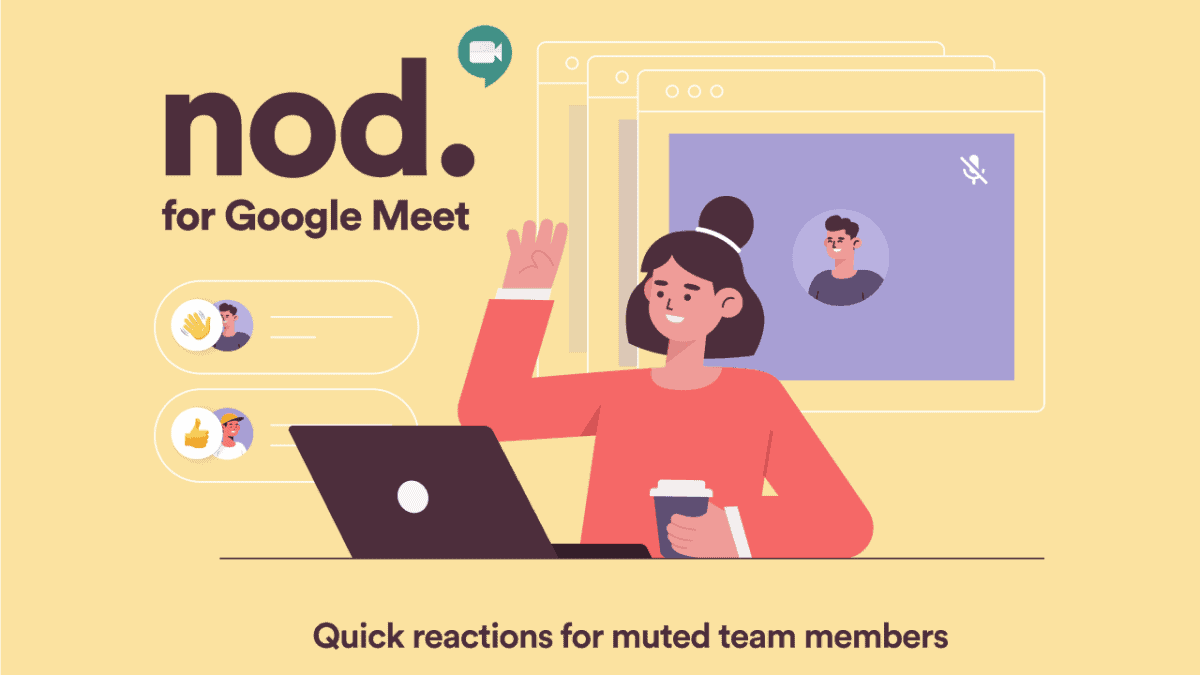
Enhancing interaction during virtual meetings can be challenging when participants are muted. Google Meet users can utilize the Nod – Reactions for Google Meet Chrome extension to send emoji reactions without interrupting the speaker. This tool allows participants to express themselves silently, making meetings more engaging and interactive.
Nod adds a reaction bar to your Google Meet interface, enabling you to raise your hand or send various emoji reactions with a single click. Here’s how you can install and use Nod in your Google Meet sessions.
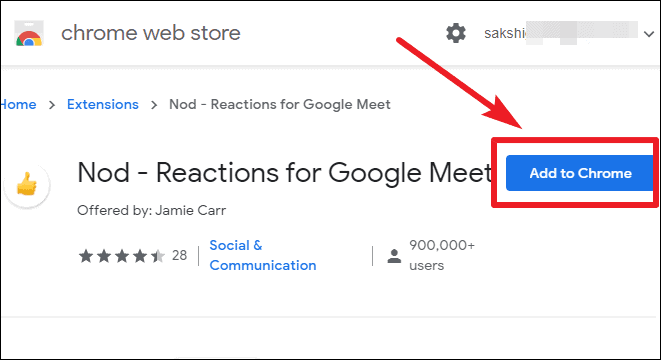
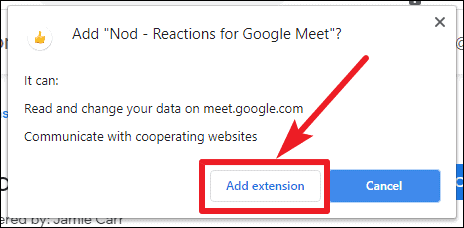
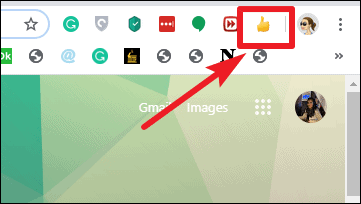
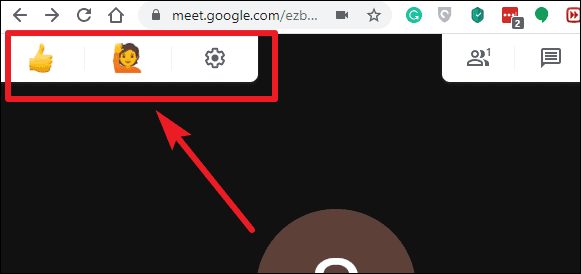
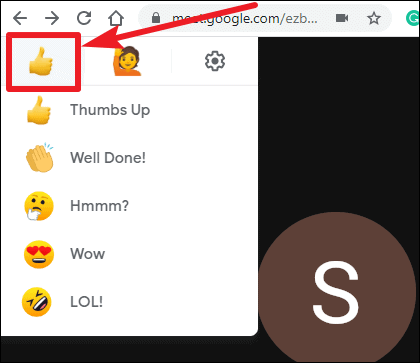
The reactions you send will appear on the lower-left corner of the meeting screen for all participants who have the Nod extension installed.
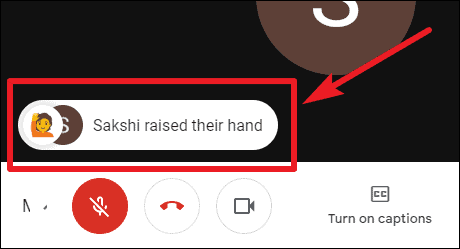
Only participants who have installed the Nod extension can see and send emoji reactions. It’s recommended that all meeting participants install the extension to fully benefit from this feature. Administrators can also deploy the extension across their organization’s domain through the G Suite admin console.
Customization Options: Nod allows you to customize the skin tone of the emojis to better represent yourself. To change the emoji skin color, click on the ‘Settings’ icon on the reaction bar and select your preferred color from the available options.
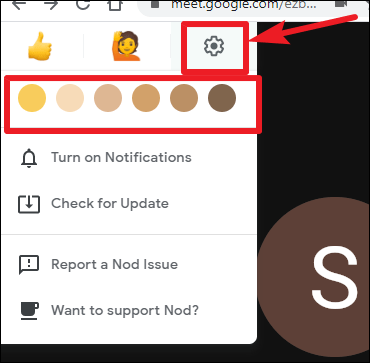
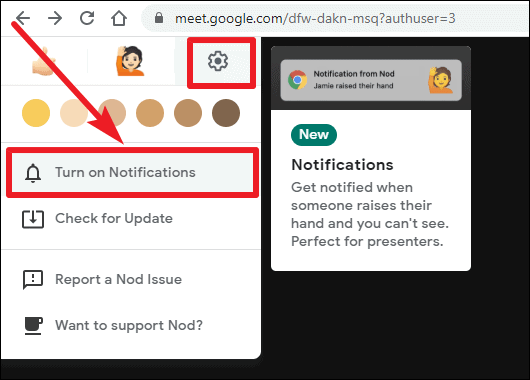
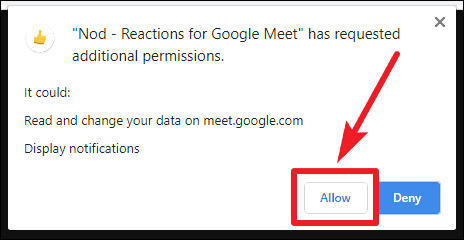
A browser dialog will prompt you to allow notifications from Nod. Click on ‘Allow’ to enable desktop notifications.
Integrating the Nod – Reactions for Google Meet extension into your virtual meetings enhances communication and interaction. Participants can share their reactions and raise questions silently, ensuring that the flow of the meeting remains uninterrupted while everyone stays engaged. It’s a simple yet effective way to make your Google Meet sessions more dynamic and inclusive.