Video communication is a vital aspect of collaboration in modern workplaces, and Microsoft Teams facilitates this with ease. Beyond text messages and team meetings, Teams allows users to engage in private video chats, whether one-on-one or with a group. This guide will show you how to start private video calls in Microsoft Teams on both desktop and mobile platforms. Video chatting on the desktop Step 1: Launch the Microsoft Teams desktop or web application and sign in to your account. Step 2
Video communication is a vital aspect of collaboration in modern workplaces, and Microsoft Teams facilitates this with ease. Beyond text messages and team meetings, Teams allows users to engage in private video chats, whether one-on-one or…
by Sakshi Garg
Video communication is a vital aspect of collaboration in modern workplaces, and Microsoft Teams facilitates this with ease. Beyond text messages and team meetings, Teams allows users to engage in private video chats, whether one-on-one or with a group. This guide will show you how to start private video calls in Microsoft Teams on both desktop and mobile platforms.
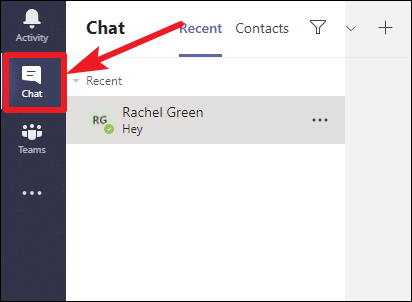
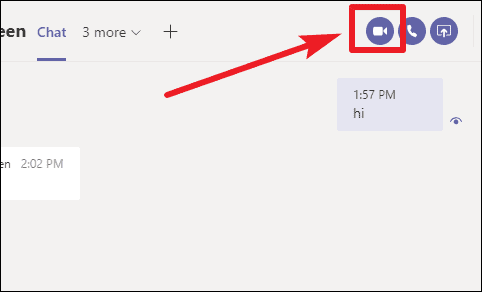
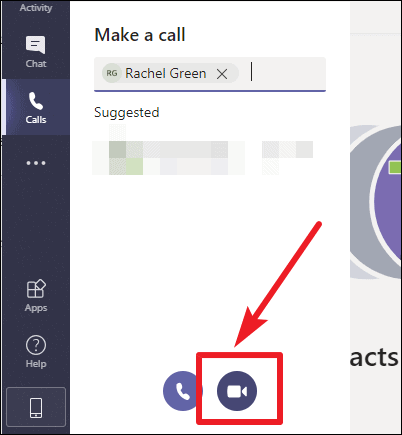
Select the chat with the individual or group you want to video call. If you need to start a new conversation, click the New chat icon at the top of the chat list and enter the names of the participants.
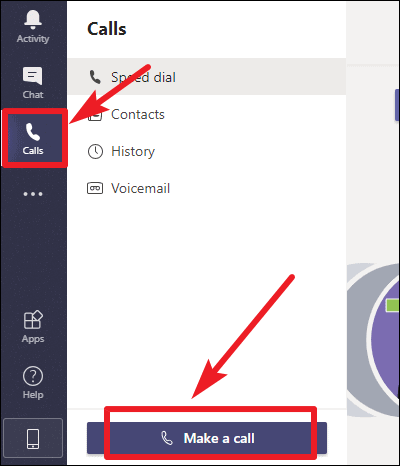
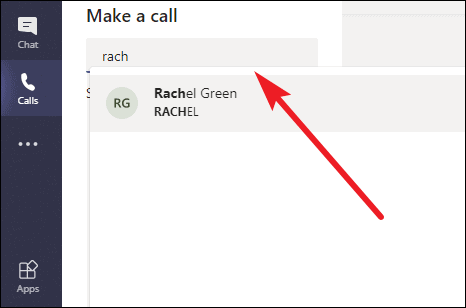
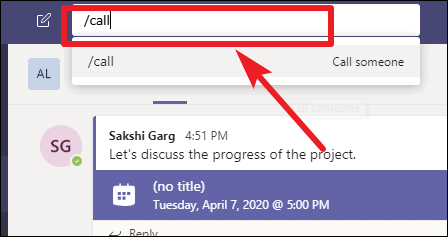
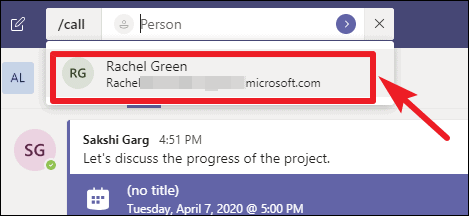
Another quick way to start a video call is by using the command bar. Click on the search bar at the top of the Teams application where it says Search or type a command.
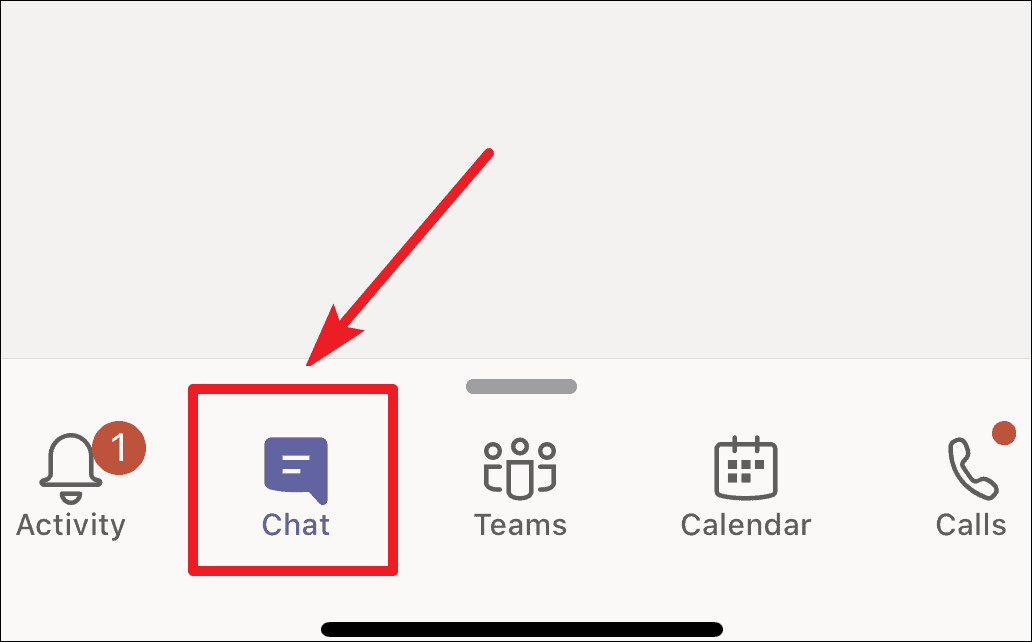
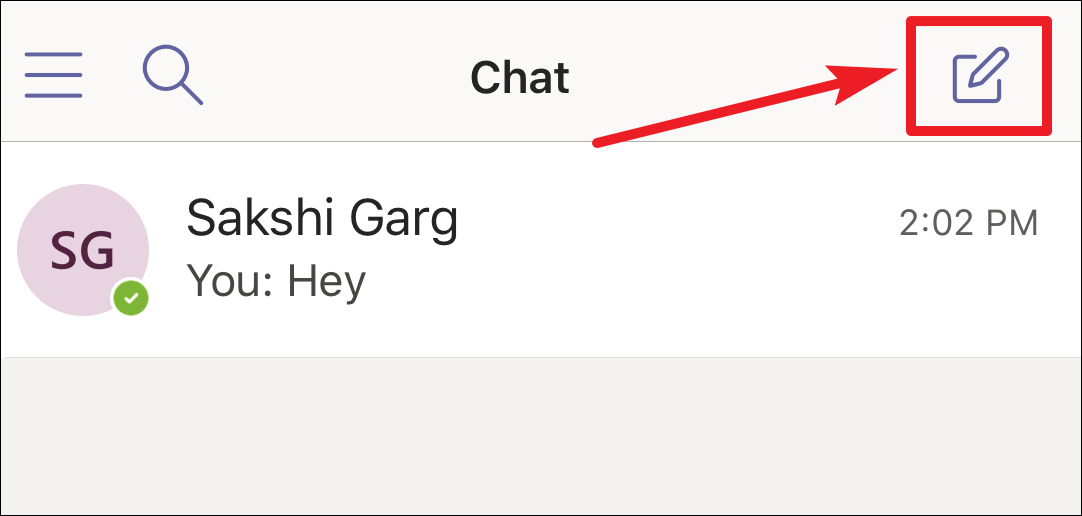
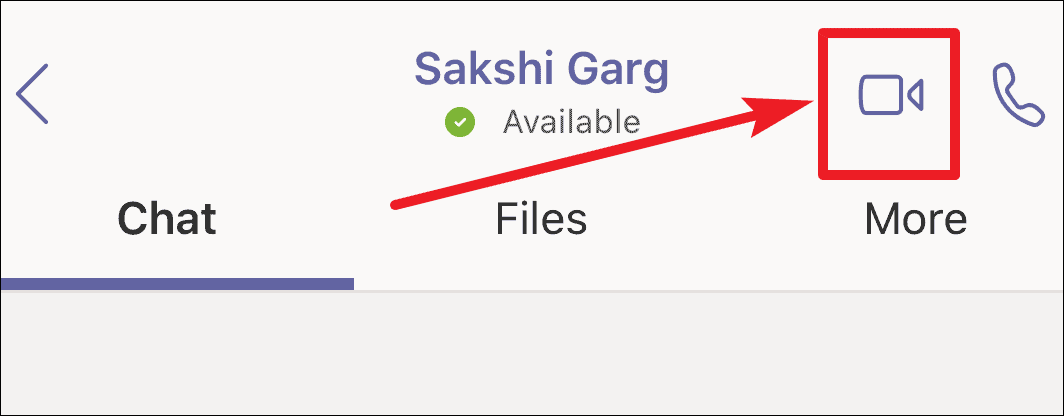
Open the chat with the person or group you want to video call. If you haven’t chatted with them before, tap the New chat icon in the upper-right corner and enter their name(s) to start a new conversation.
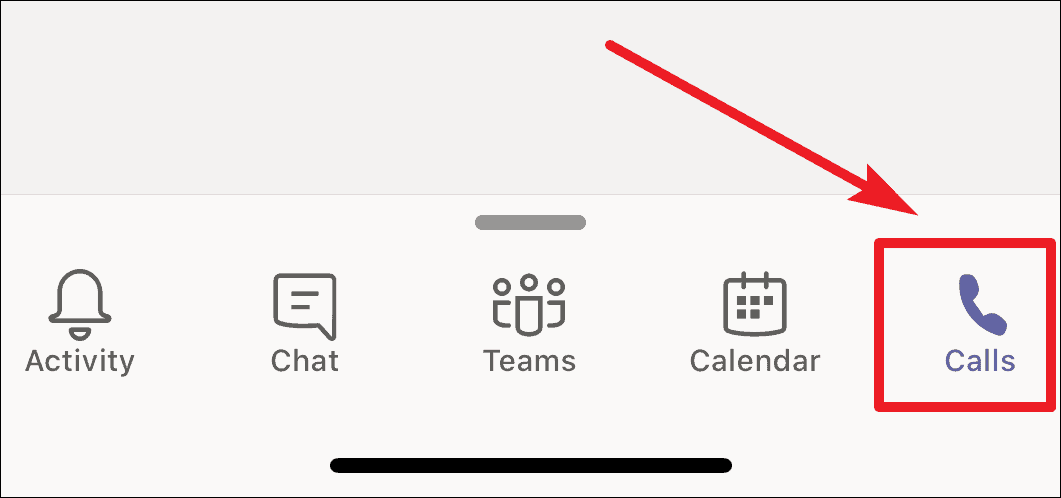
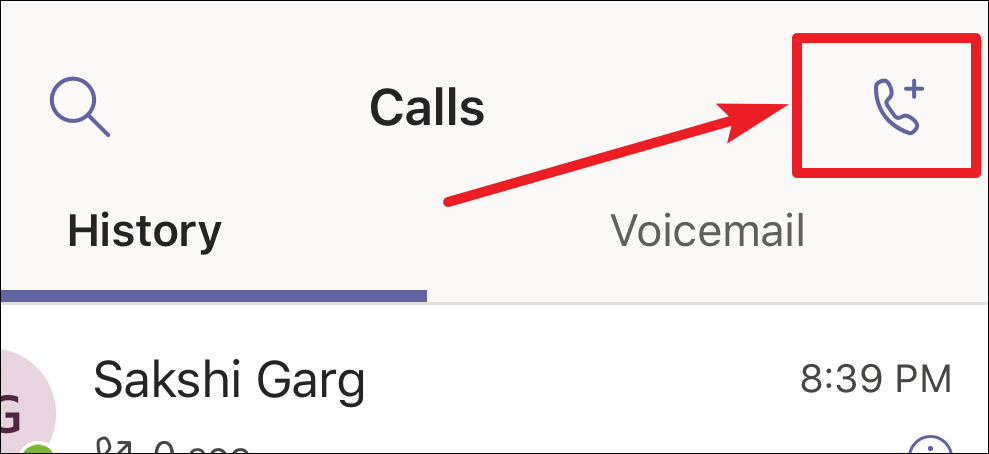
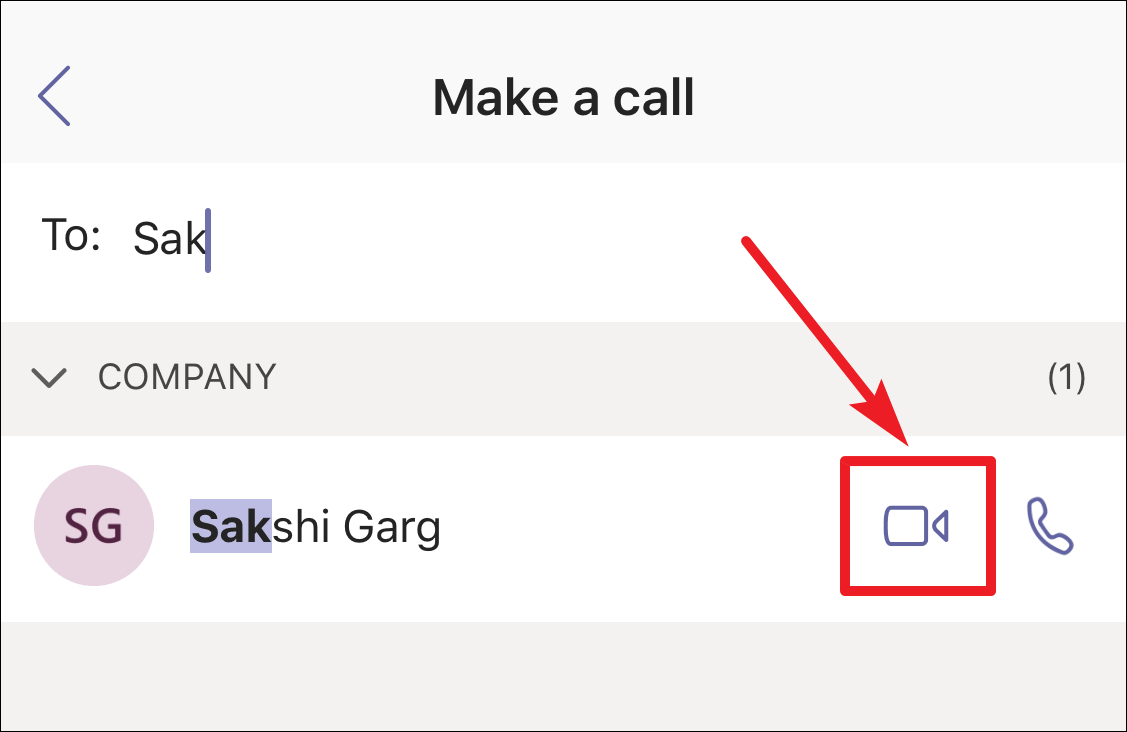
In the To: field, type the name of the person you want to call. When their name appears in the suggestions, tap the Video call icon next to their name to start the call.
With these steps, you can easily initiate private video chats in Microsoft Teams, whether you’re on your desktop or mobile device. This feature enhances communication by allowing you to connect face-to-face with colleagues or friends without setting up a team meeting, supporting both individual and group conversations of up to 20 participants.