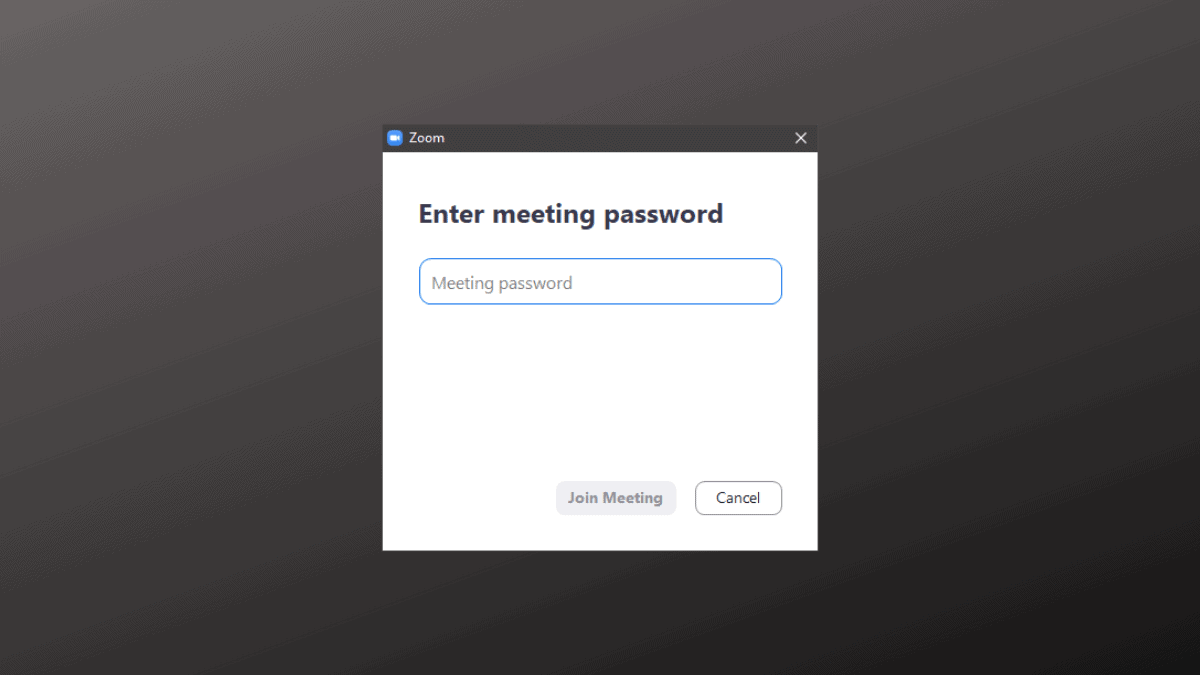
Recently, Zoom has strengthened its security measures to protect meetings from unauthorized access and disruptions. One of the significant changes includes mandating passwords for all Zoom meetings and enabling the waiting room feature by default to enhance participant security.
Why Zoom Meetings Now Require Passwords
Previously, joining a Zoom meeting was straightforward, which unfortunately made it easier for uninvited guests to infiltrate sessions—a practice known as Zoom Bombing. In response to security concerns and warnings from authorities like the FBI, Zoom has implemented mandatory passwords for meetings to enhance security and prevent unauthorized access.
Additionally, Zoom now requires participants to sign in before joining a meeting through the web client, adding an extra layer of protection.
Locating Your Zoom Meeting Password
If you’re hosting a meeting, finding the password is straightforward and can be done directly from the meeting window.
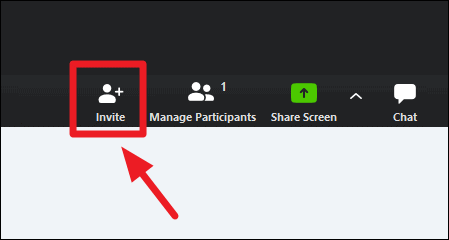
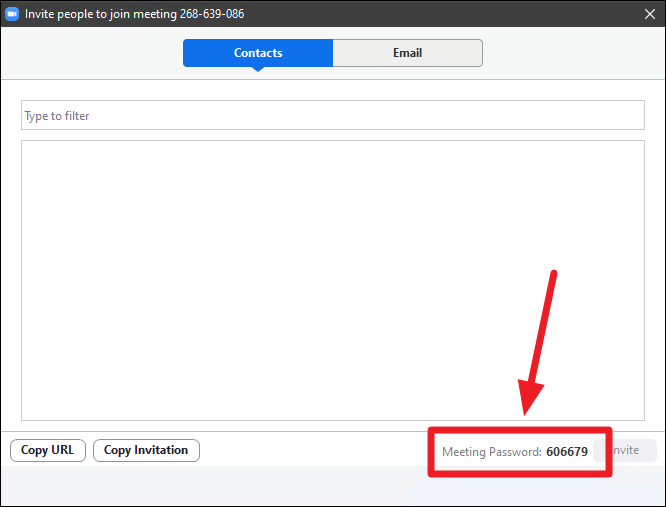
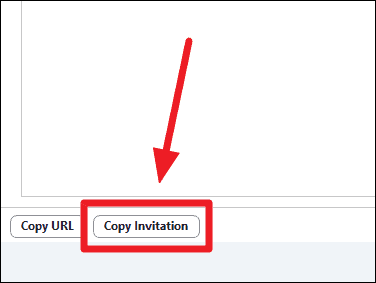
Join Zoom Meeting
https://us04web.zoom.us/j/268639086?pwd=dVZMSmpsczVGNFZndnE1UWVtWTJ0Zz09
Meeting ID: 268 639 086
Password: 606679
Finding the Meeting Password from an Invitation Link
If you’ve received an invitation link and need to find the Meeting ID and Password, you can extract them directly from the link itself.
An example of a Zoom invitation link is:
https://us04web.zoom.us/j/268639086?pwd=dVZMSmpsczVGNFZndnE1UWVtWTJ0Zz09The series of numbers after /j/ represents the Meeting ID. In this example, the Meeting ID is 268639086.
The sequence of characters following pwd= is the encrypted Meeting Password. In this example, the password is dVZMSmpsczVGNFZndnE1UWVtWTJ0Zz09.
Therefore, from the invitation link provided:
- Meeting ID: 268639086
- Meeting Password: dVZMSmpsczVGNFZndnE1UWVtWTJ0Zz09
Note: The Meeting ID and Password presented here are for demonstration purposes only and cannot be used to join a meeting.
Securing your Zoom meetings with a password is essential to protect against unauthorized access. Leveraging the waiting room feature adds an additional security layer by allowing you to admit participants individually. This combination helps maintain control over your meetings and ensures a safe environment for all attendees.