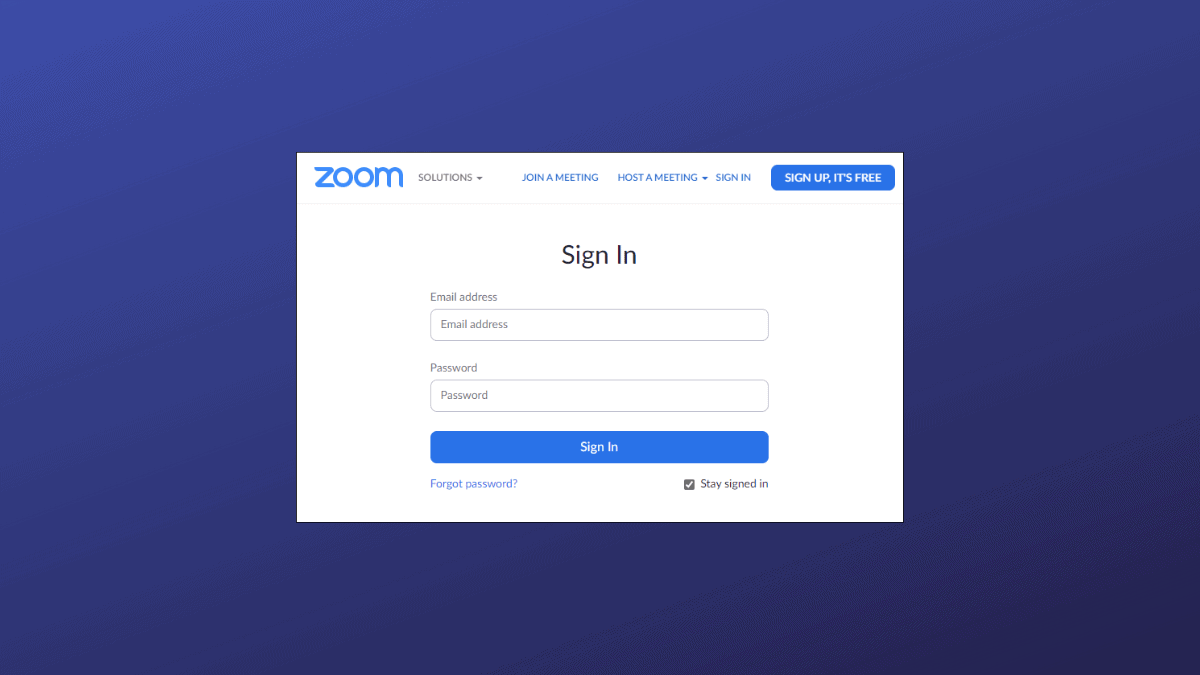
Joining a Zoom meeting doesn’t always require you to have an account. While Zoom has tightened security by disabling guest access via its web client, you can still join meetings without signing in by using the Zoom app on your computer or mobile device. This guide will walk you through joining a Zoom meeting as a guest using the Zoom desktop application on your Windows PC.
Can You Join a Zoom Meeting Without Signing Up?
Yes, you can still join a Zoom meeting without signing up for an account by using the Zoom app on your computer or mobile device. Although the Zoom web client now requires users to sign in, the desktop and mobile apps allow you to join meetings as a guest. Here’s how to do it:
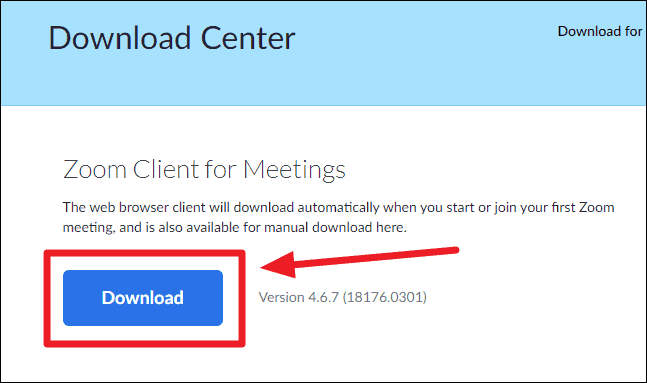
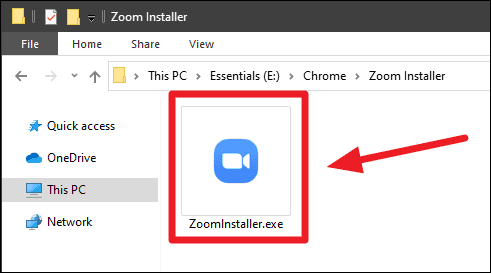

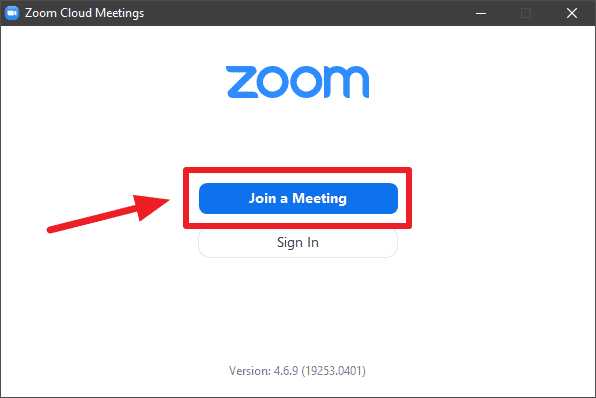
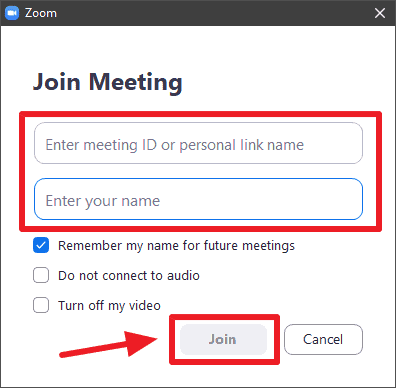
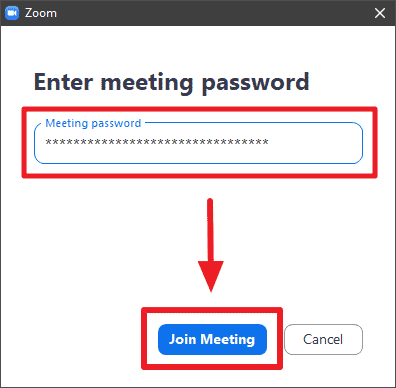
If you received an invitation link instead of a Meeting ID, you can extract the Meeting ID and password from the link as follows:
A typical Zoom meeting invitation link looks like this:
https://zoom.us/j/481635725?pwd=TDJmVVdqSnJhaFBZGjYoBVZkUkJadz09The Meeting ID is the series of numbers immediately after /j/. In this example, the Meeting ID is 481635725.
The password is the string of characters after pwd=. In this case, the password is TDJmVVdqSnJhaFBZGjYoBVZkUkJadz09.
Note: Do not attempt to use this Meeting ID and password; they are provided as an example only.
By using the Zoom app, you can seamlessly join meetings without the need to create an account. This method not only offers convenience but also provides access to more features than the web client. If you frequently participate in Zoom meetings, keeping the app installed on your device can enhance your overall experience.