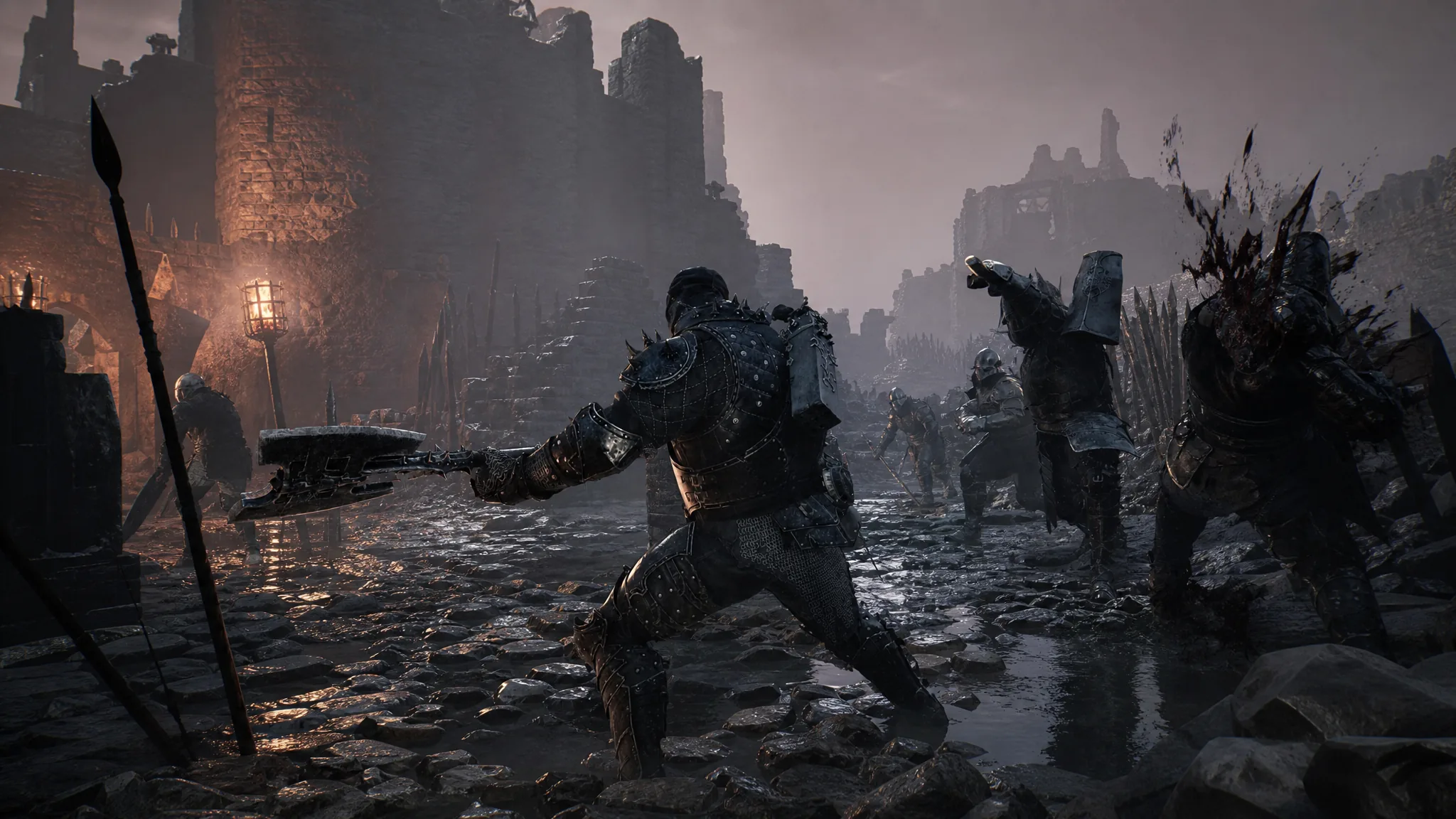
Sinking gold and smithing stones into a weapon in Mortal Shell 2 is a one-way trip only if you let it be. The Tarforge in Marrow Keep can strip every level off an armament and hand back everything you spent, which lets you funnel those resources into a different weapon or sidearm without starting from scratch. There simply aren’t enough materials in a single playthrough to max out everything, so smelting is the practical way to switch builds.
Quick answer: Unlock the Tarforge’s Smelt Equipment function (bring the Foundry Stone to Franz, or kill Franz), then select Smelt Equipment, pick an upgraded weapon or sidearm, and hold Confirm to spend Gloom. All coins and materials return to your inventory and the item drops back to its unleveled state.
What smelting returns
Smelting reverts a weapon or sidearm all the way back to an unleveled state. In exchange, every coin and smithing stone you spent on that piece is refunded to your inventory. That includes upgrade materials such as Ventrium, Laterite, Dorsalite, Thoracium, and Ossinite, so nothing you invested is lost.
The one cost you don’t get back is Gloom. Refunding an upgrade requires you to spend Gloom, and the amount climbs the higher the item’s upgrade level. A weapon sitting at +10 or beyond will cost far more Gloom to smelt than one at a low level.
Unlock the Tarforge’s Smelt Equipment function
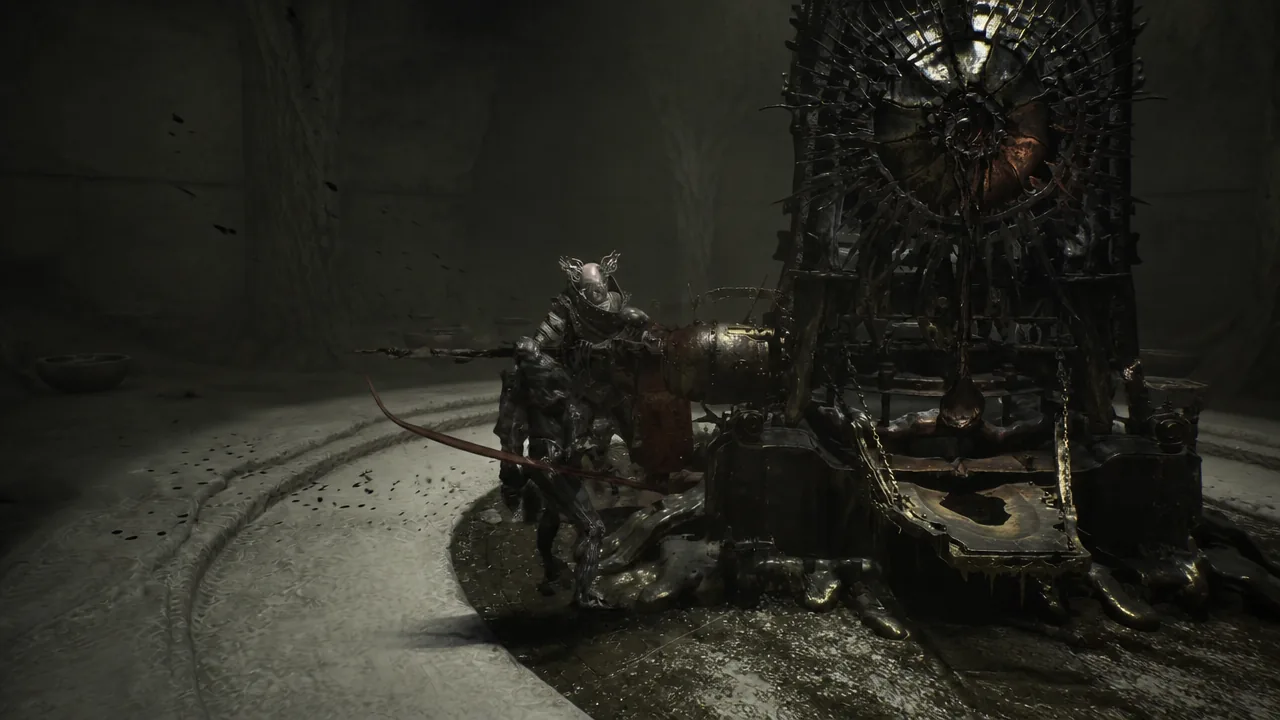
The Smelt Equipment option lives inside the Tarforge, the upgrade machine tended by Franz in Marrow Keep. It stays locked until you either deliver the Foundry Stone or remove Franz. Both routes end with the same result, so pick whichever fits your run.
Method 1: Bring the Foundry Stone to Franz

Method 2: Kill Franz
Killing Franz in the Tarforge Chamber instantly unlocks every Tarforge function, including Smelt Equipment. This skips the trip to Mammon entirely and also grants extra crafting resources you wouldn’t get by leaving him alive. The trade-off is that Franz is gone for the rest of your playthrough.
Refund an upgrade at the Tarforge
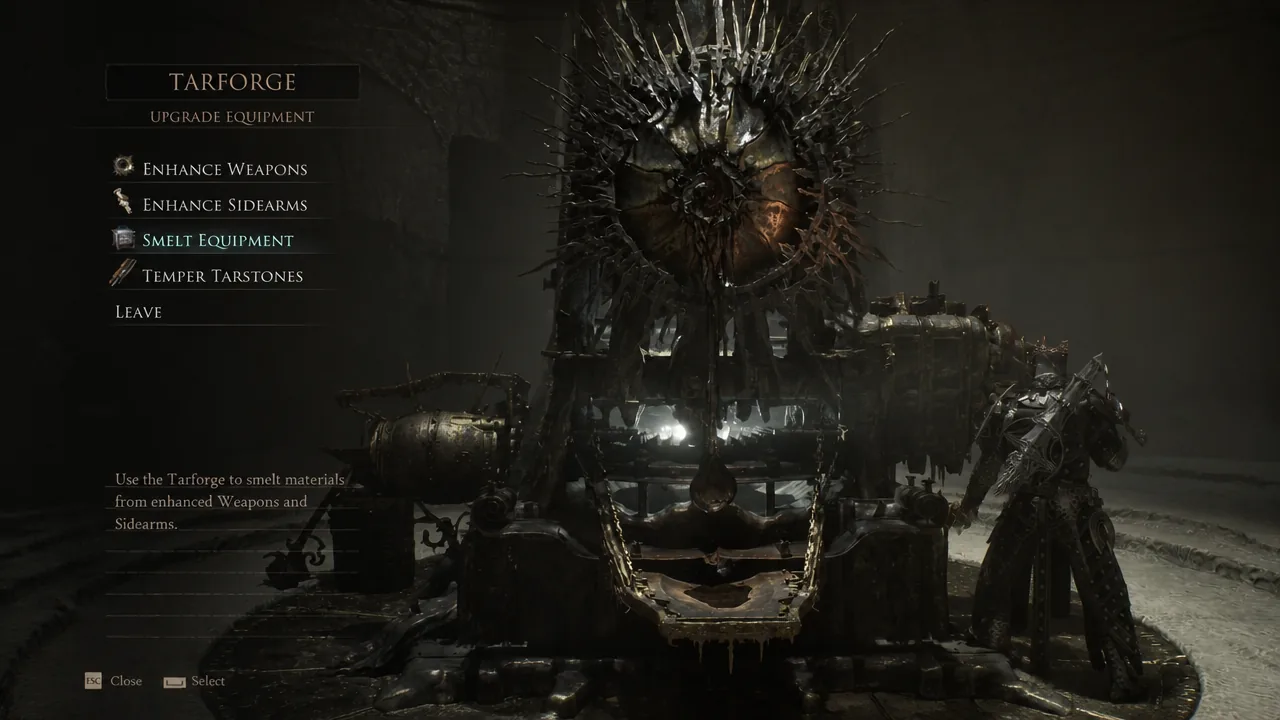
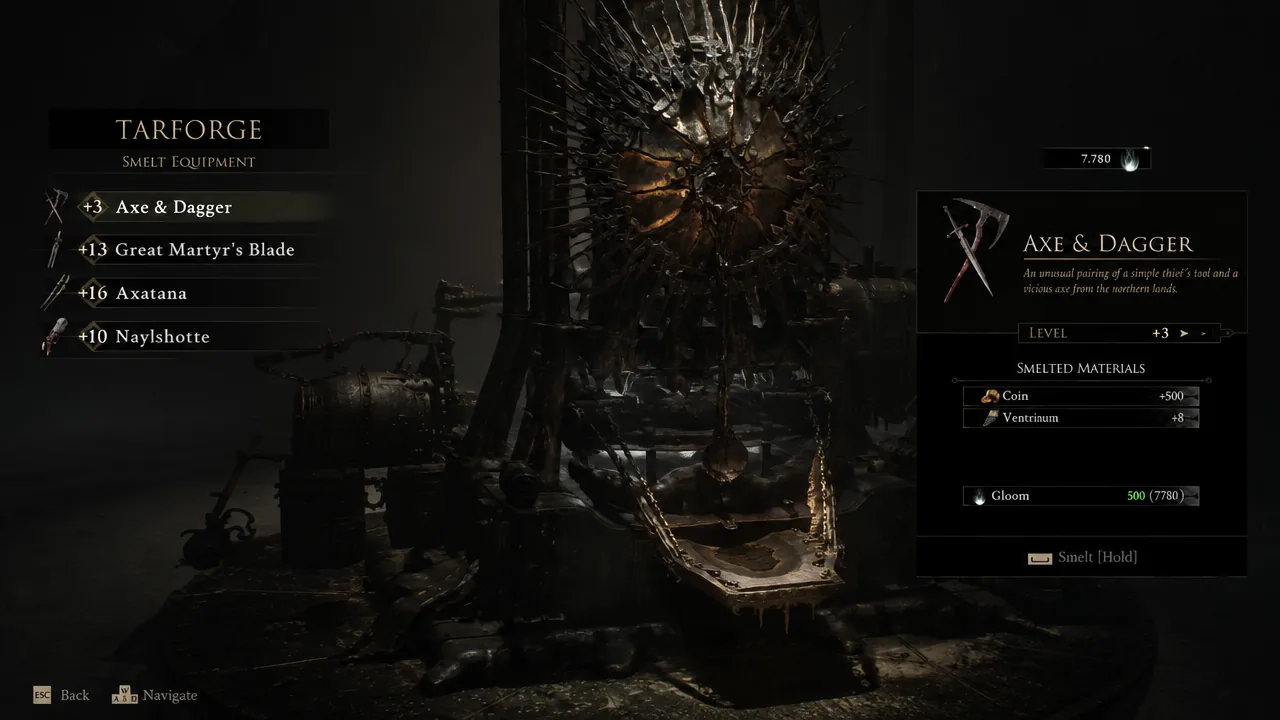
If the smelt won’t go through
The only thing that blocks a refund is Gloom. If you don’t have enough, the Tarforge will refuse to complete the smelt. Because the cost scales with the item’s upgrade level, high-level gear such as a weapon at +13 can demand a large Gloom reserve.
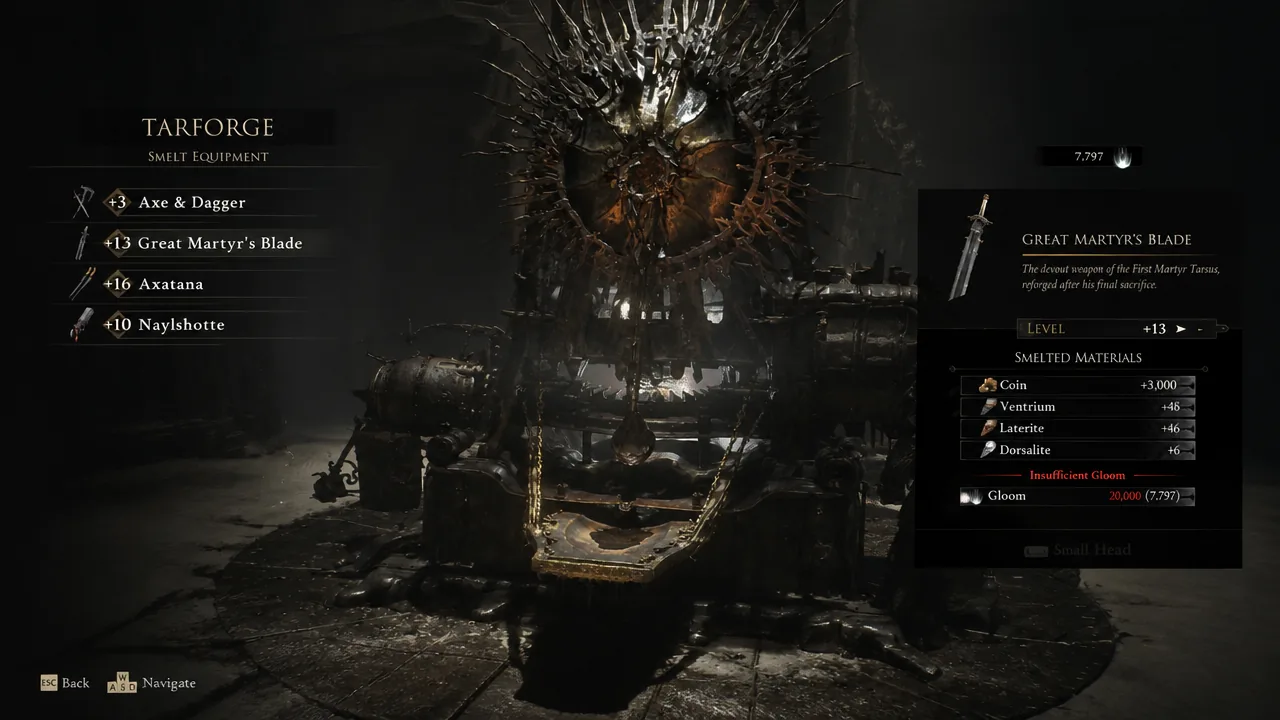
If you hit that wall, farm Gloom by defeating enemies and bosses or by destroying effigies scattered across the map, then return and hold Confirm again. Once the smelt succeeds, you’ll see the weapon reset to level one and your refunded coins and smithing stones appear back in your inventory, confirming the swap is safe to reinvest.