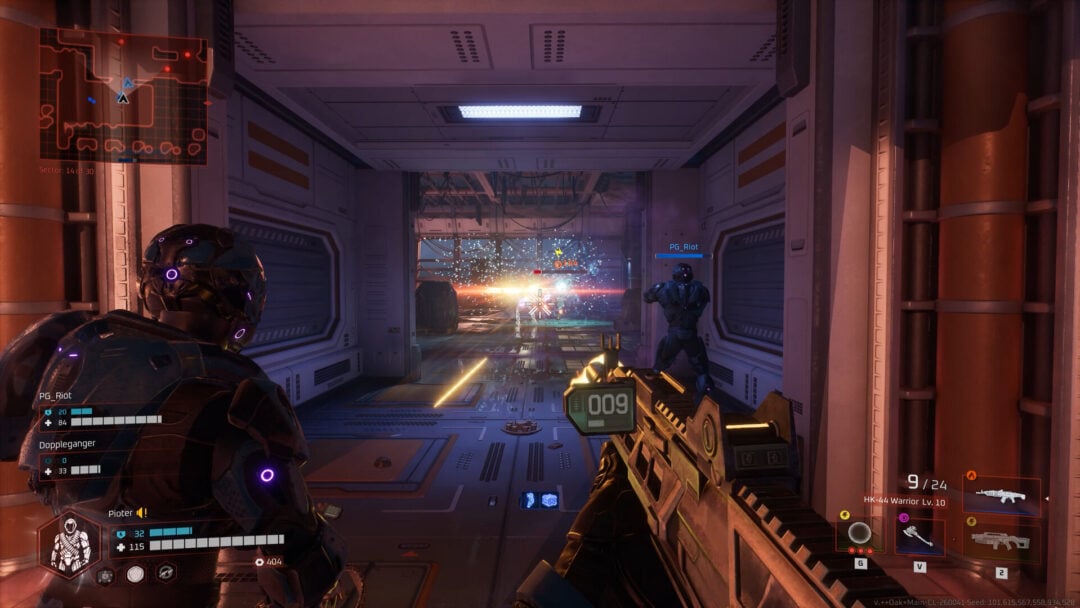
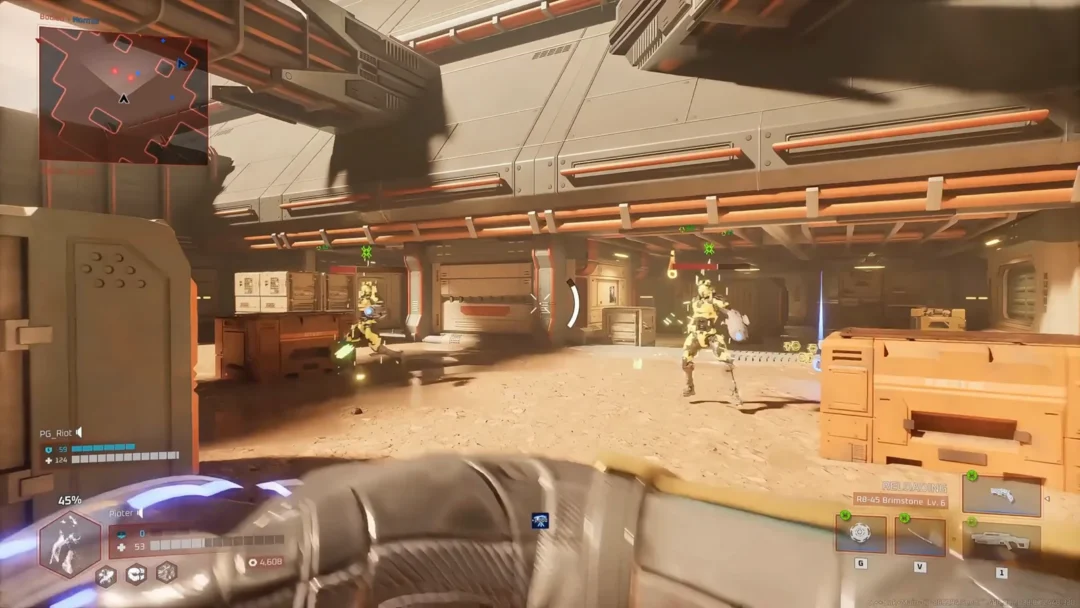
Halo Studios shipped a new update for Halo: Campaign Evolved on Aug. 17 across Xbox Series X|S, PlayStation 5, and PC. Most of it is quality-of-life work on the video options, plus a long list of combat and mission fixes, an in-game path for account unlinking requests, and a free armor set anyone can claim with a code.
Quick answer: Toggle Chromatic Aberration and Film Grain in Settings > Video > Video Motion & Effects, turn off upscaling on PC by setting Upscaling Technique to None under Settings > Video > Advanced, and redeem the Recompilation Armor with the code ZS75-7UM8-C2BL-JE3D-4BFZ.
Turn off Chromatic Aberration and Film Grain
Both effects are used across the campaign for various visual and rendering systems, and until now they were baked in. The update splits them into two independent switches, so you can drop the color fringing while keeping grain, or kill both.
PC: How to disable upscaling and anti-aliasing completely
Setting Upscaling Quality to Native runs the game at 100 percent render resolution, but the game still applies image reconstruction and anti-aliasing on top of that. If you want a genuinely raw image, that was not possible before. The Aug. 17 build adds a None entry to the Upscaling Technique dropdown that switches the whole pipeline off.
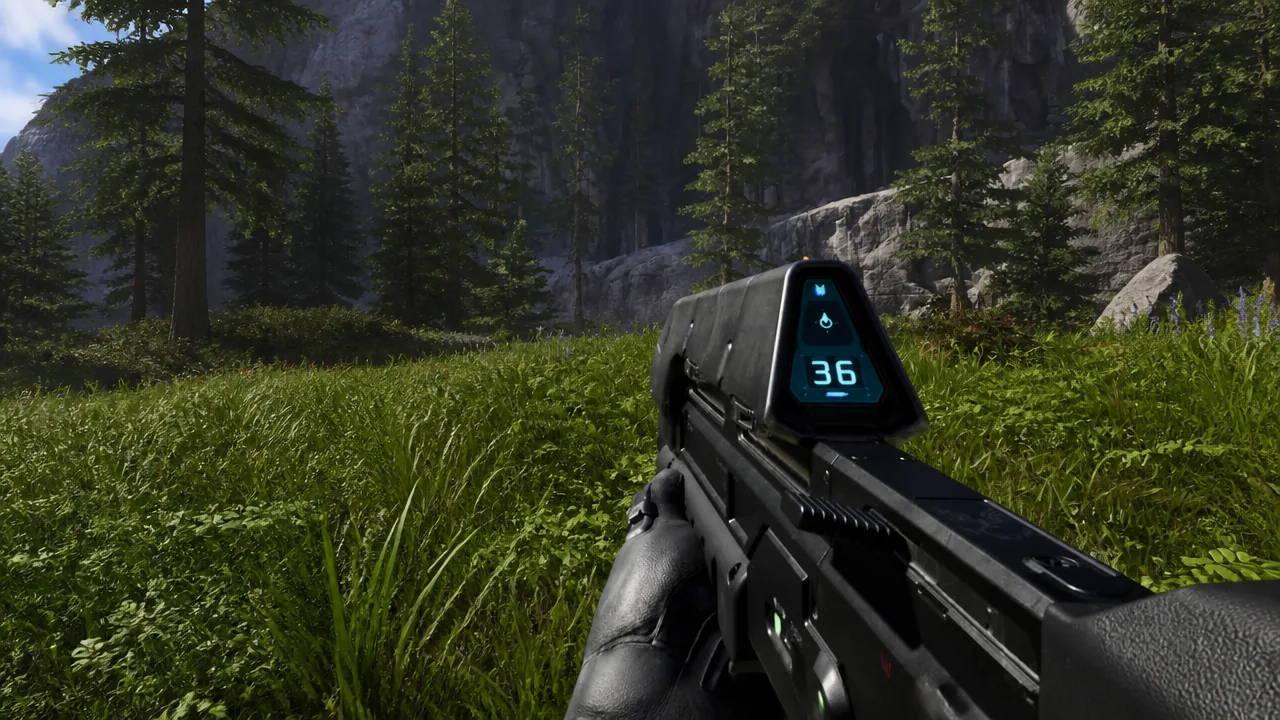
Note: PC also gets a broader graphics menu with this update. Every quality preset from Very Low to Ultra is now selectable on any supported device, regardless of hardware class.
How to redeem the free Recompilation Armor
The Recompilation armor customization is available to all players through Halo Waypoint. Redemption happens on the web, not in the game, and it is tied to the Microsoft account you play on.
Start an account unlinking request from inside the game
If your PlayStation Network or Steam account is attached to the wrong Xbox profile, you no longer have to hunt down a support page to start over. The Account tab now shows your linked accounts and can kick off the unlinking request directly.
Related to that, a linking bug is fixed. Previously, if creating a Microsoft account failed partway through, you had to fully restart the game before trying again.
Combat, weapon, and enemy fixes
The most consequential change here is the Assault Rifle. Its rate of fire and spread on Xbox and PC were not matching the intended values and have been corrected to behave the way they already did on PlayStation 5.
| Issue | What changed |
|---|---|
| Assault Rifle behavior | Rate of fire and spread corrected on Xbox and PC to match PS5 |
| Jackals | Stagger more reliably when you hit their hands and feet |
| Magnum reload | Reloading right after firing now starts the reload as expected |
| Fuel Rod Cannon, Rocket Launcher, Needle Rifle | Reload animation can be interrupted by throwing a grenade |
| Active Camo | Fewer uncloaks when dropping from ledges or crossing small bumps |
| Marines with Battle Rifles | Now fire their weapon as intended |
| Magnified Skull | Marines and Flood Marines no longer stop firing Assault Rifles |
| Mouse and keyboard on console | Inconsistent weapon firing resolved |
Mission, achievement, and audio fixes
Several fixes target progression blockers. Sgt. Johnson received multiple fixes in Boarding Action for problems that could stop a mission from advancing, and Campaign Remix no longer crashes when the Flood replace a group of enemies that were meant to board vehicles. Audio in Keyes is less prone to going muddy, crackling, and popping.
Achievements got two corrections. Progress is no longer granted when restricted Skulls or difficulty modifiers are active, and achievements you earn while offline are now awarded once you reconnect to the Xbox network, instead of forcing you to repeat the requirements.
PC and PlayStation 5 performance changes
PC gets the bulk of the platform work, including a fix for the long-running key binding problem where custom mouse and keyboard bindings reset to default after a restart.
| Platform | Change |
|---|---|
| PC | Custom mouse and keyboard bindings persist after restarting the game |
| PC | Maximum Frame Rate options adjusted with VSync on high refresh rate displays to prevent stability issues |
| PC | Better stability with XeSS Frame Generation combined with an in-game frame rate limit |
| PC | Fewer stability issues when loading a co-op session |
| PC | All supported AMD cards now use Advanced Shader Delivery, cutting shader loading times and in-game hitching |
| PC | Frame Generation automatically turns off during cinematics and back on when gameplay resumes, improving cinematic frame rate |
| PlayStation 5 | Enemies and objects are less likely to skip frames or stutter in busy areas |
| PlayStation 5 | Overall frame rates improved |
If the new options are missing from your Video menu, the update has not installed yet. Check for a title update on your platform and relaunch the game, since the toggles only appear on the Aug. 17 build or later.