In today’s digital age, texting has become a cornerstone of how we communicate. However, receiving unwanted or nuisance messages can be frustrating. If you’re looking to stop someone from texting you on your iPhone, there’s a straightforward way to block their number.
Blocking a Number Through the Messages App
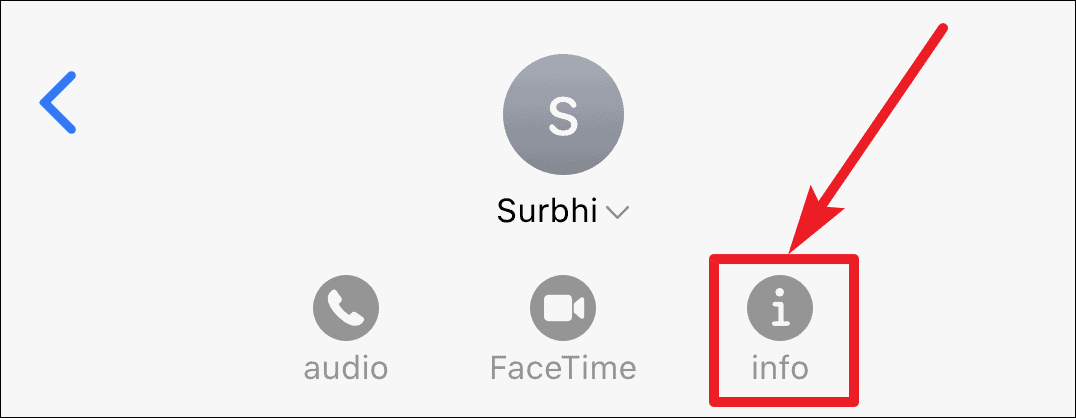
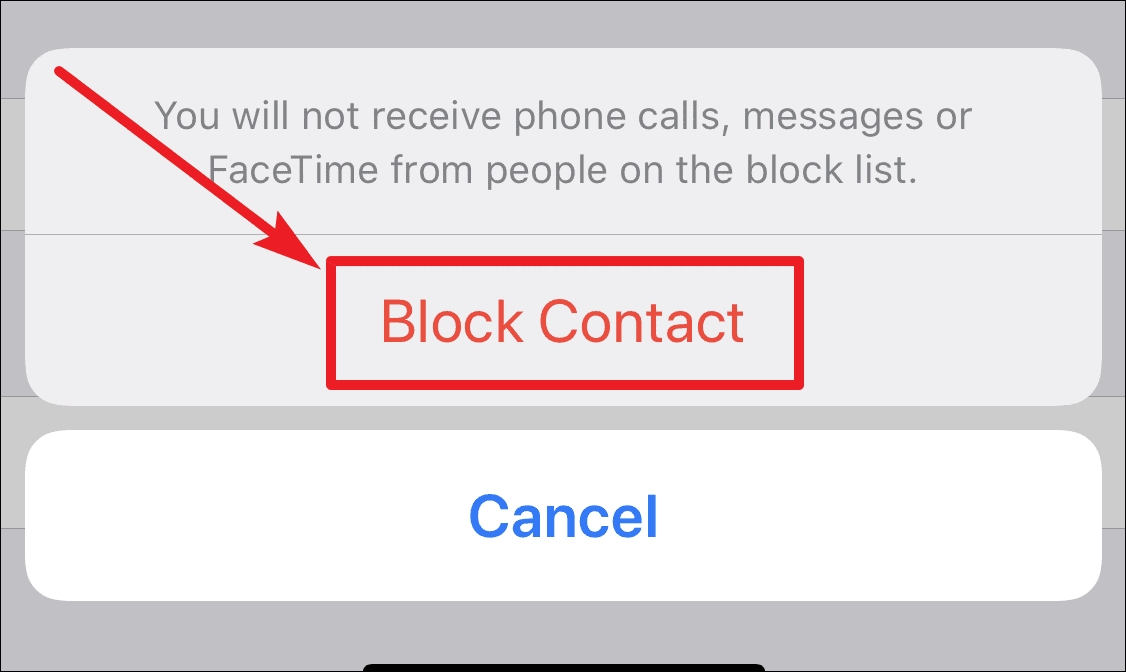
Once you’ve blocked the number, you will no longer receive any messages, calls, or FaceTime requests from that contact.
Muting a Contact to Hide Message Alerts
If you prefer not to block a contact entirely but want to stop receiving notifications for their messages, you can mute the conversation.
With alerts hidden, you’ll still receive messages from the contact, but your iPhone won’t notify you. You can view their messages anytime by opening the Messages app.
By following these steps, you can manage unwanted messages on your iPhone effectively, ensuring that your messaging experience remains pleasant and free from disturbances.