Scoring a perfect grade in the Roblox classroom game Cheating During Testing comes down to timing. The teacher can only catch you when they are looking at you, so the whole game is about reading their gaze and acting during the short moments when your view of the answer sheet is safe. Hit enough of those windows and the assessment ends with a 100% score and the Ultimate Cheater rank.
Quick answer: Only open the answer sheet or take a photo when the teacher’s head is turned away, when a classmate blocks their line of sight, or during the brief windows created when the teacher enters the room or punishes another student. Land every answer this way to finish with 100% and the Ultimate Cheater result.
Controls you use to copy answers
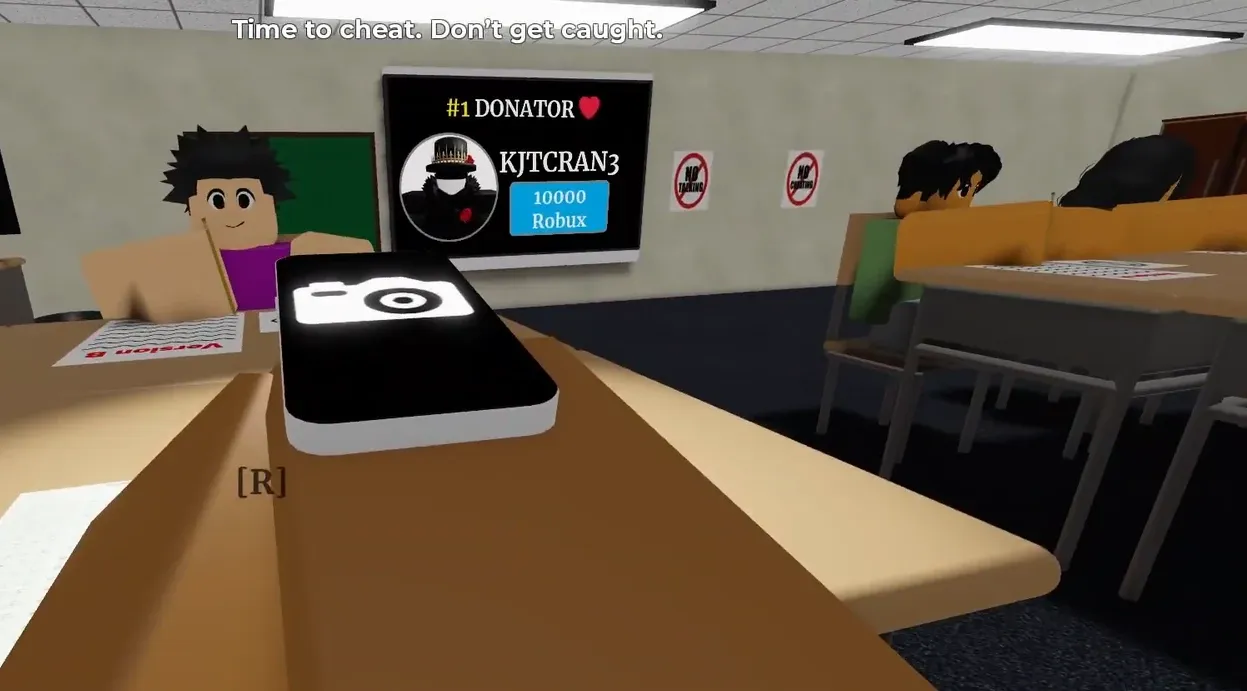
Cheating uses a small set of on-screen prompts. You press a key to reveal the answer sheet, snap a photo of it, and pause loading when needed. The answer sheet comes in two variants, labeled Version A and Version B, so match the one shown for your seat.
| Prompt | What it does |
|---|---|
| [R] Open Answer Sheet | Reveals the answer sheet so you can read or photograph it |
| Take Photo | Captures the sheet or the moment you need |
| Pause Loading | Holds the loading step while you wait for a safe moment |
| Turn Shift Lock Off (Settings) | Recommended before playing to keep the camera steady |
Read the teacher’s gaze before you cheat
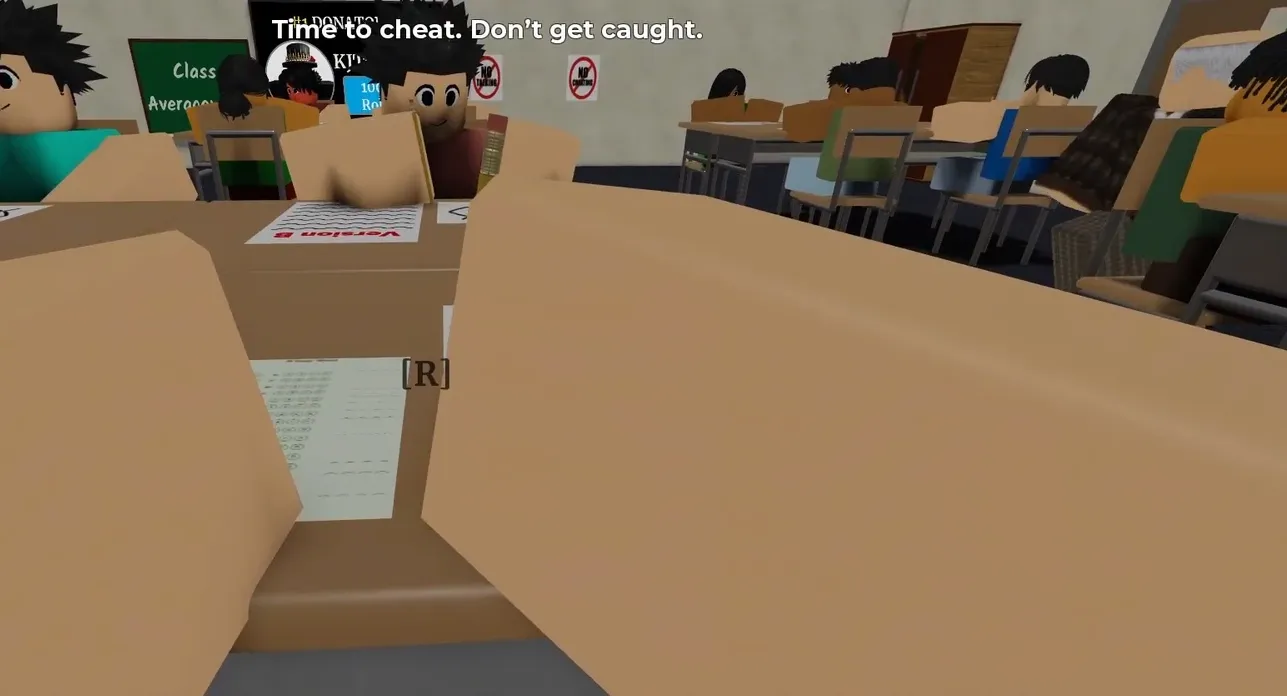
Sitting close to the teacher does not mean you are in danger. What matters is where the teacher is looking. If their head is turned away from you, it is safe to open the answer sheet and copy, even from the front of the room. Watch the direction the head faces, not the distance.
![Opening the answer sheet with the [R] prompt while the teacher's head is turned away, even up close. Image credit: Cheating During Testing / via @Ricoko9298](https://static.allthings.how/wp-content/uploads/2026/08/cheating-during-testing-roblox-tips-to-get-100-easy-fast-8677246025.webp)
Classmates seated in front of you work as cover. When the student ahead blocks the teacher’s line of sight, that is your moment to press R and grab the answer or take a photo. Line yourself up behind another player and wait for them to fill the gap.
The exact safe windows for cheating
Several predictable moments open a gap where the teacher cannot see you copy. Memorize these and act the instant they appear.
| Situation | Safe window |
|---|---|
| Teacher’s head turned away | Safe while facing away, even up close |
| Classmate blocks the teacher’s view | Safe for as long as they stay in the way |
| Teacher enters the room | About 5 seconds of free cheating |
| Teacher punishing another student | About 3 seconds to copy answers |
| Teacher targeting another student | Enough time to cheat twice if you act fast |
While the teacher is punishing another student, you get roughly three seconds to open the sheet and copy. Have the camera ready so you can photograph what you need before their attention returns.
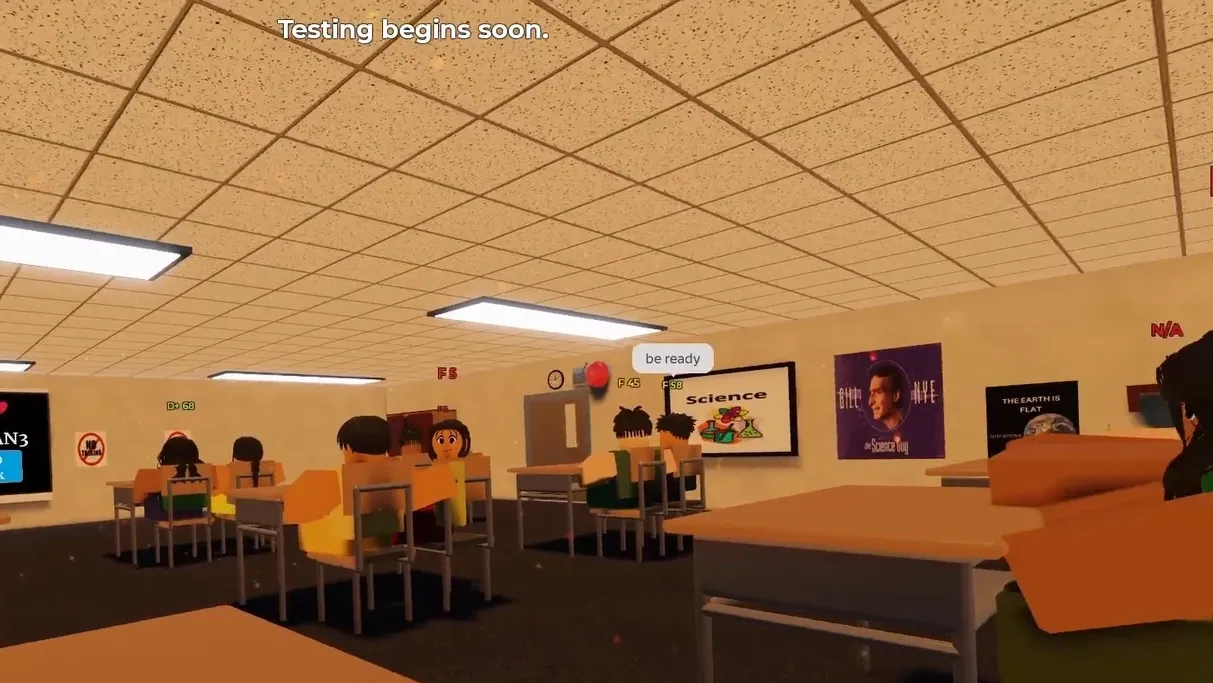
There is also a delay right when the teacher first walks into the classroom. That entry gives you about five seconds of free copying before they start watching the room. Before this ever happens, turn Shift Lock off in Settings so your camera stays under control during these fast moments.
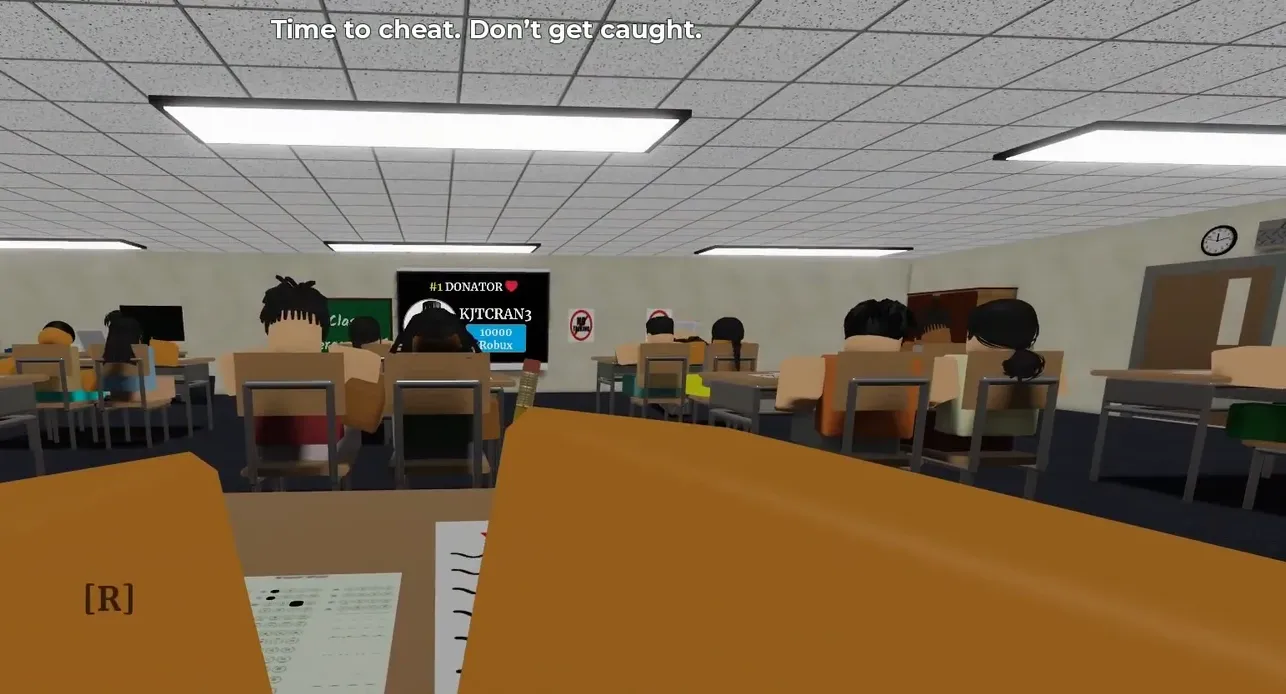
When the teacher locks onto another student, you can squeeze in two quick cheats in a row. This only works if you already know their movement pattern and move the moment their focus shifts. Prepare the sheet in advance so both copies happen inside the gap.
Fix a bad seat by resetting
Your seat decides how easy the round is. A poor spot leaves you exposed with no classmate to hide behind and the teacher facing you too often. If you land in a bad seat, reset or let your character die so you respawn and try for a better position in the classroom.
Note: When you reset, the game may ask “Do you want to keep your inventory?” with Yes and No options. Choose based on what you want to hold onto before respawning into a new seat.
Confirming the 100% Ultimate Cheater result
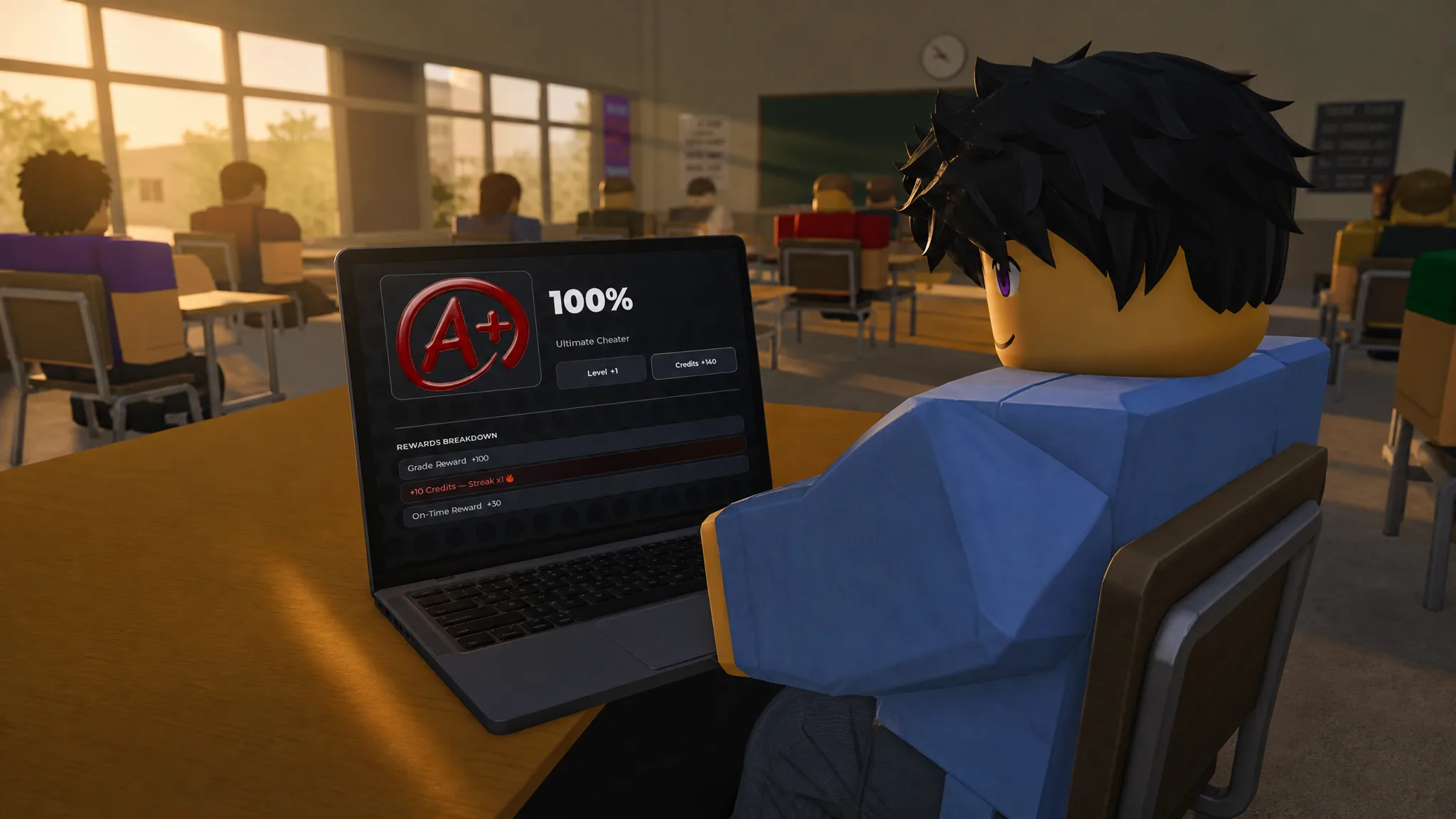
You know it worked when the round ends on the ASSESSMENT COMPLETE screen showing 100% and the Ultimate Cheater title. That screen also awards Level +1 and Credits, with the rewards broken down from your grade and your on-time bonus.
| Result | Value |
|---|---|
| Grade Reward | +100 |
| On-Time Reward | +30 |
| Streak | x1 |
| Level | +1 |
| Credits (this run) | +140 |
Getting caught is the only thing that blocks the perfect score. A “You panicked” prompt or a “[name] was caught cheating!” message means you moved during the wrong moment. Stick to the gaze rule and the timing windows above, watch your ANXIETY while the teacher is grading, and every answer you copy safely brings the final screen to 100% and Ultimate Cheater.