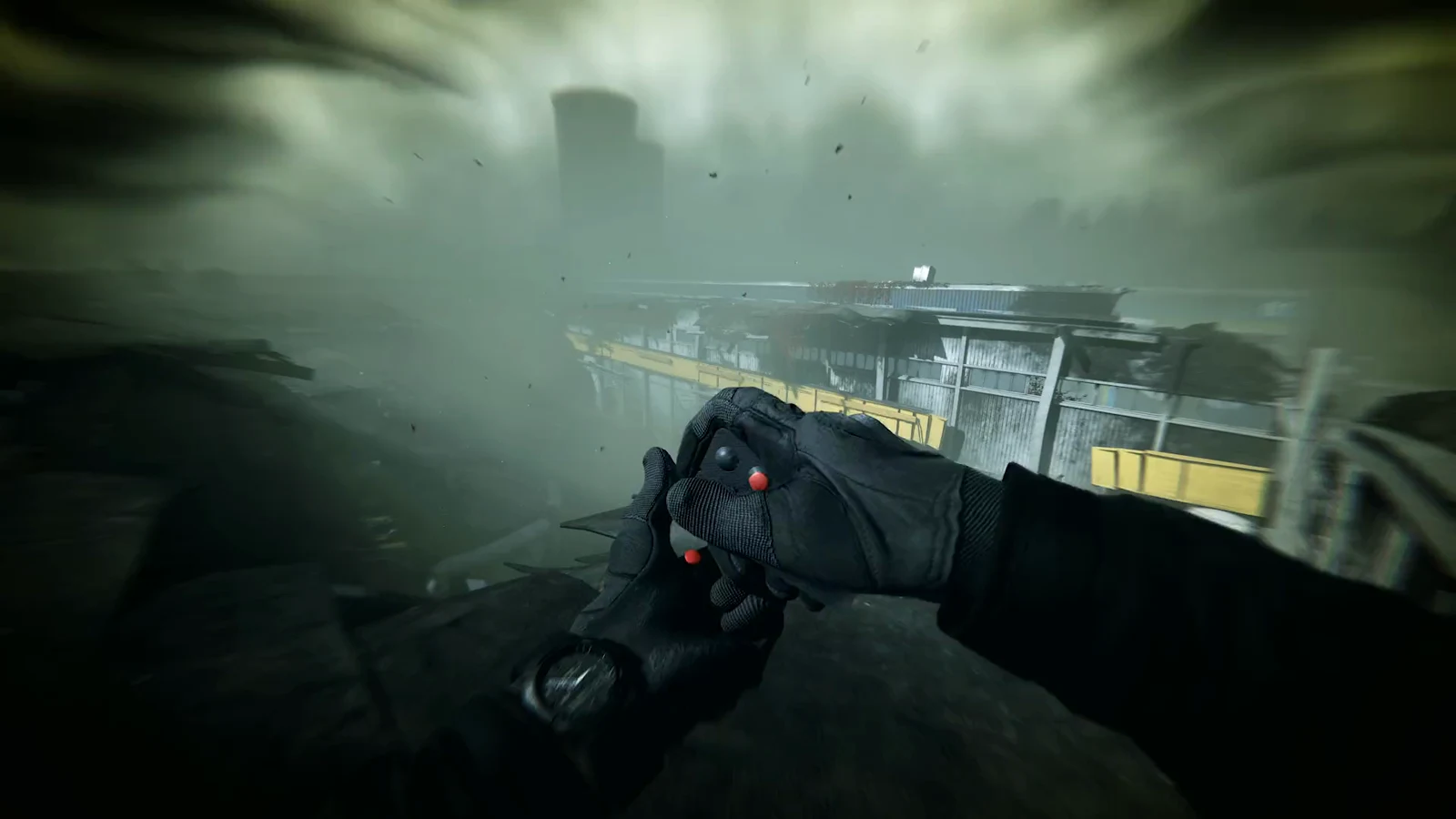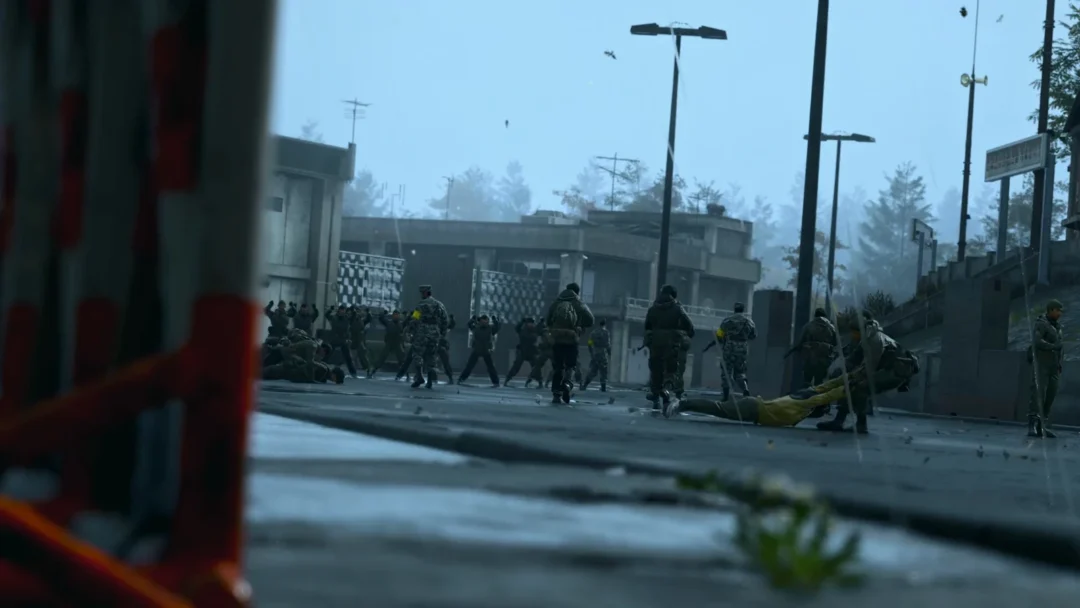
Violent Party is a multiplayer party game on Roblox that drops up to 30 players into a rotating series of short, chaotic elimination minigames. Each round hands you a completely new objective, and failing that objective usually means you are out. The game is also listed under the name Machine Party X, and the whole match hinges on one habit: reading what the current round wants before you move.
Quick answer: Join a public server from the Violent Party Roblox page, wait in the staging cage for the queue to fill, then read each round’s on-screen objective in the first few seconds. Use standard WASD and mouse controls (or the mobile joystick) plus whatever prompt the minigame shows to finish the round while avoiding its elimination condition.
Getting into a match
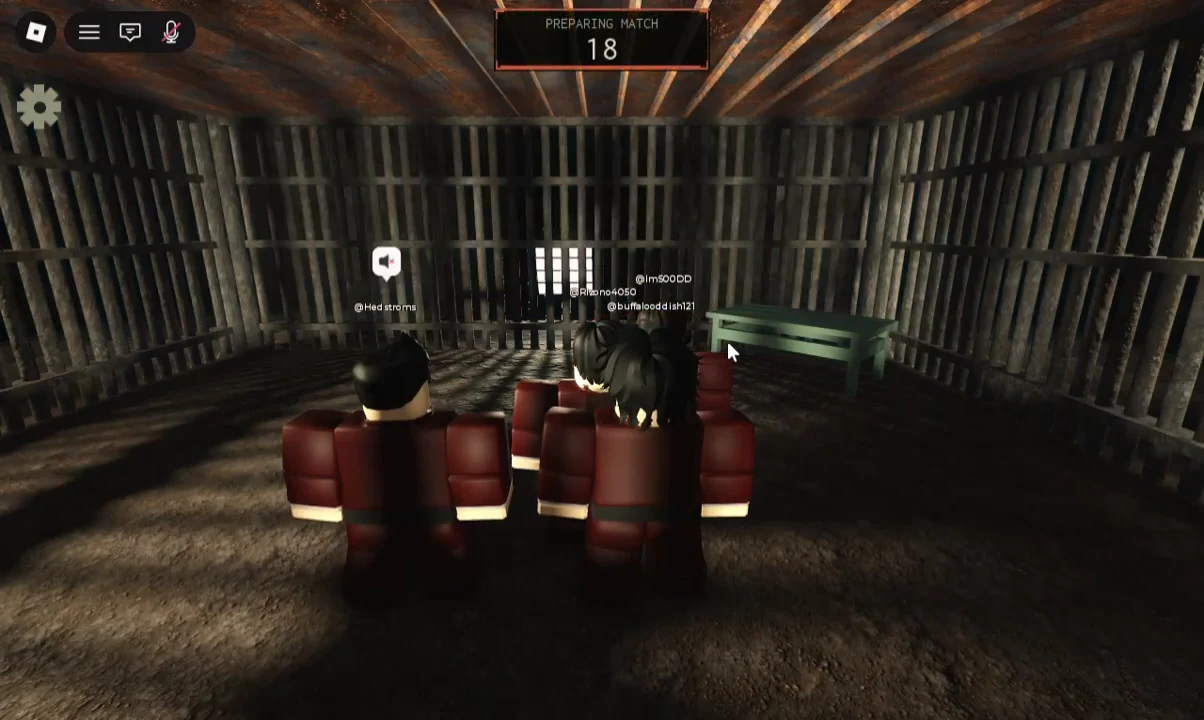
Players who arrive mid-match may need to wait for the current round to end before they can join in. A full match runs through several minigames, with a leaderboard appearing between rounds to tally points.
Controls
Most rounds use standard Roblox movement, but individual minigames add their own prompts. Always check the interface at the start of a challenge for any action that is specific to that round.
| Platform | Input | Action |
|---|---|---|
| PC | W / A / S / D | Move around the arena |
| PC | Space | Jump (when the round allows it) or pick up / place |
| PC | Mouse | Rotate the camera and look around |
| PC | Esc | Open the Roblox menu and settings |
| Mobile | Virtual joystick | Move your character |
| Mobile | Jump button | Jump when available |
| Mobile | Touch and drag | Rotate the camera to spot hazards |
| All | On-screen prompt | Minigame-specific action shown by the current round |
The minigame rotation
Instead of one permanent goal, Violent Party cycles through separate challenges, and the win condition flips every time. Some minigames also run several short sub-rounds of their own before moving on. Here is what each round asks of you.
| Minigame | Objective | Main input |
|---|---|---|
| Stairs | Climb the moving escalators over the pit | Press the arrows shown on screen |
| Assembly | Build a gun, then eliminate others | Space / Left Click to pick up and place |
| Tractor | Outrun the harvester and dodge mines | Move while reading the radar |
| Peas | Finish your meal without being caught | Space to pick up, E to eat |
| Trains | Reach a safe hatch before the train | Move and push, follow green lights |
| Stable Footing | Stand on the matching symbol before tiles fall | Move and push |
| Sniper | Runners reach the exit; the Hunter shoots | Move and use cover, or aim |
| Balloon Game | Inflate your balloon first without popping it | Hold the button in the green zone |
How to win each minigame
Stairs
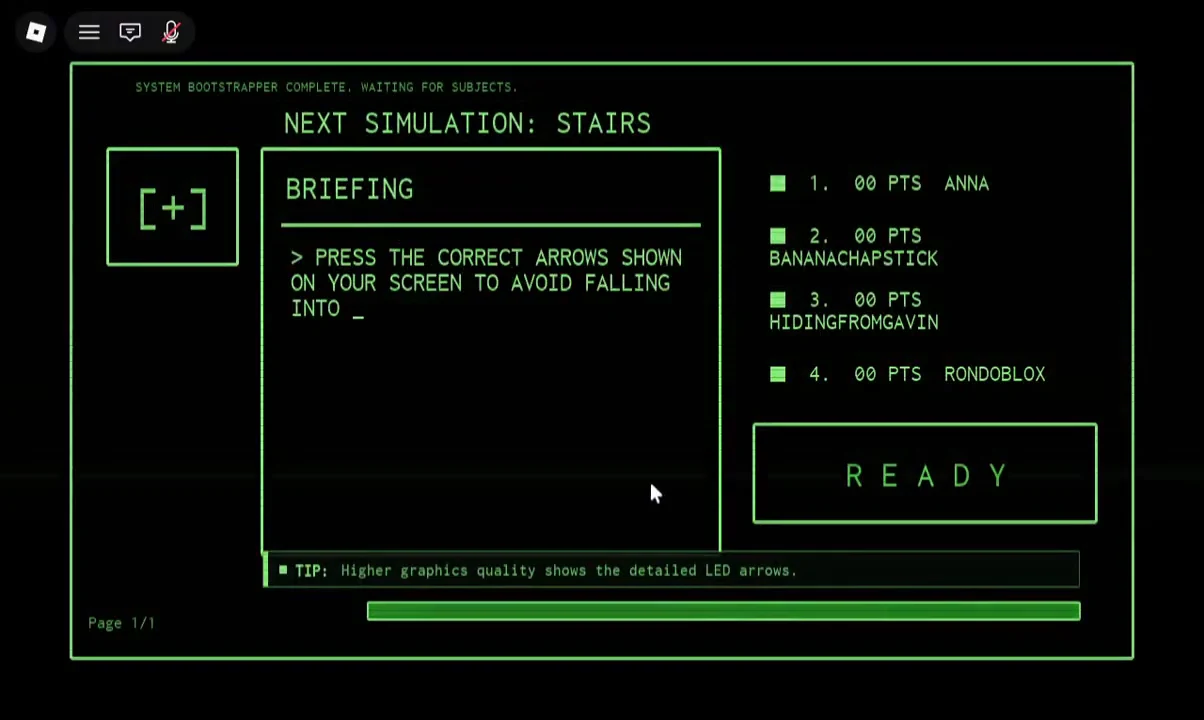
You climb a set of conveyor escalators positioned above a pit. Arrow prompts appear on screen, and you press the matching directional keys to keep moving up. Miss the inputs and you slide off the bottom edge into the pit. Later sub-rounds speed the arrows up, so raising your graphics quality helps because it renders the detailed LED arrows more clearly.
Assembly
Tractor
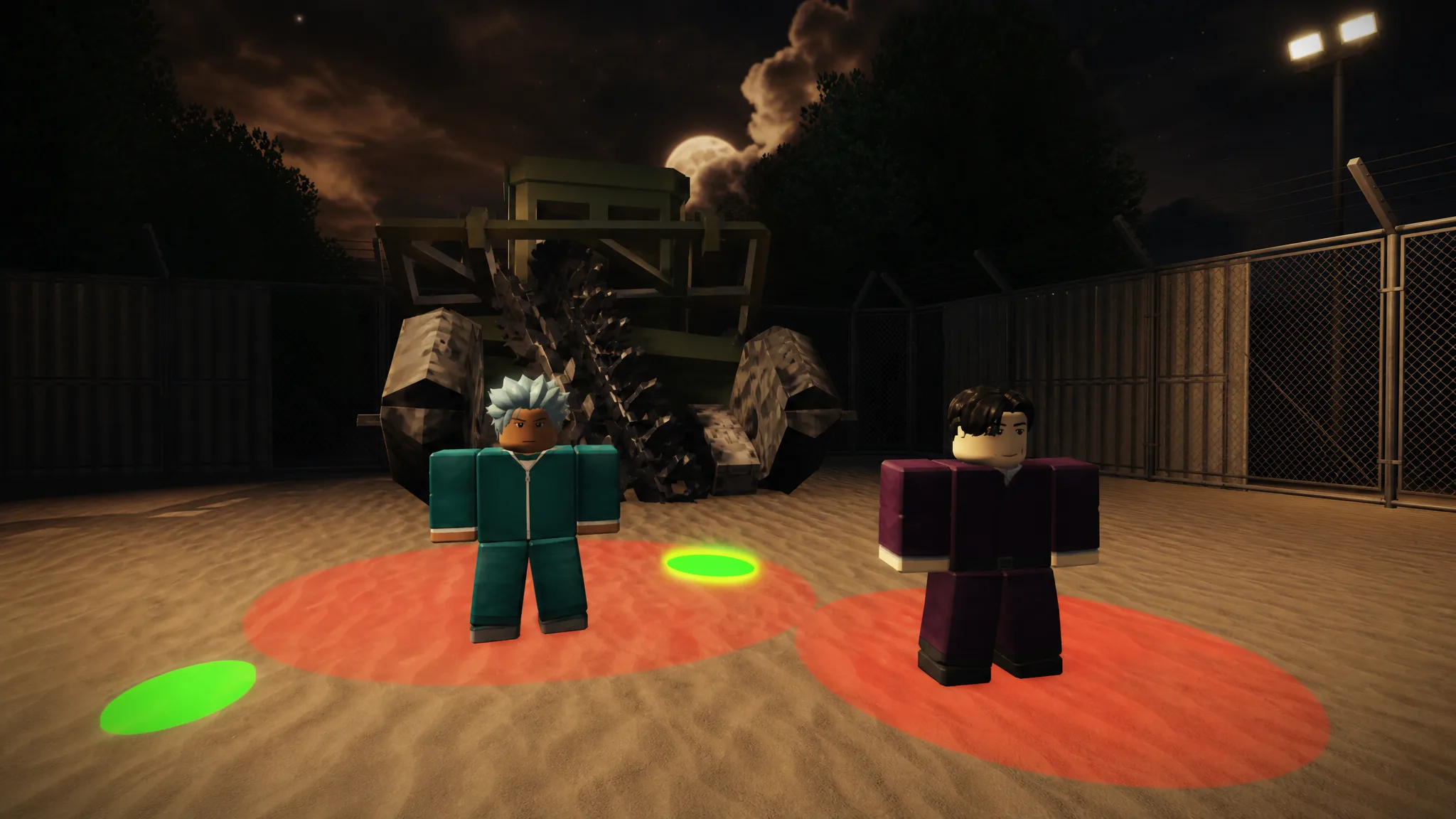
Run down the runway away from an advancing combine harvester. Your radar marks hidden mines as circles on the ground, so treat red circles as dangerous and green circles as safe. Reach the black escape van marked “EXIT” before the harvester catches you. Extra mines are scattered across the path in later sub-rounds.
Peas
You sit at a dinner table with a host who reads a newspaper and carries a revolver. Press Space to load peas onto your fork and E to eat them. The catch is timing: only eat while the host is reading. The moment he lowers the newspaper and looks up, stop moving, or he shoots you. Finish your plate before the timer turns green to survive the round.
Trains
Inside a dark tunnel, hatches light up green to mark safe alcoves. Get into a green-lit hatch before the train rushes through. Space is limited, so you can push other players out of the way to claim a spot, and the “Push to survive” variant simply tasks you to shove opponents out and be the last one standing. Watch the lights closely, because they switch faster as the round goes on.
Stable Footing
You stand on a grid of tiles that each display a shape. A symbol appears on the wall, and you must move onto the tiles matching that symbol before the non-matching tiles fall away. Players can push each other, and the tile shuffles get faster across three rounds.
Sniper
This round splits players into roles. The Hunter aims through a rifle scope and shoots down a rail corridor, while Runners sprint through cover and concrete barricades to reach the exit tunnel. As a Runner, use obstacles to break the sniper’s line of sight and avoid the laser sights.
Balloon Game
Seated in chairs, players inflate balloons by holding a button and keeping the breath meter inside the green zone. The goal is to reach full inflation before your opponents without overfilling, since overinflating pops the balloon and eliminates you.
How scoring and eliminations work
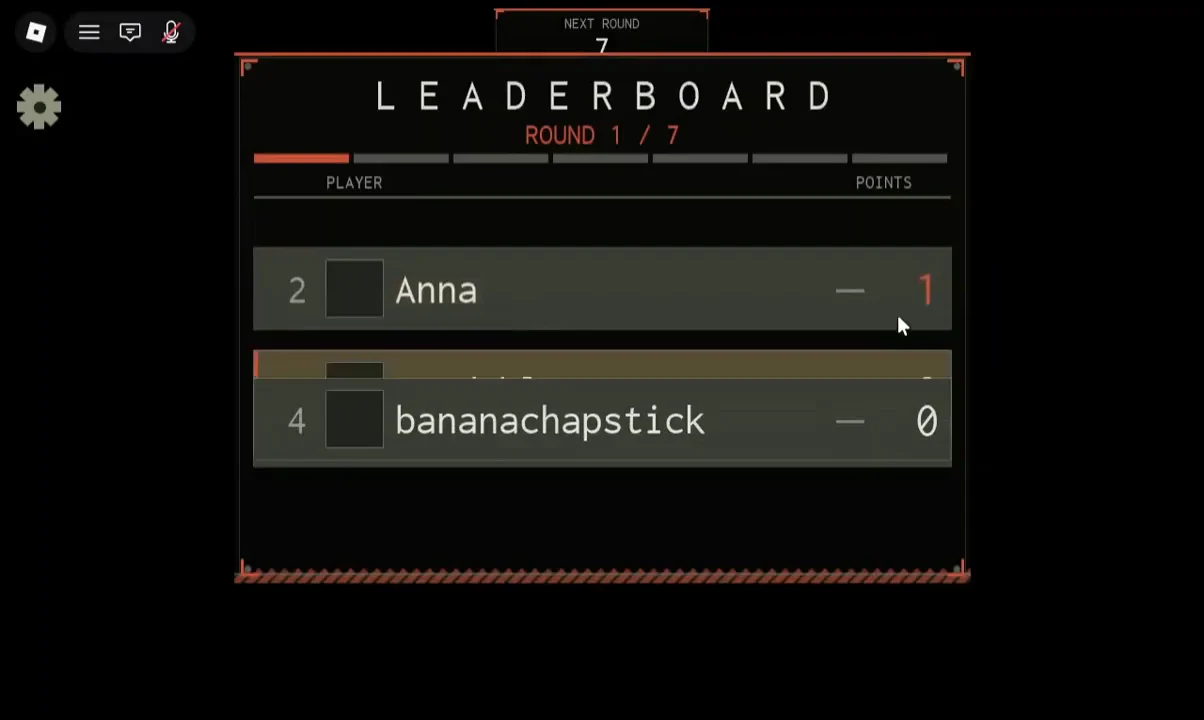
Between every round the leaderboard appears and updates each player’s score, labeled by round number such as ROUND 1 / 7. Surviving a challenge earns points, and those points carry through the match. When the final round ends, a winner screen crowns the top scorer, so the player who banks the most points across the rotation takes the match.
Survival habits that carry across rounds
Because the mechanics change every round, the fastest way to improve is to build a few reliable habits rather than memorizing a single strategy.
- Spend the first couple of seconds reading the objective before you move; the briefing text is on screen for a reason.
- Prioritize staying alive over finishing first. Consistent survival keeps you in the round and earns points.
- Keep moving and change direction often. Players who stand still tend to get caught or pushed out first.
- Watch experienced players to learn safe paths and correct timing, but do not blindly copy the first person you see, since they make mistakes too.
- Treat each minigame as its own challenge with its own win and fail conditions, and adjust the moment the round switches.
Playing with friends
Since servers hold up to 30 players, grouping up is straightforward. Add everyone as Roblox friends first, then have one person enter a server so the rest of the group has someone to join. Use Roblox’s friend and server-joining features to land in the same server, and if it is full, pick another server and regroup. Anyone who joins while a round is in progress simply waits for the next round to begin.
Violent Party is free to play, and every minigame is fully playable without spending Robux, though optional cosmetics and game passes are available in the Shop. There is currently no in-game code redemption menu, so no promo codes can be entered at this time. Once you know the win condition for each round in the rotation, matches come down to reading the briefing quickly and reacting cleanly, which is exactly the skill the game rewards round after round.