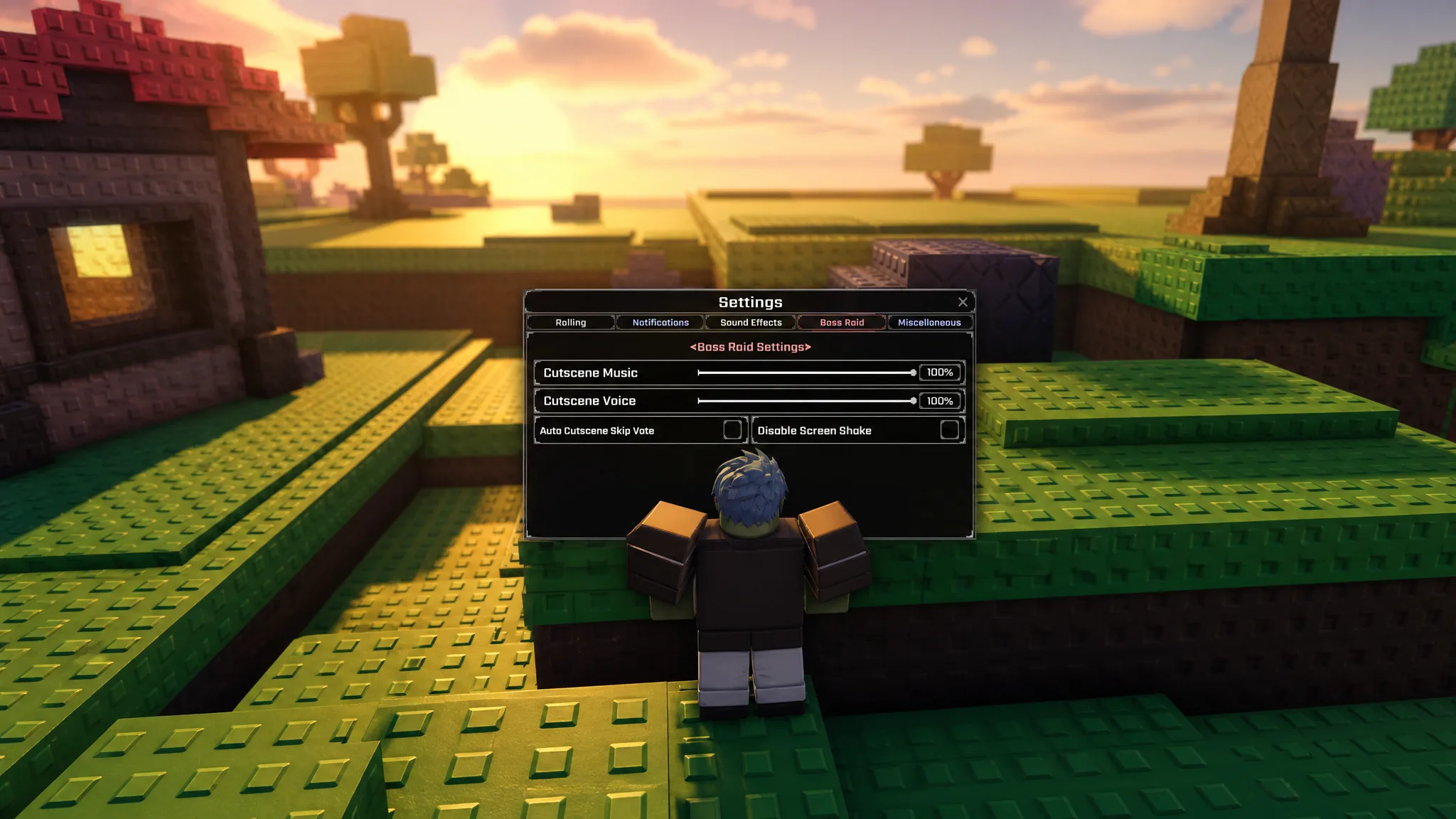
PvP in Sol’s RNG is off by default, which is why most players can wander past each other on a server without ever trading damage. Turning it on takes four clicks, but the toggle is buried in a settings tab that is easy to skip past if you have never opened it before.
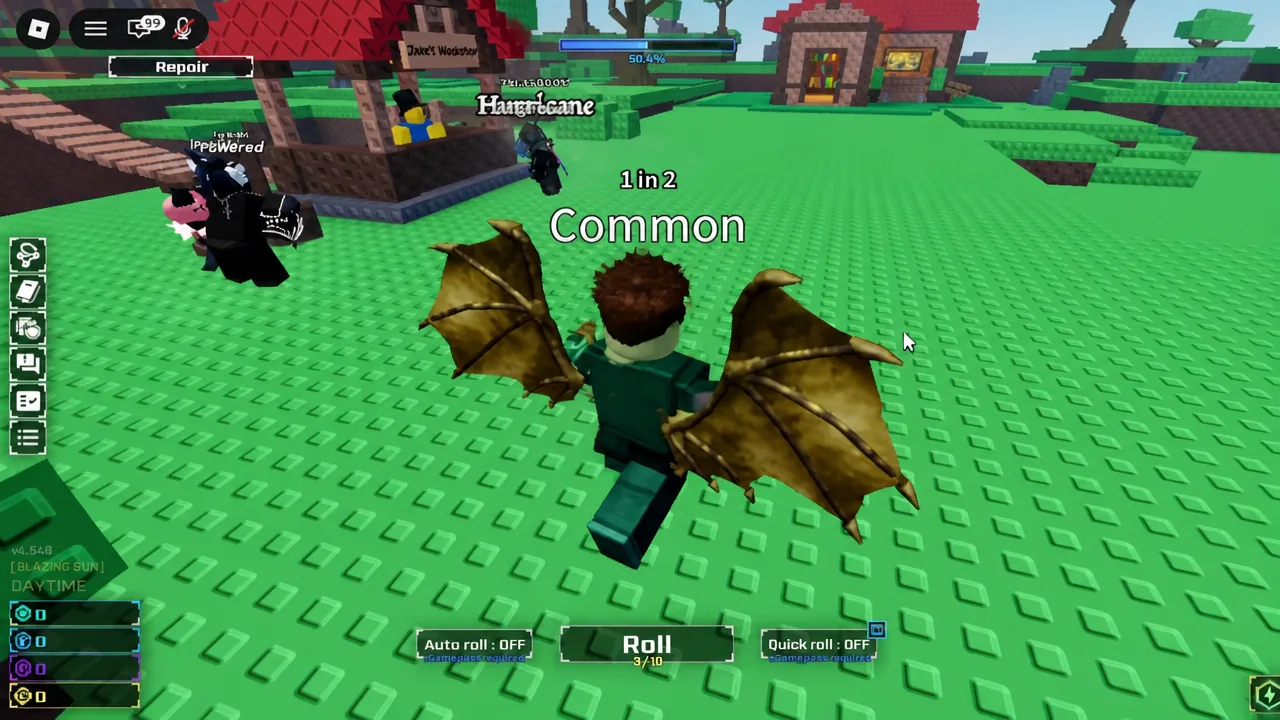
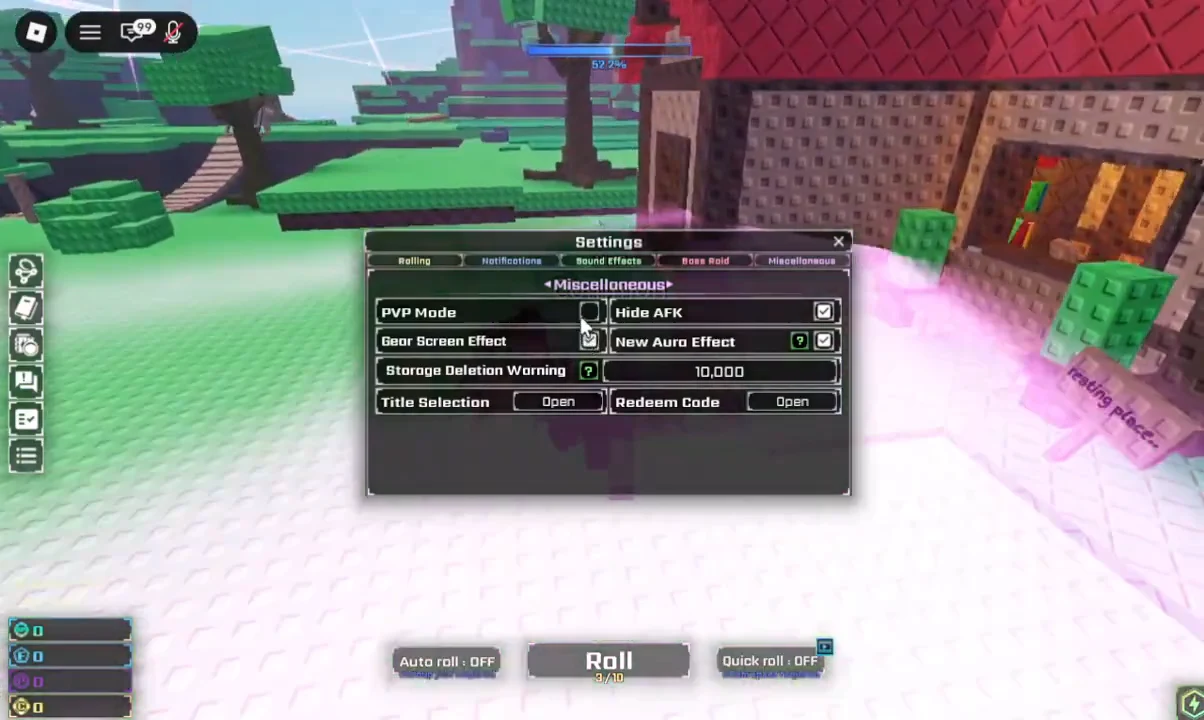
Quick answer: Open Menu on the left side of the screen, click Settings, switch to the Miscellaneous tab, then click the checkbox beside PVP Mode until a green checkmark appears.
What PvP Mode does in Sol’s RNG
The setting controls damage in both directions. With it enabled, you can attack other players using auras that have PvP abilities, and those players can attack you back. Leave it off and you are effectively invisible to combat, no matter what you have equipped.
Matching matters here. You can only fight someone who has also switched the mode on, so a full server of rollers with the setting disabled will give you nothing to hit. Players with PvP active are marked by a symbol above their head, which is the fastest way to spot a valid target while walking around the map.
Turn on PVP Mode in the settings menu
Confirm the toggle stuck
An empty box means the mode is off. Once enabled, the box fills with a green checkmark and stays that way when you close and reopen the window. If you want to be certain before heading out into the map, reopen Menu, go back into Settings, and check the Miscellaneous tab a second time.
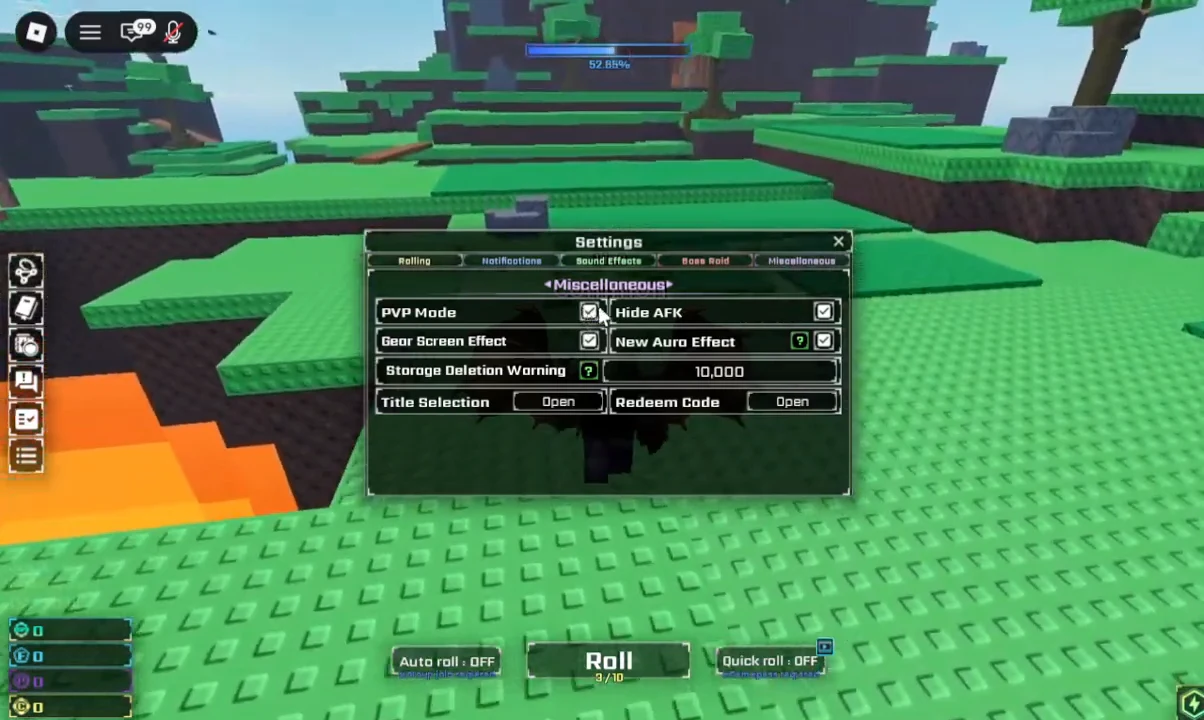
The other confirmation is out in the world. Walk around the server and look for the PvP symbol floating above other characters. Anyone carrying it has the same setting active and can be attacked.
Auras that can attack in PvP Mode
The toggle alone does not give you an attack. Most auras have no combat ability at all, so you need one of the following equipped before the mode does anything useful.
| Aura | What it does |
|---|---|
| Overture | A finger snap freezes nearby players for 3 seconds. |
| Overture: History | The same snap, but the freeze lasts 6 seconds. |
| Zeus | Teleports up and throws a lightning bolt, dealing 15 HP on a hit, then returns to the ground. |
| Archangel | A sword slam creates two explosions. The first deals 10 HP three times, the second deals 12 HP. |
| Chromatic: Genesis | A ground punch sends out a shockwave of musical notes and leaves a crater, dealing 8 HP five times. |
| IMPEACHED | Marks a large X on the ground and drops the Sword of Betrayal or a peach from the sky for 30 HP. |
Note: your opponent needs a combat aura too. A player with PvP enabled but no attacking aura equipped can still take damage, but has nothing to hit you back with.
Why nothing happens when you attack
Three things account for almost every failed fight. The target has PvP Mode switched off, so no damage registers regardless of what you throw at them. Your equipped aura has no PvP ability, which covers the vast majority of the roll pool. Or your own checkbox never actually saved, which is worth ruling out first since it takes seconds to check.
Switching the mode back off is the same four clicks in reverse. Click the PVP Mode checkbox once more and the checkmark clears, which puts you back to a state where nobody on the server can damage you while you roll.