Trading in Palia is a real-time swap between two players, and it only works at specific kiosks. You cannot mail an item to a friend, drop it on the ground, or hand over crops and ores. The system covers four collectible types, and both players have to stand at the same kiosk and agree to the same offer before anything changes hands.
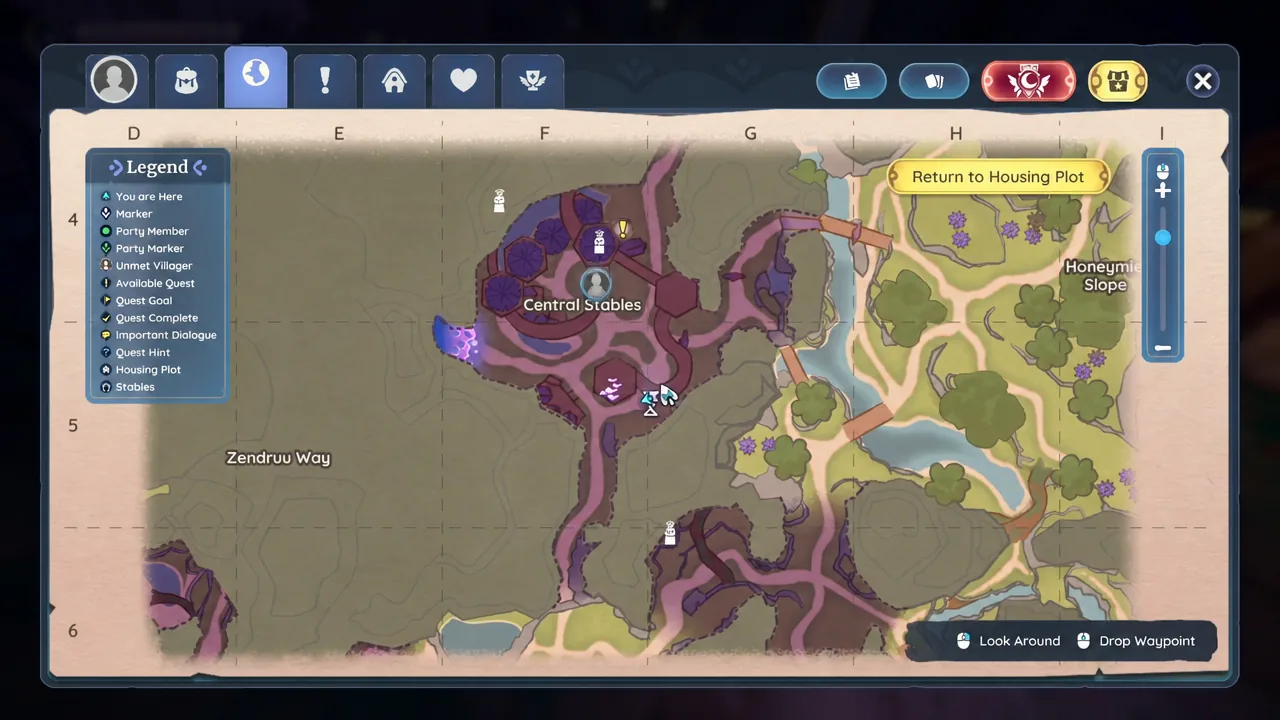
Quick answer: Finish the Trading Tips Guide Quest in The Underground, then meet your friend at a trading kiosk in The Underground or the Central Stables in Elderwood, interact with them to open the trade window, add up to three items, and have both players finalize the offer.
What you can trade in Palia, and which kiosk to use
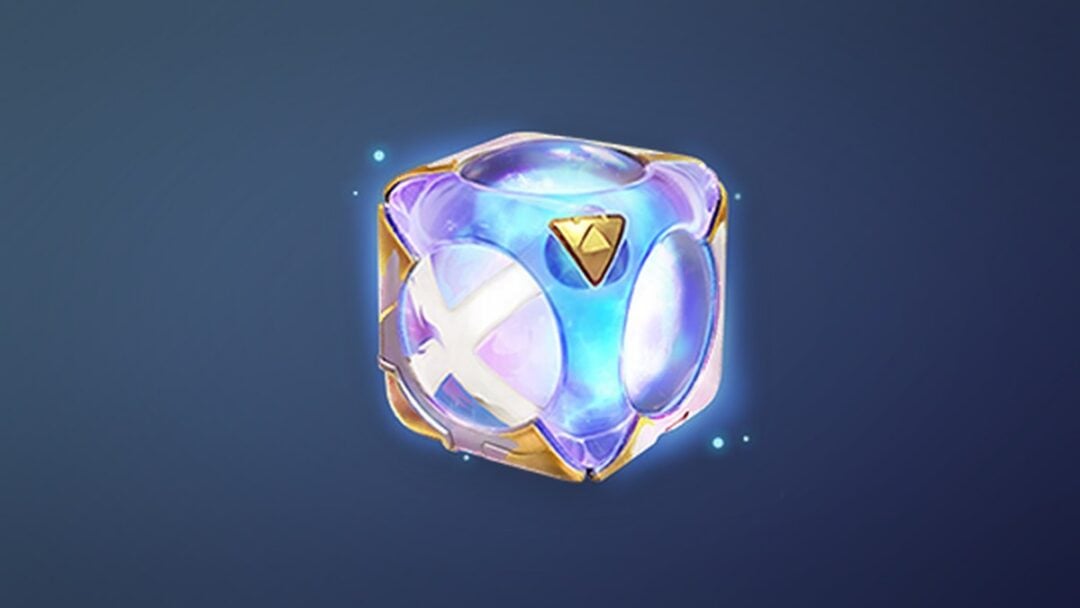
Four item types are tradeable: Plushies, Potato Pods, Artifacts, and Stickers. Everything else — materials, food, furniture, gold — stays with you. The kiosks are split by category, so walking up to the wrong one means you will never see the item you want to offer.
| Item type | Kiosks | Where the item must be |
|---|---|---|
| Plushies and Potato Pods | 3 shared kiosks | Backpack or a Storage Chest |
| Stickers | 2 kiosks | Not placed on the Sticker Wheel |
| Artifacts | 3 kiosks | Carried in your inventory |
Artifacts are the odd one out in a useful way. Pieces such as the Wartorn Horn #2 and Wartorn Sword #2 are marked Value: Item Cannot Be Sold, so no vendor will take them — but they can still move between players at an artifact kiosk.
Unlock trading with the Trading Tips quest
The kiosks will not respond until the mechanic is unlocked. Head to The Underground and complete the Guide Quest called Trading Tips. Once it is done, every kiosk in The Underground and at the Central Stables in Elderwood is open to you, and there is no cooldown or daily cap on how often you swap.
Get your friend onto the same server first
Trading is face to face, so you both need to be in the same world before anything else matters. Press O to open the friend list, which shows everyone currently on your server plus your own friends. The plus icon at the top lets you search for a player by name and send an add request.
Under each online friend sit three icons. The far-right one pulls that player into your server, and the middle plus icon adds them to your party so you can see their marker on the map. If nobody you know is online, the Come Here emote is a reasonable way to flag down a stranger standing near a kiosk.
How to complete a trade at a kiosk
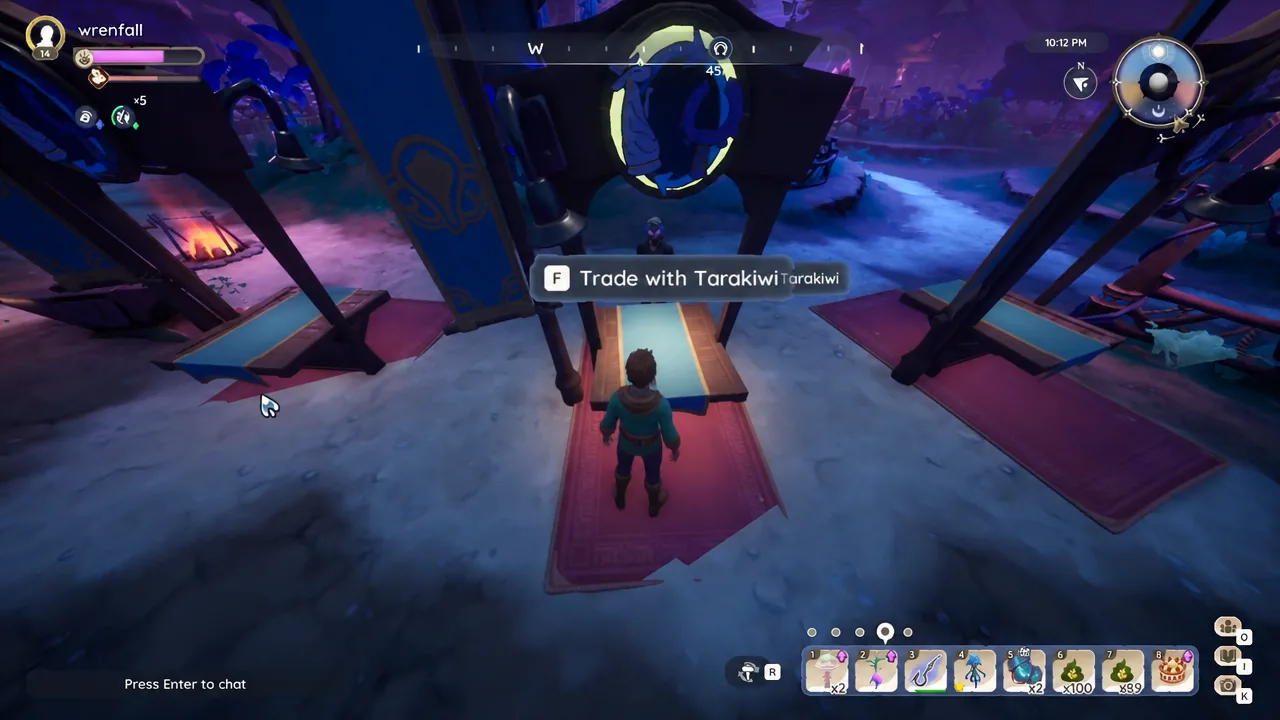
F Trade with [player name] or F Open Trade, and accepting it brings up the shared trade screen showing both sides of the deal.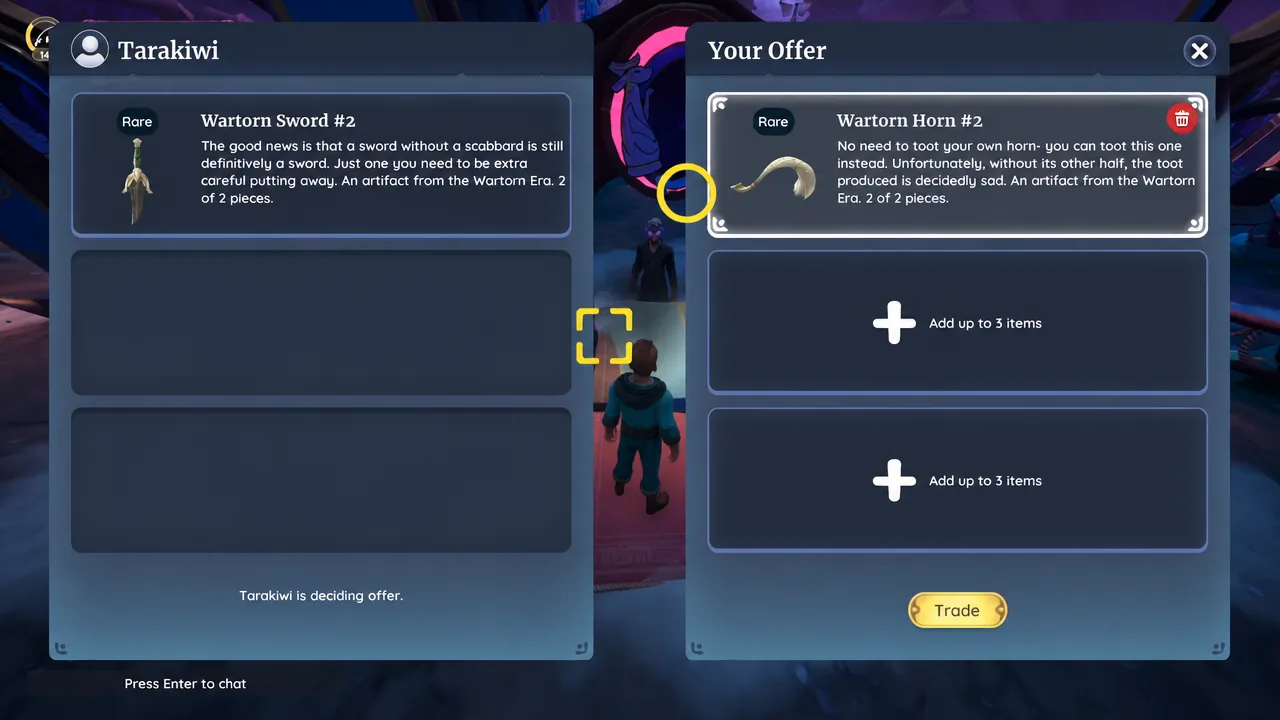
How to confirm the trade went through
Two on-screen notifications appear once the swap resolves, one for what left your inventory and one for what arrived. A completed artifact trade reads “You traded your Wartorn Horn #2” followed by “You received Wartorn Sword #2.” If you only see the trade window close with no messages, the exchange did not complete and both players keep what they had.
Why a trade won’t start, and how to protect items
Most failed attempts come down to a handful of causes. The Trading Tips quest has not been finished, the two of you are at a kiosk built for a different category, one player has not finalized the offer yet, or the item is somewhere the trade window cannot reach it.
That last point cuts both ways. Because plushies and potato pods stored in ordinary chests are still eligible, anything you do not want to risk offering should go into Locked Storage or be placed on display on your Housing Plot. Stickers already slotted onto the Sticker Wheel are similarly off the table until you remove them.
Once you have run through it once, the whole exchange takes under a minute, which makes duplicate plushies and spare Elderwood artifacts genuinely worth hanging onto rather than leaving in a chest.