Spawning empty-handed in Infected Lands feels rough for about five minutes, and then it stops being a problem. Guns are not gated behind cash, crafting, or a level requirement in this open-world zombie survival game. They sit on shelves in gun stores, and anyone who walks in can take them. The only real barrier is knowing which direction to walk.
Quick answer: Press M to open the map the moment you spawn, walk to the nearest gun store marker, and take a G17, M1911, or G36 off the shelves along with matching ammo. Everything inside is free.
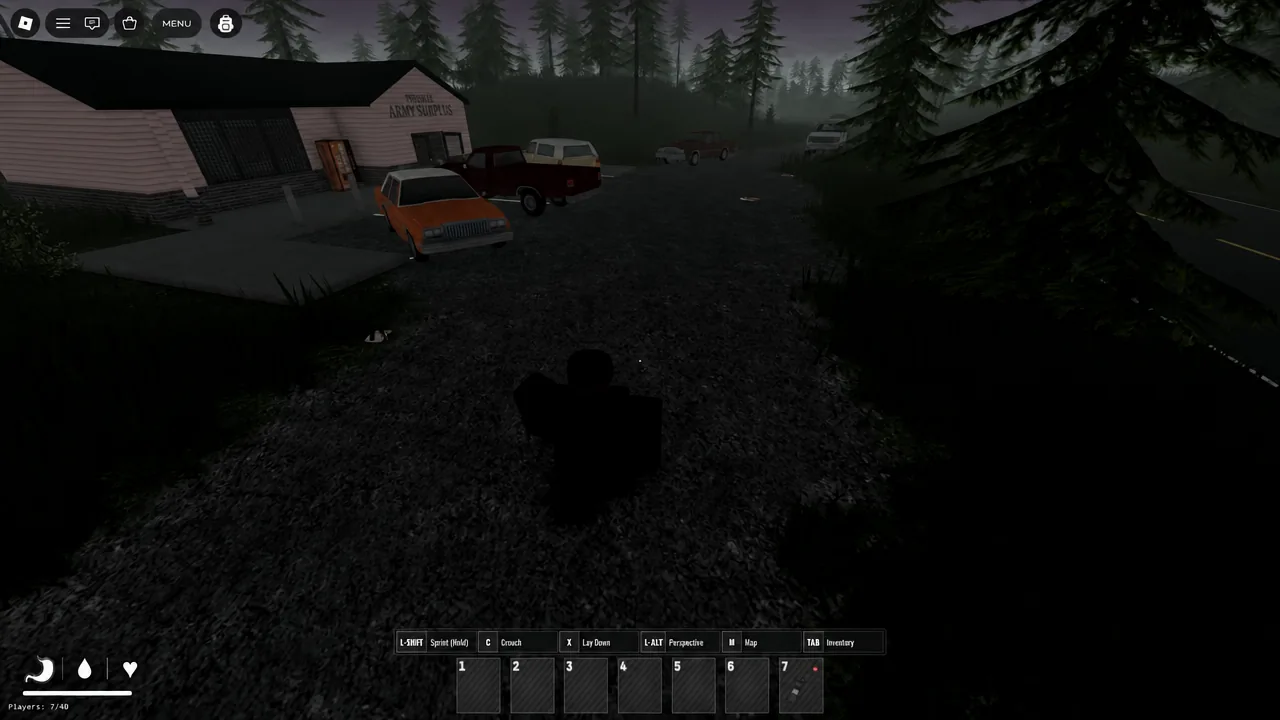
Free guns at Pineville Army Surplus
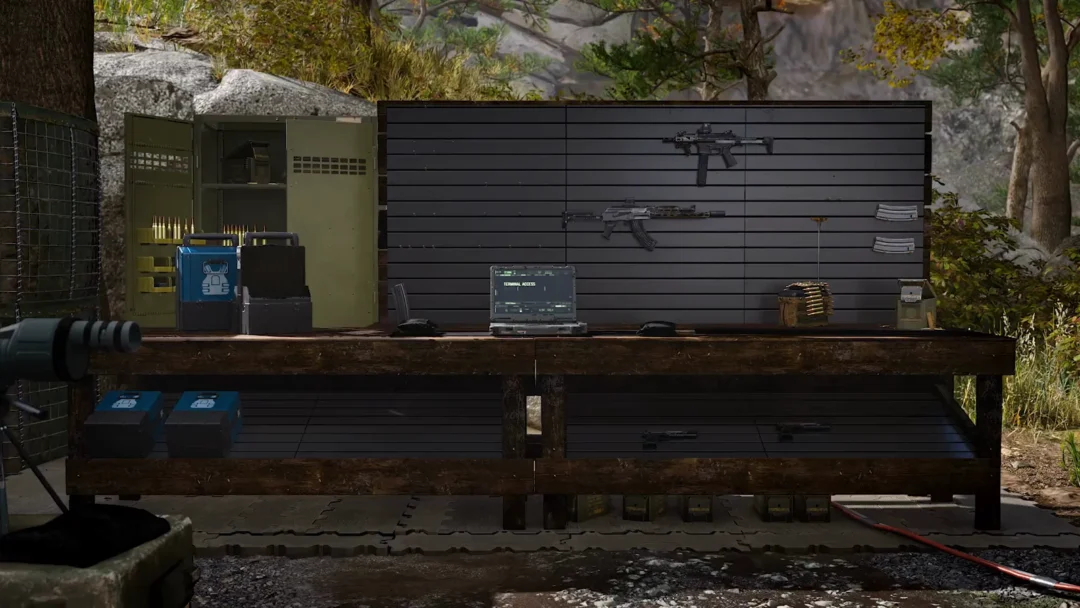
Gun stores are the shortcut. Weapons found inside them are not priced and not locked, so a fresh character can arm itself on the first trip without fighting anything. Pineville Army Surplus is the reliable one for players who spawn near Pineville, and the same rule holds for other gun shops on the map.
Inside, the pickups worth grabbing are the G17 and M1911 pistols and the G36 rifle. Sweep the shelves and counters for ammunition at the same time. Ammo is stored separately from the guns, and a rifle without Rifle Ammo is a decoration.
Note: Armor does not follow the same rule. It is uncommon, and it turns up scattered across other gun shops, houses, and cars rather than stocked in one predictable spot.
Move the gun to your inventory and equip it
Picking a weapon up is only half the job. A gun that stays in your backpack will not fire, so it has to be moved into your inventory and equipped before it does anything.
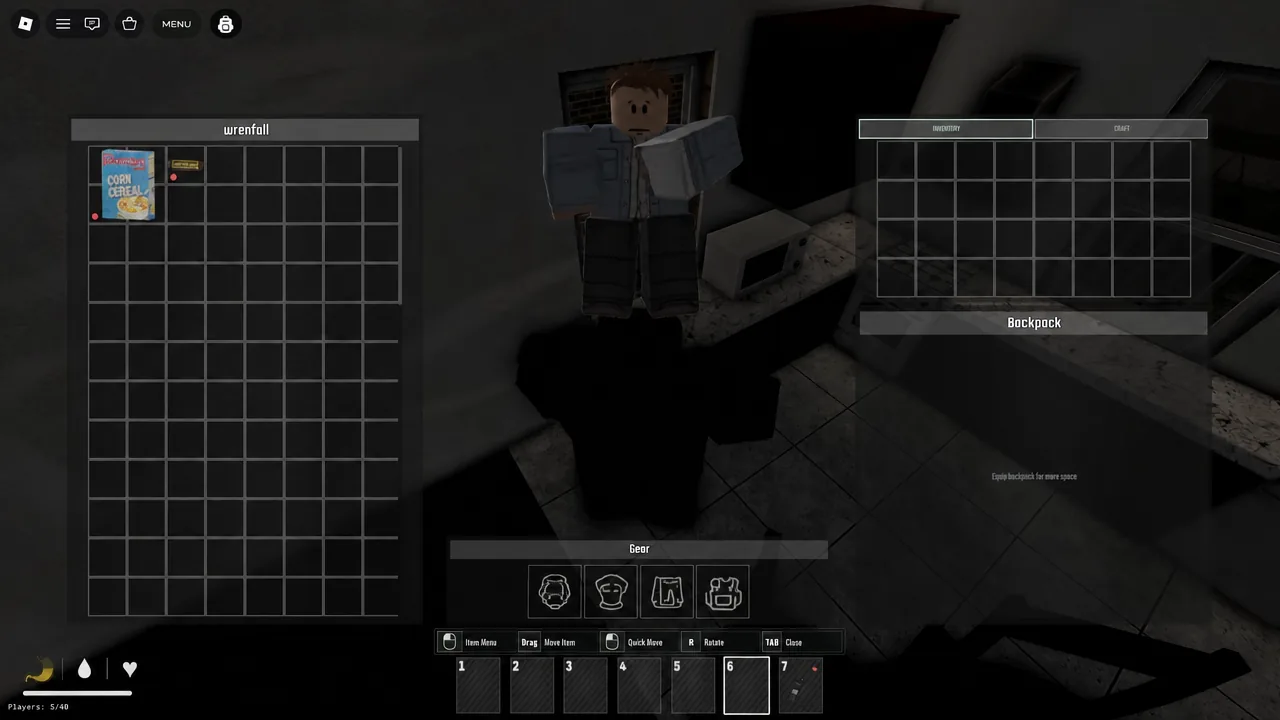
You know it worked when the weapon appears in your character’s hands and aiming with the right mouse button brings up the sights. If a gun is equipped but refuses to fire, the cause is almost always one of two things. Either the ammo type does not match the weapon, or the round was never chambered.
Use the map to find the nearest gun store
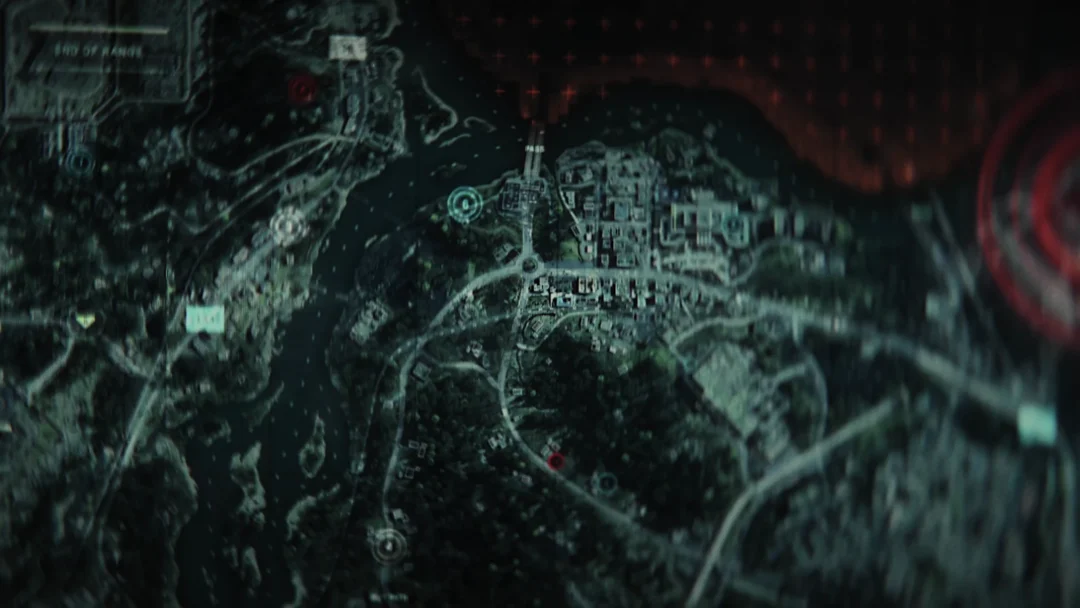
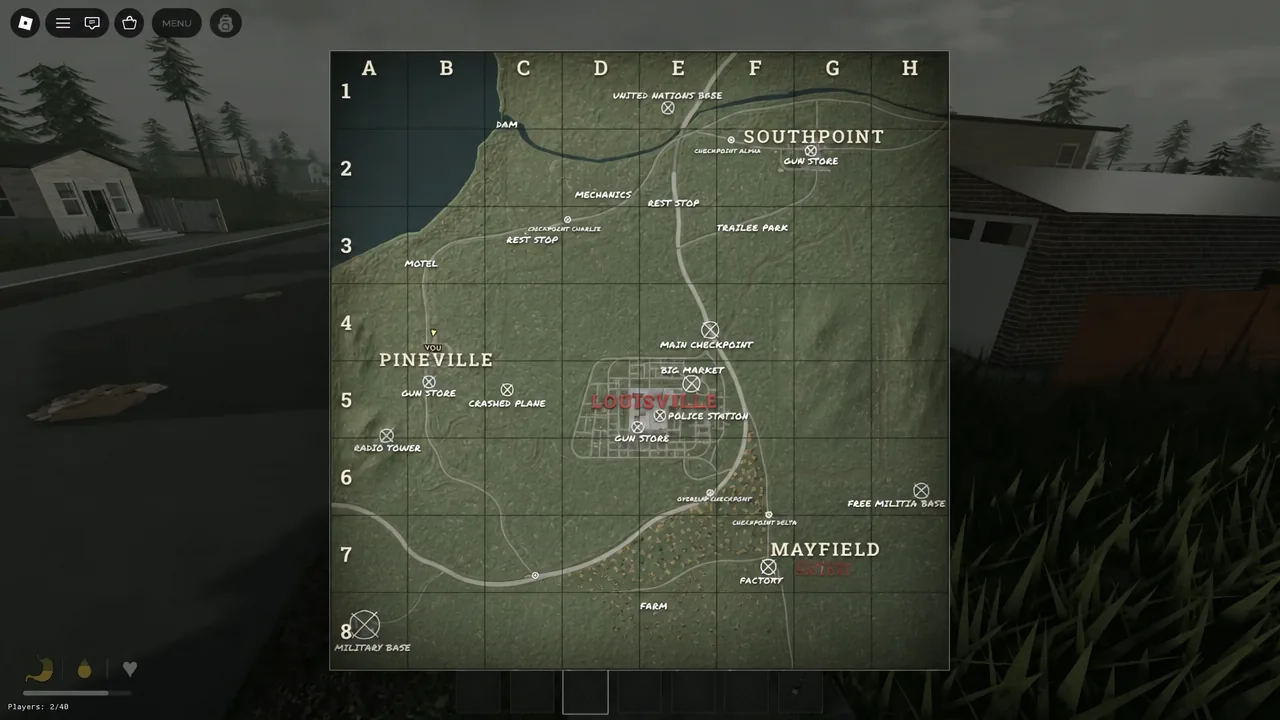
Do this before you take a single step. Press M and the full regional map opens with named towns and points of interest laid over a grid, including Pineville, Southpoint, Mayfield, and Rest Stop, plus markers for gun stores and police stations.
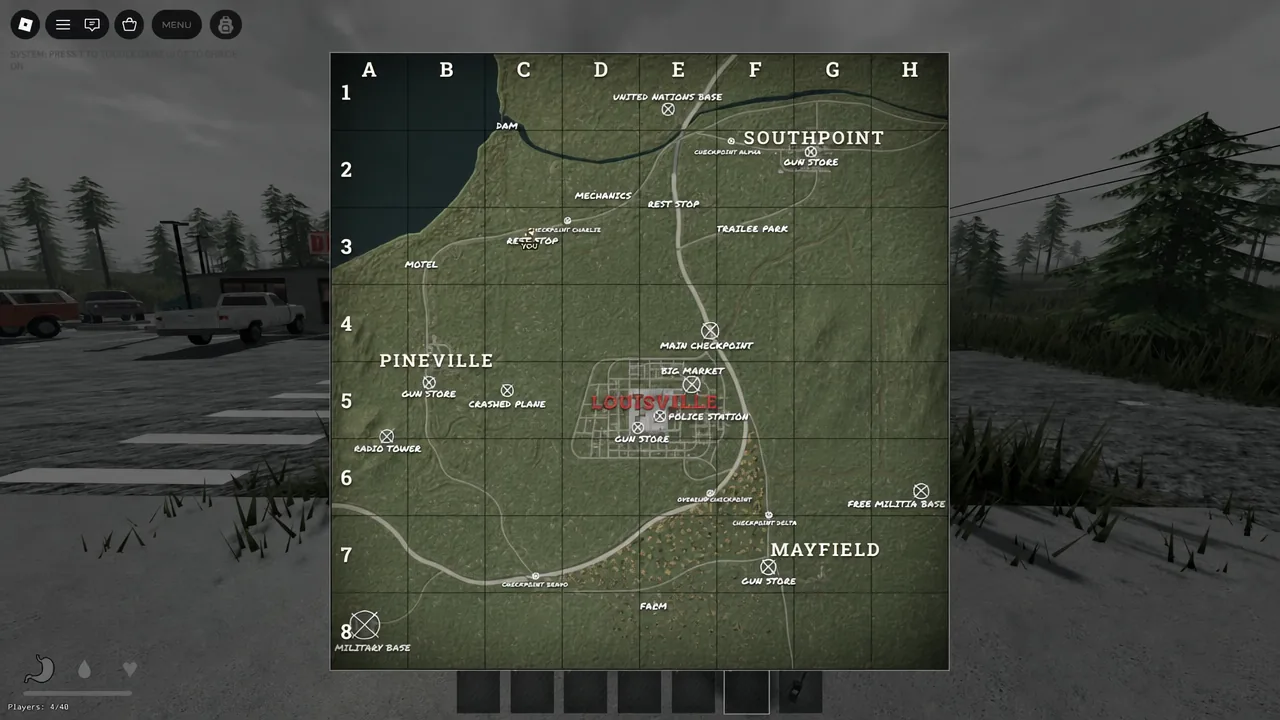
Your own position shows up as a yellow YOU marker. Line that marker up against the closest gun store icon, note the direction, and commit to the walk. Wandering without a heading is how new players burn through hunger and thirst before they find anything useful.
Keybinds you need on the first run
The defaults are listed in the settings menu, and a handful of them matter more than the rest during the opening minutes.
| Action | Key |
|---|---|
| Movement | W, A, S, D |
| Jump | Space |
| Sprint | L-SHIFT |
| Crouch | C |
| Lay down / prone | X |
| Interact | E |
| Inventory | TAB |
| Map | M |
| Fire / use | Mouse 1 |
| Aim | Mouse 2 |
| Reload | R |
| Chamber | F |
| Change perspective | L-ALT |
| Head lamp | G |
| Night vision | N |
Loot food and drinks along the way
Hunger, thirst, and health meters tick down while you travel, so treat the walk to the gun store as a looting route rather than a straight line. Houses along the way are full of supplies, and they take seconds to clear.
| Where to search | What you get |
|---|---|
| Refrigerators in houses | Water Bottle, Fun Drink, Beans Can |
| Kitchen sinks and counters | Cereal Box, Energy Bar, canned food |
| Container vehicles | Mixed food and drink pickups |
Items are flagged with a coloured dot. Green means fresh, red means expired. Expired food and drinks are still safe to eat and will not poison you, so there is no reason to leave a red-dot Beans Can behind if your meters are low.
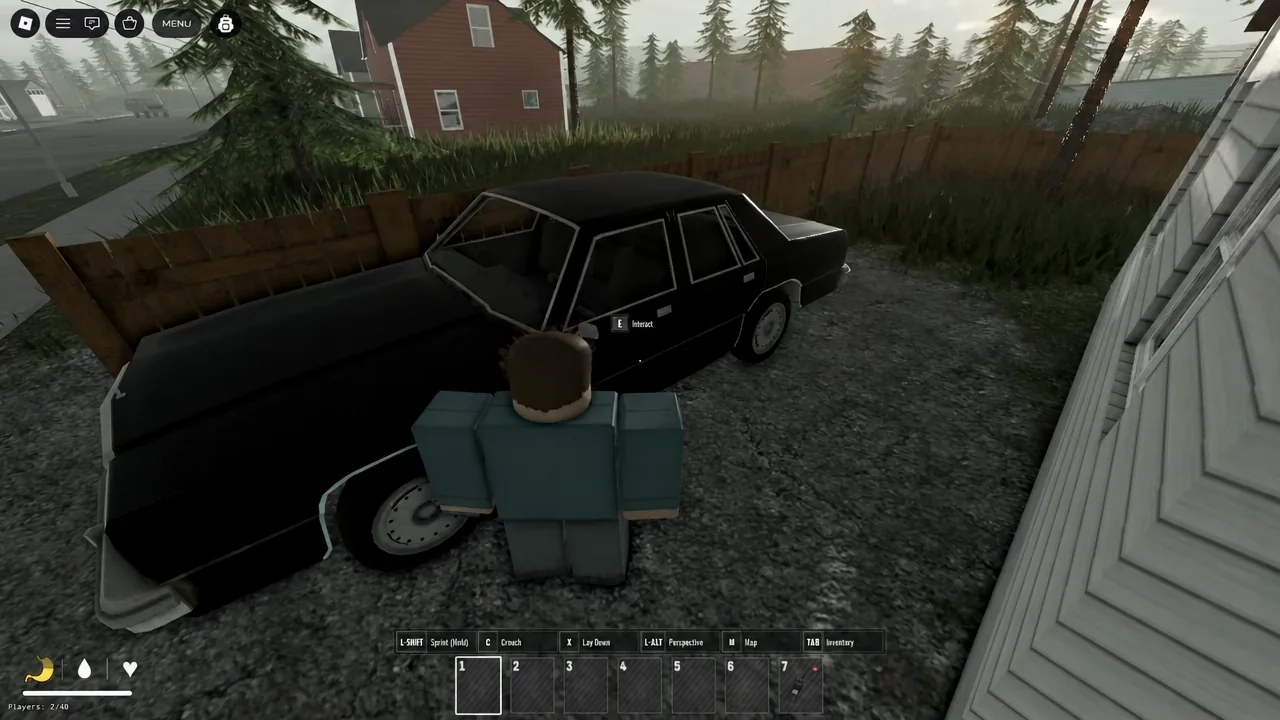
Not every car is a loot box, either. Some vehicles can be driven, while others exist purely as containers to search. Check both, but do not spend long on them when a house is nearby.
Tip: Do not hoard. Food and drinks are abundant across the map, and filling your backpack with cereal boxes just means less room for ammo and armor later. Eat what you find on the spot, carry a small buffer, and move on.
Set your appearance for camouflage before you spawn
Bright default colours make you easy to spot for zombies and hostile survivors alike. Open the Appearance menu from the main screen and change your skin tone to a dark brown, then pick green and brown clothing.
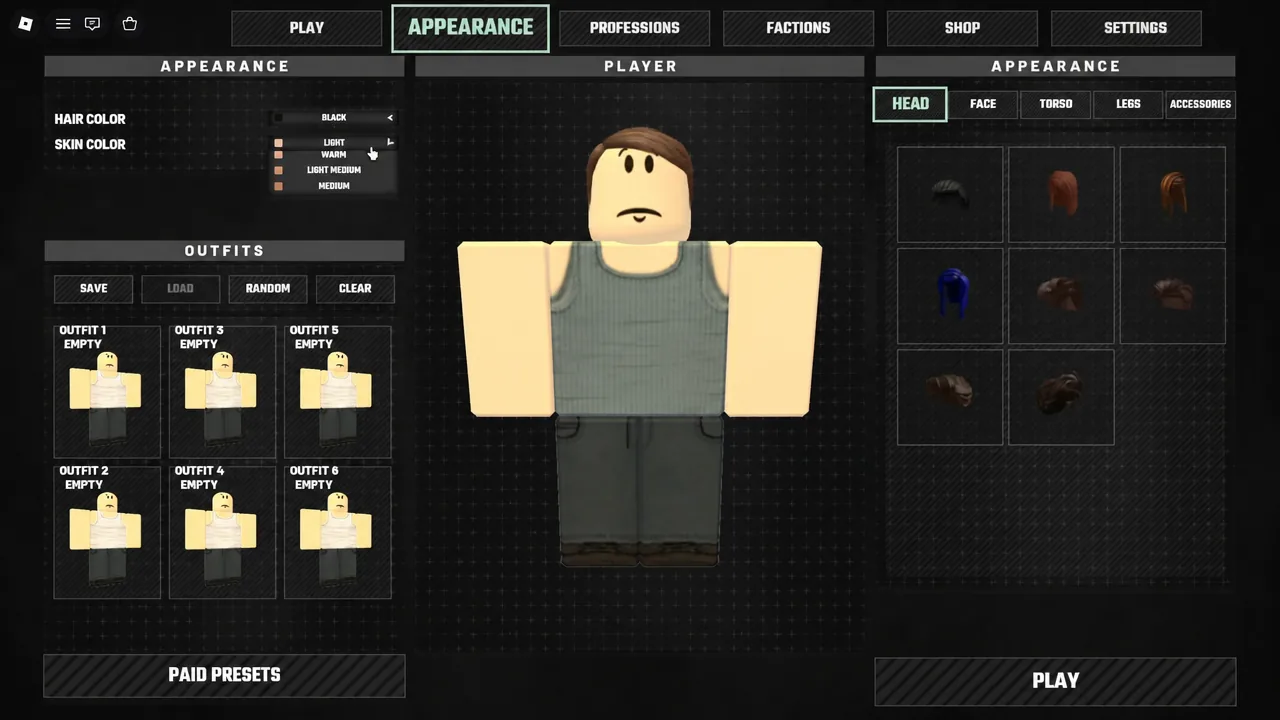
The map is mostly grass, fields, and farmland, so muted earth tones let you drop prone with X and genuinely disappear. It costs nothing and it pays off every time another player is scanning a treeline.
Once the G36 is loaded, zombies stop being an emergency and become a resource problem instead. Keep a spare stack of Rifle Ammo, check houses and cars for armor as you pass them, and use the map before every move rather than after. The game punishes aimless walking far more than it punishes a bad fight.