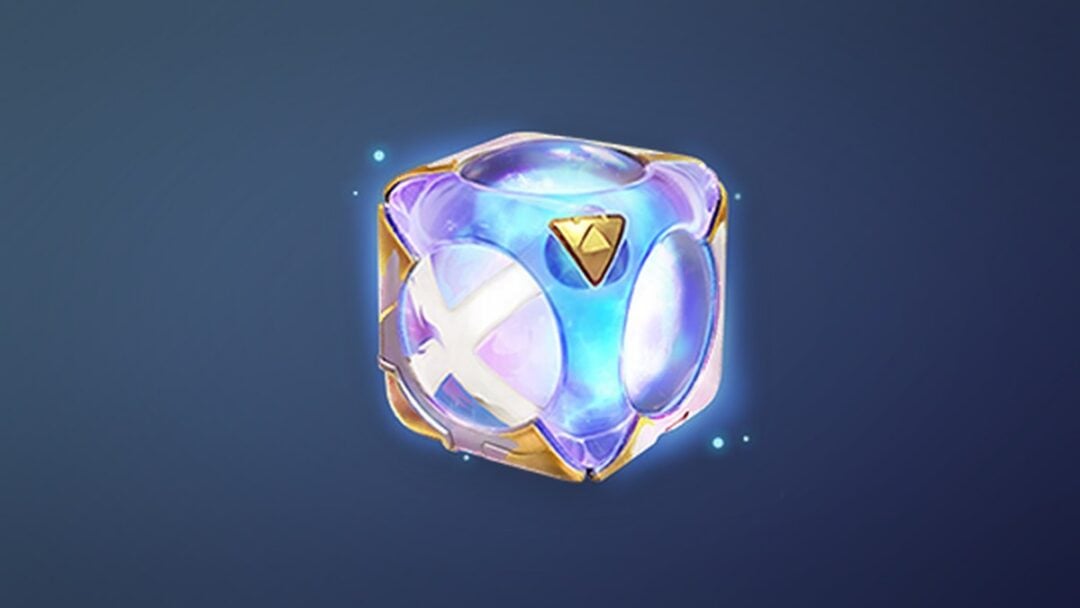
The Smooth Gold Grillz is a mouth accessory for your MyPLAYER in NBA 2K27, and it is one of the earliest cosmetics you can put on your character this Season. It is not a drop, a quest reward, or something hidden in The City. It sits in a very specific place on the Season 1 rewards ladder, and that placement decides whether you already own it or need to pay for it.
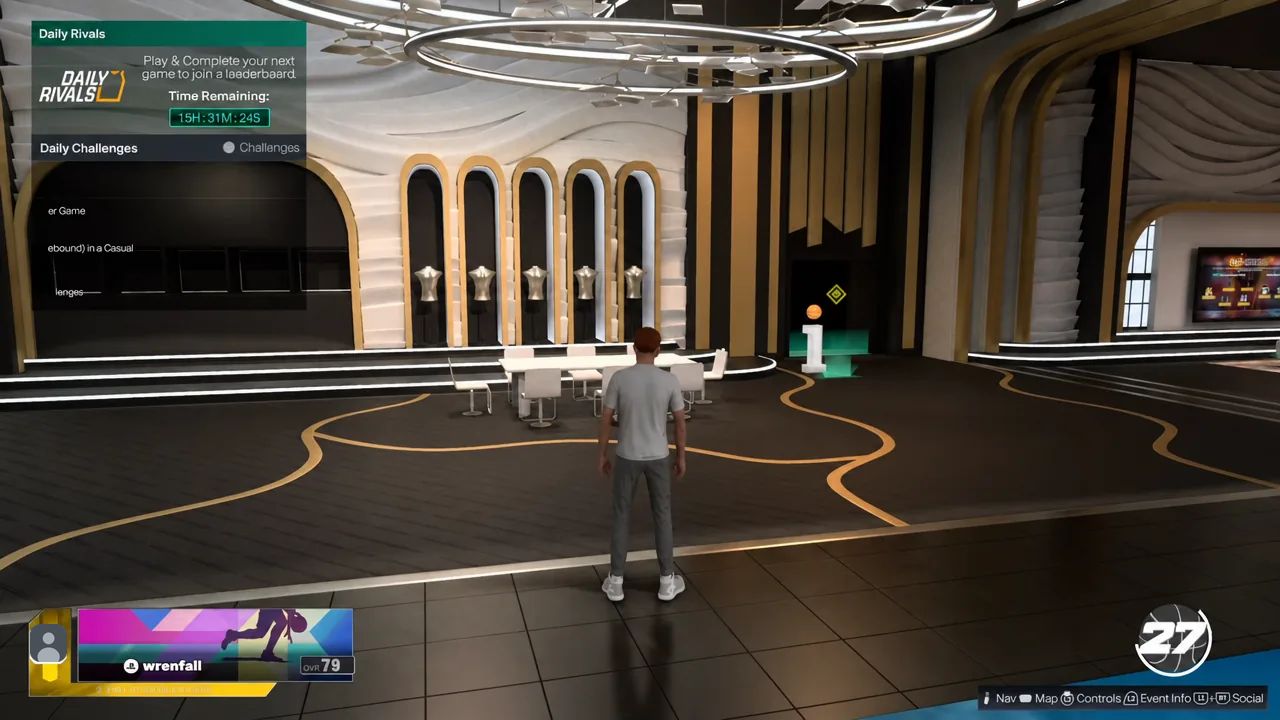
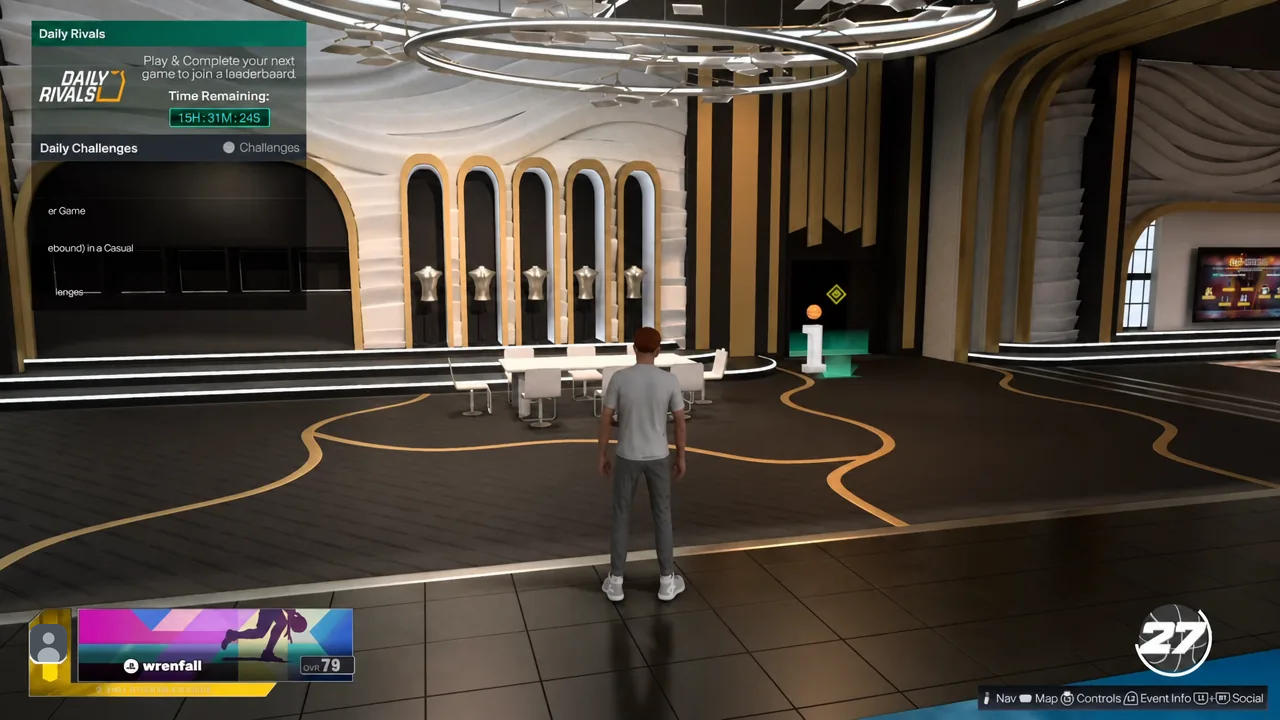
Quick answer: The Smooth Gold Grillz is the Level 1 reward on the Season 1 premium track. You need the Season 1 Pro Pass (or Hall of Fame Pass) active on your account, then equip the grill under MyPLAYER > Appearance > Clothes > The City > Mouth Grill.
Who already owns the Smooth Gold Grillz
Season rewards in NBA 2K27 run on three tracks. Two of them are free and pay out to MyCAREER and MyTEAM at the same time as you earn XP. The third is the premium track, and it only pays out if you have bought one of the seasonal add-on passes. The grill lives on that third track.
Players who got into the game through early access have the premium pass applied to their account automatically, so the accessory is already sitting in their customization menu at Level 1 with nothing to grind. Everyone else has to buy in. The Pro Pass runs $10, and the Hall of Fame Pass is the pricier option that skips you ten levels the moment you buy it and adds an XP bonus on every level after.
Note: The premium passes are sold separately from the base game and need an internet connection plus an NBA 2K account. Season progress and rewards reset when the Season ends, so unlocking the item is tied to claiming it while Season 1 is live.
Where the grill sits on the Season 1 premium track
Level 1 is the very first rung, so there is no XP requirement standing between you and the item once the pass is active. It is worth seeing what surrounds it, because the passes are bought as a block rather than per item.
| Level | Premium reward |
|---|---|
| 1 | Smooth Gold Grillz |
| 2 | 2,500 VC |
| 3 | Cyber Robot Facepaint |
| 18 | Animated Fire and Ice Power-Up Body Mod |
| 30 | ‘Go the Gorilla’ – Phoenix Suns Mascot |
| 39 | Ninja Suit: Assassin |
| 40 | Pro Pass Dark Matter Derrick Rose |
The Pro Pass also carries a set of automatic rewards that land outside the level ladder, including the Dragonfire Mask, the Dragonfire Sleeveless Tee, the Season 1 Pro Pass Pack, and a 91 OVR Diamond Jimmy Butler card. Individual level skips can be bought for $1.99 each, though that is irrelevant for the grill since it is already the first unlock.
Check your Season 1 reward track in-game
How to equip the Smooth Gold Grillz on your MyPLAYER
Unlocking the item does not put it on your character. Mouth accessories are handled in the customization menu, tucked a few layers below the clothing categories most players use daily.
Why the Mouth Grill slot may look empty
There are only a couple of reasons the item does not appear. The most common one is that the premium track was never activated, which means Level 1 has not paid out even though your Season level is well past it. Free-track progress does not carry over to premium rewards.
The other is looking in the wrong place. Mouth Grill does not sit under ON-COURT ACCESSORIES or the REC and Casual Corner categories, and it is far enough down The City list that it is easy to scroll past. Confirm the Level 1 slot reads as claimed on the Season Rewards screen first, then go back to the customization menu.
Because it is a cosmetic, the grill carries no rep bonus or attribute effect. It shows up on your MyPLAYER in The City and in games, and it stays equipped until you swap it out or unequip it manually.