Sequence Basketball is still labeled BETA on Roblox, and it plays like it. The scoring inputs are simple enough to learn in a single MyCourt session, but the spacing moves that actually get you open are hidden behind keys nobody tells you about. The whole offensive kit runs off six buttons on PC.
Quick answer: On PC, shoot and lay it in with E, dunk with Spacebar, step back with X, hesitate right with C, escape left with Z, and hook with G. Pair those with a 6’0″, 155 lbs Point Guard running the Shot Creator takeover.
Sequence Basketball PC controls
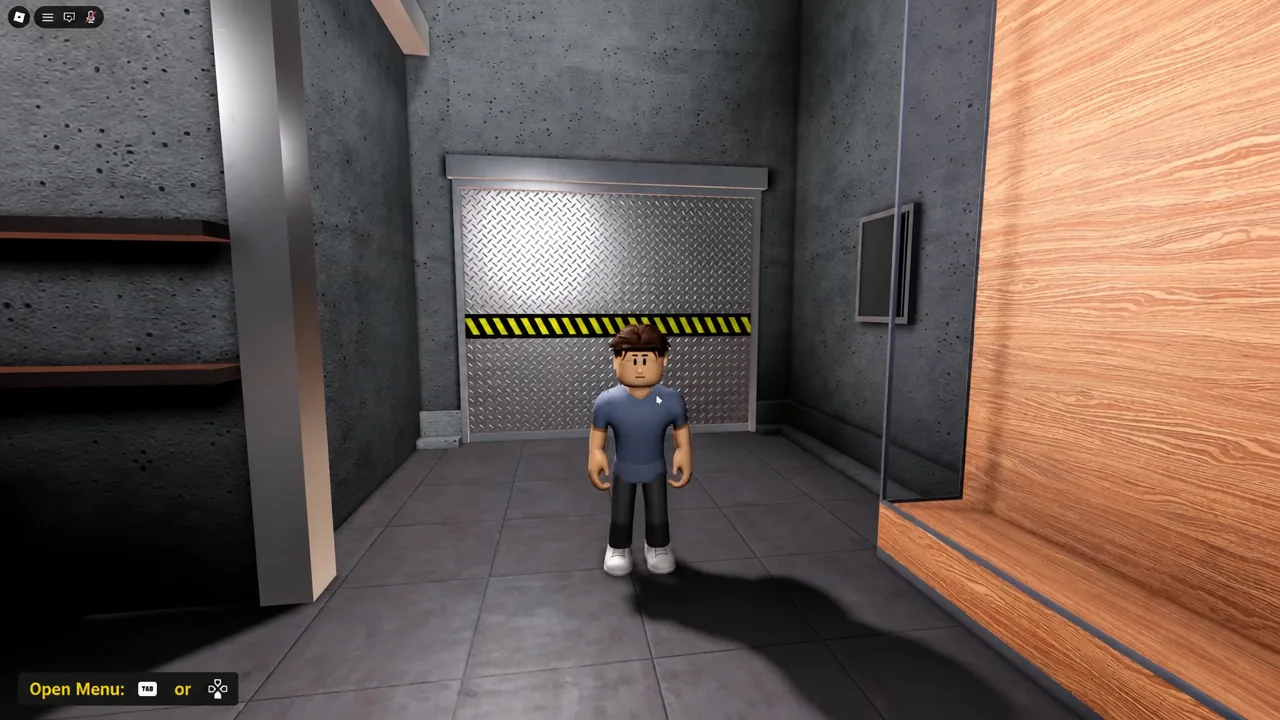
Every offensive action is a single key press, sometimes chained into a shot. There are no long input strings to memorize, which is why the game is quick to pick up and slow to master. Load into MyCourt first, since it is the only place where you can repeat a move without a defender ruining the rep.
| Action | Input | How it works |
|---|---|---|
| Jump shot | E | Press and release on the meter timing |
| Layup | E | Drive at the rim, then press |
| Dunk | Spacebar | Drive at the rim, then press |
| Step-back | X | Creates backward space, follow with E |
| Hesitation (right) | C | Shifts right, follow with E or a drive |
| Escape (left) | Z | Shifts left, follow with E or a drive |
| Hook shot | G | Use close to the basket |
| Open menu | Tab / D-pad | Returns to build and game options |
Scoring inputs: Shots, layups, and dunks
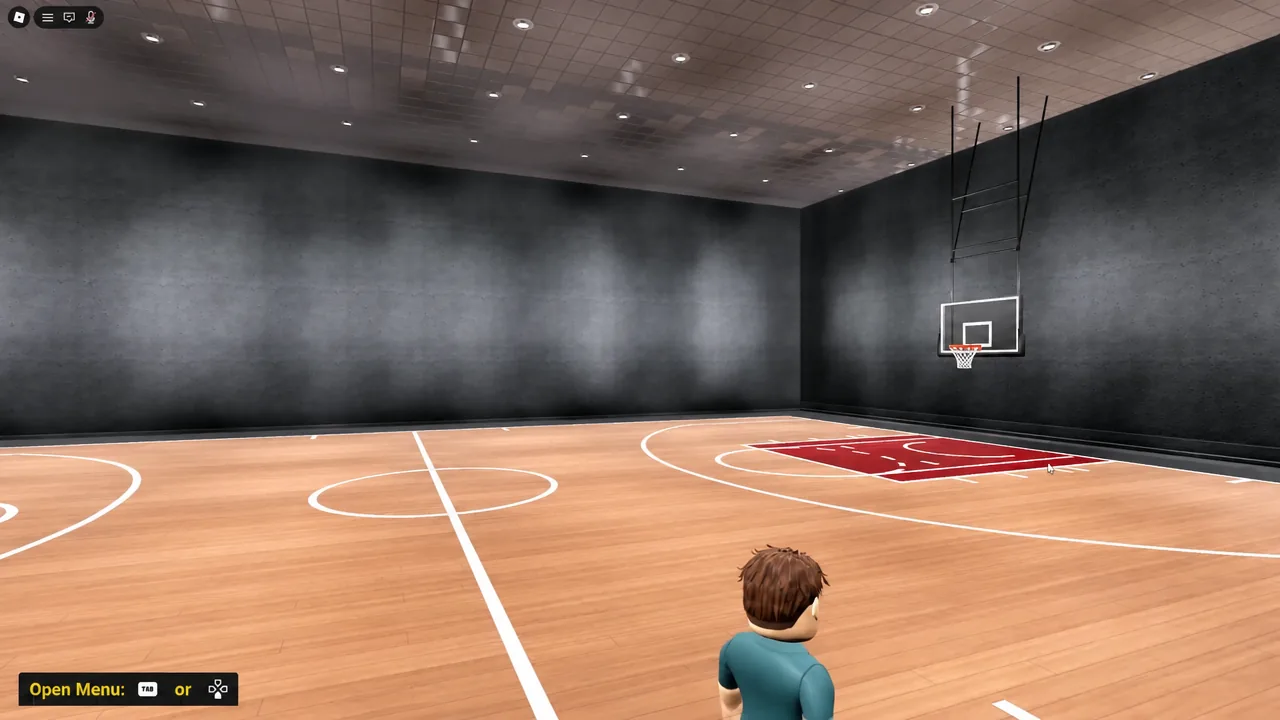
Shooting is timing, not positioning. Tap E and watch the meter; a clean release is the difference between a green make and a rimmed-out brick. Practice the same spot ten times before moving to a new one, because the release window is consistent per shot type.
At the rim, the same key does something different. Drive into the paint and press E and your player goes up for a layup instead of a jumper. Swap to Spacebar on the same drive and you get a dunk, which is the better option when you have a step on the defender and enough momentum.
The hook shot on G is the one finish people forget exists. It only makes sense close to the basket, where a defender is sitting on your dominant hand and a straight layup would get walled off.
Creating space: Step-back, hesitation, and escape
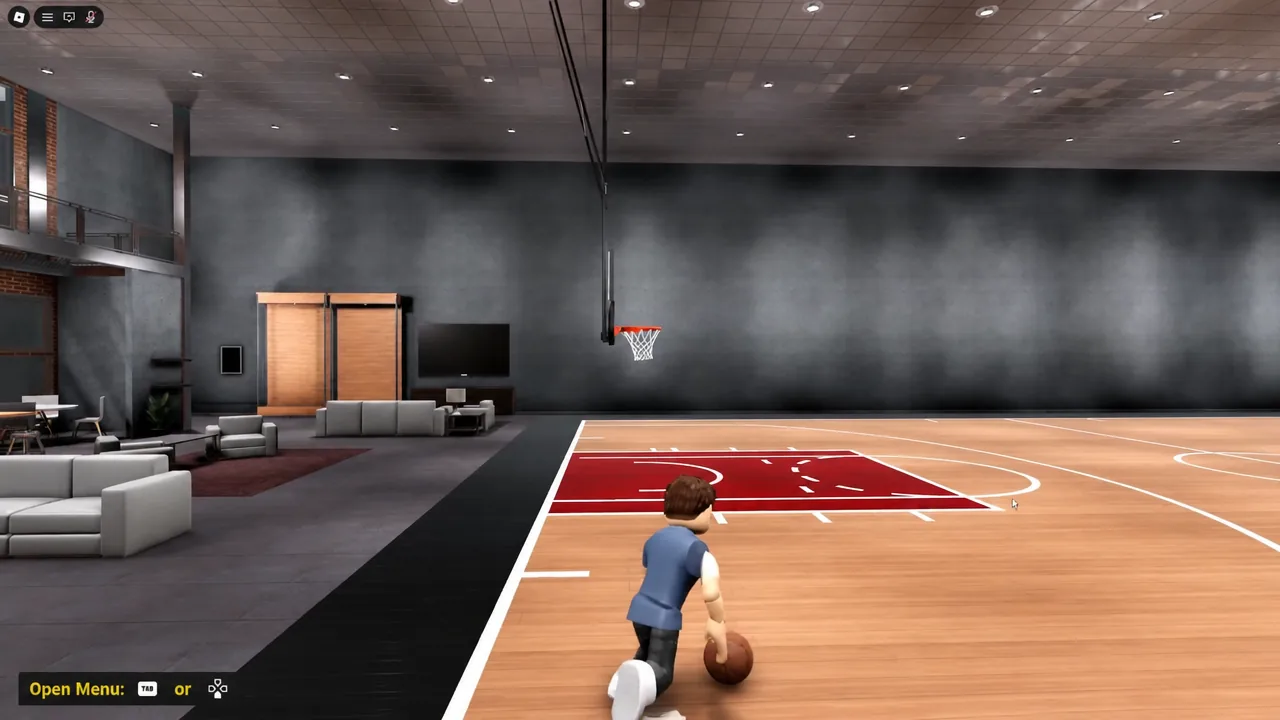
Three keys handle separation, and each one moves you in a different direction. None of them score on their own. They exist to buy the half-second you need before pressing E.
X to fire the step-back. Your player retreats away from the defender, opening a clean look. Follow it immediately with E before the defender closes the gap.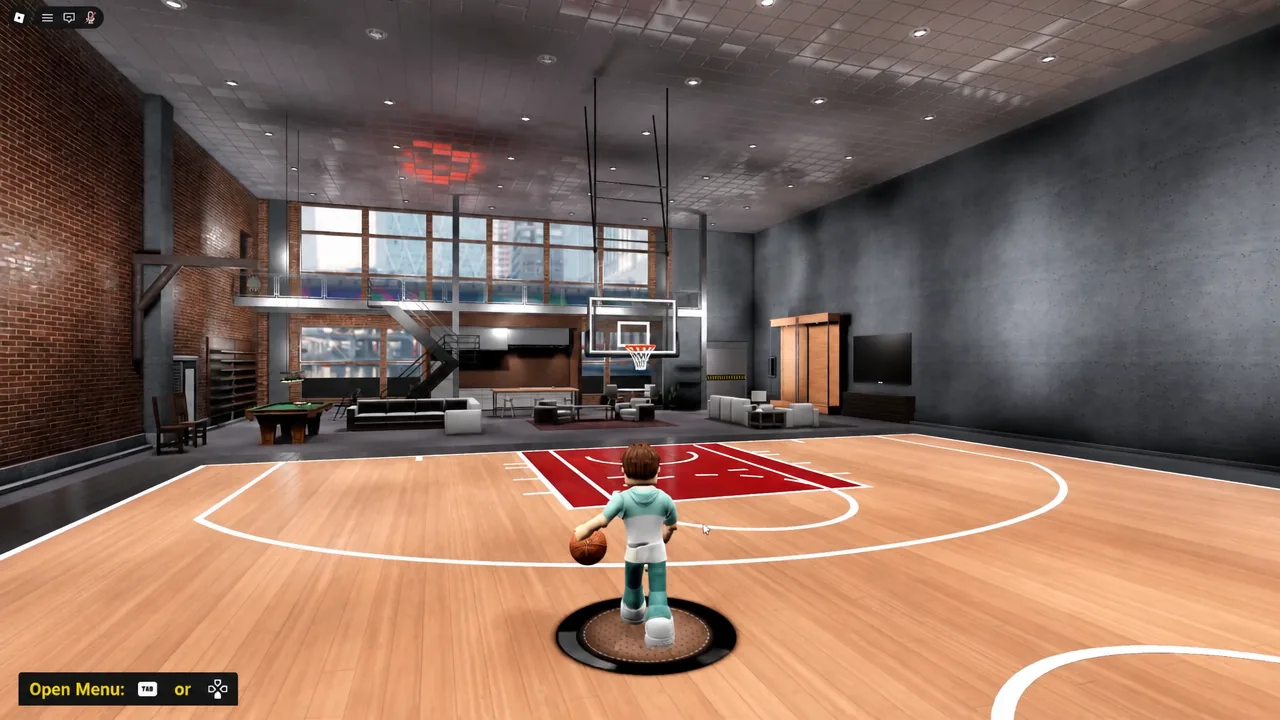
C for the hesitation, which shifts you to the right. Read what the defender does. If they bite and slide, drive past them instead of pulling up.Z to escape to the left. It is the mirror of the hesitation and the move you want when the help defender is sitting on your right hand.Tip: Alternate C and Z in MyCourt until both directions feel identical. Most players default to one side and become predictable in real games.
Controller vs keyboard
Keyboard works, but a controller is the better input here. Once you start stringing a movement key into a shot key, the keyboard layout forces awkward hand positions that cost you timing. A controller keeps movement on the stick and the offensive kit under your thumb, which makes chaining moves noticeably cleaner.
Best Point Guard build: Diming Crafty Sharpshooter
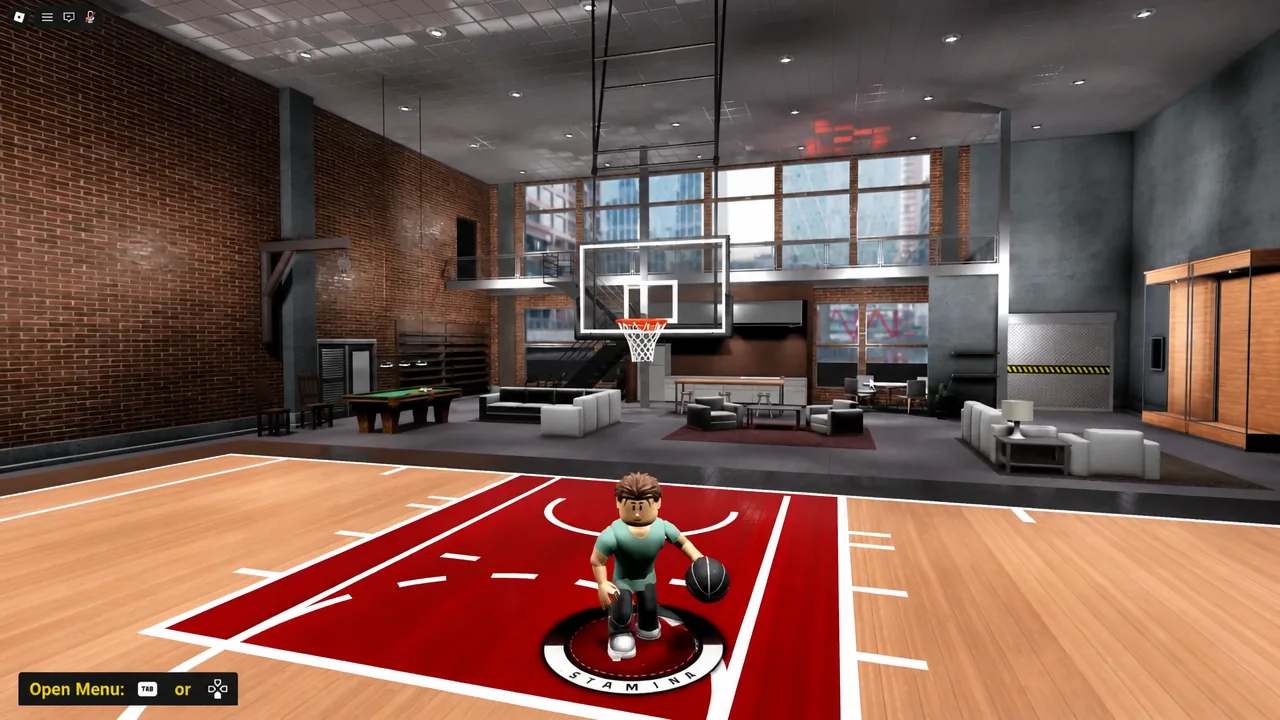
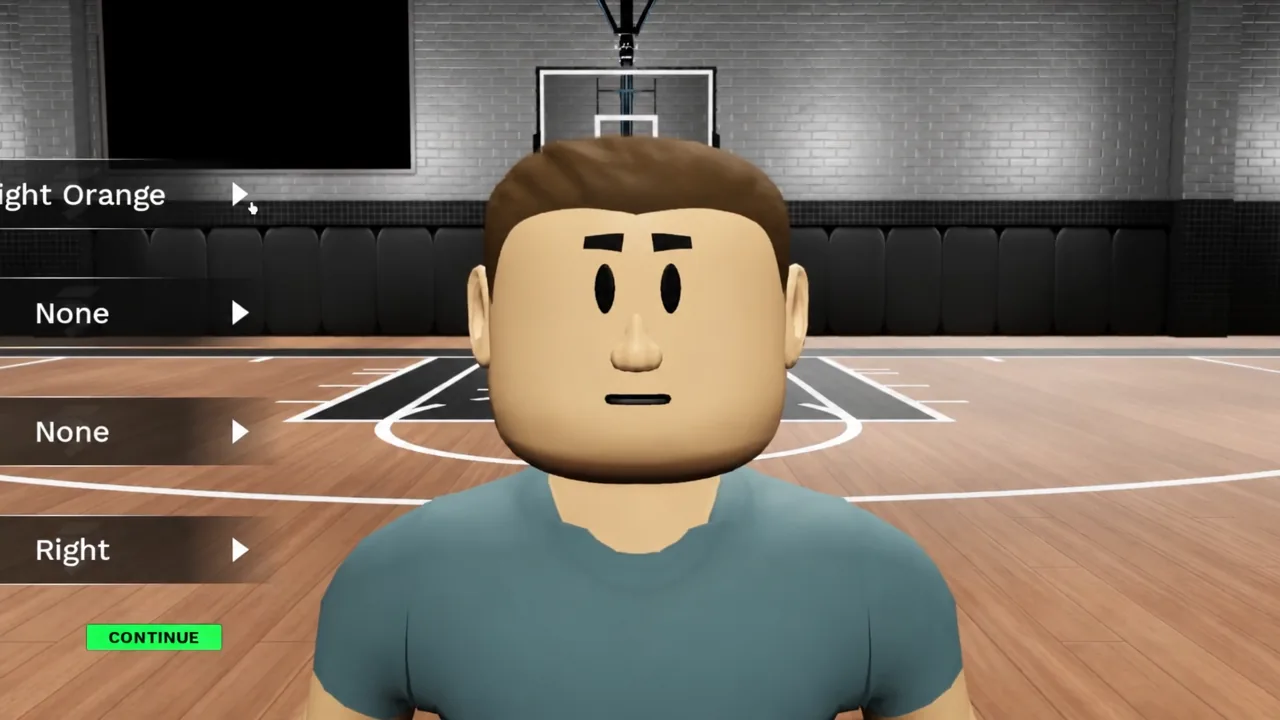
The strongest starting point for a guard is a small, fast frame that hits threes and gets to the rim. Sequence Basketball rewards separation, so height is worth trading away for speed with the ball. This is the physical profile to set in the build creator.
| Setting | Value |
|---|---|
| Position | Point Guard |
| Height | 6’0″ |
| Weight | 155 lbs |
| Wingspan | 6’0″ |
| Takeover | Shot Creator |
| Attribute | Target rating |
|---|---|
| Three Point Shot | 99 |
| Driving Layup | 97 |
| Driving Dunk | 97 |
| Mid Range Shot | 95 |
| Ball Handle | 95 |
| Speed With Ball | 95 |
How to confirm the build is working
Take the finished player straight into MyCourt and shoot from the same three-point spot repeatedly. If the ratings applied correctly, you should be hitting green releases consistently with clean timing rather than getting slightly-early or slightly-late results on good taps.
If greens are not landing, the usual causes are simple. Points were left unspent in the shooting category, the height or weight was changed after allocating attributes, or the release is being timed to the animation instead of the meter.
Because the experience is openly in early development, individual inputs and rating caps can shift between updates, and the developers point players toward the official Discord server linked on the Roblox experience page for bug reports. If a key stops behaving the way it does above, check there before rebuilding your player.