


Epic Parties lets you voice chat with friends across Fortnite, the Epic Games Store, and Epic’s mobile apps, no matter which device each person is using. It builds on the text chat Epic began rolling out across its ecosystem last year, and it now adds cross-platform voice that can travel with you when you jump into a game.
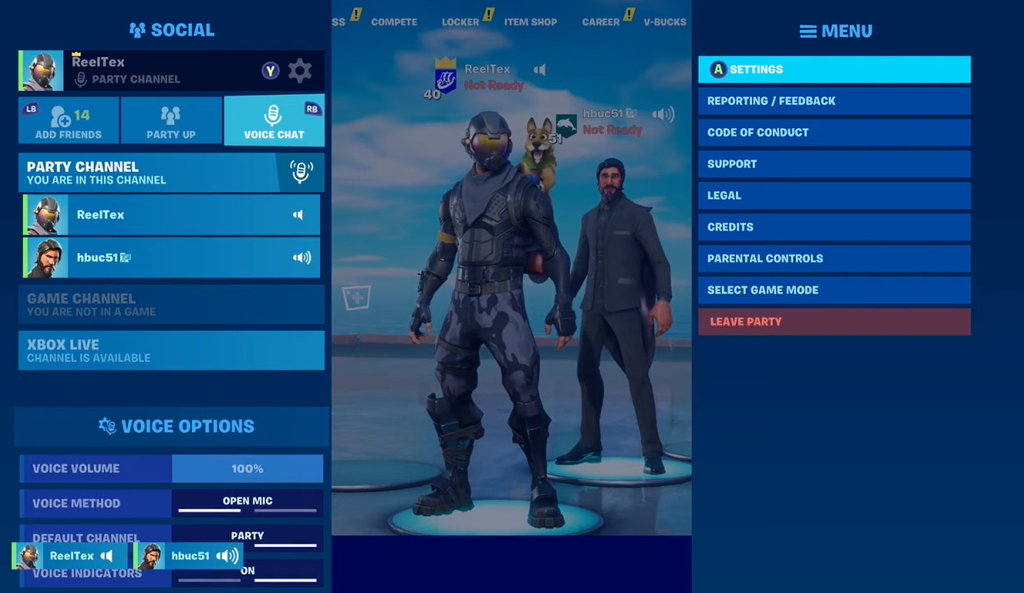
Quick answer: Open your Friends list in the Epic Games Launcher, Fortnite, or an Epic mobile app, choose “Invite to Party” for an online friend (or “Join” if they’re already in one), and voice chat starts as soon as they accept.
Where Epic Parties works
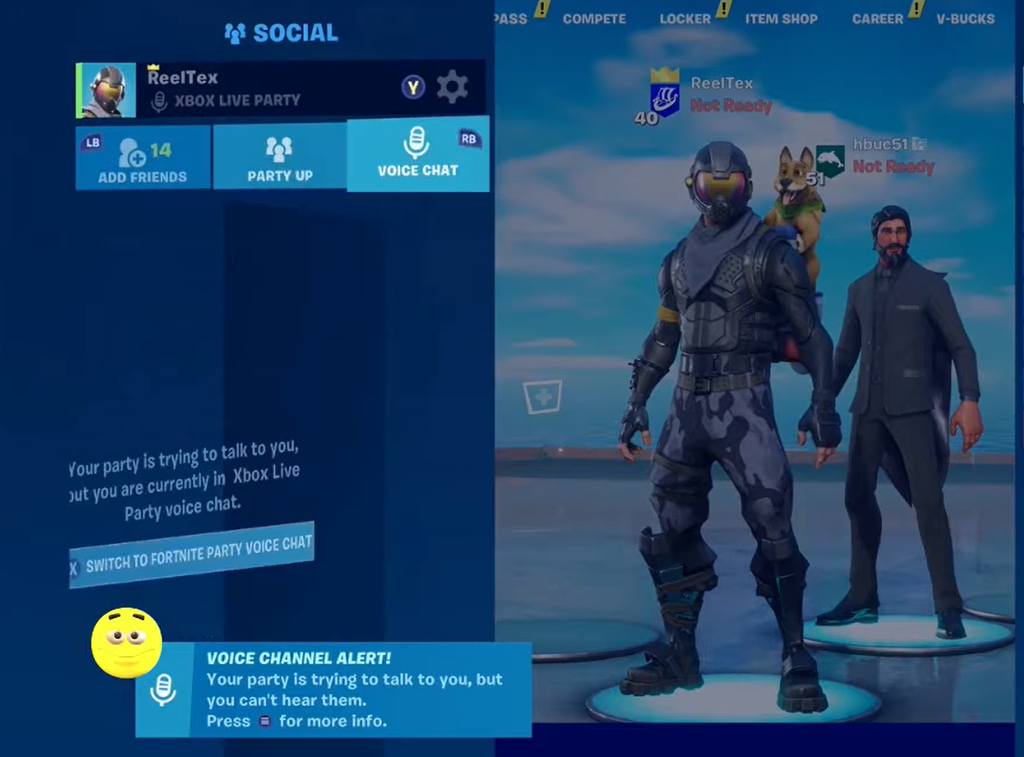
Epic Parties is available in Fortnite on all supported platforms, on the Epic Games Store from epicgames.com on PC, Mac, iOS, and Android, and in the standalone Epic Games app on iOS and Android. Because it is cross-platform, a PC player, a console player, and a mobile player can all talk in the same party at once, regardless of where each of them is signed in.
The mobile app is available on the iOS App Store and the Google Play Store.
What Epic Parties can do
| Capability | What happens |
|---|---|
| Talk from more places | Chat on PC with friends playing Fortnite on console and others on Epic’s mobile apps at the same time. |
| Keep talking in the background | On mobile, you can background the app and stay in the call while doing other things on your phone. |
| Move voice between devices | When chatting from the PC Launcher or a mobile app, you get an option to transfer the audio as you launch Fortnite so the call doesn’t drop. |
| Chat while playing other games | On PC, minimize the Launcher and keep talking to your party while playing other titles from the Epic Games Store. |
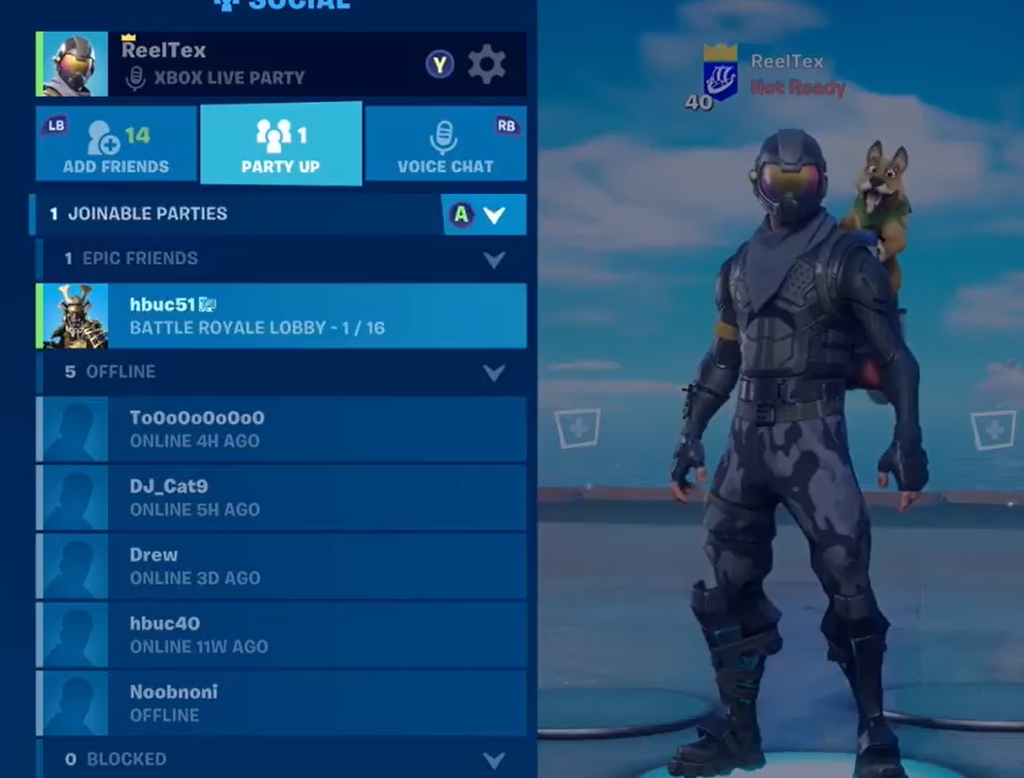
| Auto-join the same Fortnite Lobby | Friends who accept a party invite land in the same Fortnite Lobby as you once they open the game. |
How to start an Epic Party
If you already have a group text chat going, you can skip the invites. Press the “Start Party” button inside the chat window to pull everyone in that conversation into a voice call at once.
Moving a call into Fortnite
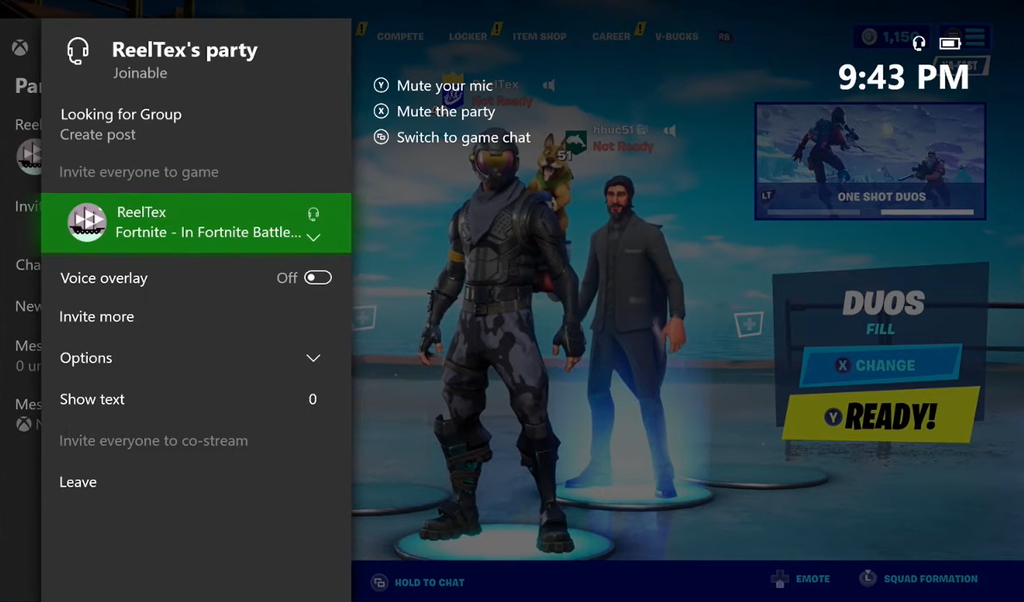
If you’re voice chatting from the PC Launcher or a mobile app and then boot up Fortnite on a different device, you’ll be prompted to transfer the call over. Accepting keeps the conversation running with no dropped audio as you move into the game.
You’ll know the lobby handoff worked when everyone who accepted your invite appears in the same Fortnite Lobby after opening the game. That removes the older step of manually coordinating who joins whom.
Moderation and reporting
The usual controls carry over into voice. You can mute, block, or report anyone in your party. If you think someone is breaking Epic’s Community Rules during voice chat, you can submit a voice report directly from within Epic Parties.
What Epic has planned next
Epic frames Epic Parties as an early step toward a single social layer that spans its whole ecosystem, with the goal of letting your connections and purchases follow you from one game to the next. The company ties that ambition to Unreal Engine 6.
| Timeframe | Planned change |
|---|---|
| Later this year | Social avatars extend beyond Fortnite, so friends and party members can see your avatar in other parts of the ecosystem. |
| Next year | Epic Parties comes to Rocket League alongside its move to Unreal Engine 6. |
| 2027 | Epic aims to offer these social features to all developers, across all platforms, stores, and engines. |
For third-party developers, adopting Epic Parties or Epic’s other social integrations will be their own choice. For now, the feature is live across Fortnite, the Epic Games Launcher, and Epic’s mobile apps, giving you one persistent way to stay in voice with friends no matter what you’re playing.