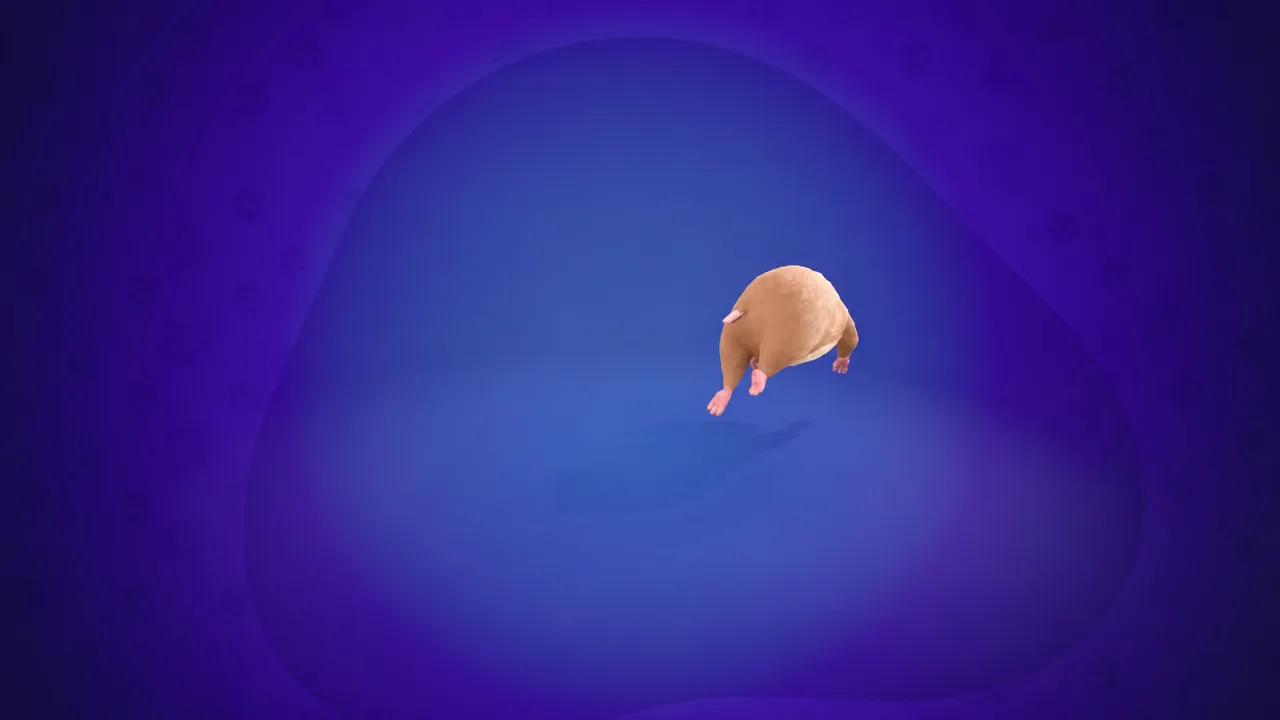
Hammy is Fortnite’s hamster Sidekick, introduced in Chapter 7, Season 4 with the tagline “Outta the cage and into the loop.” He follows you through matches, reacts to what you do, and comes with a built-in Running Wheel emote. Like every Sidekick, he is purely cosmetic — he cannot be damaged and gives no gameplay advantage.
Quick answer: Hammy’s base, accent, detail, and eye colors are set once and cannot be changed after you confirm the lock-in prompt. Pick your colors carefully in Step 1; only his name and unlockable vest styles remain editable later.
Where Hammy can be equipped
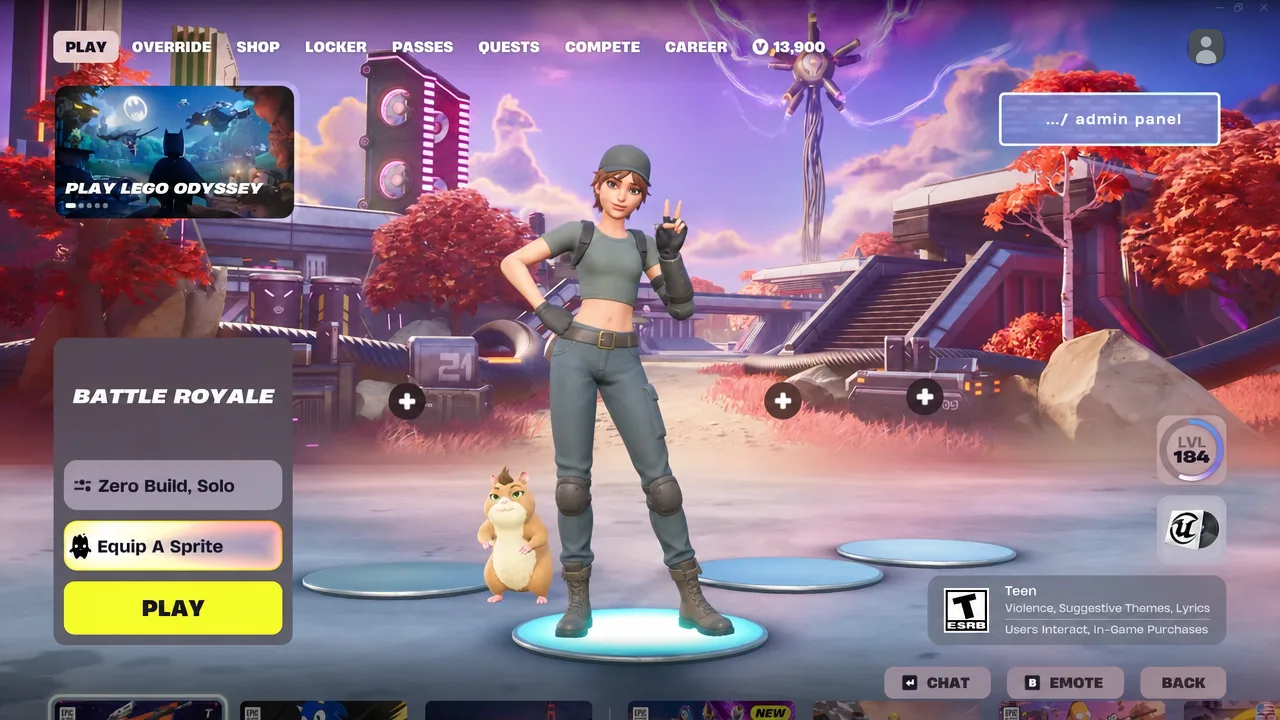
Hammy sits in the Sidekicks tab of your locker alongside entries like Howlee Skye and Super Meat Boy. He carries both the Unlockable Styles and Built-in tags, meaning some of his cosmetics are earned rather than bought, and one emote ships with him.
| Mode | Hammy support |
|---|---|
| Battle Royale | Yes, follows you in-match |
| Reload | Yes |
| LEGO Fortnite Odyssey | Yes |
| LEGO Fortnite Brick Life | Yes |
| Fortnite Festival | Yes, stays backstage |
| Creator-made islands | Only if the island developer has enabled Sidekicks |
Equip him from the locker the same way you would any other Sidekick, then start a match. He appears next to your character on the lobby screen before you press Play.
Hammy color options: base, accent, detail, and eyes
Customization runs across four color channels. The base is his main coat, the accent covers the lighter patches, the detail handles smaller markings, and eyes are self-explanatory. Every combination is valid, so the only real constraint is that you get one shot at it.
| Channel | Options |
|---|---|
| Base | Brown, Cream, Taupe, Ginger, Black, Grey |
| Accent | Tan, White, Beige, Auburn |
| Detail | Brown, Blonde, Black, Ginger |
| Eyes | Brown, Blue, Red, Green |
If you back out of the appearance editor before confirming, the locker flags an UNSAVED CHANGES warning. That prompt is not the lock-in — nothing is permanent until you accept the lock-in screen in Step 2.
Locking in Hammy’s appearance
You know it worked when the screen reads HAMMY IS READY TO GO WITH YOU! and the locker entry switches to an EDIT STYLE option instead of the appearance wizard. From that point, the color channels no longer appear as editable swatches.
Vests, reactions, and the Running Wheel emote
Hammy’s wardrobe is handled under EDIT STYLE rather than the appearance flow. He has three vest states — VEST (OFF), VEST (GREEN), and VEST (CAMO) — plus a reaction slot and a Sidekick emote slot. Sidekick cosmetics like these are tied to Sidekick points, which accumulate as you spend time with your companion in matches.
The standout is SIDEKICK EMOTE (RUNNING WHEEL), a built-in emote that drops a hamster wheel for him to sprint in. He also has a matching hamster wheel reaction, so the animation shows up on its own during play rather than only when you trigger it.
How Hammy behaves in a match
Walk up to him and the BOOP prompt appears. Taking it makes your character poke his nose, and he answers with a backflip. It works anywhere on the island, including open spots like Sunken Shores.
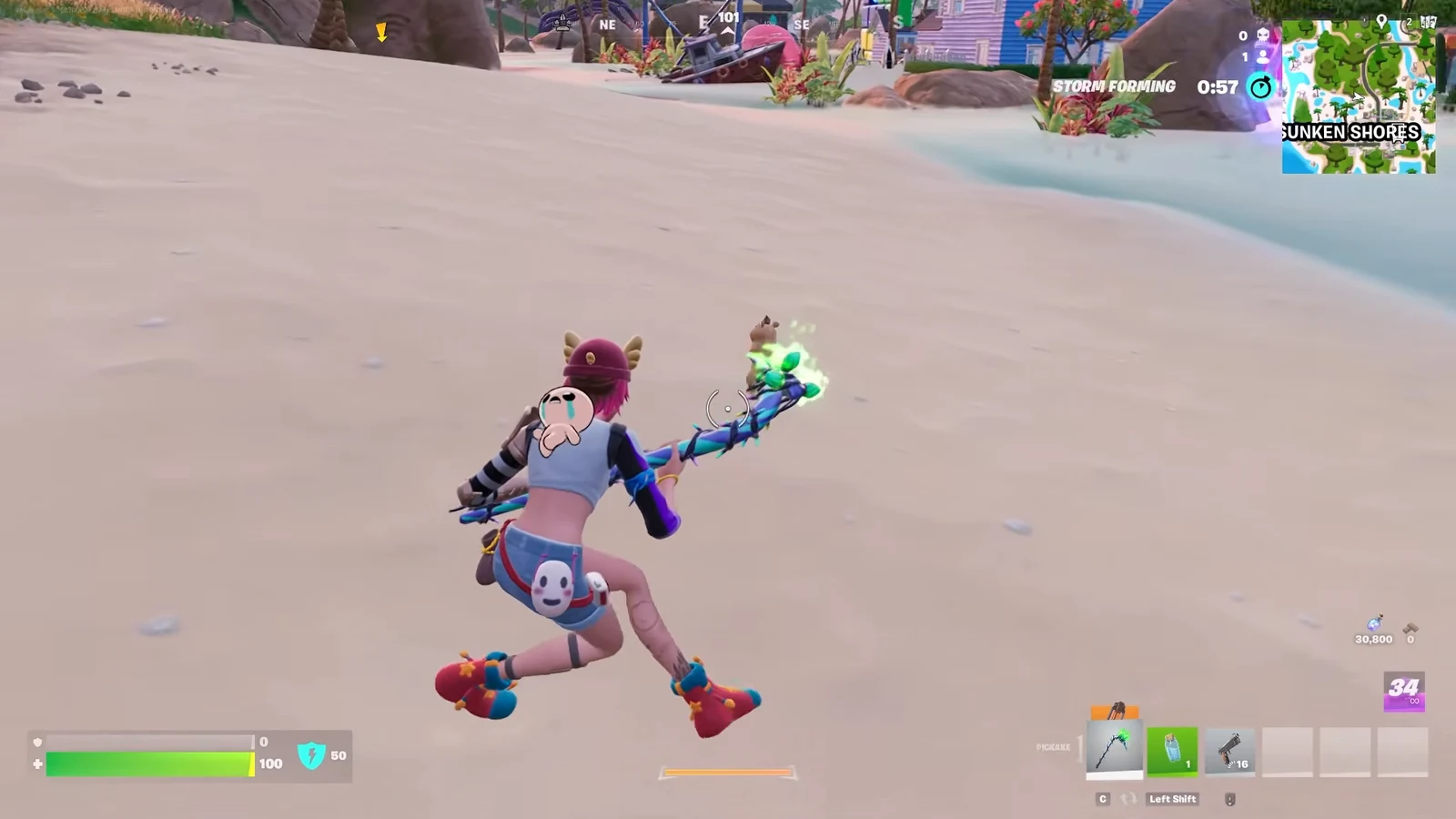
Out of interactions, he keeps pace with you on foot, switching between a walk and a run depending on your speed. Stand still long enough and he settles into a sitting idle animation next to you.
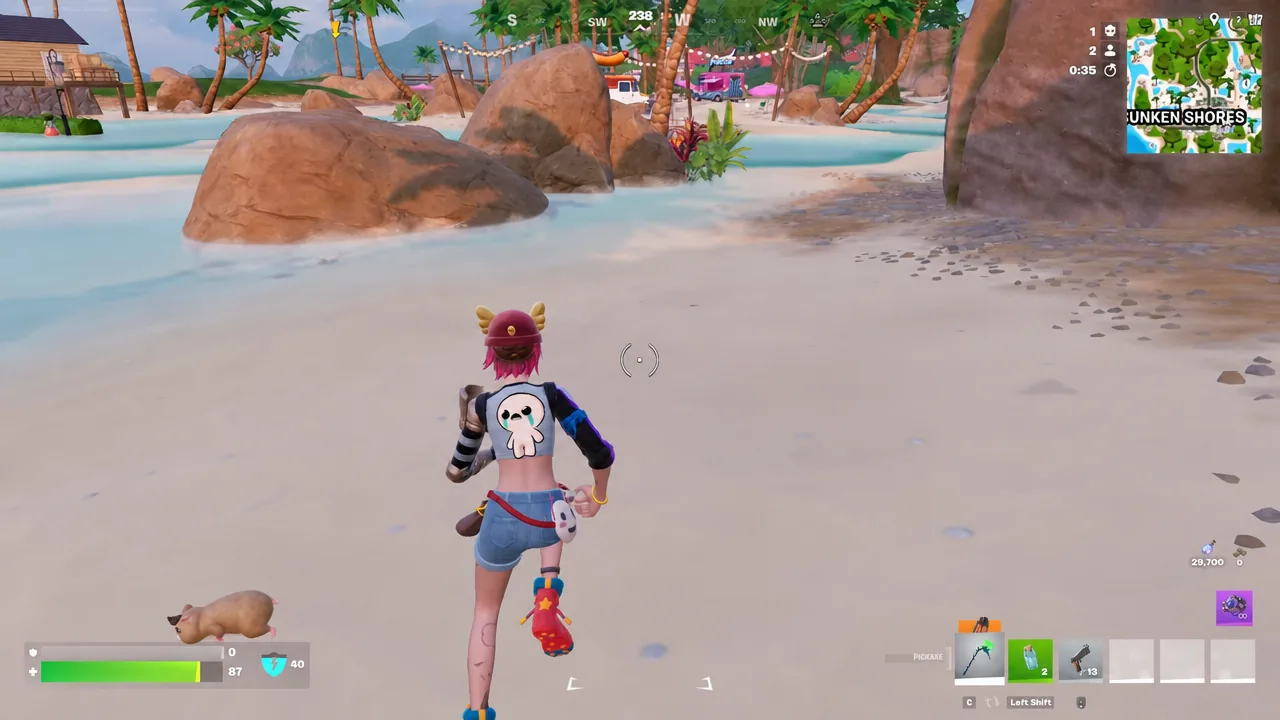
Loot triggers a celebration. Opening a chest sets him off running in circles or clapping his hands, so his reaction doubles as a small visual cue that a chest just popped.
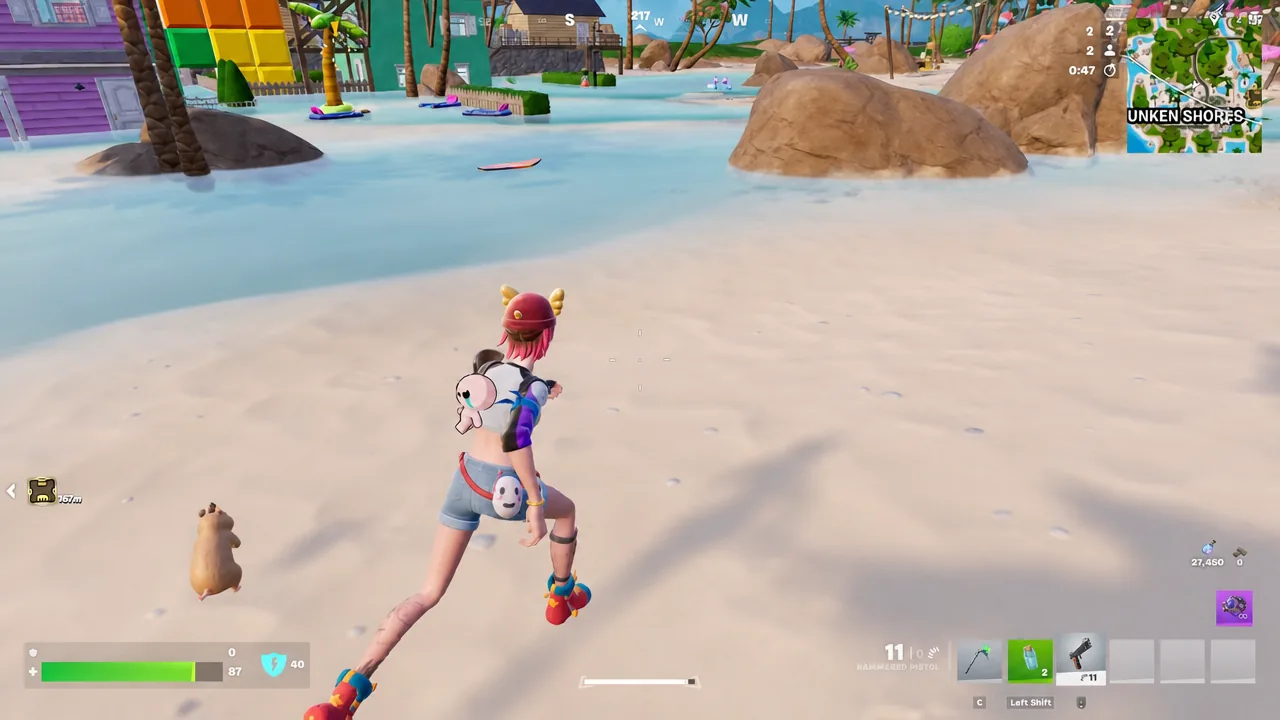
Gunfire flips his mood the other way. Firing a weapon near him produces an angry expression along with vocalizations, and the reaction resolves on its own once the shooting stops. Emoting beside him also pulls a response, which is the easiest way to see his animations without combat.
The practical takeaway is simple. Treat the color step as the only irreversible decision, then use the vests and the Running Wheel emote to keep changing his look afterward. Everything else about Hammy — the boop backflip, the chest celebrations, the angry outburst at gunfire — happens automatically once he is equipped.