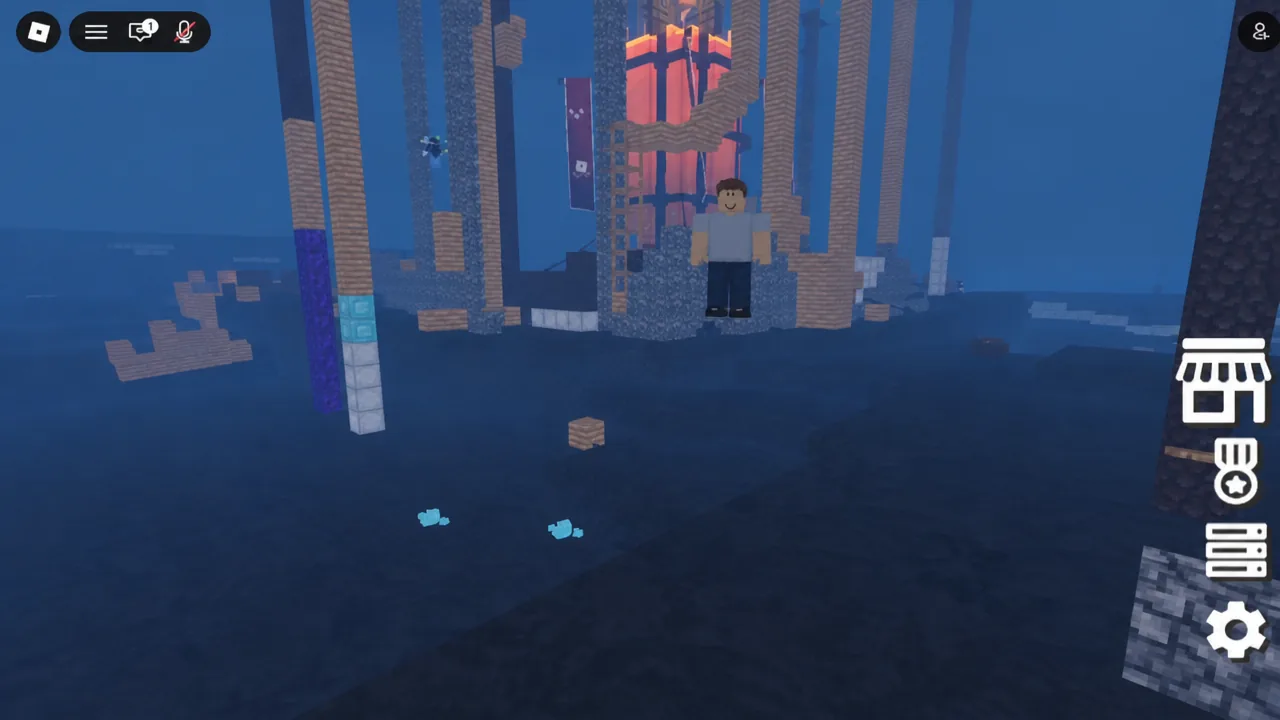
Zombies vs Humans is a round-based survival game on Roblox built by Dejavu Studios, and it runs on a simple loop. You get a few minutes of daylight to build a shelter and buy gear, then night falls, a handful of players turn into zombies, and everyone else has to stay alive until the timer runs out. The blocky map, the mining-and-placing tools, and the sword-and-torch loadout will feel familiar if you have played anything Minecraft-adjacent.
Quick answer: Spend the five-minute Build phase placing blocks with key 1 (Build), removing them with 2 (Delete), and freeing yourself with 3 (Anti-Stuck). When the Night phase starts, humans press 1 for a sword and 2 for a torch and survive five minutes; zombies press Q to explode near a human. If any human is still alive when the timer ends, humans win.
How a Zombies vs Humans match works
Every round splits into two halves of five minutes each. During the Build phase, all 32 players on the server are still human and nobody knows who will be picked to turn, so it is in everyone’s interest to build something solid. When night starts, the game randomly selects a small number of players as zombies. Humans always outnumber them at the start.
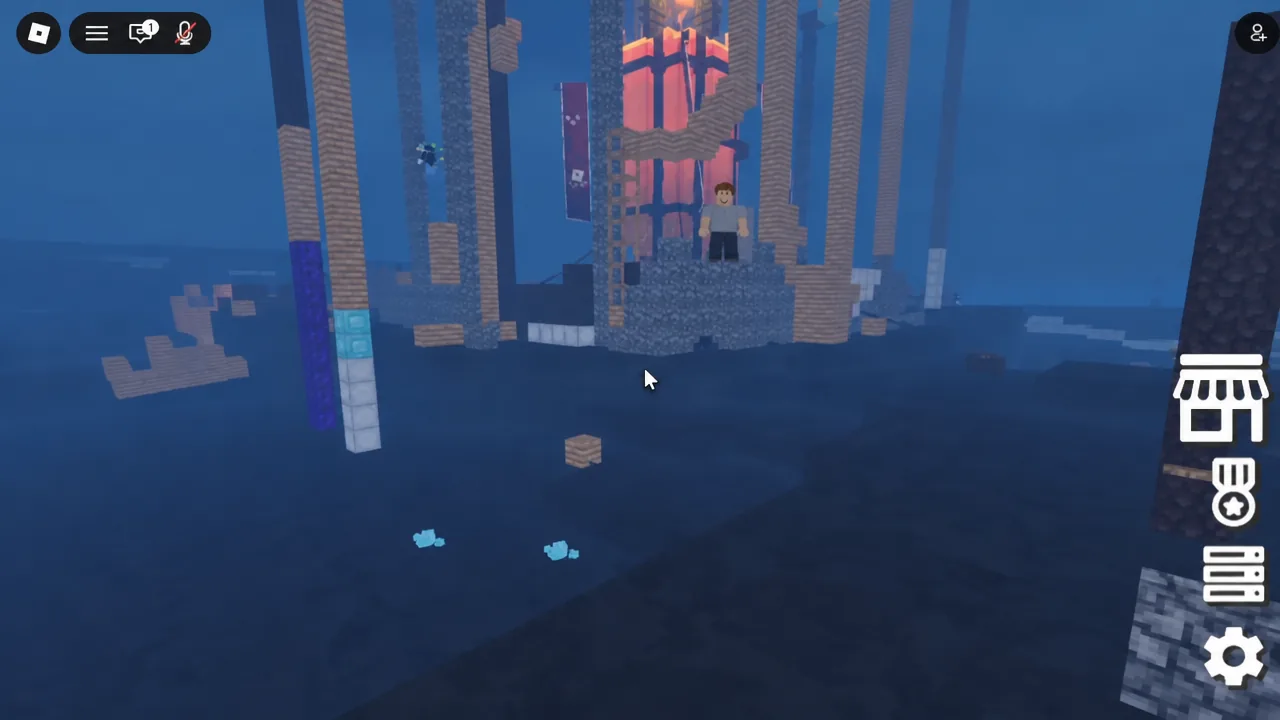
The asymmetry is the whole point. Death is permanent for humans in the sense that dying converts you to the zombie team, while a zombie that dies simply respawns and tries again. So the human numbers only shrink and the zombie numbers only grow. If every human is converted before the clock hits zero, zombies take the round. If even one human is still standing, humans win, and the winning side earns Money and EXP.
Tip: humans have a real advantage when they group up. A lone player is easy to corner, but a cluster of humans can bait out an explosion, then punish the zombie while it is on cooldown at the spawn point.
Zombies vs Humans controls and keybinds
The number keys do completely different things depending on which half of the round you are in, which trips up most new players. Building tools only exist during the day; weapons and the explode ability only exist at night.
| Action | Key | When it works |
|---|---|---|
| Move | W, A, S, D | Both phases |
| Jump | Spacebar | Both phases |
| Build Tool | 1 | Build phase |
| Delete Tool | 2 | Build phase |
| Anti-Stuck Tool | 3 | Build phase |
| Equip sword | 1 | Night phase, humans |
| Equip torch | 2 | Night phase, humans |
| Explode | Q | Night phase, zombies |
Building a base during the day
Blocks are your main defense, and not all of them behave the same. How much punishment a wall takes depends on which block type you used, and better blocks are unlocked through the shop. That makes the Build phase partly a shopping decision, not just a construction one.
1 to pull out the Build Tool and start placing blocks. Height matters as much as thickness, since zombies have to reach you before they can do anything.2 for the Delete Tool to clear out mistakes or reshape a wall. Use it on your own structure rather than tearing down other players’ work.3 if you get sealed inside someone else’s build. The Anti-Stuck Tool carves out space around you so you are not trapped when night starts.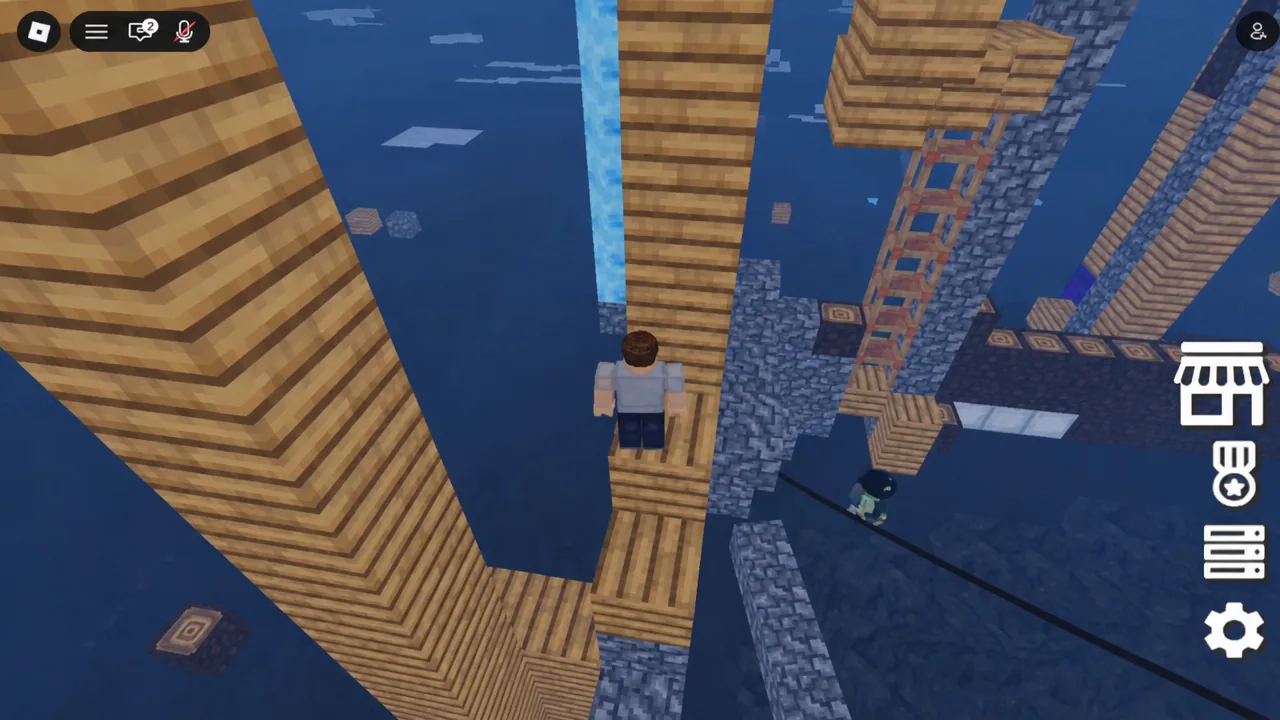
One rule has changed how bases hold up: block breaking is now permanent. Damage a wall takes does not come back mid-round, so a structure that gets chewed through stays open. Build with a second layer or a fallback position rather than relying on one perimeter.
Surviving the Night phase as a human
When the round flips, a banner tells you which side you are on. As a human you get a sword on 1 and a torch on 2, and you are expected to use the base and gear you set up during the day. Swinging is a left mouse click.
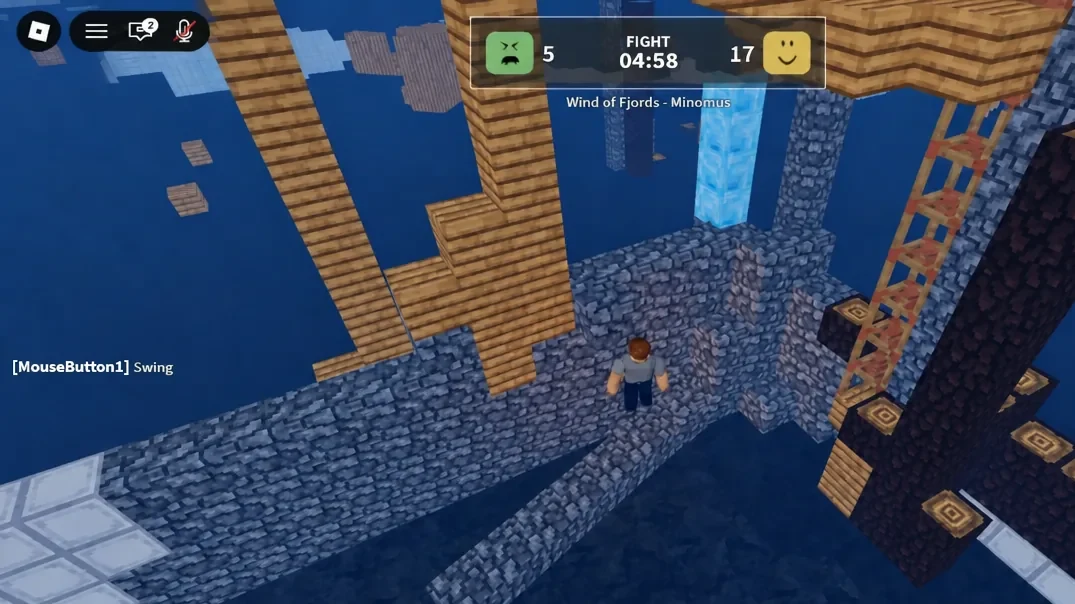
Running is often better than fighting. A zombie explosion has a wide radius and typically strips roughly 70 to 80 percent of a human’s health in one go, which means two well-timed blasts can convert you outright. Keep your distance, use vertical space, and break line of sight instead of standing your ground in the open.
Weapons now wear down. Durability was added alongside the saving changes, so a sword or axe is a consumable resource rather than a permanent fixture for the round. Do not waste swings on structures or on a zombie that is already committed to exploding.
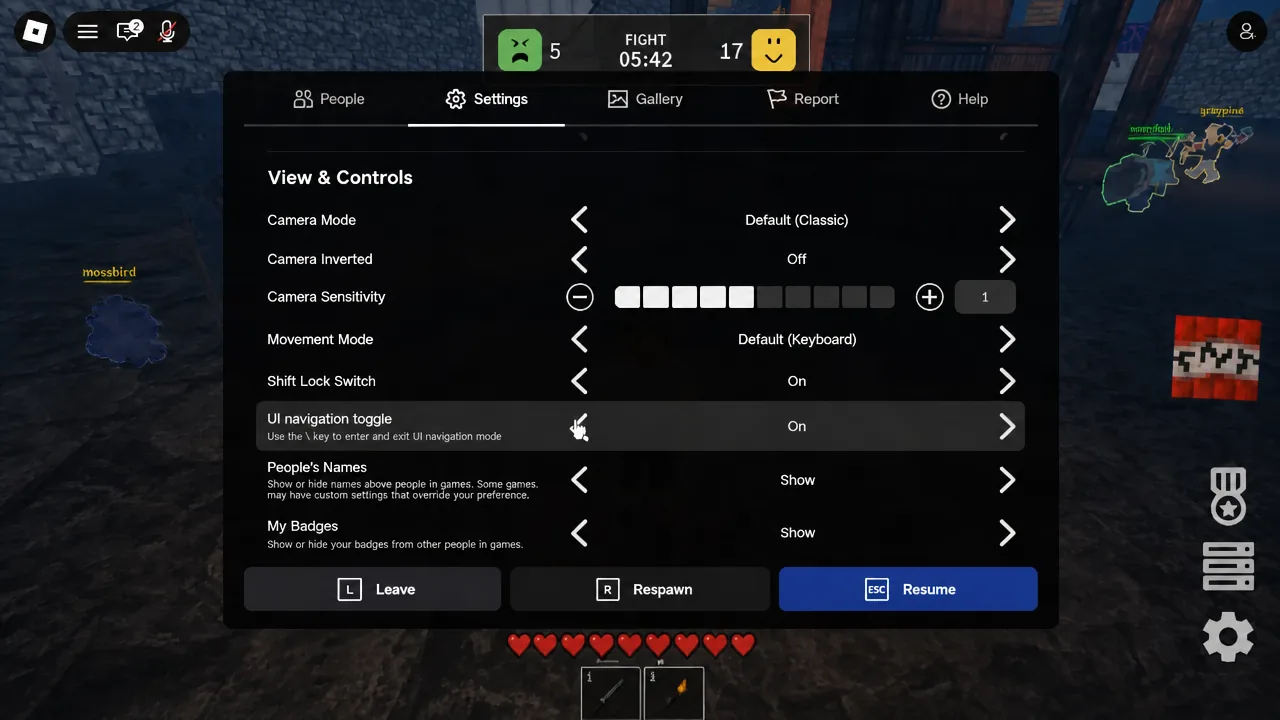
Turn on Shift Lock for better camera control
Dodging blasts and lining up swings is much easier with a locked camera. This is a Roblox client setting, not an in-game one.
Zombie types, costs, and stats
Getting picked as a zombie is not a punishment, and you are not locked into one body. The 1.2 Overhaul added five zombie variants bought with Tix, each with its own health, speed, and job. Some are capped at three players per server, and the stronger ones cannot be used the moment a night begins.
| Zombie | Cost | HP / speed | Notes |
|---|---|---|---|
| Bomber | Free | — | The default. Damages both humans and structures; best used rushing straight at a target. |
| Rusher | 25 Tix | 80 HP / 24 | Fastest option. Deals about half the Bomber’s damage, so use it to finish low-health humans. |
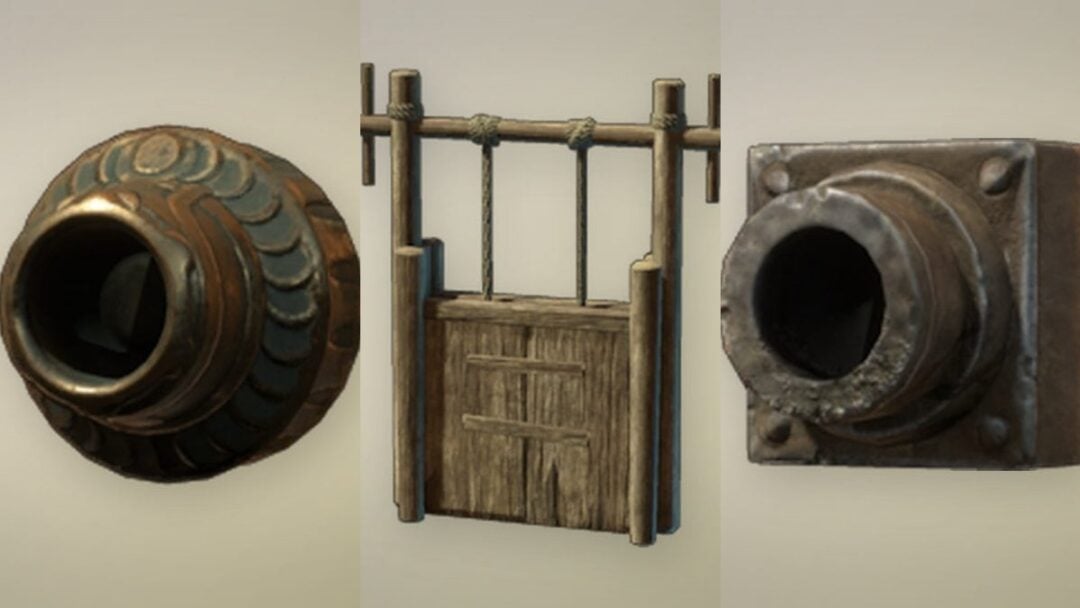
| Cannoneer | 75 Tix | 75 HP / 7 | Max 3 per server. Stationary rocket launcher with heavy structure damage and knockback. Locked for roughly 52–60 seconds at the start. |
| Gravedigger | 80 Tix | 120 HP / 16 | Max 3 per server. Places gravestones that act as zombie spawn points and earn Money and XP, plus a pickaxe. Locked for roughly 63–65 seconds. |
| Gladiator | 150 Tix | 250 HP / 19 | Unlocks at Level 30. Sword melee for 35–65 damage with knockback and a charge move. Locked for roughly 140 seconds. |
The Gravekeeper passive reduces the passive damage taken by player-created spawn points, which pairs with the Gravedigger’s gravestones. If you are new to the zombie side, stick with the Bomber until you have enough Tix to experiment, since it needs no unlock and no cooldown wait.
The shop, currencies, and what saves between sessions
The shop is split into a human side and a zombie side, and it is the main reason a human team can hold out at all. The human side sells gear such as the Diamond Sword, Obsidian Hammer, Emerald Axe, Trident, and Bow, along with better building blocks. The zombie side handles the variants listed above. EXP raises your level and unlocks new options, while Money and Tix are what you spend.
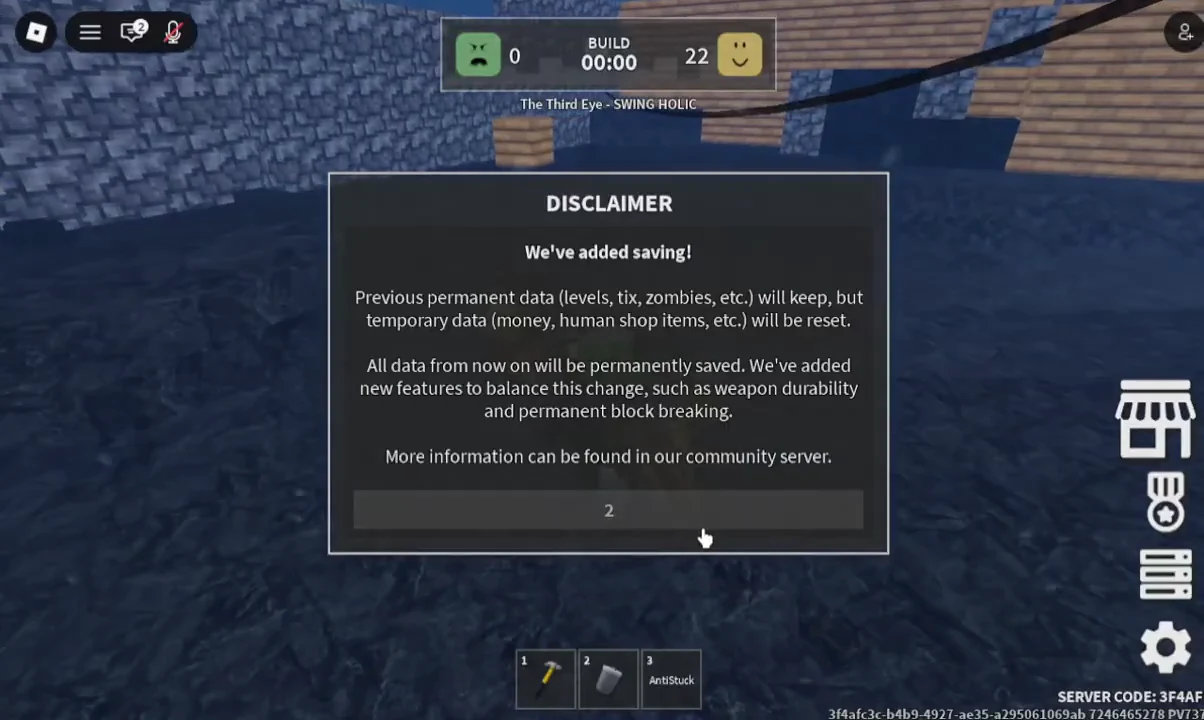
A saving update reworked what carries over. Permanent progress, including levels, Tix, and unlocked zombies, is kept and saved from that point onward. Temporary progress, including Money and human shop items, was reset and is treated as per-session, so do not expect a round’s purchased loadout to follow you into the next session.
Robux game passes exist on top of that, including VIP, Guaranteed Human, Sandbox Admin, and cosmetic packs. None of them are required to win a round.
Server rules that get you banned
Four rules are enforced directly. Exploiting results in a permanent ban. Inappropriate behavior and inappropriate structures are punished, which includes what you build with the Build Tool. Griefing or abusing bugs to ruin rounds for other players is also a bannable offense, and Roblox’s Terms of Use apply on top of all of it.
Note: the New Frontiers update added two new maps and a revamp of the existing one, plus a sandbox mode and two new blocks. Herobrine was removed in the same update.
Rounds are short, averaging around 14 minutes of playtime per session, so the fastest way to learn the rhythm is to play a few in a row and pay attention to what survives the night. If you are joining for the first time, make sure you are in the Dejavu Studios version with 32-player servers, since similarly named experiences play nothing like it.