Command An Army is a team-versus-team Roblox strategy game where you recruit troops, set formations, and fight over control points instead of just running at the enemy. Gems are the currency behind all of that, and the developers hand them out through short redeemable codes tied to releases, balance passes, and bug fixes.
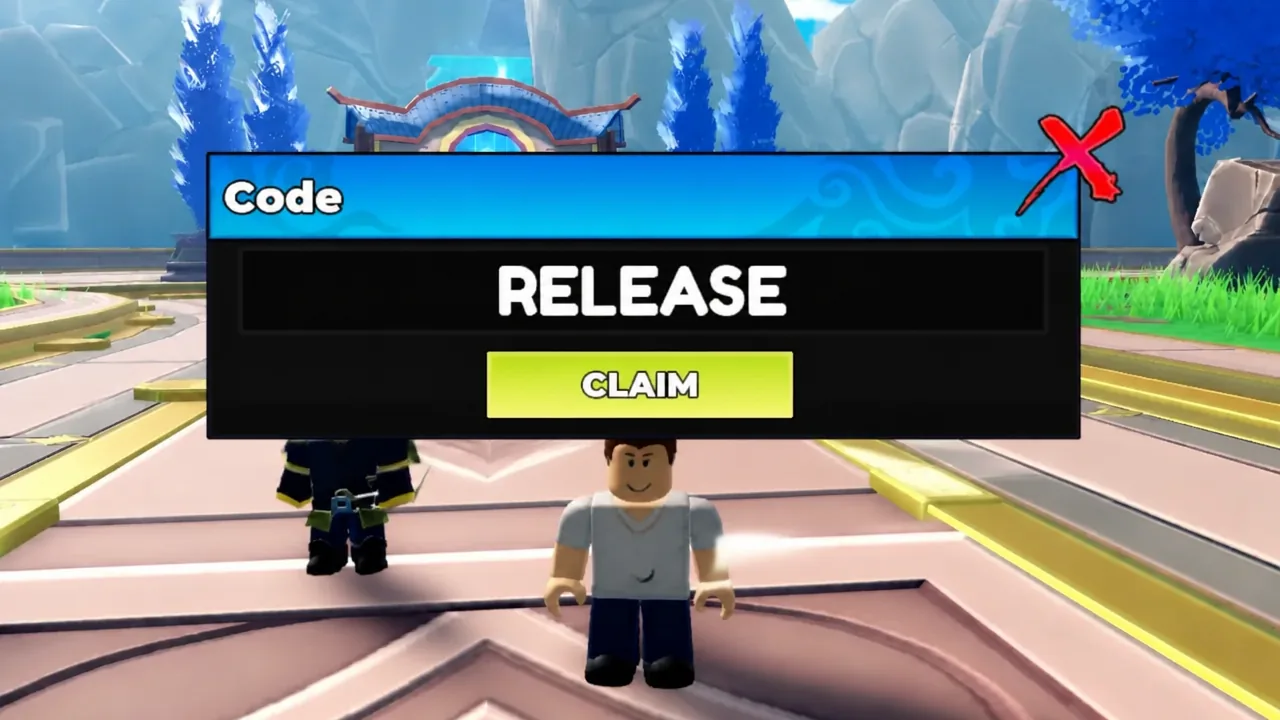
Quick answer: Finish the tutorial, click the blue Code button on the right side of the screen, type WAR, RELEASE, BUGFIX, and LEBALANCE one at a time, and hit Claim after each for 1,400 Gems total.
Active Command An Army codes and Gem rewards
Four codes work right now. Two of them pay 500 Gems each, so redeem those first if you only have time for a couple. Type them exactly as written below, in capitals.
| Code | Reward |
|---|---|
| WAR | 500 Gems |
| RELEASE | 500 Gems |
| BUGFIX | 250 Gems |
| LEBALANCE | 150 Gems |
Nothing has expired yet, so every code released for the game is still redeemable. That can change without an announcement, which is the main argument for claiming all four in one sitting rather than saving them.
One naming quirk worth knowing: the reward pop-up that appears on screen reads +500 Coins, +250 Coins, and so on, even though the currency is normally called Gems. It is the same balance, just labelled differently in the pop-up.
How to redeem Command An Army codes
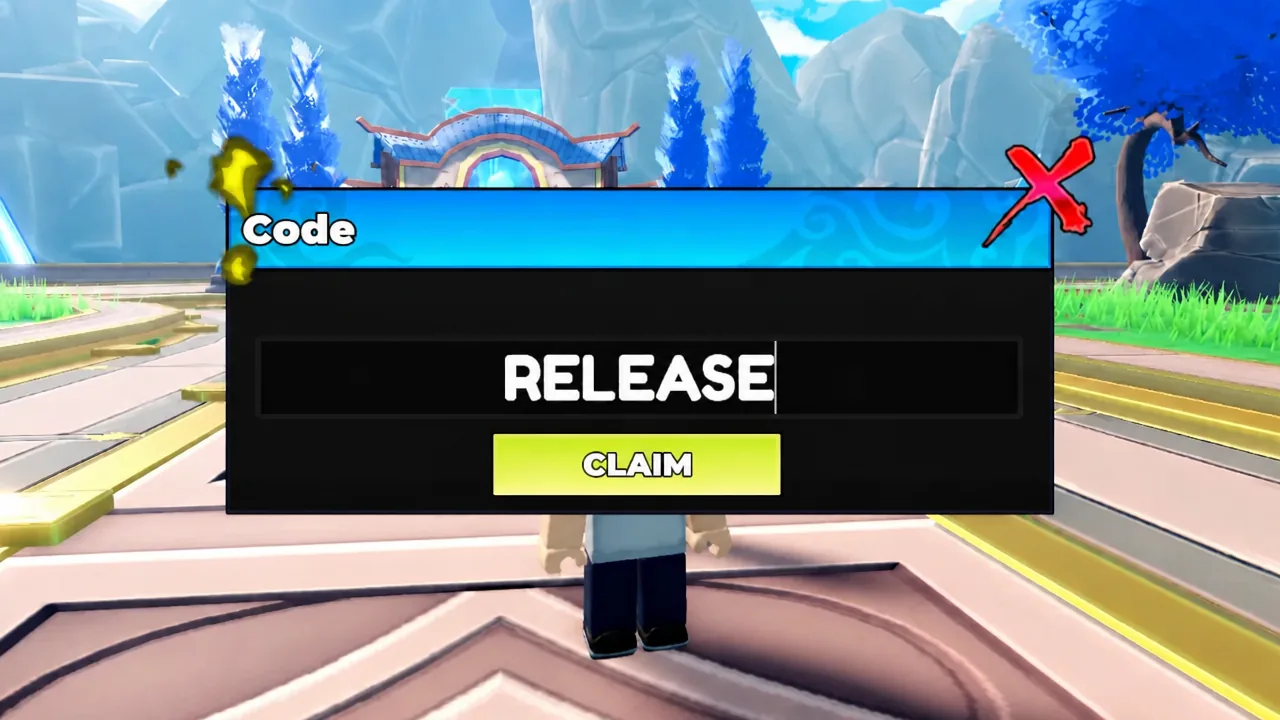
Confirming a code went through
A successful redemption produces an immediate reward pop-up on screen showing the amount, such as +500 Coins for WAR or +150 Coins for LEBALANCE. Your currency counter on the main screen updates at the same moment.
If the number does not move, the code did not register, and there is no delayed delivery to wait for. Each code can only be claimed once per account, so a second attempt on a code you already used will not add anything.
Why a Command An Army code is not working
Rejections almost always come down to how the code was entered rather than the code itself being dead. Work through these in order before assuming it expired.
| Reason | What to do |
|---|---|
| Typo or missing character | Paste the code instead of typing it |
| Wrong capitalisation | Enter all four codes in capitals |
| Tutorial not finished | Complete it, then reopen the Code window |
| Already claimed on this account | Move on to the next code on the list |
| Server running an older build | Leave and rejoin to land on a different server |
| Code retired | Nothing to do; it stops paying out permanently |
What to spend the Gems on
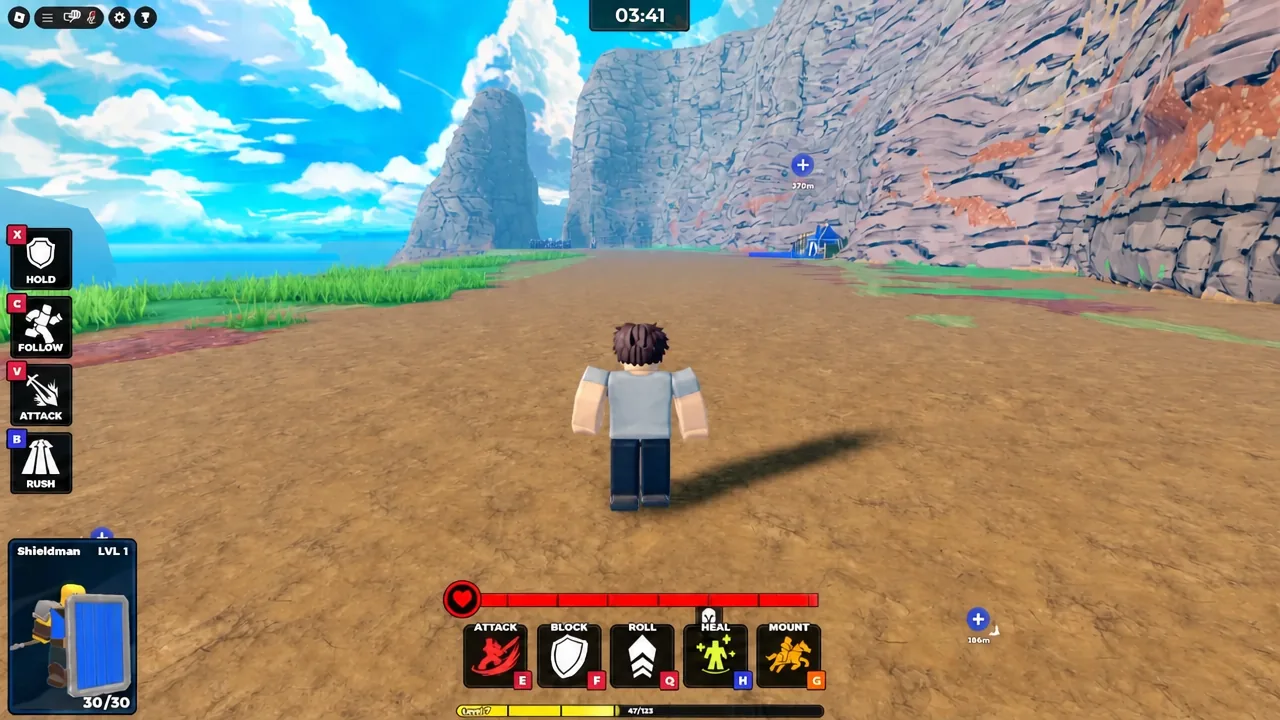
Gems go toward recruiting and upgrading the units you deploy in matches, including Shieldmen, Spearmen, and Archers. Claiming all four codes before a session means you can field a fuller roster early instead of grinding the opening matches with a thin lineup.
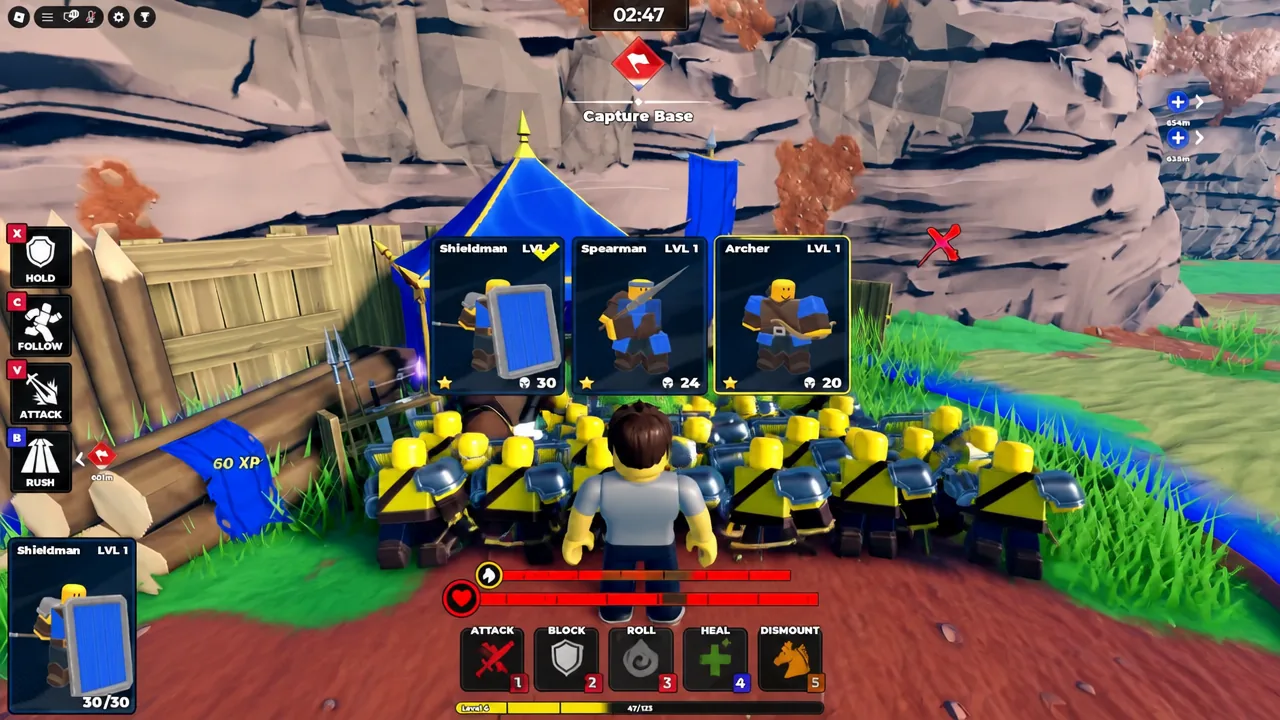
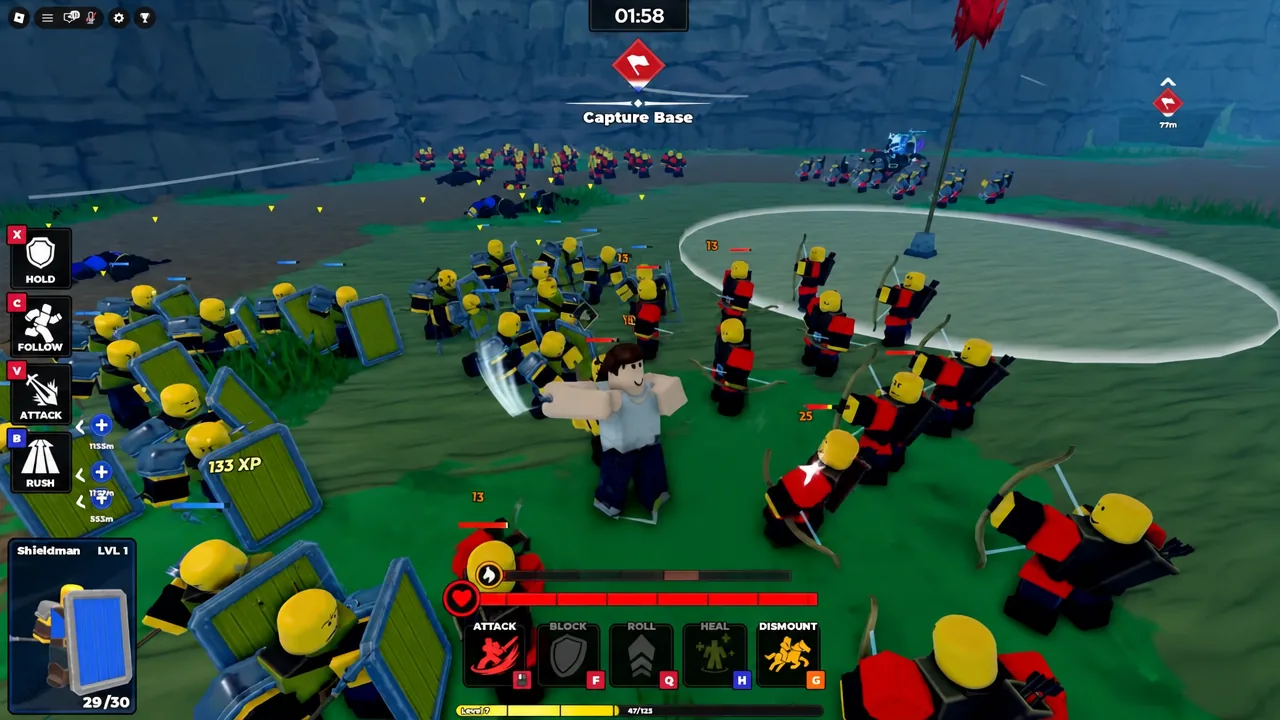
Each match puts you on either the attacking or defending side, and holding control points is what decides the result. A deeper unit pool gives you more room to swap formations when the enemy pushes, rather than committing to whatever you could afford.
Where new codes are announced
Fresh codes tend to land alongside updates, balance changes, and bug fixes, which is why the current batch is named RELEASE, BUGFIX, and LEBALANCE. The developers post them through their own channels, so the official Discord server is the fastest place to catch one, with the Fight, Fight, Fight! Roblox community page carrying the same announcements.
No release schedule has been published for future codes, so there is no date to count down to. The practical approach is to claim what is live now, then check back after the game’s next patch, since codes can be pulled as quietly as they arrive.