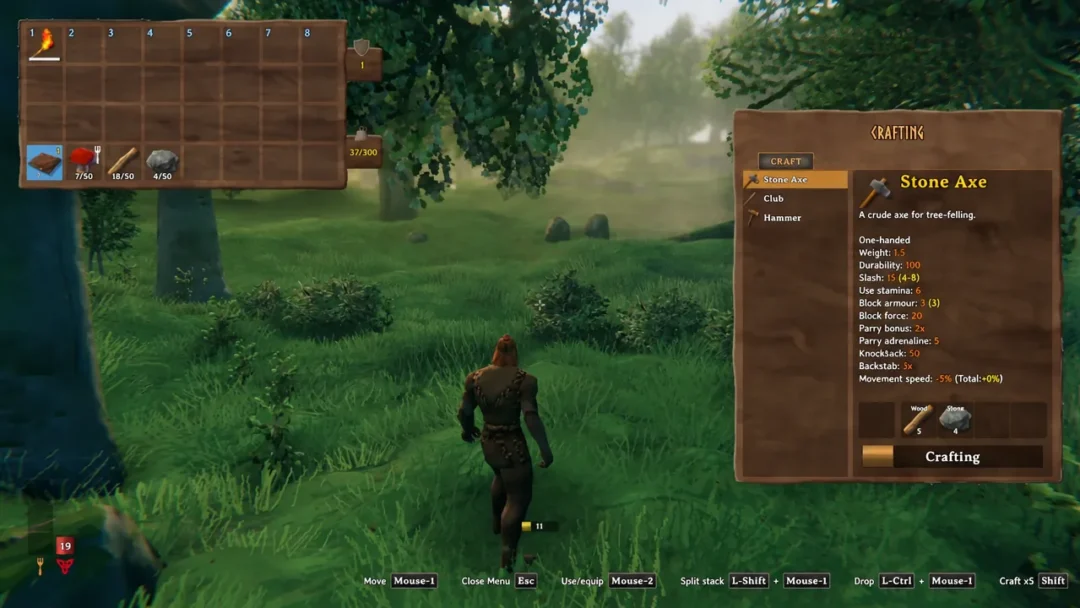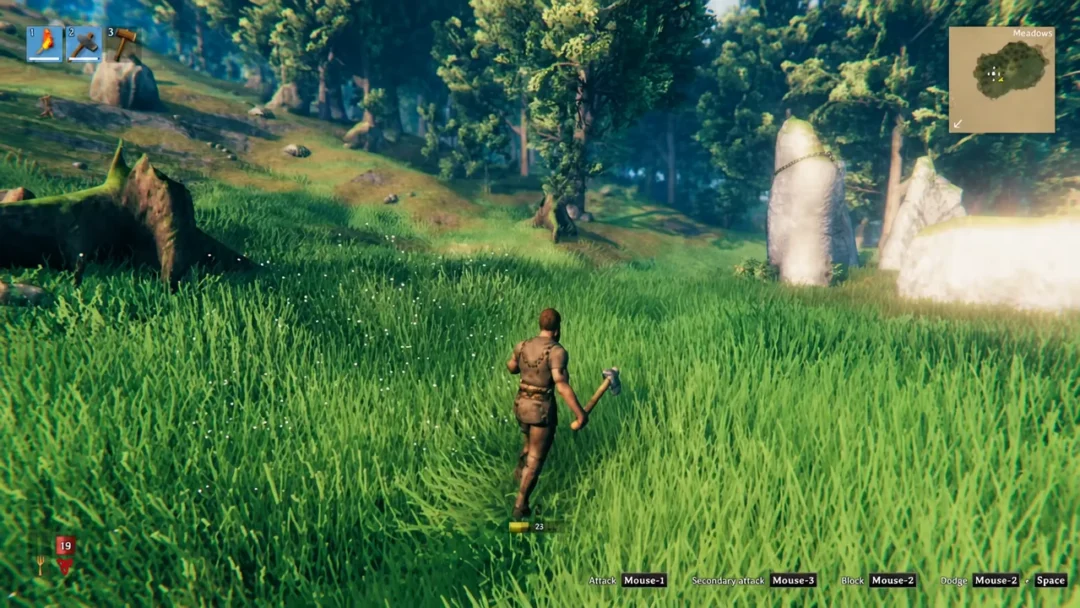
Valheim’s console lets players skip the grind entirely, spawning gear, taming creatures instantly, or teleporting across the map with a single typed line. Version 1.0 expanded this toolkit with new commands for biome navigation, inventory management, and cinematic tools, on top of the long-running list built into earlier updates.
Enable console commands on PC
The console is hidden by default, so it needs to be switched on through Steam before it will respond to any input.
devcommands and press Enter. This unlocks the full command list; typing it again turns cheats back off.Enable console commands on Xbox
devcommands and confirm to enable cheats, then enter any command from the lists below the same way.New commands added in version 1.0
Version 1.0 introduced a batch of console commands covering biome navigation, cinematic camera tools, and inventory management. Exact effects and syntax for several of these have not been fully documented yet, but the command names are confirmed and available once devcommands is active.
- confirmcheats
- achievements
- getstat
- haslocation
- snow
- updatecover
- cinematic
- cinematicsleep
- inventorysize
- inventoryclean
- clearpopups
- height
- pevents
- repairall
- resetbuildui
- biomeinfo
- altbiomes
- findbiome
- findbiometp
Character commands
These affect the player character directly, from invincibility to skill levels.
| Command | Effect |
|---|---|
| god | Turns on invincibility |
| ghost | Makes the player invisible to enemy mobs |
| heal | Restores health and stamina to full |
| puke | Empties the stomach of consumed food |
| resetcharacter | Wipes all character data |
| raiseskill [skill] [amount] | Raises a chosen skill by the given amount |
| resetskill [skill] | Resets a chosen skill to zero |
| beard [1-16] | Changes beard style |
| hair [1-23] | Changes hairstyle |
| model [0-1] | Switches player model (0 = masculine, 1 = feminine) |
| addstatus [name] | Applies a status effect such as Rested or Burning |
| clearstatus | Removes all active status effects |
World and time commands
World commands control the map, weather, time of day, and player movement across the terrain.
| Command | Effect |
|---|---|
| goto [x,z] | Teleports to the given coordinates |
| pos | Prints the player’s current position |
| exploremap | Reveals the entire map |
| resetmap | Hides all explored map areas again |
| tod [-1, 0, 1] | Sets time of day; -1 reverts to the default cycle |
| sleep | Skips straight to the next morning |
| skiptime [seconds] | Advances the game clock by the given number of seconds |
| env [weather] | Overrides current weather, such as Rain or ThunderStorm |
| resetenv | Removes any weather override |
| players [number] | Forces difficulty scaling as if more players were present; 0 resets it |
| debugmode / fly | Enables fly mode and free building without resource costs |
Note: In debug/fly mode, pressing B toggles free building without a Workbench, Z toggles flight, and K kills nearby enemies automatically.
Creature and event commands
| Command | Effect |
|---|---|
| killall | Kills all creatures nearby |
| killenemies | Kills nearby hostile enemies only |
| killtame | Kills nearby tamed creatures |
| tame | Instantly tames every nearby tameable creature |
| aggravate | Provokes nearby neutral creatures into hostility |
| event [name] | Starts a specific event, such as boss_eikthyr or army_seekers |
| stopevent | Ends the currently active event |
| setpower [name] | Sets the active guardian power and resets its cooldown |
Spawning items
Item spawning uses the base spawn command followed by the item’s internal name, quantity, and level. Adding p, e, or i at the end automatically picks up, equips, or conditionally spawns the item only if it isn’t already in the inventory.
spawn [item] [quantity] [level] [p/e/i]Adding an asterisk after part of an item name spawns every object containing that word. A selection of commonly used spawn names is below.
| Spawn command | Item |
|---|---|
| AxeBronze | Bronze Axe |
| AxeBlackMetal | Black Metal Axe |
| SwordBlackmetal | Black Metal Sword |
| SwordSilver | Silver Sword |
| ArmorWolfChest | Wolf Chest Armor |
| ArmorWolfLegs | Wolf Legs Armor |
| ArmorAshlandsMediumChest | Ashlands Medium Chest Armor |
| ArmorAshlandsMediumLegs | Ashlands Medium Legs Armor |
| Wishbone | Wishbone |
| Coins | Coins |
| Silver | Silver |
| BlackMetal | Black Metal |
| Bronze | Bronze |
| Iron | Iron |
| FineWood | Fine Wood |
| Wisp | Wisp |
| FlametalOre | Flametal Ore |
| Haldor | Summons the Haldor merchant (spawns slightly off the ground and cannot be removed afterward) |
Related commands worth knowing: itemset [name] [keep] spawns a full premade gear set for a biome (Meadows, Swamps, Mistlands, Ashlands, and others), removedrops clears item drops littering an area, and forcedelete [radius] [*name] force-removes objects within a set radius, which is destructive enough that a save backup is worth making first.
Most of these commands respond the moment they’re entered, either printing a confirmation line in the console (such as “God: True”) or producing an immediate visible change, like an item appearing in the inventory or the map filling in. Typing help at any point brings up the in-game list of available commands as a quick cross-check while cheats are active.