Gaming How-To

Xbox: How to Change the Startup Animation on Your Console

The setting lives under Settings > System > Startup, with Xbox One, Xbox One X, and Series X|S boot options.

The setting lives under Settings > System > Startup, with Xbox One, Xbox One X, and Series X|S boot options.

The screen your Xbox throws up when you power it on is no longer fixed. A console setting now lets you pick which boot animation plays, pulling from options that span the Xbox One era through the current generation, and it sits in the same menu where you can silence the startup sound entirely.

Quick answer: Open Settings > System > Startup, pick the animation you want from the list, and set the console to Shutdown (energy saving) so it plays the next time you power on.


Change the Xbox startup animation in Settings

Start from the Home dashboard. Press the Xbox button on your controller to open the guide, then head to the Settings entry under your profile to load the full system settings menu.
Xbox Home dashboard with a game tile highlighted before opening Settings
The Xbox Home dashboard is the starting point for the Startup setting. Image: Xbox
In the settings menu, move to the category list on the left. General sits at the top, and below it is System, which holds console-level options like updates, storage, and the boot experience.
Xbox settings screen showing the General category highlighted in the left-hand list
The settings category list, where General sits directly above System. Image: Xbox
Open System and select Startup. If that button is not on the list, your console has not picked up the feature yet, and the fix is covered further down.
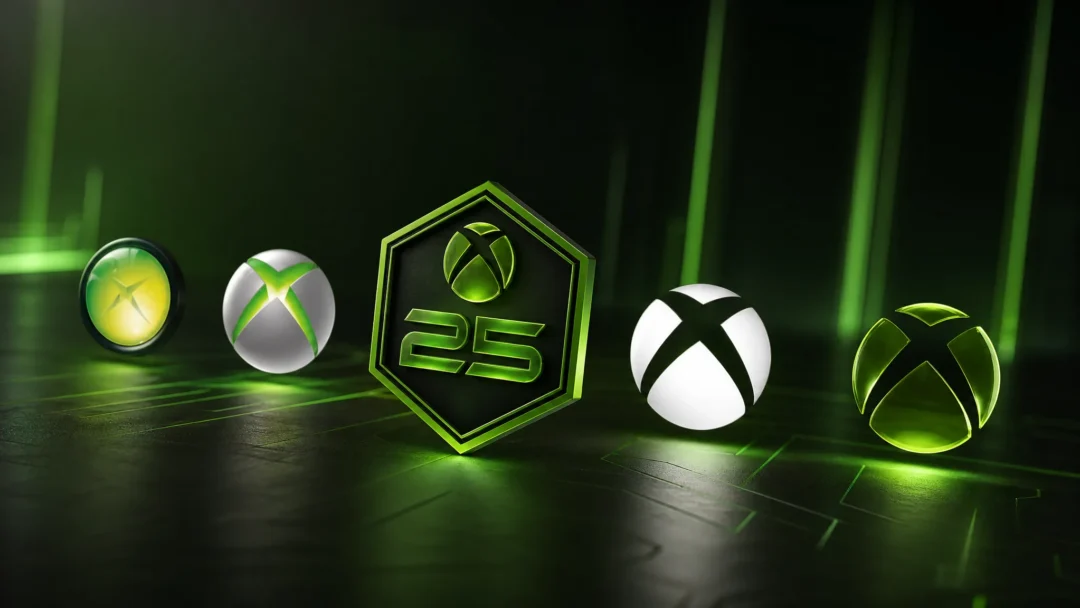
Choose an animation from the options shown. The current Series X|S boot sequence, “We Are XBOX”, is the default, and older Xbox One and Xbox One X sequences sit alongside it.
Decide on audio. The same screen carries a Mute startup sounds toggle, so you can keep the animation but boot the console in silence. Your selection saves as soon as you make it — there is no confirm button.

Startup animation options on the list

Every entry is a boot sequence Xbox has shipped on real hardware, so this is a swap between generations rather than a set of new designs.

OptionWhat plays on power-on
Default (We Are XBOX)The current boot sequence for the console, using the green Xbox logo
Xbox OneThe Xbox One generation animation
Xbox One XThe Xbox One X boot sequence
Xbox Series X|SThe current-generation animation
We Are XBOXThe green Xbox logo animation introduced this year
Mute startup soundsToggle that keeps the visuals and drops the audio

Original Xbox and Xbox 360 boot sequences are not on the list, and no addition has been confirmed.


If the Startup option is missing from System settings

There are only two reasons the button will not be there: the console is running older software, or your account is not in the rollout group yet. Rule out the software side first.

Go to Settings > System > Updates. The screen shows your latest console update status and offers an update if one is waiting.
Xbox System Updates screen with the latest console update status highlighted
The Updates screen under System settings, where you can force the console to check for and install the newest build. Image: Xbox
Install anything pending and let the console restart. Once it is back on the dashboard, return to System and check whether Startup has appeared.
If it still is not there, the setting has not reached your console. The animation picker began rolling out on September 9th, 2026 to selected Xbox Insiders in the Alpha and Alpha Skip-Ahead rings, and Xbox has said it will reach everyone else in the weeks and months that follow. Insider enrollment is handled through the Xbox Insider Hub app on the console.
Xbox Insider Hub tile highlighted on the console home screen
The Xbox Insider Hub tile on the dashboard, used to join preview rings such as Alpha and Alpha Skip-Ahead. Image: Xbox

Note: there is no confirmed public release date for the animation picker, so an Insider ring is currently the only way to guarantee access.


Check that the new boot animation actually plays

Saving the setting is not the same as seeing it. The animation only runs during a full cold boot, so a console left in instant-on will resume straight to the dashboard and skip it entirely. Set power mode to Shutdown (energy saving), turn the console off, then power it back on.

You will know it worked when the sequence you picked plays before the console lands on Home. If you left the mute toggle off, the matching startup sound plays with it.

Xbox home screen after boot with a Game Pass title tile selected
The dashboard the console lands on once the startup animation finishes. Image: Xbox

One more thing worth knowing: switching TV inputs after pressing the power button is the most common reason people think nothing changed. Give the display a few seconds to wake before the console starts up, or you will miss the animation you just spent a minute choosing.