The FC 27 Web App is the browser tool that lets you manage Ultimate Team before the game itself unlocks. Trading, pack openings, Squad Building Challenges, and squad building all start here, days ahead of the first match. EA has confirmed the launch calendar for the game but has not named an exact time for the Web App yet.
Quick answer: No official Web App date is confirmed. Following the pattern of prior releases, expect it to open around September 15–16, 2026, a couple of days before early access begins on September 18.
FC 27 Web App release date status
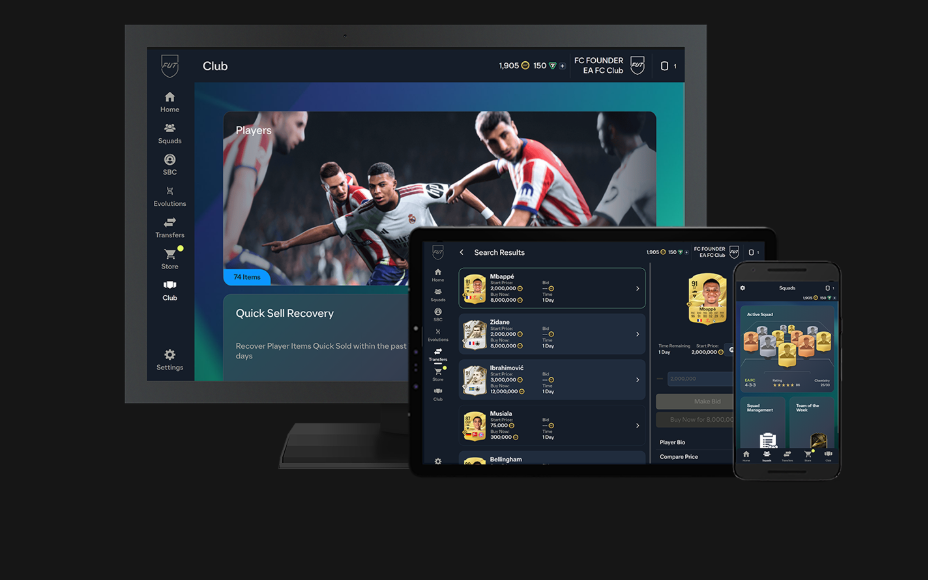
Status: Unconfirmed (expected window). Trying to reach the Web App right now returns an error because the site is being prepared for the new season. The full game goes live on September 18 for early access, with the Web App historically opening a couple of days before that. A gameplay deep dive is also set for September 15, which could line up with the Web App going live.
EA typically posts the exact opening time with less than two days’ notice, so the precise hour is not yet fixed. The dates below cover what is confirmed and what is expected.
| Event | Date | Status |
|---|---|---|
| Web App opens | Around Sept 15–16 | Expected |
| Companion App opens | Shortly after the Web App | Expected |
| Early access (Ultimate / Ultimate Plus) | September 18 | Confirmed |
| Global launch | September 25 | Confirmed |
| FC 27 Lite (free preview) | September 25, 16:00 UTC | Confirmed |
You do not need EA Play to use the Web App. It is separate from the EA Play trial and works through any browser once your platform account is signed in.
What you can do on the FC 27 Web App
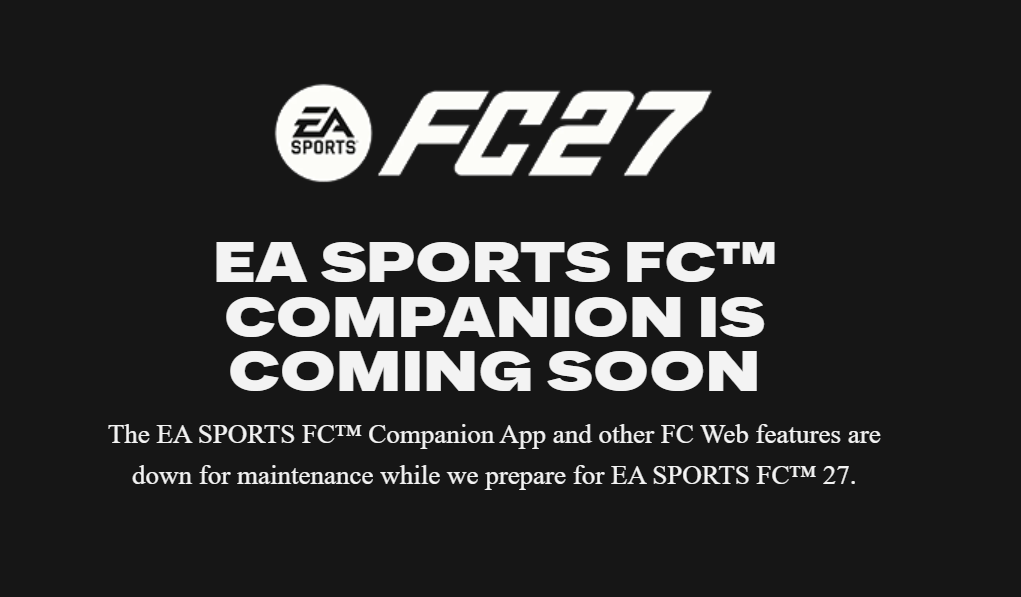
The Web App covers almost everything in Ultimate Team except playing matches. Any work you do syncs straight back to your console or PC once the game launches. EA reuses the same website from the previous season rather than building a new one, with features updated to match the new launch.
- Build, edit, and share squads, including formations and tactics
- Open packs and claim rewards from your inbox
- Buy, sell, bid, and set watch lists on the transfer market
- Submit Squad Building Challenges and track which remain open
- Start Evolutions and monitor player progress
- Track Objectives across Ultimate Team modes
You cannot play any matches from the Web App or Companion App. Match play begins at early access on September 18 for Ultimate and Ultimate Plus, or at the global launch on September 25 for everyone else.
New FC 27 features that live in the Web App
FC 27 changes several Ultimate Team systems that you will meet the moment the Web App opens. These affect how you organise items and how you complete challenges before the game unlocks.
FUT Gallery
The FUT Gallery replaces the old Club screen as your items hub. It sorts your collection into Sets such as Nations, Leagues, Clubs, Campaigns, or Custom, gives each item a Set Grade based on its score, and tracks your Gallery Level and Gallery Tokens. Those tokens buy kits, badges, and Hall of FUT items with no pack luck involved. Higher-rarity items, including the new Holographic Player Items, add more to your Set score.
Streamlined SBCs
Standard Squad Building Challenges now accept eligible items by score, combining overall rating and rarity. Duplicate cards are allowed and partial progress is saved, so you no longer have to hit an exact squad rating with specific nationalities. Puzzle and thematic challenge SBCs remain. Completing SBCs is generally faster on the Web App.
Campaign Hub
A single Campaign Hub gathers Objectives, SBCs, Evolutions, Gallery Sets, and Live Events into one view. On the Web App you can track and work through Objectives and SBCs without touching a console.
The Companion App and mobile access
The Companion App is the mobile version of the Web App for iOS and Android, and it usually arrives shortly after the browser tool opens. EA ships it as an update to the previous season’s app rather than a fresh download, so existing installs switch over and lose access to the old club at the same time. Nintendo Switch and Switch 2 accounts fall outside both apps.
How to log in to the FC 27 Web App
There is no download for the Web App. It runs in a desktop or laptop browser, so phone and tablet users need the Companion App instead. Sign in follows this order.

You know sign-in worked when your FUT club loads in the browser and the transfer market, SBC, and squad screens become usable. Most access problems trace back to an open console session rather than the browser itself.
Until EA posts the exact time, treat the mid-September window as the working target and keep your account ready. The confirmed anchors stay fixed: early access on September 18 and the worldwide launch on September 25.