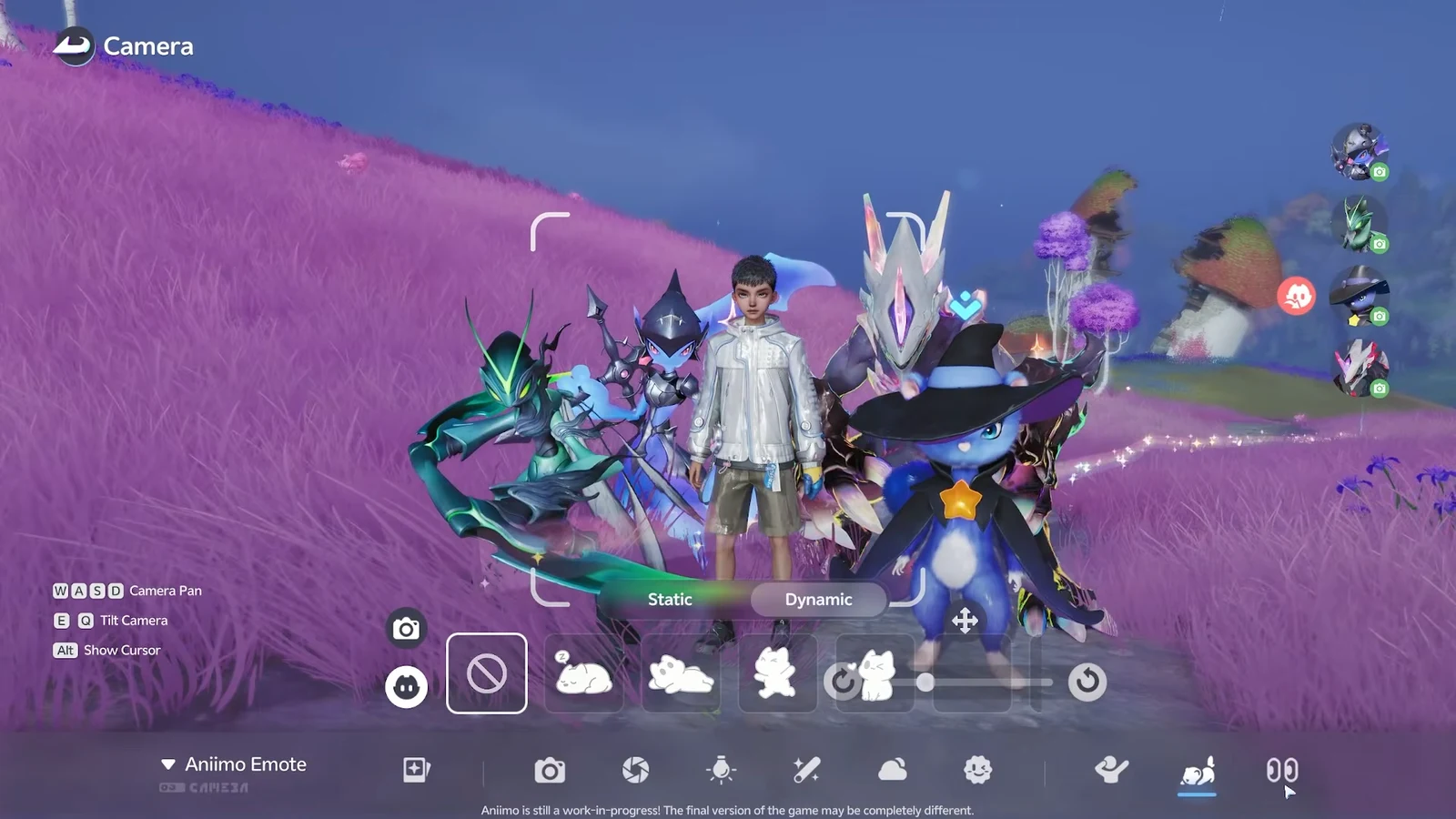
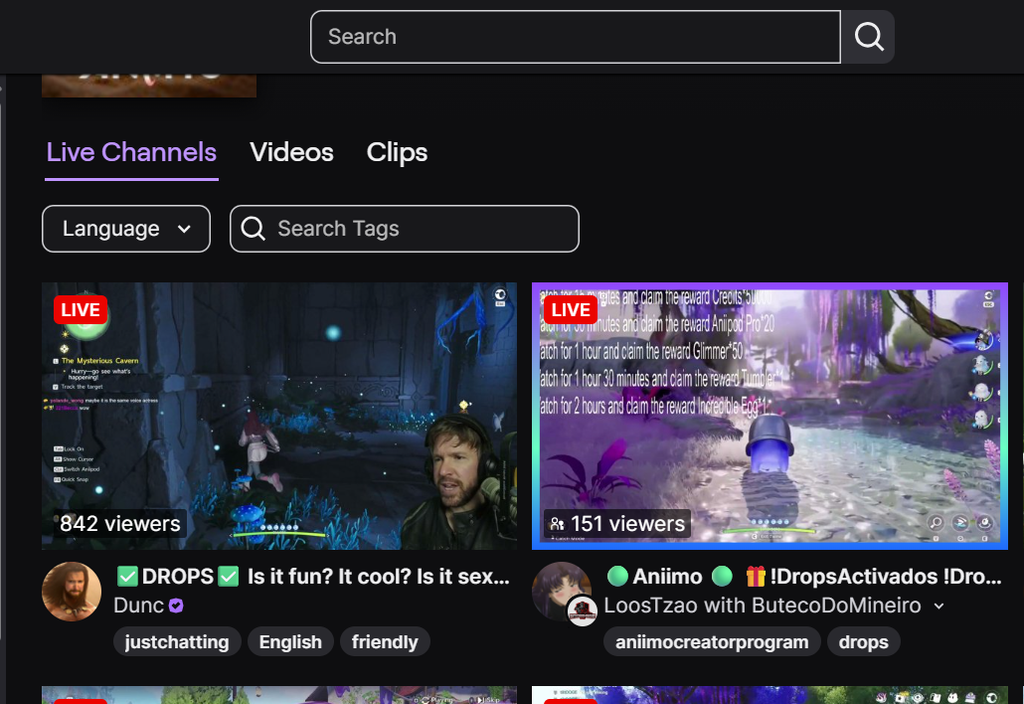
Aniimo is handing out free in-game items to anyone who watches the game on Twitch during its Global Launch campaign. Two hours of total watch time earns the full set of five rewards, from a stack of credits to a rare egg. The whole thing is free, but it only works if your accounts are linked and you claim each reward manually.
Quick answer: Link your Aniimo account to Twitch, watch an eligible Aniimo stream with the Drops Enabled tag, claim each reward in your Twitch Drops inventory as it unlocks, then collect everything from your in-game mailbox. The campaign ends October 14, 2026.
All Aniimo Twitch Drops rewards and watch times
The campaign has five reward tiers that unlock one after another as your total watch time adds up. The timer is cumulative, so you do not restart at each tier. Once you pass the two-hour mark, every reward has been reached.
| Reward | Watch time required |
|---|---|
| 50,000 Credits | 15 minutes |
| 20 Aniipod Pro | 30 minutes |
| 50 Glimmer | 1 hour |
| 1 Tumbler | 1 hour 30 minutes |
| 1 Incredible Egg | 2 hours |
The Credits give you an early boost for gear and trades. Aniipod Pro are higher-grade capture devices for stronger creatures, and Glimmer is an enhancement material for leveling abilities and adjusting stats. The top prize is the Incredible Egg, which is guaranteed to hatch an Aniimo with Elite potential or higher.
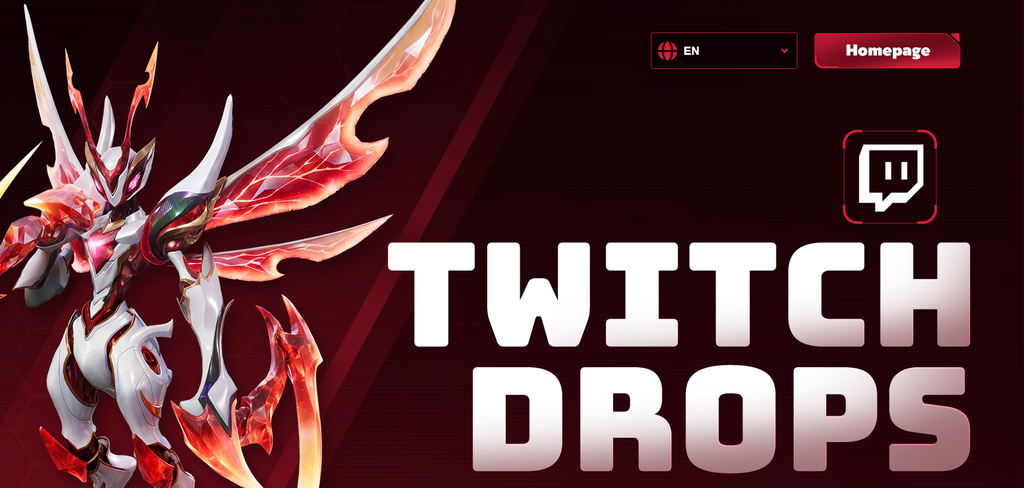
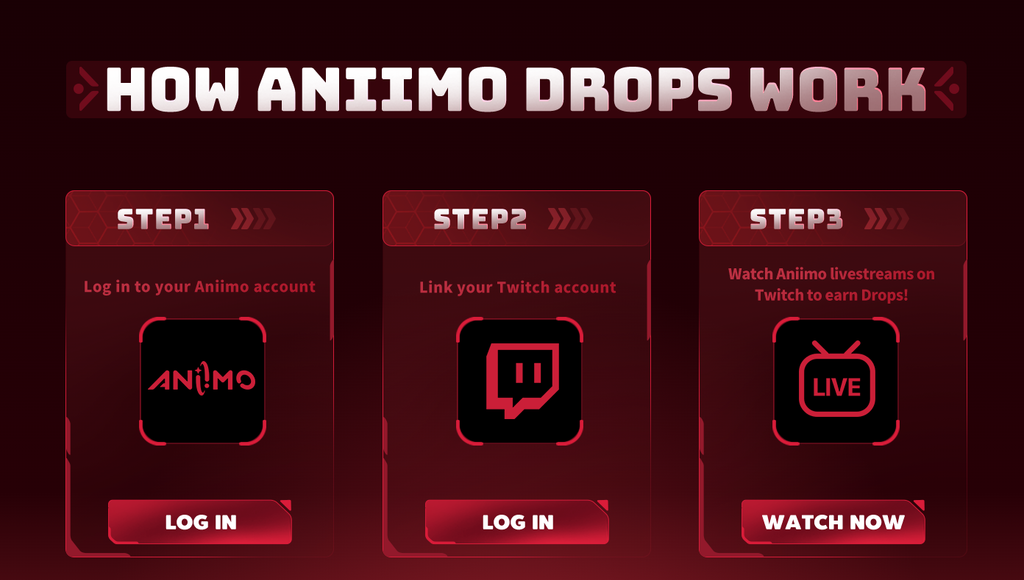
Link your Aniimo account to Twitch
Watch time only counts once the correct accounts are connected. Do this first, before you leave any stream running.
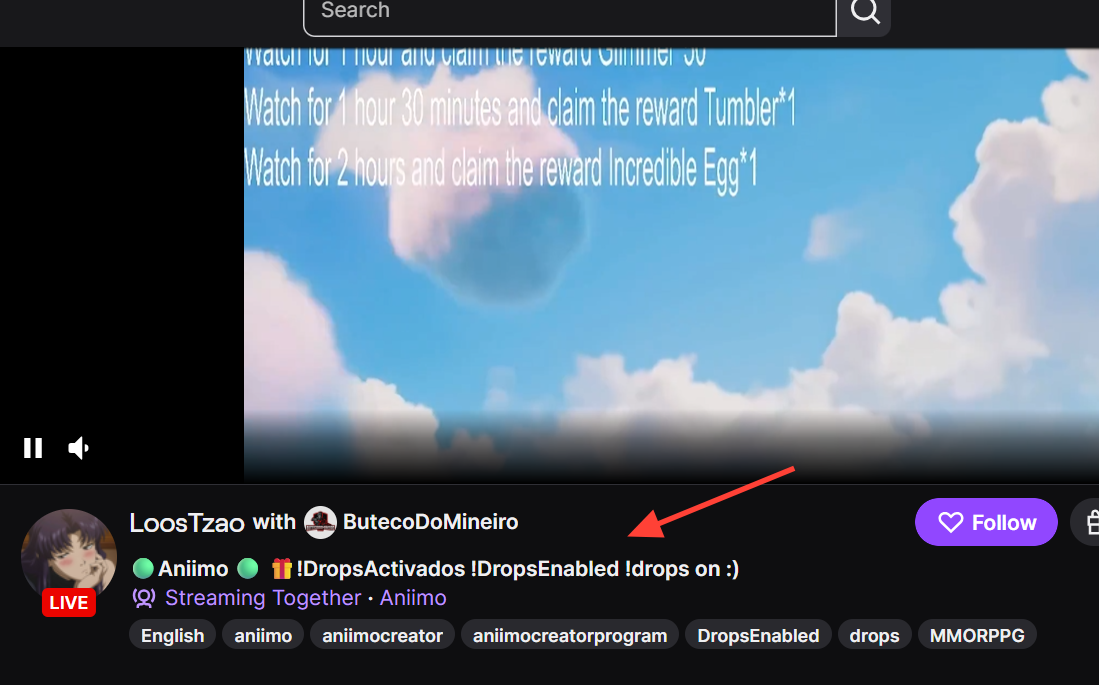
Watch an eligible stream and claim each reward
Do not mute the Twitch player itself, as that can pause your progress bar. Leave the player volume up slightly and mute the browser tab instead so the stream keeps running silently.
How to confirm your rewards arrived in Aniimo
Claiming a drop on Twitch is not the same as having it in your character’s inventory. After you claim all five rewards, launch Aniimo and open your in-game mailbox to collect the transferred items. Rewards usually appear within a few minutes.
If they do not show up right away, fully close the game (and any separate launcher) and start it again to refresh your account. Check the mailbox and system messages, since some rewards arrive as an attachment you need to accept before you can use them. Seeing the items in your mailbox is the confirmation that everything worked.