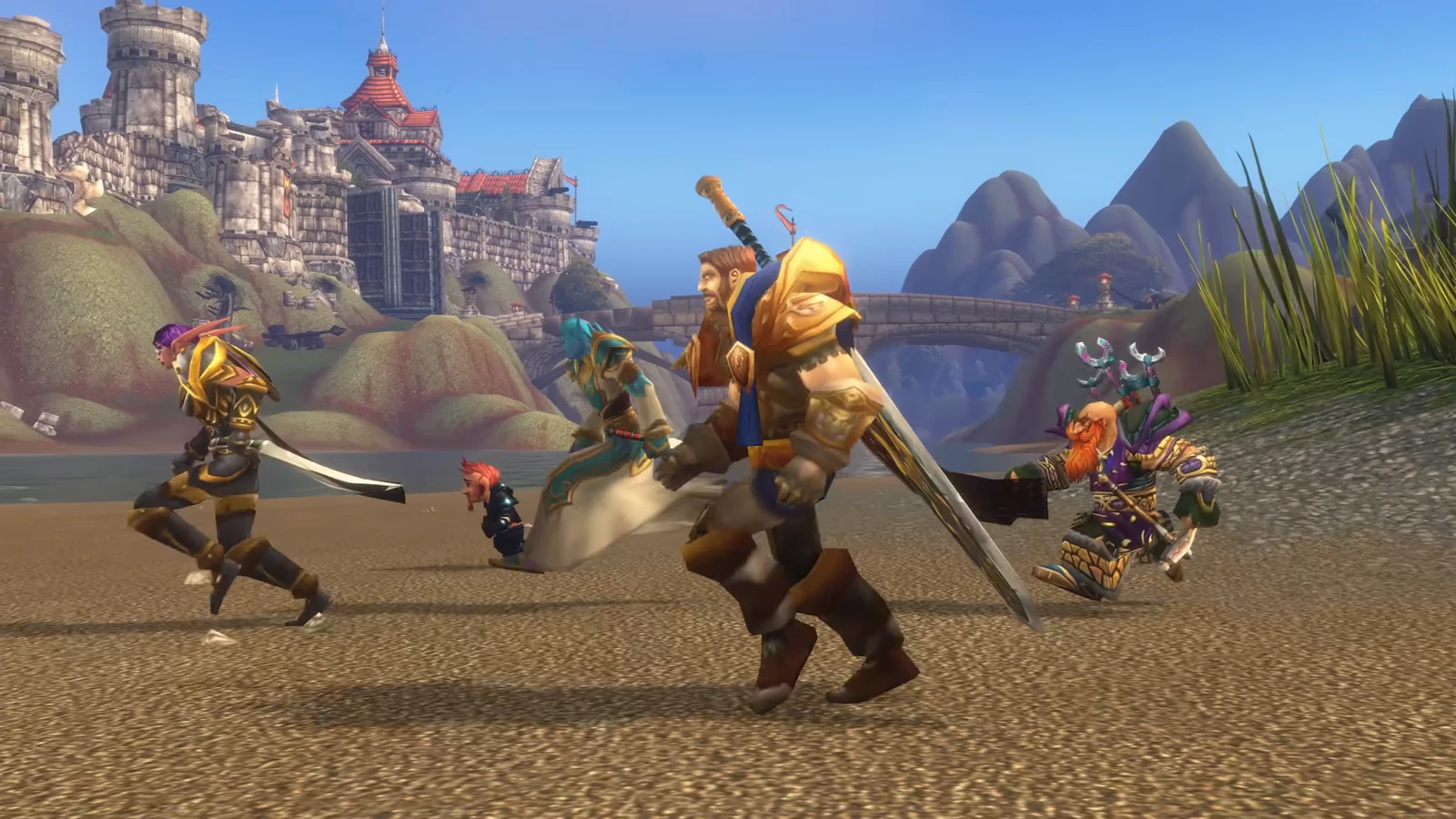
The World of Warcraft: Forever beta is live, and a regular WoW subscription is not the key to the door. Blizzard gated testing behind specific pre-purchase upgrades and a lottery-style opt-in, which is why plenty of subscribers open the Battle.net app and find nothing new waiting for them. Here is exactly what grants access, how to get the client installed, and how to tell whether your account is actually flagged.
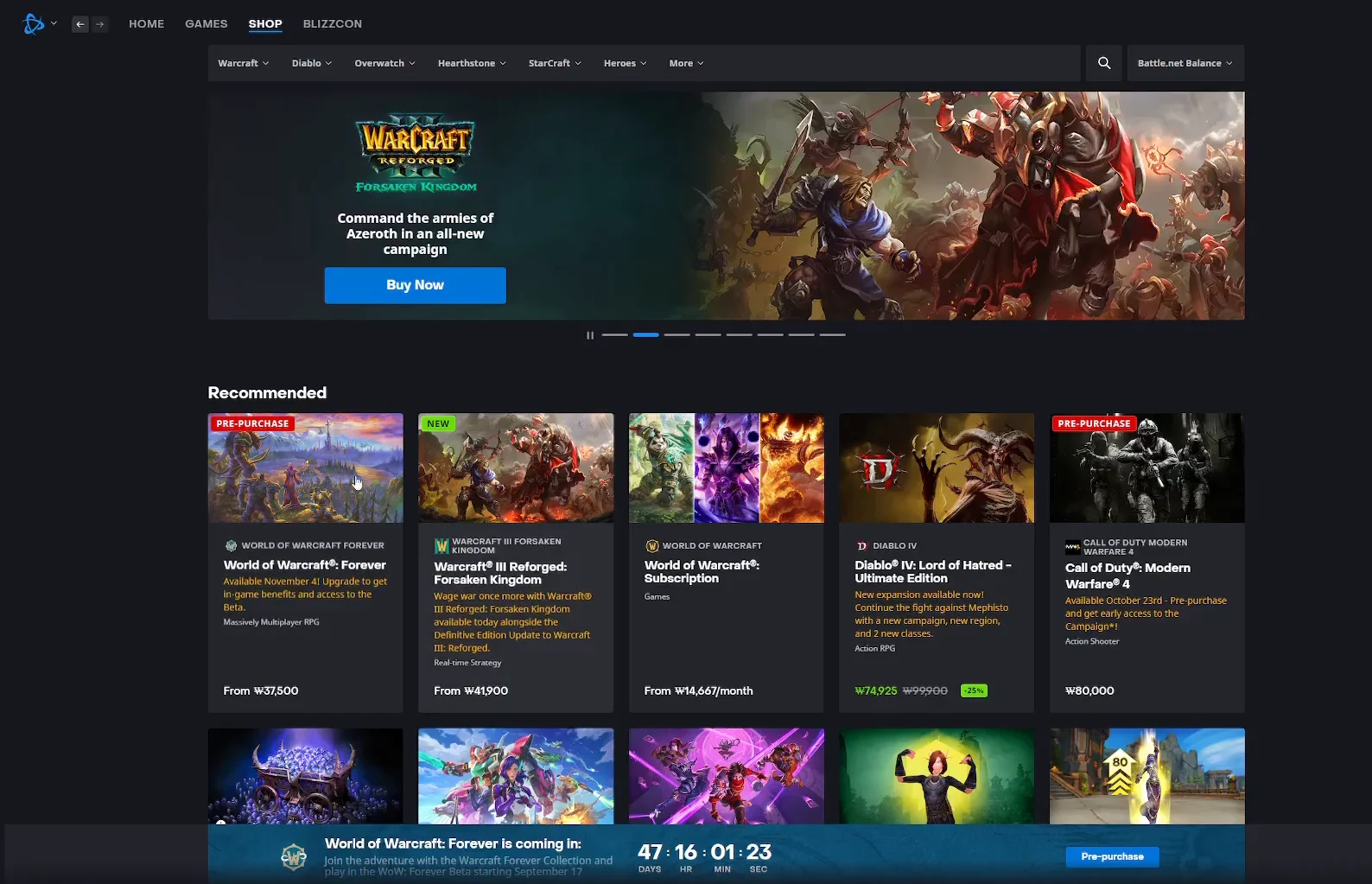
Quick answer: Buy the Skyborne Epic Pack or the Warcraft Forever Collection, then select World of Warcraft: Forever Beta from the game dropdown in the Battle.net app. The cheaper Skyborne Heroic Pack includes no beta access.
Which editions include WoW: Forever beta access
Beta access is a benefit attached to an upgrade pack, not to the game itself. Forever is included with an active subscription or game time when it launches, so the packs exist for early access, the Skyborne race, and cosmetics. The tier you pick decides whether you get in now.
| Edition | Beta access | Notes |
|---|---|---|
| Skyborne Heroic Pack | No | Skyborne race, Zephras Isle start, cosmetics, 1 invite code |
| Skyborne Epic Pack | Yes | Adds 30 days of game time, extra mount and pets, 3 invite codes |
| Warcraft Forever Collection | Yes | Adds Warcraft III: Reforged and Forsaken Kingdom, decor |
| WoW: Forever Collector’s Edition | Yes | Physical edition; access arrives as an emailed code |
The Skyborne Epic Pack runs $59.99 and the Warcraft Forever Collection is $79.99, both sold on the World of Warcraft: Forever product page. Complete the purchase while signed in to the Battle.net account you actually play on, because the flag is applied to that specific WoW account. The Collection is a limited item and stays on sale until January 11, 2027.
You can join the beta without game time. However, playing Forever after launch requires either a subscription or game time.
The free route: beta opt-in (no guarantee)
If you would rather not spend anything, you can register interest through the official WoW: Forever opt-in page using the Battle.net credentials tied to your WoW account. Selection is out of your hands, and there is no way to improve your odds short of buying a qualifying pack. Invites have historically gone out in waves, so an empty launcher on day one does not mean you have been passed over for good.
Australia has an additional wrinkle: McDonald’s has been running a promotion that lets customers redeem reward points for beta access. Codes from that promotion have been changing hands, but whether they work outside the region has not been confirmed.
Legitimate Blizzard beta emails do not tell you to click links or provide information. Since phishing attempts commonly use counterfeit invitations, verify your access in the Battle.net app instead of using an email.
Confirm your account is flagged for the beta
There is no code to redeem for the digital upgrades. Purchasing the Epic Pack or the Collection flags the account automatically, and the same applies if you were picked through opt-in. Three checks tell you where you stand.
- Battle.net app: World of Warcraft: Forever Beta appears in the game dropdown under the Classic section.
- Email: a welcome message from [email protected], usually arriving after the launcher entry shows up.
- Order status: your Battle.net transaction history must show the upgrade as Complete. Failed orders grant nothing.
If you cannot find the entry, check that the right account is signed in. Next, exit the Battle.net app completely, launch it again, and sign in anew. A gifted purchase follows the buyer’s transaction, so the order information remains on that person’s account. Customer Support cannot grant beta access, replace lost Collector’s Edition codes, or transfer a code redeemed to the wrong account.
Install and launch the Forever beta client
Beta servers can go offline without notice during testing, and Blizzard does not provide technical support for the beta client. Discussion happens in the World of Warcraft Forever section of the official forums, since there are no dedicated beta forums.
Level cap and content available in the beta
Testing is deliberately narrow. Characters start out capped at level 20, with the ceiling lifting to level 30 roughly two weeks into the test. Everything inside those brackets is on the table, including reworked class abilities and talents, new profession items, starter zones, and the account-wide Legacy system.
- Available at the start: Hall of Thanes and Ruins of Lordaeron dungeons, levels 1–20.
- Added after two weeks: the Excavation Site dungeon, levels 21–30, plus further class and profession additions.
The full release goes much wider, with more than 1,000 new quests, new zones including Mount Hyjal and the Riverglades, roughly 600 new profession recipes, and new combinations such as the Dwarf Shaman and Forsaken Paladin. Not all of that is in testing.
System requirements for WoW: Forever
| Component | Minimum | Recommended |
|---|---|---|
| OS | Windows 10 64-bit | Windows 11 |
| Video | DirectX 12, 4GB GPU (GTX 10 series / RDNA 1) | DirectX 12, 8GB GPU (RTX 40 series / RDNA 3) |
| Memory | 8GB RAM | 16GB RAM |
| Storage | SSD, 128GB free | SSD, 128GB free |
A broadband connection, keyboard and mouse, and a display running at least 1280 x 720 are also required. These sit above the bar for WoW Classic, closer to what modern WoW asks for. The SSD requirement is not a suggestion, and the 128GB figure is free space, not total drive size.
Beta window and the run-up to launch
| Milestone | Date |
|---|---|
| Beta opened | September 17, 2026 |
| Beta ends | October 21, 2026 |
| Early Name Reservation | October 27 – November 3, 2026 |
| WoW: Forever launch | November 4, 2026, 3:00PM PST |
Store listings in some regions display the test window as September 18 through October 22 in local time, so check your own storefront text if you are counting days. Early Name Reservation is a separate perk from the beta, open to anyone who owns one of the announced editions, and it allows three characters to be created and customized ahead of launch. Names are first come, first served, and Blizzard has said plainly that “desired names cannot be guaranteed.”
One last thing worth being clear-eyed about before you spend: nothing you do in the beta follows you. Characters, levels, and gold stay on the test client, and everyone starts from scratch on November 4. Buying the Epic Pack makes sense if you want roughly five weeks of early access and the 30 days of game time that partly offset the price. If you only care about playing the Skyborne race, the Heroic Pack gets you there and saves you the upgrade.