The Dress to Impress stop on The Hunt: Roblox 20 is one of the least demanding years in the whole anniversary run. There is no hidden NPC to track down, no collectible sweep of the dressing room, and no score threshold to beat. The quest instead pushes you into a throwback build of the fashion game and asks you to sit through two complete rounds of it.
Quick answer: Open the server menu in Dress To Impress, teleport into the 2024 Rewind limited event server, and play two rounds start to finish. The badge fires at 2/2.
Dress to Impress badge requirements in The Hunt: Roblox 20
The Roblox badge attached to this quest is listed as “Completed 2 rounds of 2024 DTI,” which is about as literal as a requirement gets. The in-game pop-up that appears when you load the game spells out the same thing:
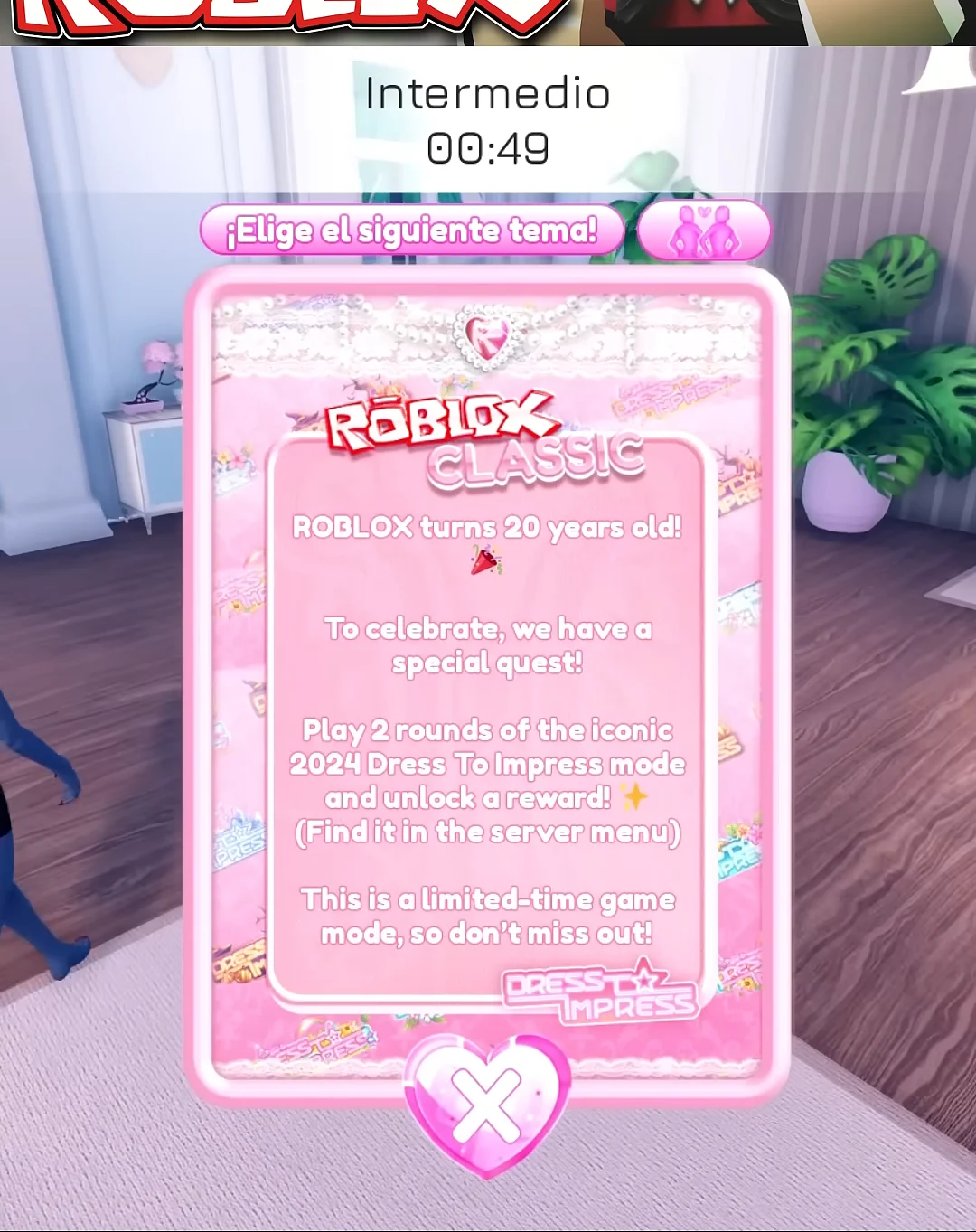
ROBLOX turns 20 years old! To celebrate, we have a special quest! Play 2 rounds of the iconic 2024 Dress To Impress mode and unlock a reward! (Find it in the server menu) This is a limited-time game mode, so don’t miss out
What that means in practice:
- You must be in the 2024 Rewind server, not a standard modern Dress To Impress lobby.
- Two rounds must finish. Winning, placing top three, or hitting a star count is not part of it.
- A “Rounds Played” tally at the screen’s upper-right shows your progress.
- The badge lands on the Roblox account you are playing on, which is also the account that claims the Hunt reward.
How to enter the 2024 Rewind server
What counts as a completed round in 2024 Rewind
Each round runs through the same loop the older version of the game always used, and the counter only ticks up once that loop ends.
| Phase | What happens | What you do |
|---|---|---|
| Dressing | A theme is announced, such as Family Reunion or Sci-Fi | Build an outfit before the timer ends |
| Runway | Contestants walk one at a time | Pose, then rate others 1–5 stars |
| Results | Winners podium and placements appear | Stay put; counter updates |
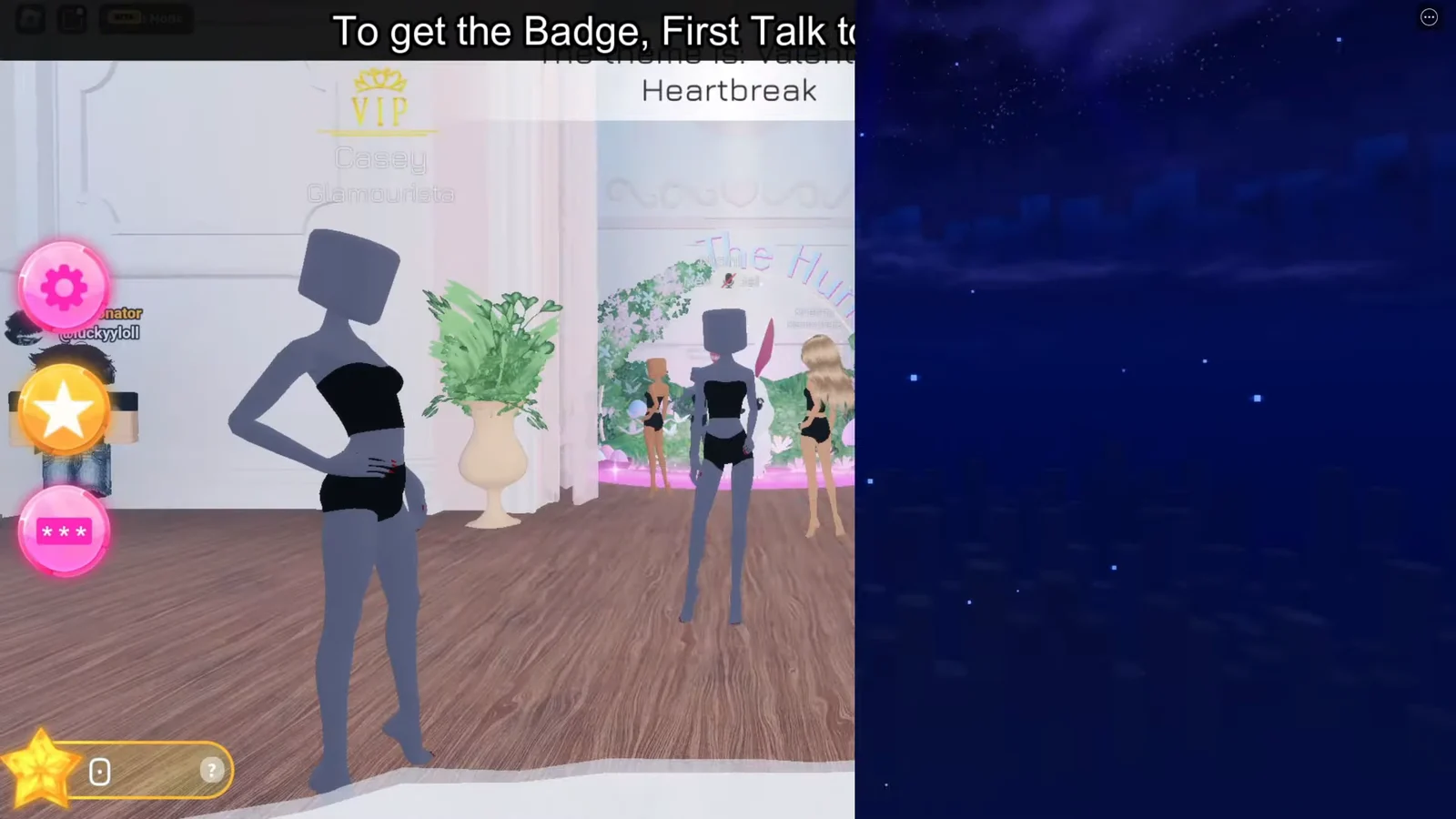
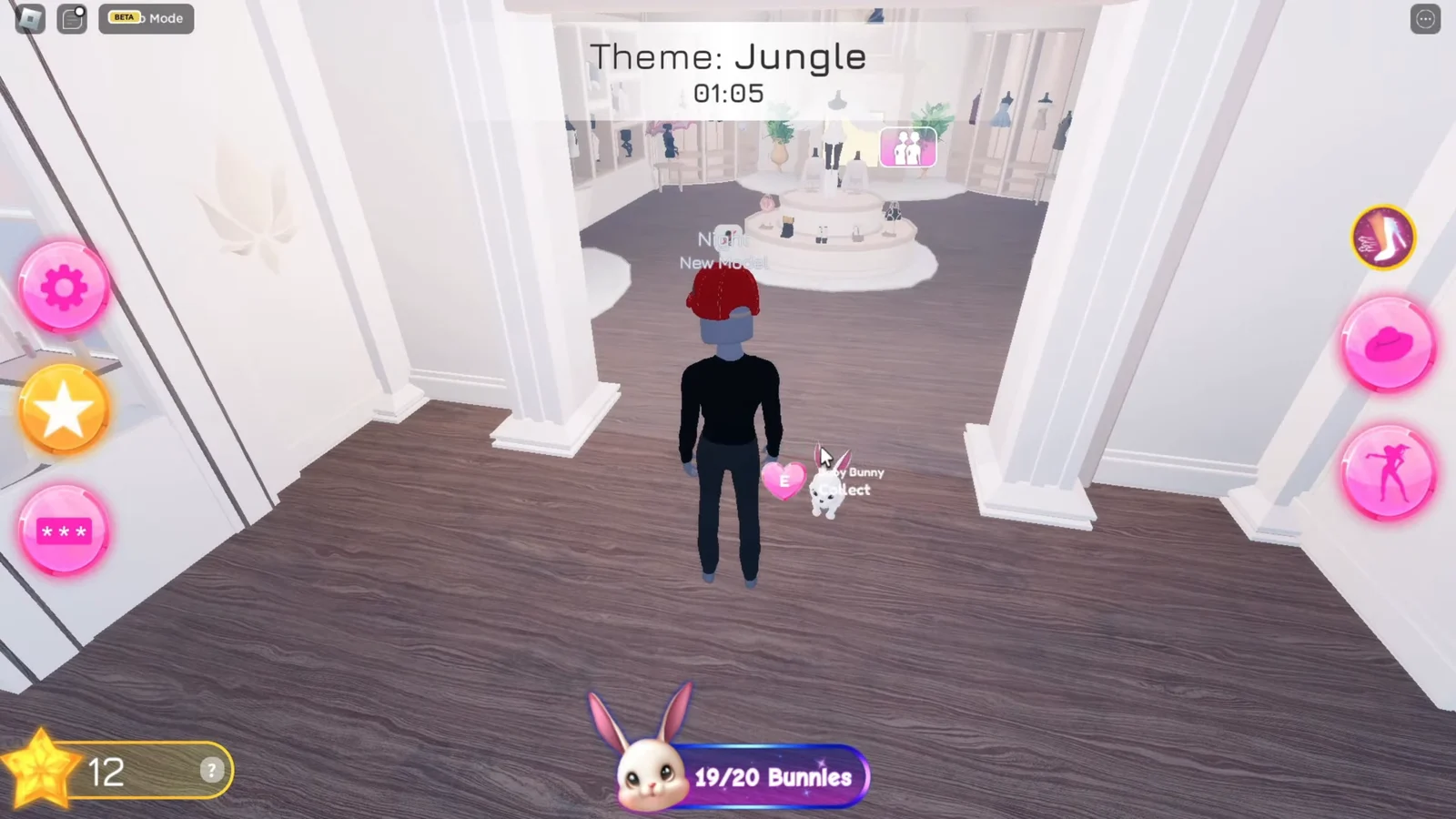
The dressing room hands you a plain grey mannequin and a clothing limit of 18 items, so pulling a dress off a rack, sorting hair and makeup in the salon, and grabbing shoes is plenty. Placement genuinely does not matter. You can finish fourth with 16 stars, rank up to something like Rising Star, and the round still registers exactly the same as a win.
Leaving during the dressing phase or partway through the runway risks the round not counting at all. Sit through the podium screen and the intermission rather than backing out early.
How to confirm the badge unlocked
There are three visible confirmations, and you should see all of them in sequence. The “Rounds Played” tracker moves to 1/2 after the first podium, then to 2/2 once the second round wraps. Immediately after that, a Quest Completed! banner appears over the winners screen, followed by the standard Roblox badge awarded notification in the corner of the screen and an unlocked-item pop-up.
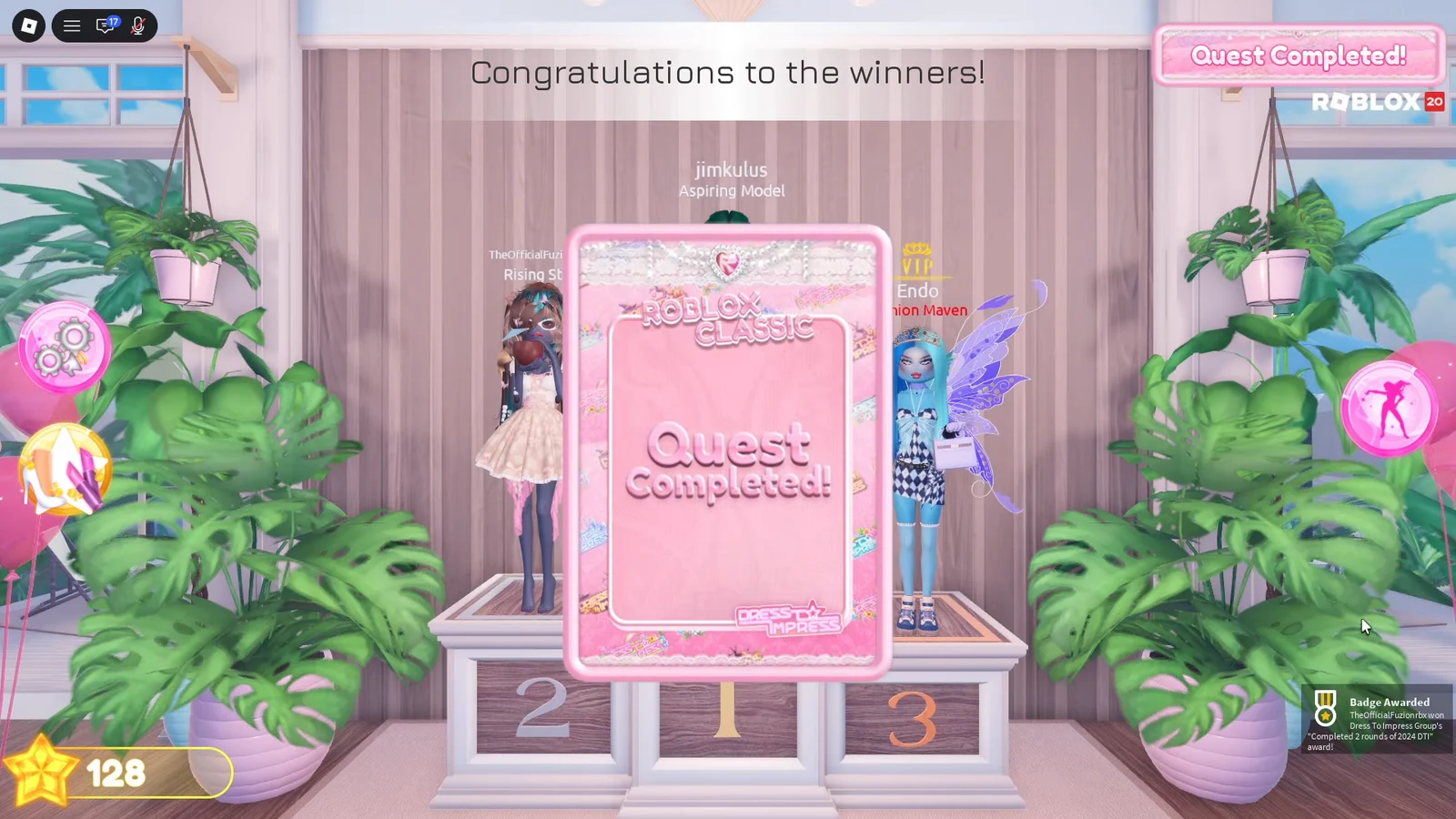
If you only see the tracker move and no completion banner, stay in the same server through another full round before assuming anything broke.
If the quest is not registering
Two things account for nearly every failed attempt. The first is playing ordinary modern rounds, which do nothing for the anniversary quest no matter how many you finish. Reopen the server menu and confirm the 2024 Rewind card is the one you selected.
The second is an incomplete round. If you are unsure whether the first one counted, the safest fix is to stay in the same throwback server and play through another round in full rather than hopping back to the Hunt hub early.
The Runway Sunhat reward and claiming it at the Hunt hub
This year’s Roblox reward is The Runway Sunhat. When the counter reaches two rounds, go back to The Hunt: Roblox 20 hub using the same account. Wait for the 2024 stage to finish loading and register, then open your inventory. The hat is off sale, so the event is the only way to get it.
Dress To Impress sits at 2024 in the anniversary timeline, which makes it the second-to-last historical year on the board. With it logged, the remaining stop is Grow a Garden for 2025, and clearing every year from 2006 through 2025 is what Roblox asks for before Year Infinity opens up.