Fists are the starting weapon in Slayers 2, and they carry you through the first stretch of the game before you can afford a katana. The controls are not spelled out for you when you spawn in, so the first few fights against village NPCs tend to go badly for no good reason. All of it comes down to four keys.
Quick answer: Press 1 to equip your fists, left click to punch, and hold F to block. A white shield icon appears above your head while the block is active.
Slayers 2 fist combat keybinds
| Key | Action |
|---|---|
| 1 | Equip fists |
| Left Click | Punch |
| F (hold) | Block |
| Q | Dash |
| Left Alt | Toggle shift lock |
| WASD | Move |
That is the whole fist kit. Everything else on screen, including your HP bar and your stamina bar, reacts to how you spend those inputs.
Equip your fists with the 1 key
Your fists sit in the first hotbar slot, so pressing 1 readies them. Your character visibly raises their hands into a fighting stance, which is how you know the slot is active rather than holstered. Left click then throws punches, and holding the button chains them into a short string.
Block incoming attacks by holding F
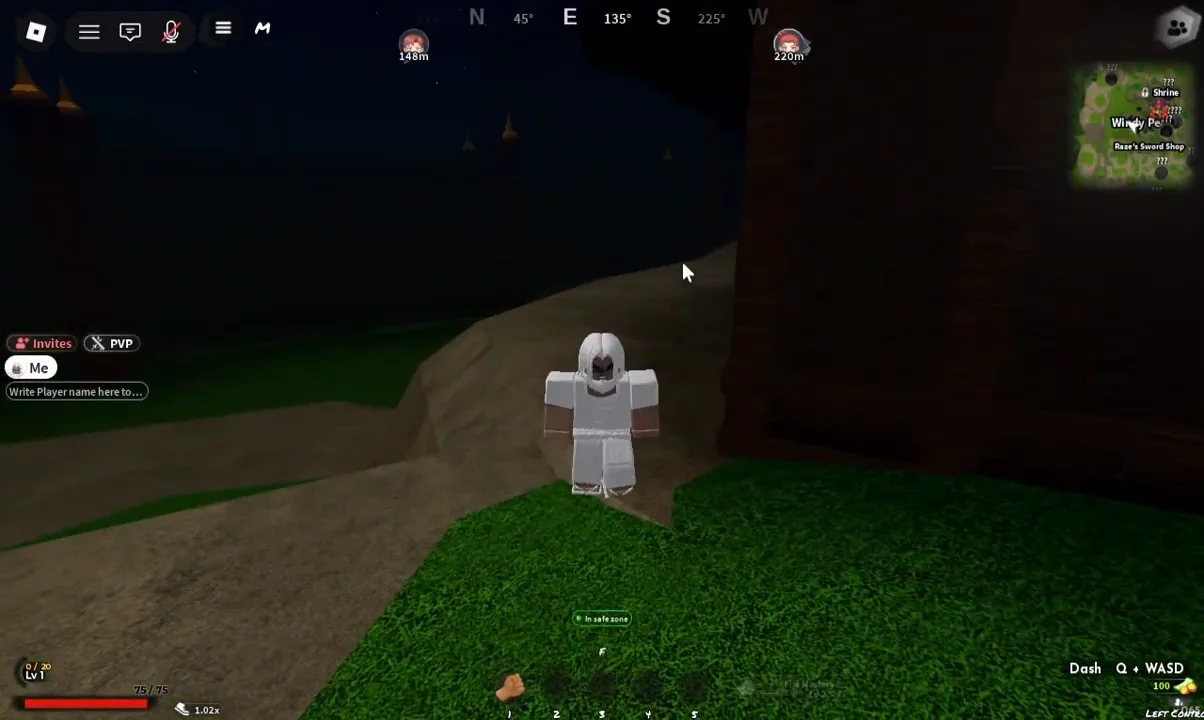
Blocking is a hold, not a tap. Press and keep F down, and a white shield icon appears above your character’s head for as long as the block is up. Release the key and the icon disappears, which means you are taking full damage again.
Use the shield icon as your only confirmation. If you are swinging and taking hits at the same time, you are not actually blocking, because punching and holding the block do not overlap.
Dash with Q and lock your camera with Left Alt
Q dashes your character in the direction you are holding, so it doubles as both a gap closer and an escape from a wind-up you do not want to eat. Pair it with WASD to dash sideways around an enemy instead of straight backwards.
Left Alt toggles shift lock, which pins your character’s facing to the camera. With it on, your punches land where you are looking instead of drifting off target while you circle. It is the single biggest accuracy upgrade in melee, and there is no downside to leaving it on during a fight.
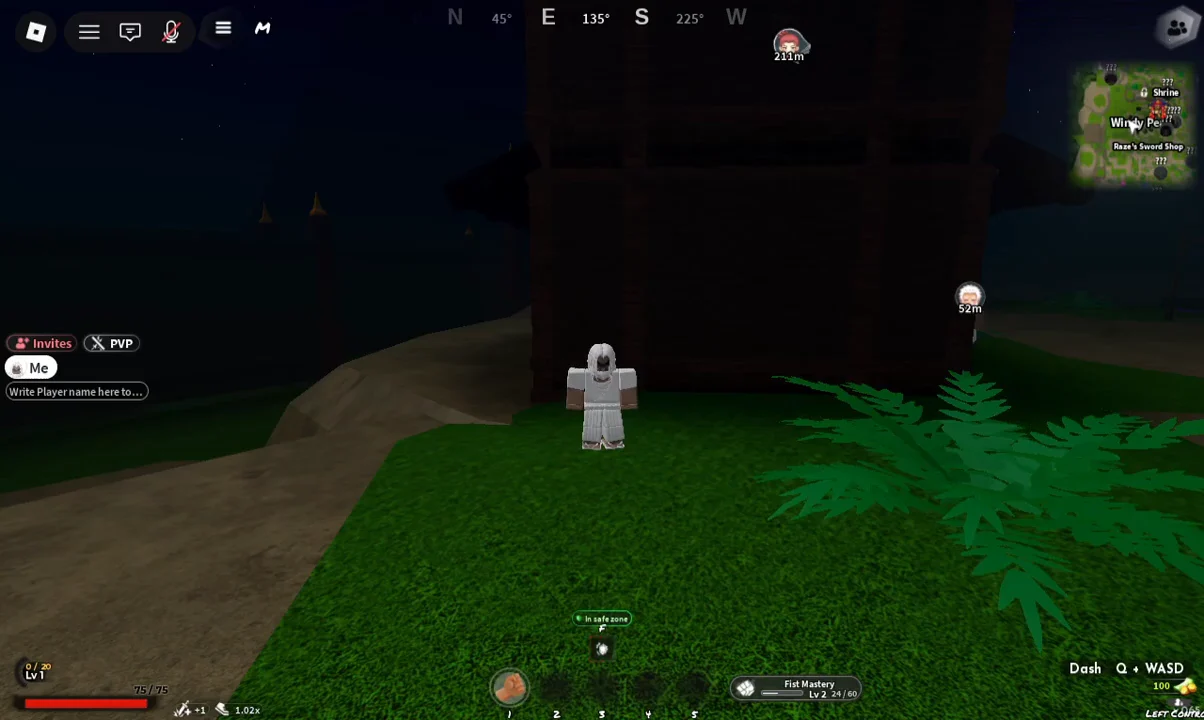
Turn on toggle run so you stop holding Left Shift
Chasing NPCs across Windy Peak with Left Shift held down gets old fast. Open the left sidebar menu, choose Settings, then switch to the Controls tab.
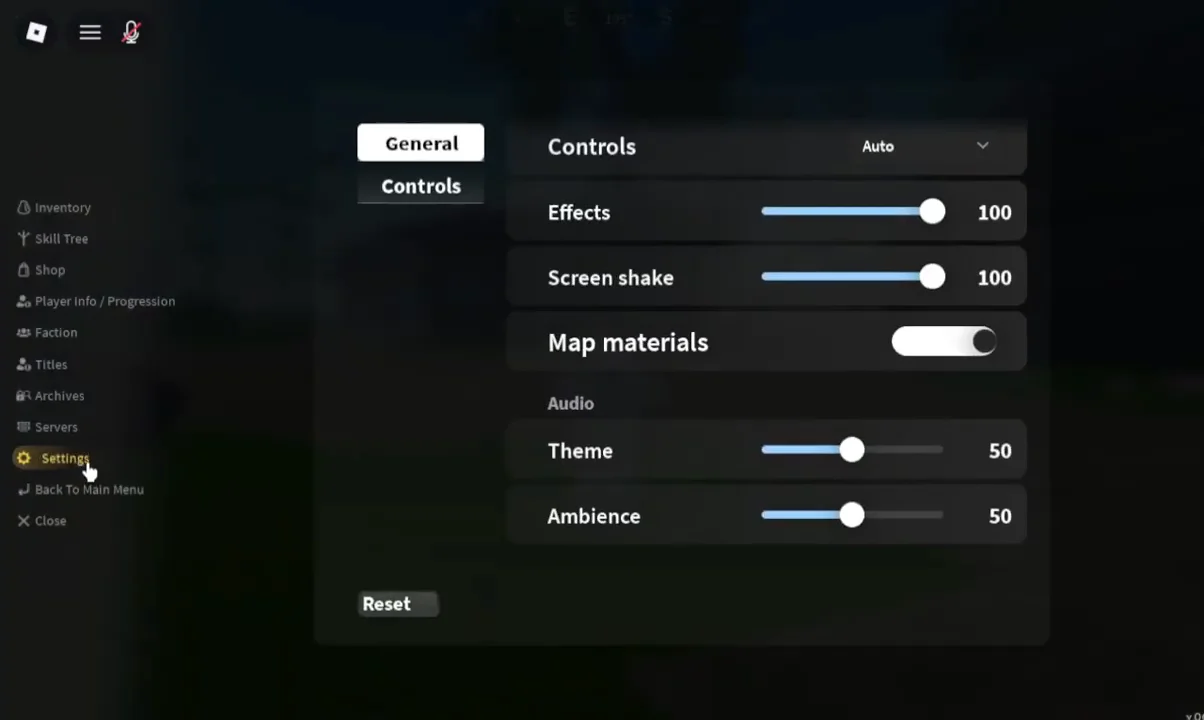
Under Movement, flip on Toggle run. The Run keybind sits right next to it and is set to Left Shift by default, so one press now starts continuous running instead of requiring a held key.
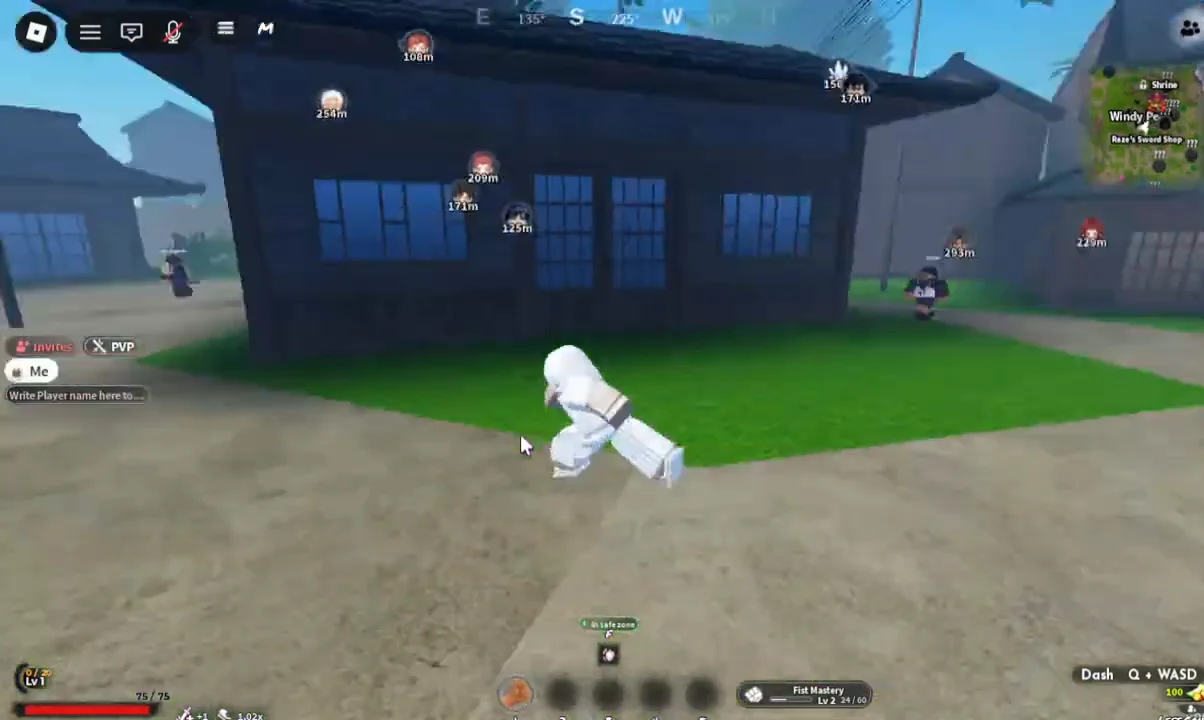
If sprinting stops working after a server hop, reopen Settings and check the Controls tab again rather than rebinding the key.
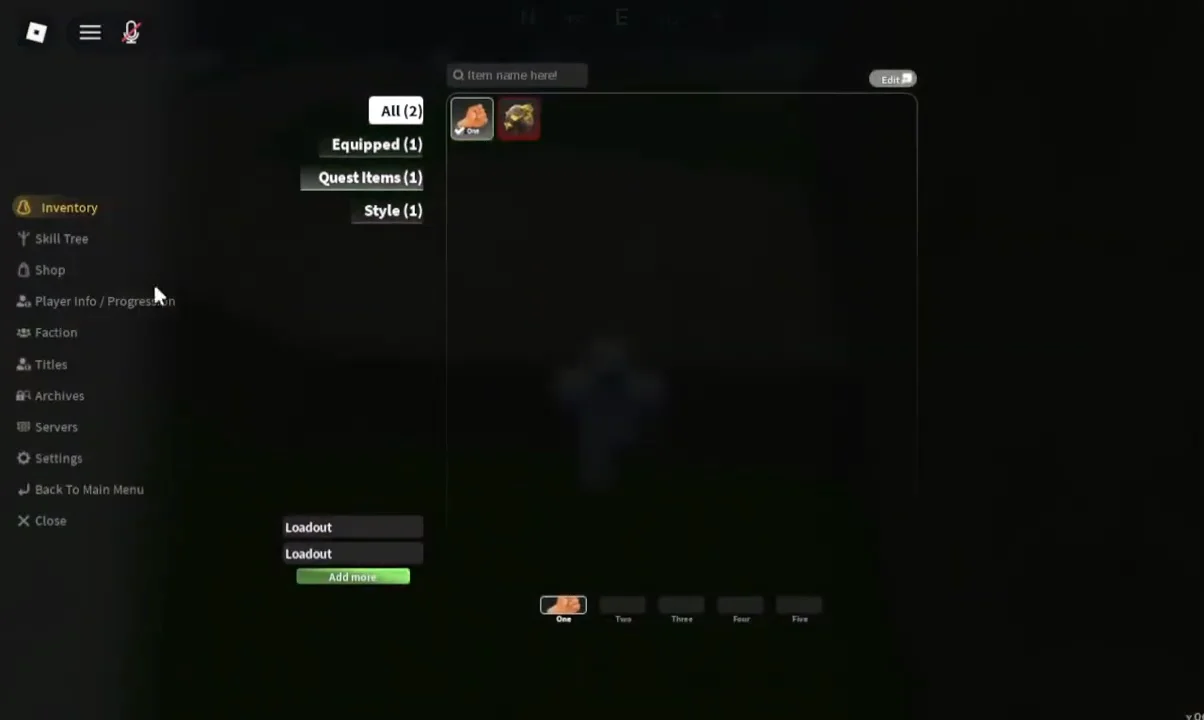
Practice on a Civilian NPC and check your rewards
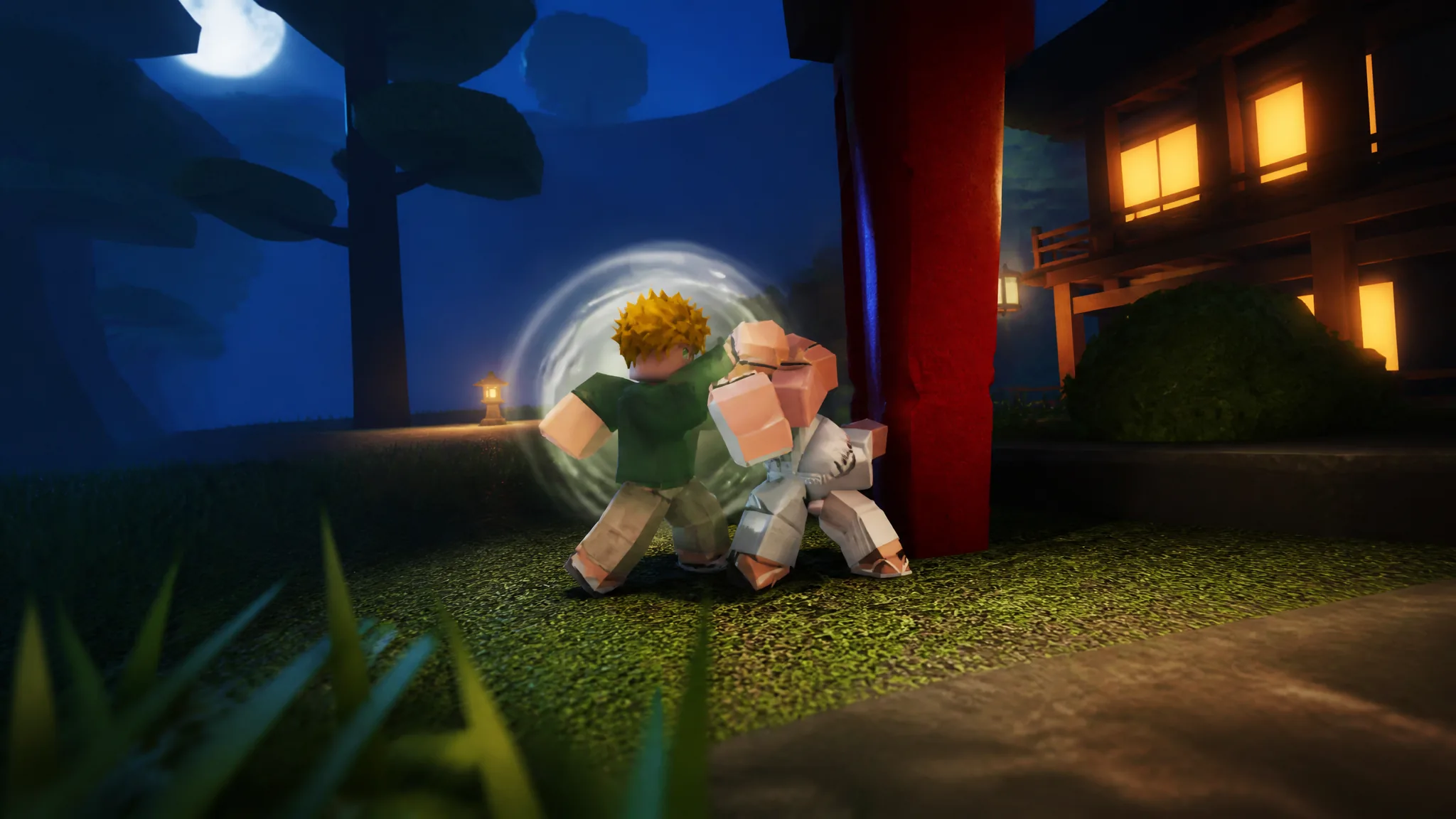
The Civilian NPCs around the starting village are the cheapest way to drill the loop. Punch during their recovery window, hold F when they swing, and dash out with Q when your stamina bar runs low. Green particle effects and floating damage numbers mark each landed hit.
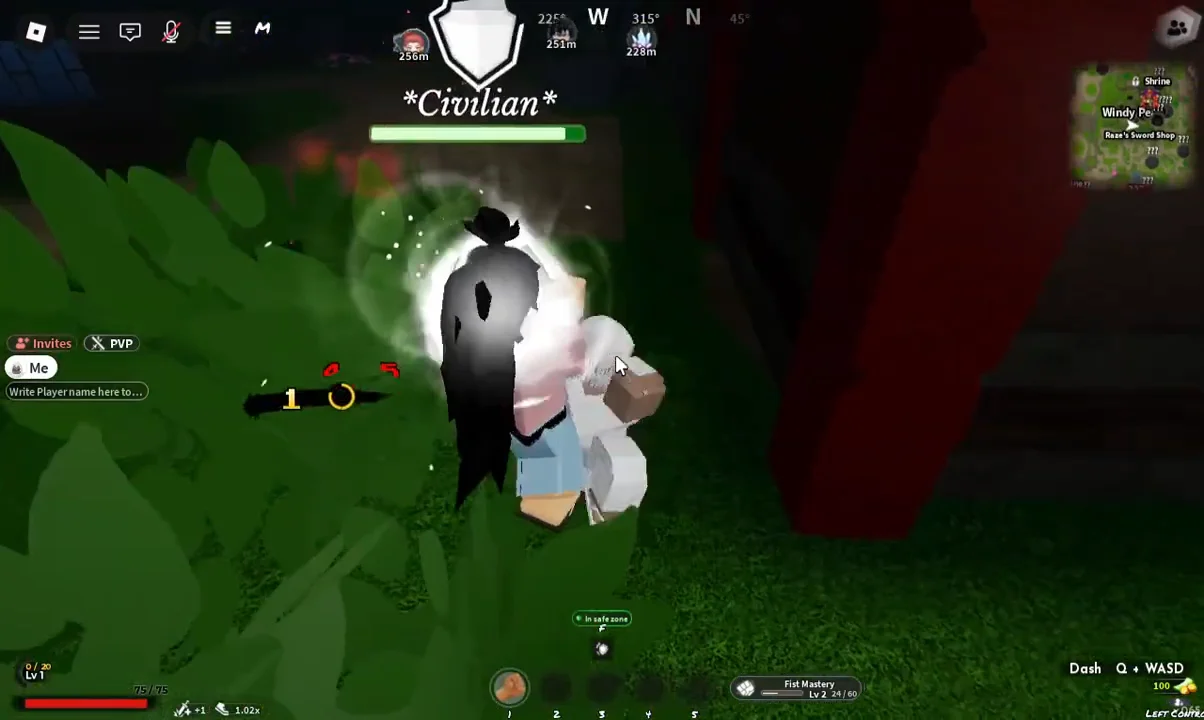
You know the fight registered because three reward lines pop up the moment the NPC goes down. A low-level Civilian kill hands over the following:
- +12 Exp toward your character level
- +5 Wen, the game’s currency
- +21 Fist Mastery
Fist Mastery is tracked separately from your character level, so the punches you throw early on are not wasted time even after you buy a Regular Katana from Raze for 500 Wen. Keep shift lock on, treat F as a hold rather than a panic tap, and the same rhythm carries straight into weapon and Breathing Style combat later.