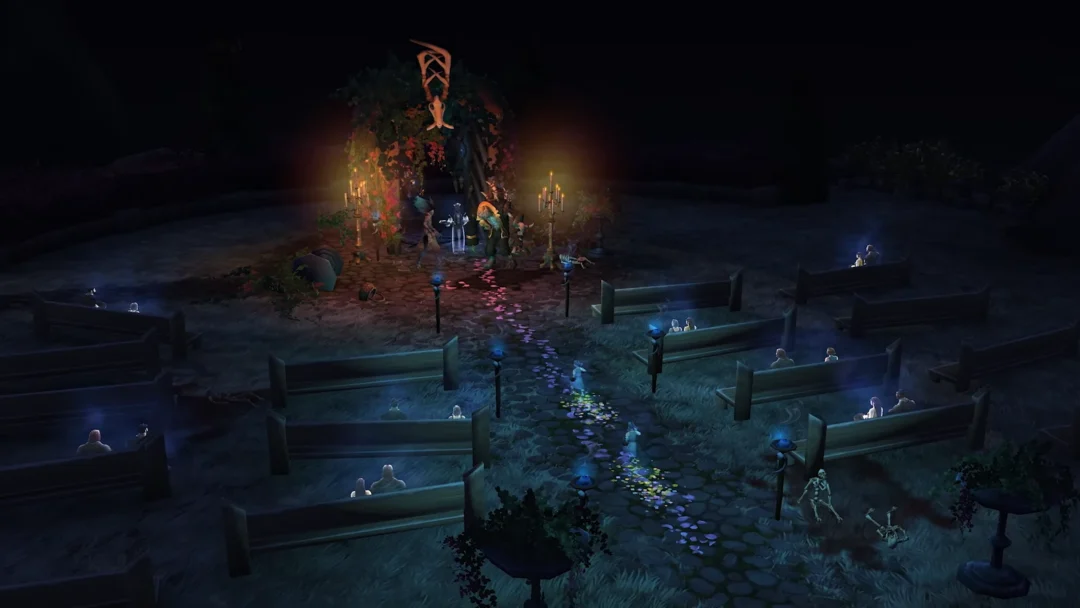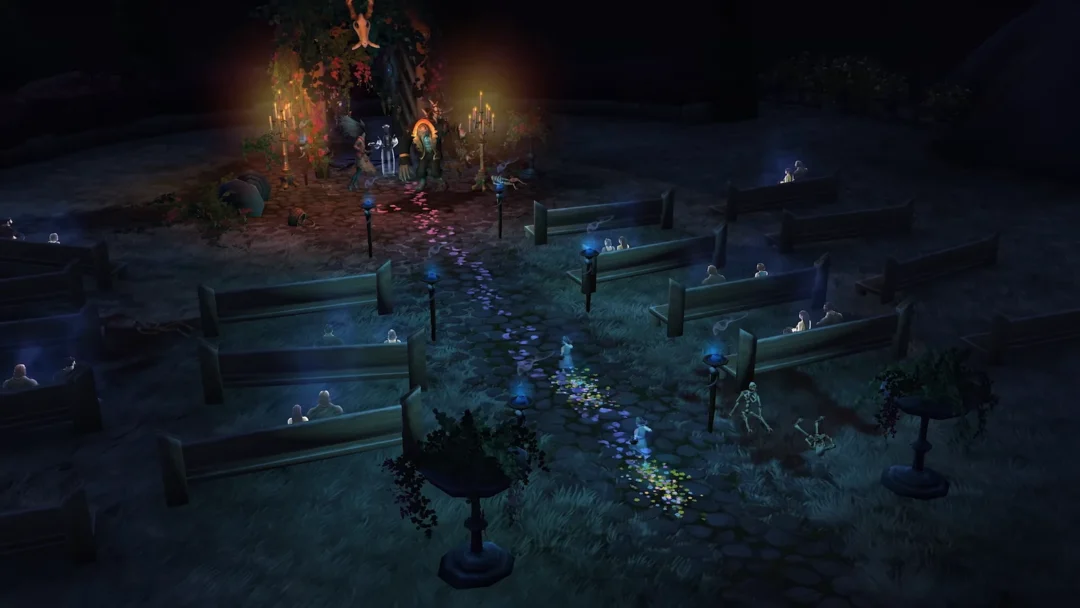
The Version 4.6 Special Program for Honkai: Star Rail, titled “Dance With the Beast Before Moonrise,” aired on September 20, 2026 and dropped three limited-time redemption codes. Together they give you 300 Stellar Jade plus some upgrade materials, but the window to claim them is short.
Quick answer: Redeem KA5SV3FJM7WX, 7S4AD2X35NE3, and MALSV2F247FP on the official gift site before September 21, 2026 at 10:59 AM (UTC-5) to collect 300 Stellar Jade.

HSR 4.6 livestream codes and rewards
Each code delivers 100 Stellar Jade, with a different bonus item attached. You can claim all three on a single account.
| Code | Rewards |
|---|---|
| KA5SV3FJM7WX | Stellar Jade x100, Credits x50,000 |
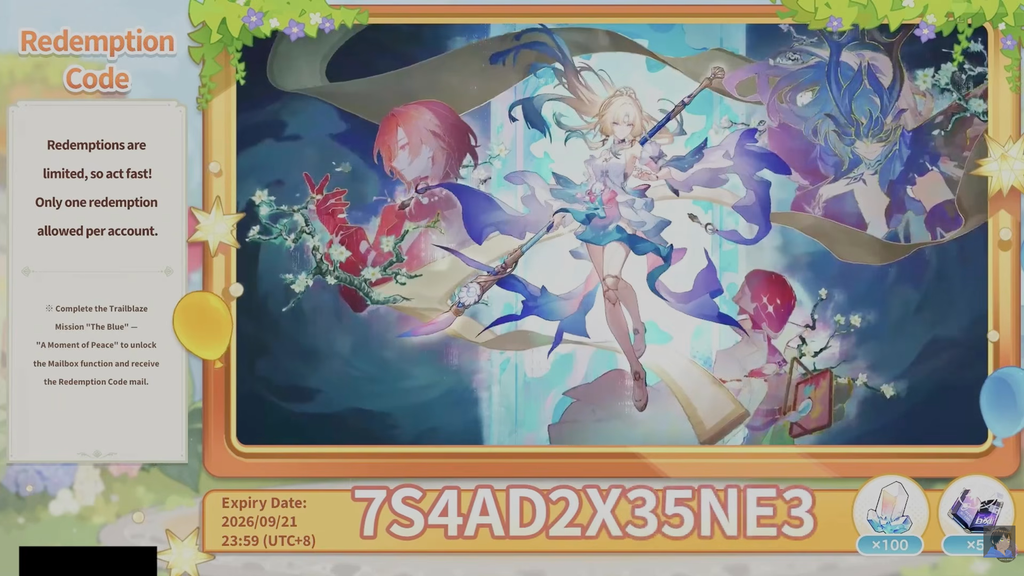
| 7S4AD2X35NE3 | Stellar Jade x100, Traveler’s Guide x5 |
| MALSV2F247FP | Stellar Jade x100, Refined Aether x4 |
When the codes expire
Special Program codes stay live for roughly 27 hours after the English broadcast ends. For this batch, that puts the cutoff at September 21, 2026 at 10:59 AM (UTC-5), which is the same moment as 23:59 (UTC+8). After that point the codes stop working entirely.
There is no grace period once the timer passes, so redeem all three now rather than waiting for the 4.6 update to arrive.
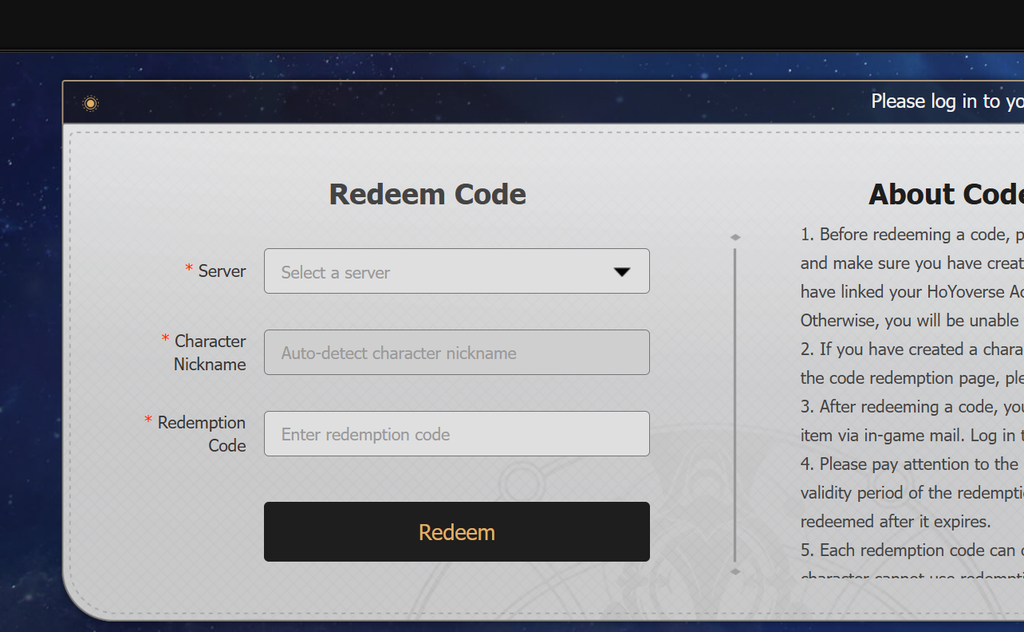
Redeem through the official website
The web method is the fastest, and it is the only option for iOS players since the in-game redemption button does not appear on that version.
Redeem inside the game
If you are already logged in on PC, Android, or console, you can enter codes directly.
You must complete the early Trailblaze Mission that unlocks the mailbox before any redemption will deliver items.

How to confirm it worked
A successful redemption sends the rewards straight to your in-game mailbox, and the site or client shows a confirmation once each code is accepted. If nothing shows up right away, close and relaunch the game, then check the mail again. Each code can only be claimed once per character, so an “invalid” message usually means it has already been used or the expiry time has passed.