Kuro Games handed out three redeem codes during the Wuthering Waves Version 3.7 preview broadcast, and together they cover 300 Astrites. That is enough to build toward pulls on the new banners, but the window is short, so redeem them now rather than later.
Quick answer: Redeem FALLINGSANCTUM, FINDSENTINEL, and WAKINGMOON in Settings before September 21, 2026, 9:00 AM PT. Each gives 100 Astrites, for 300 total.
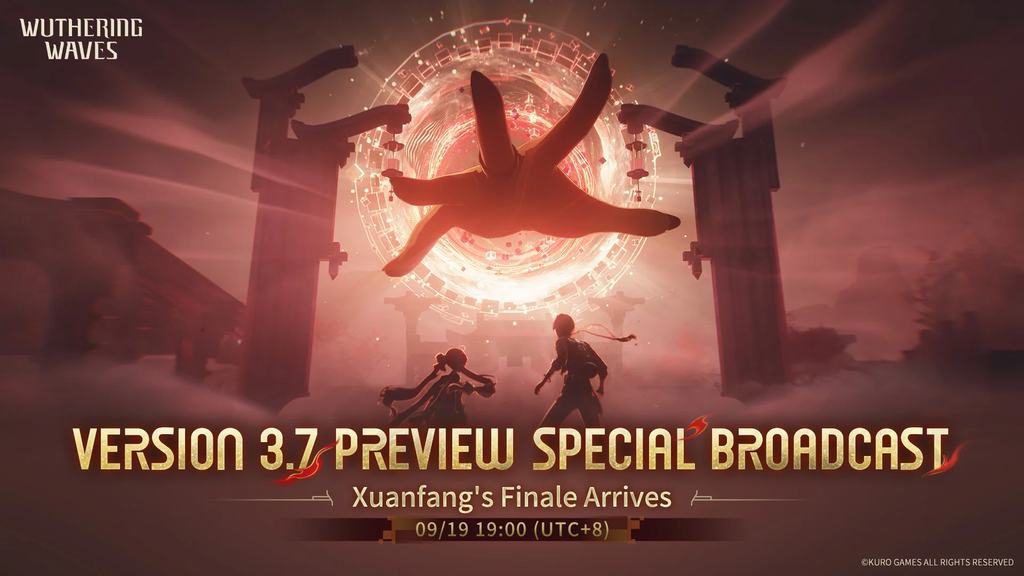
The three Version 3.7 livestream codes and rewards
All three codes deliver 100 Astrites on top of a small bundle of character and weapon upgrade materials. Type them exactly as shown, since the game rejects any misspelled or already-claimed code.
| Code | Astrites | Additional rewards |
|---|---|---|
| FALLINGSANCTUM | 100 | 3 Premium Resonance Potion, 2 Advanced Revival Inhaler |
| WAKINGMOON | 100 | 20 Premium Tuners, 5 Advanced Sealed Tube |
| FINDSENTINEL | 100 | Advanced Enclosure Tank II and Shell Credits |
The codes stop working on September 21, 2026 at 9:00 AM PT. Once that time passes they turn invalid, and there is no backup redemption page to fall back on.
Before you redeem: reach Union Level 2
Code redemption is tied to the in-game mail system, which unlocks once you hit Union Level 2. New accounts reach it by finishing the opening Chapter 1, Act 1 main quest and opening a few chests, which usually takes under an hour. Until then, the rewards have nowhere to land.
How to redeem the codes in-game
Wuthering Waves has no external redeem website. Every code goes in through the game’s own Settings menu on PC or mobile.
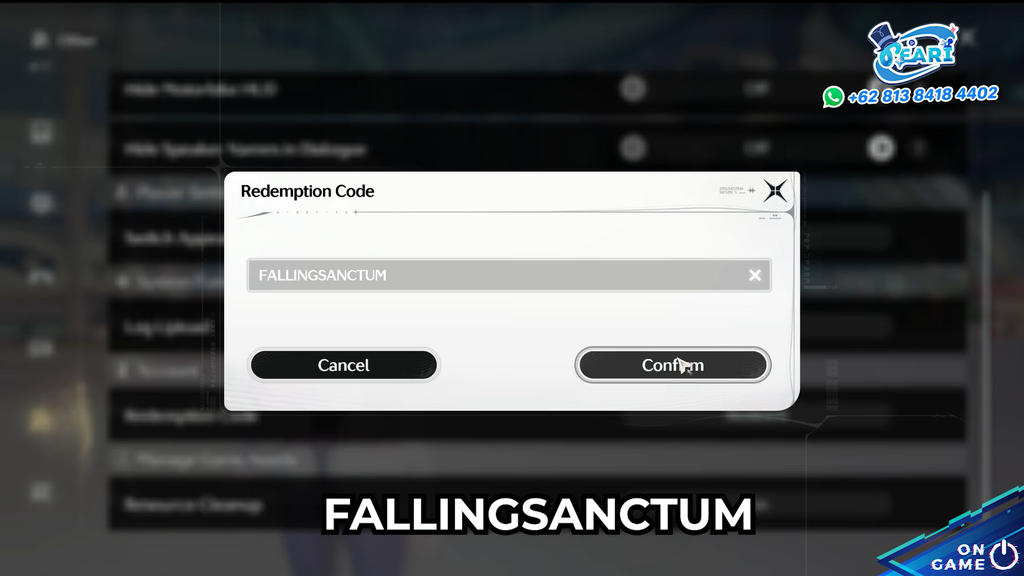
How to confirm it worked
A pop-up appears right after you press Confirm to tell you the code was accepted. The actual rewards do not drop into your bag automatically; they wait in the Mailbox until you claim them. If the mail does not show up, fully close the game and relaunch it, then check again.
Claimed mail is deleted after two weeks, so grab the Astrites and materials from your Mailbox soon after redeeming instead of leaving them sitting there.
What the 300 Astrites are for
On September 30 (UTC+8), Version 3.7, “Prism’s Illusion, Heart’s Illumination,” brings two new five-star Resonators—Hsin and Suoming—as well as rerun banners. The 300 Astrites from these codes add to your existing savings, giving you an early boost toward a Convene when the update goes live.