Chapter 2: Escape is short, but it is the first place Silent Hill: Townfall starts quietly counting things you can never come back for. It hands Simon the CRTV, drops two tunable signals in a single hotel bedroom, and then pushes you into an elevator you cannot ride back up. Everything below happens between waking up in The Haldane Hotel and stepping into Coastal District – South.
Quick answer: Chapter 2 contains the CRTV, two CRTV signals, one Clue, two Documents, the Room 204 Key and two phone numbers. Collect all of it before leaving the hotel lobby, because there is no backtracking.
Chapter 2: Escape collectible checklist
| Type | Name | Where |
|---|---|---|
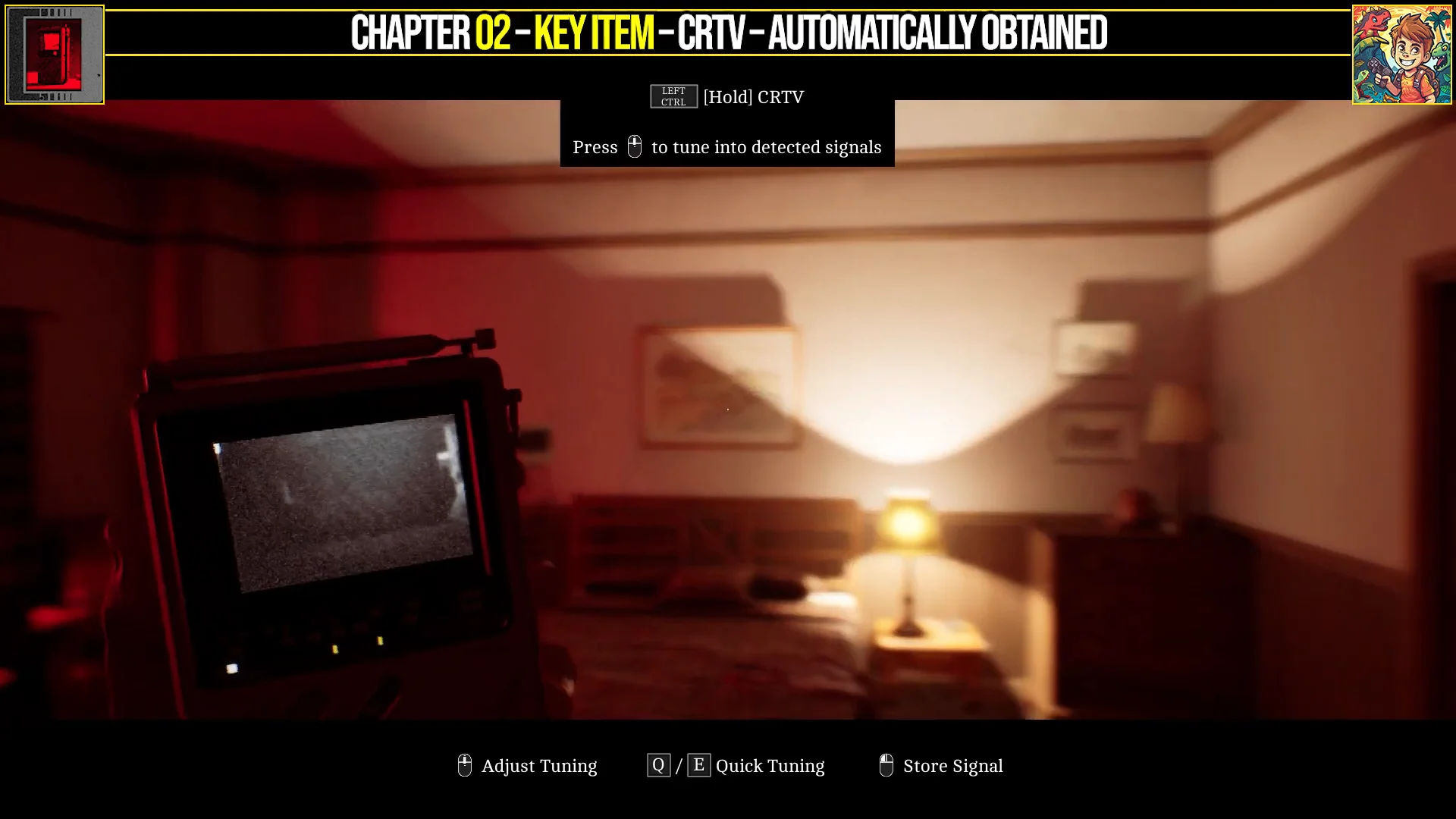
| Equipment | CRTV | Given automatically in the Other Place |
| CRTV Signal | Channel 50 | Tuned from the hotel bedroom |
| CRTV Signal | Channel 62 | Tuned from the hotel bedroom |
| Clue | Room Service Card | Desk across from the bed |
| Document | Hotel Room Note | Bathroom countertop |
| Key Item | Room 204 Key | Beside the sink, same counter |
| Document | Hotel Reception Notice | Behind the lobby reception desk |
| Phone Number | 496 0244 | The Haldane Hotel |
| Phone Number | 496 0496 | Tourist Center |
Clues and Documents both feed the same discoveries statistic, and that total is weighed against how many enemies you kill to decide whether you land on the Justice, Forever or Abandoned ending. The Room Service Card registers as the third of 85 discoveries in the game.
CRTV signals on Channel 50 and Channel 62
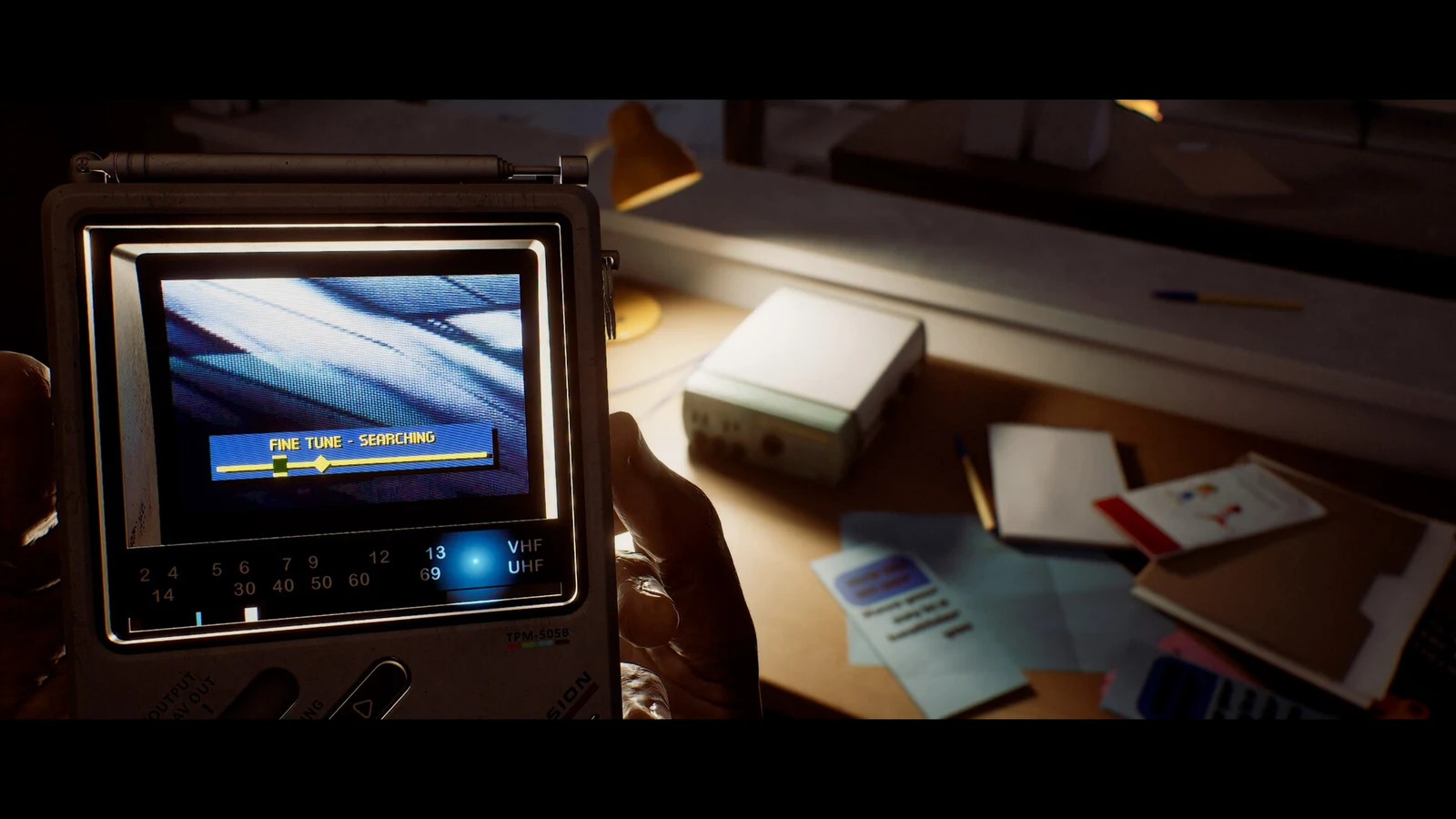
The CRTV arrives on its own. After you use the first phone and pass through the otherworldly area, Simon is holding the handheld unit in the hotel bedroom, with the tuning controls drawn on screen. There are 18 CRTV signals across the whole game, and the first two are both stored without leaving this room.
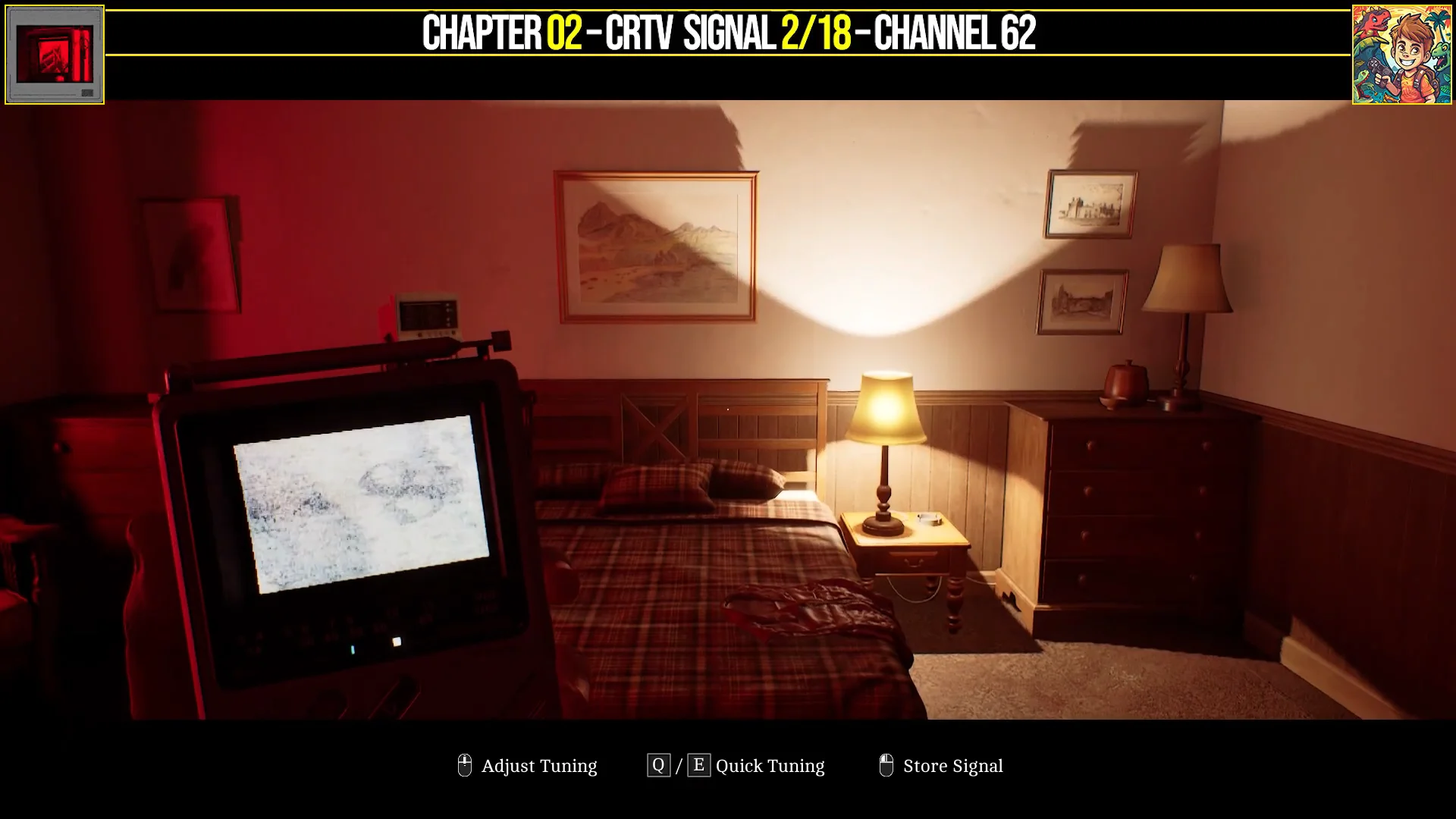
Fine-tune in small increments. Both channels sit near a value rather than snapping to it, so the signal only stores once the picture holds steady.
Room Service Card location and the door wheel puzzle solution
Cross the bedroom to the desk opposite the bed and examine The Haldane Hotel Room Service Card. It is the only Clue in the chapter, and it is also half of the answer to the locked door.
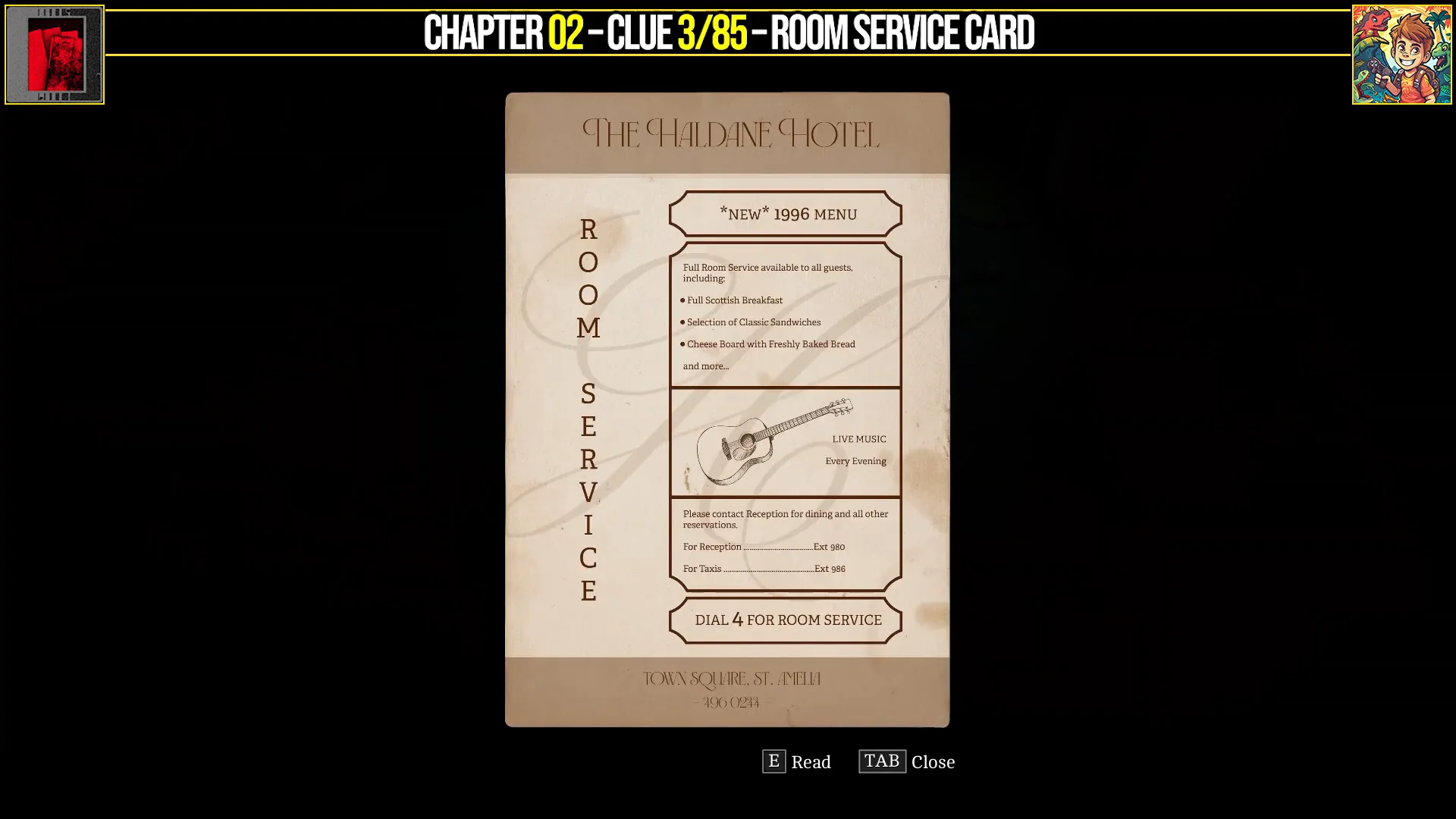
The door out of the room uses three wheels, and the combination is a date. Set them as follows:
- Top wheel — 18
- Middle wheel — January
- Bottom wheel — 1996
The Room Service Card supplies part of that date, and the rest comes from one of the channels you tune on the CRTV in the same room. You do not need to work either out yourself if you simply dial in the three values above.
Hotel Room Note and Room 204 Key in the bathroom
With the wheels set correctly, the door opens into the bathroom. Two pickups sit on the counter by the sink. The handwritten Hotel Room Note counts as a Document, and the Room 204 Key is the key item that unlocks the hotel room door and lets you reach the elevator.
Take the note before the key. Grabbing the key and moving straight on is the easiest way to leave a Document behind, and the chapter cannot be replayed without loading an earlier save or starting over.
Hotel Reception Notice in the Coastal District – South lobby
The elevator drops Simon into the hotel lobby back in Coastal District – South. Turn right immediately and walk behind the reception desk. The Hotel Reception Notice is lying on the counter, and it lists the guest room allocations. That is the second and final Document of the chapter.
Phone numbers 496 0244 and 496 0496
Two numbers become available during the escape sequence. 496 0244 is The Haldane Hotel and 496 0496 is the Tourist Center. Both count toward the 13 phone numbers that must be called across St. Amelia for the associated trophy, and calling them costs nothing but a moment at a phone.
Dialing 100 from any phone saves the game. There are 20 manual save slots alongside the autosave, so make a save once the lobby Document is in hand rather than relying on the checkpoint.
How to confirm Chapter 2 is fully cleared
Each signal is confirmed by the Signal Stored message on the CRTV itself, so the device should be holding two entries out of 18 by the time you leave the bedroom. Clues and Documents appear in the corresponding inventory categories the instant you examine them, and the discoveries count ticks up with each one. Before you move past the lobby, you should be carrying one Clue, two Documents, the Room 204 Key and two logged phone numbers from this chapter.
Because Silent Hill: Townfall has no chapter select, every Clue and Document is technically missable, and the running discoveries tally is what steers the ending you get. Collectible progress does carry between playthroughs, so anything genuinely lost here can be picked up on a second run rather than forcing a restart. Later chapters lean much harder on in-game computers and printers for their Documents, so the habit of checking every desk and terminal is worth forming now.