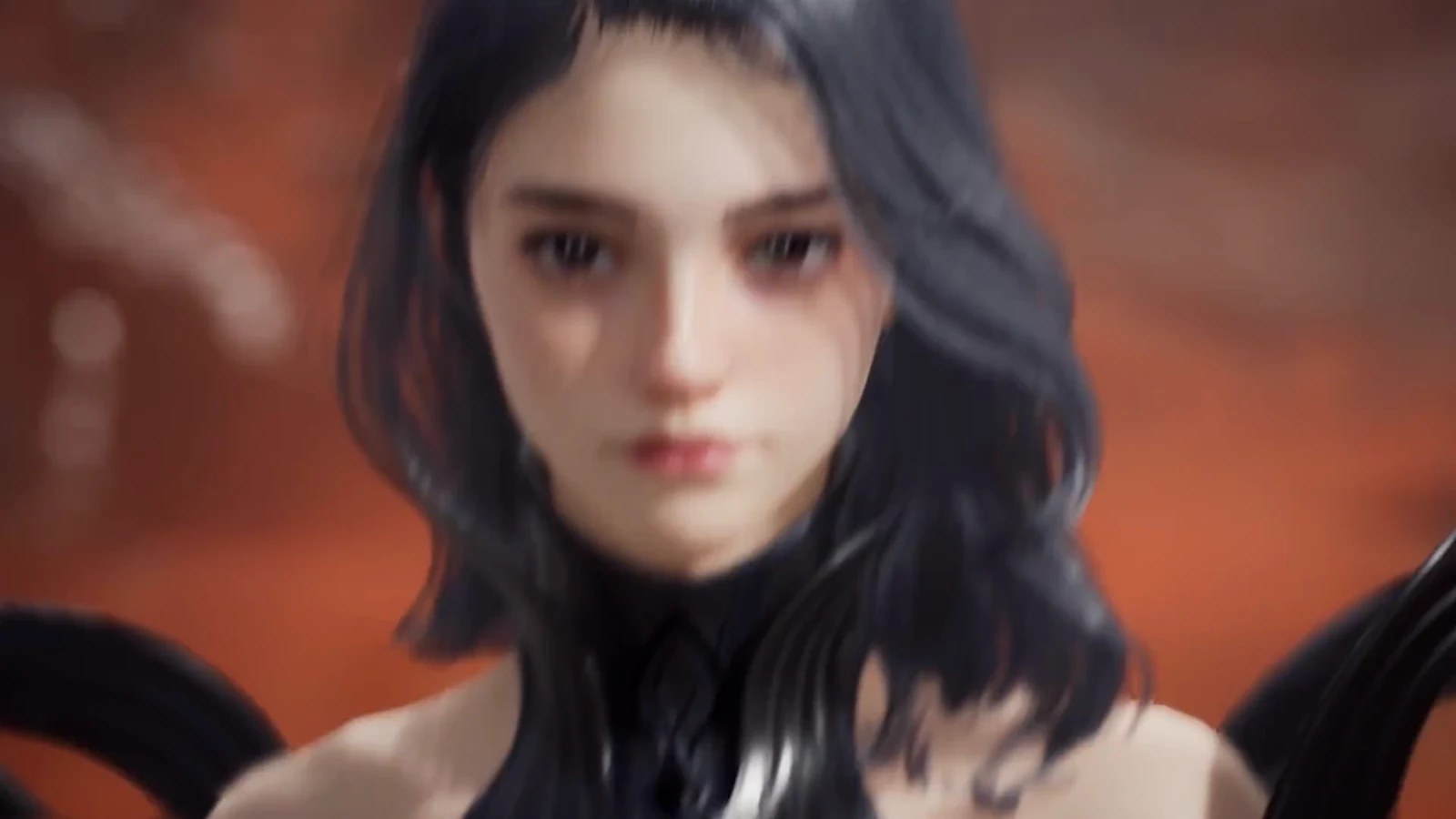
The face you sculpt during character creation in AION 2 is not locked in forever, but editing it later is not free either. The game gates re-customization behind a consumable item, and it will not let you use that item until your character has reached a minimum level.
Quick answer: Reach Level 10, open your Cube inventory, and use an Appearance Change Voucher to reopen the customization screen, then confirm with Apply.
What you need before changing your appearance
Two conditions have to be true at the same time. Missing either one means the voucher simply will not activate.
- A character at Level 10 or higher — the requirement is printed on the voucher tooltip.
- An Appearance Change Voucher (Common Customization) sitting in your Cube inventory.
Everything else about the character stays untouched. The voucher covers physical appearance only, so your faction, class, and progress are unaffected by the edit.
Where Appearance Change Vouchers come from
Vouchers are not something you craft or pick up from a vendor NPC in the open world. They arrive through a handful of distribution channels, and most players will get their first one for free.
| Source | Cost |
|---|---|
| In-game events | Free |
| Login rewards | Free |
| In-game Shop | Premium currency |
| Ultimate Founder’s Pack | Included |
Because the Shop route costs premium currency, it is worth checking your mail and event tabs first. Event and login distributions tend to cluster around launch windows and seasonal content, so a voucher you would otherwise pay for may already be waiting in your inventory.
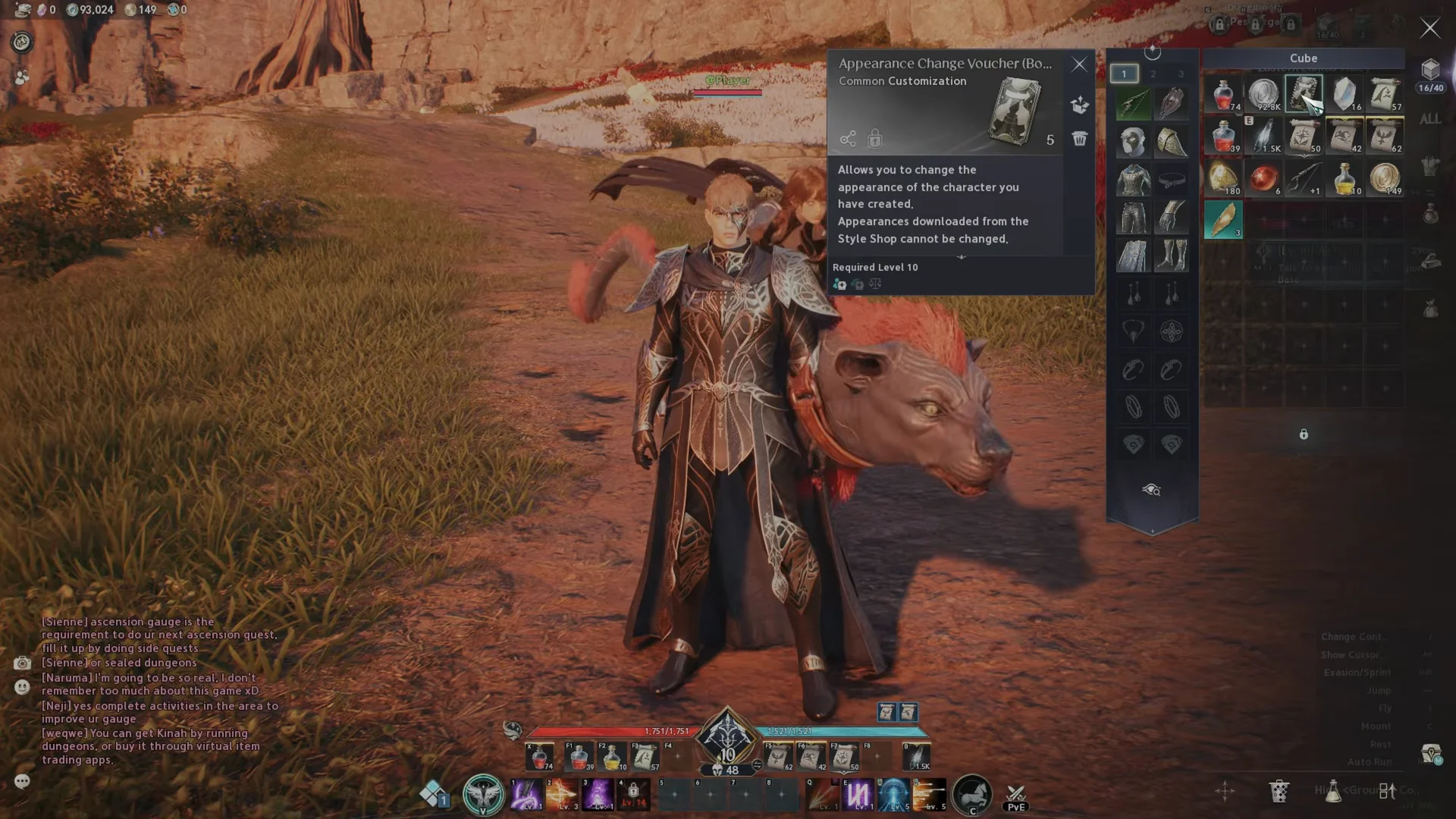
How to use the Appearance Change Voucher
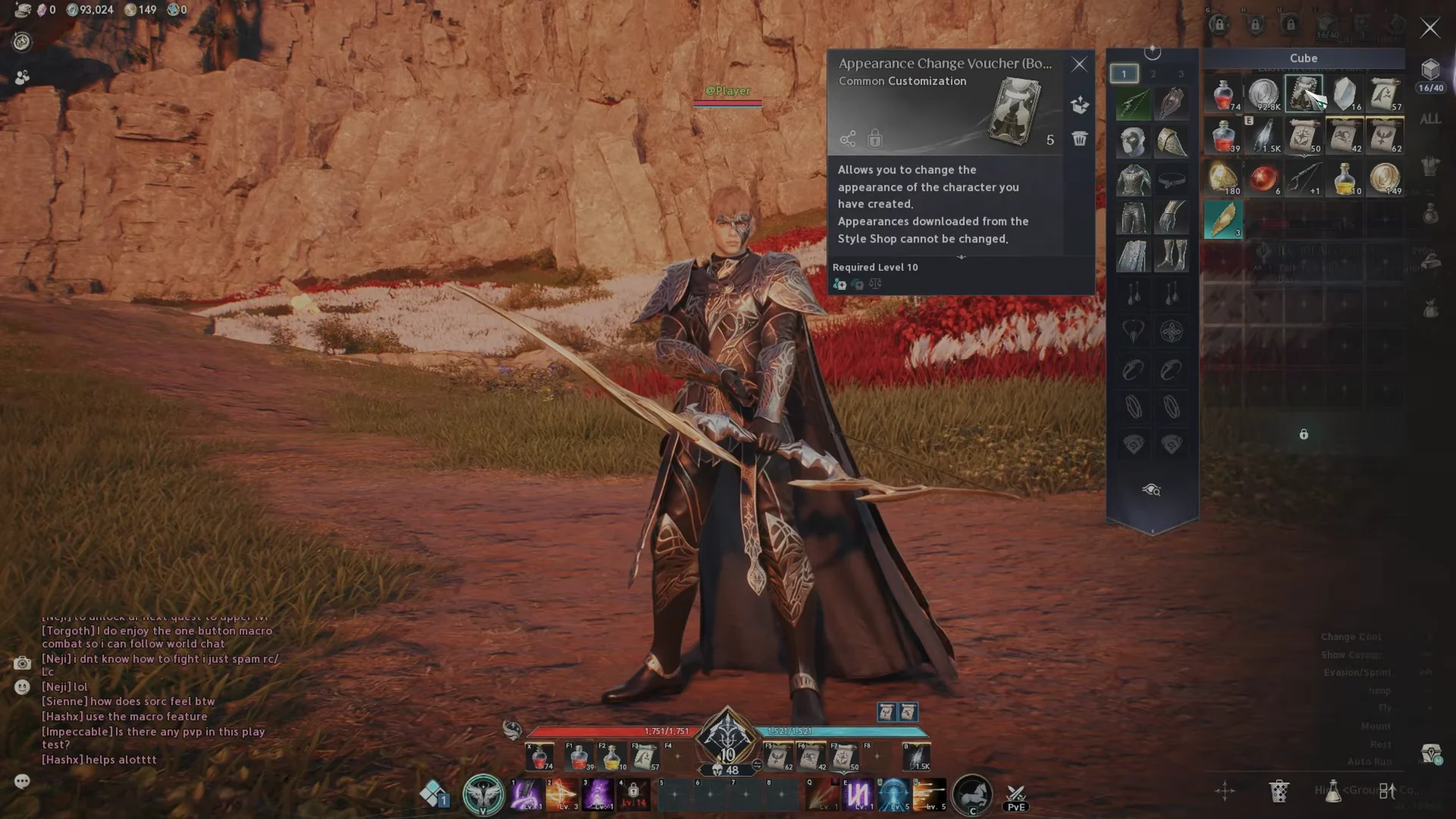
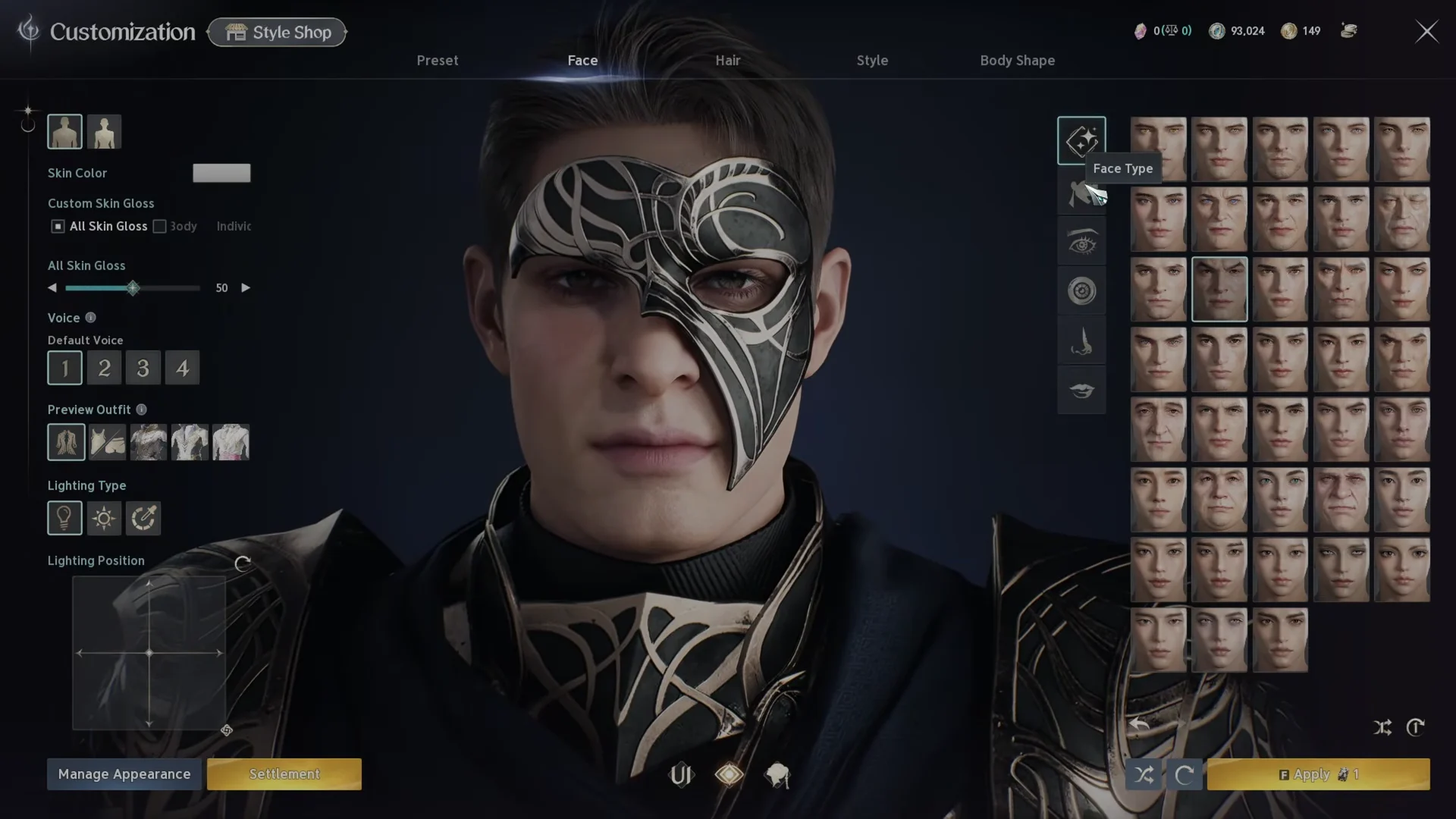
How to confirm the change went through
Confirming the dialog closes the Customization screen and drops you straight back into the open world with the updated model on screen. If you are still looking at the editor, the change has not been saved yet.
The fastest visual check is the camera. AION 2 lets you zoom all the way in to a full-frame view of your character’s face, which makes even small adjustments to eyes, nose, or lips obvious immediately.
Each voucher covers one appearance edit, so make every change you want in a single session rather than applying, leaving, and coming back.
What the voucher does and does not cover
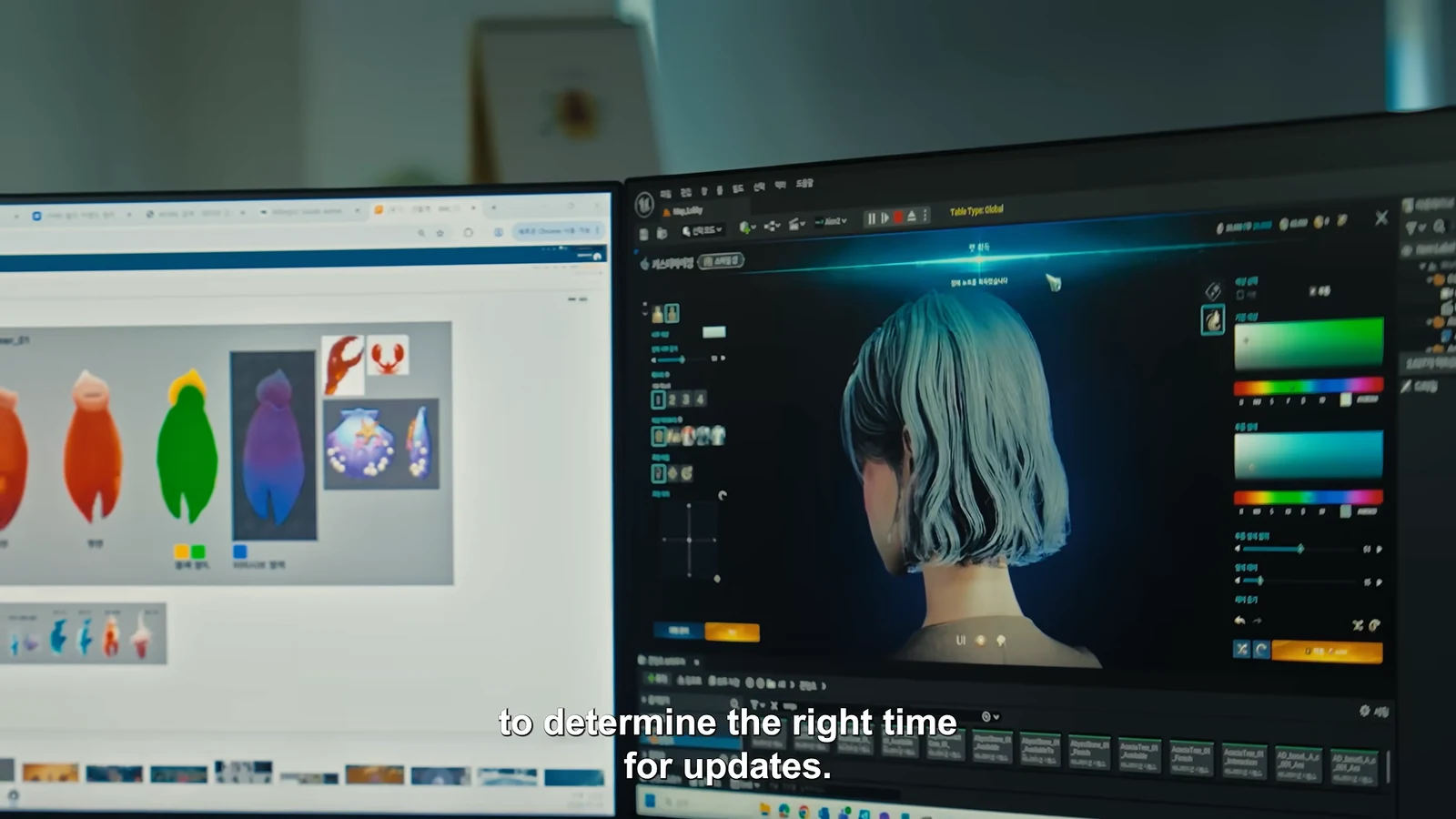
The editor you reopen is the full creation suite, not a trimmed-down version. Face customization in particular is extremely granular, with separate controls for eyebrow shape and color, eye size, position, depth and rotation, iris shape and color including fantasy patterns, nose length and nostril width, and lip thickness and corner position. Hair covers styles and dye, while Style handles makeup.
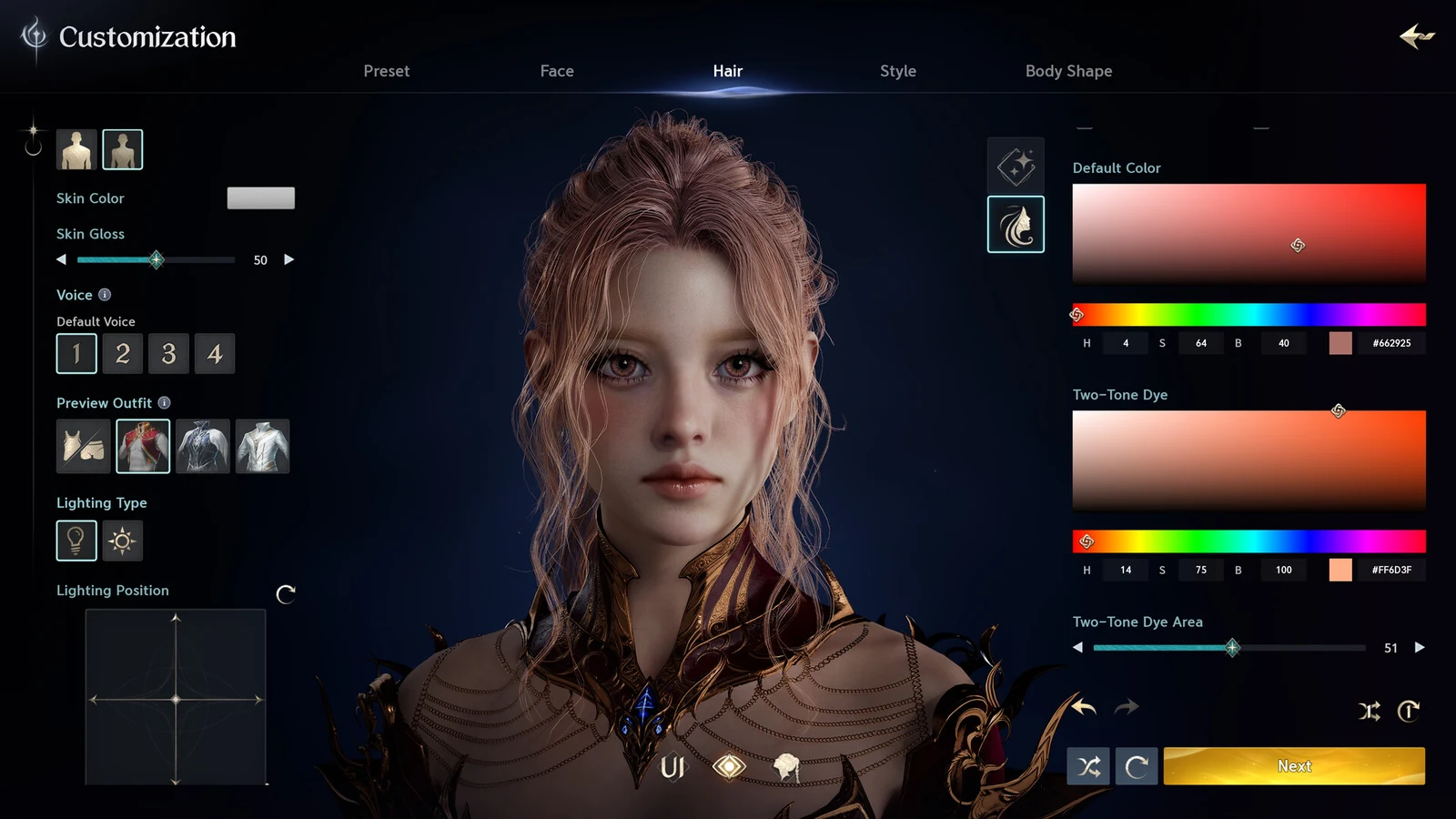
Body Shape is lighter but still adjustable. Height, overall build, arm and hand proportions, shoulder and rib cage ratios, hip size, and leg thickness all remain editable.
Class and faction are chosen separately from appearance and are not part of what a voucher edits.
Worth keeping in mind separately: cosmetic gear appearance runs through the glamour system rather than through vouchers. Glamour separates how your armor, wings, and mounts look from the stats they carry, which means a lot of the visual identity players want to change day to day does not consume an Appearance Change Voucher at all. Save the vouchers for the face and body itself.