The “Error Code: 1413677057. An unexpected error has occurred” pop-up in WARDOGS stops the game dead at the loading screen, before you ever reach the server browser. It has been one of the most common failures since Early Access opened, and it looks far scarier than it is. Your files are almost certainly fine.
Quick answer: Fully exit Steam, relaunch it, and try WARDOGS again. If that fails, cycle Steam offline then online to refresh your connection, and check whether the servers are down before doing anything else. Do not reinstall.
What error code 1413677057 means in WARDOGS
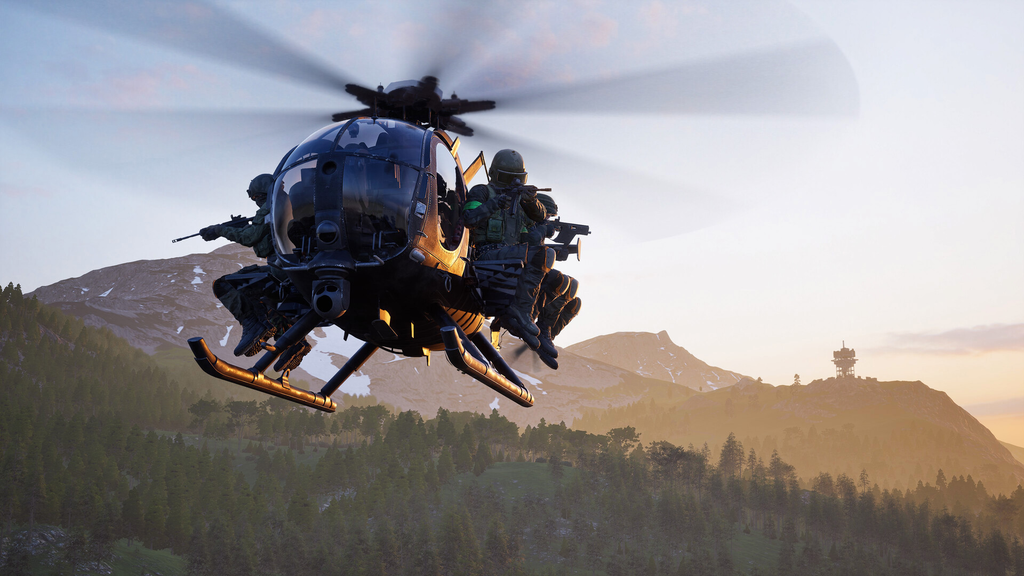
Error 1413677057 indicates that the network handshake exceeded its time limit. It occurs at one specific startup stage: the first loading screen, where the WARDOGS client requests authentication from the game’s online services and receives no reply before the deadline. The connection then stops waiting and reports the error.
Because the fault sits between your client and the backend, it belongs to the same family as error 1628505085 (“Failed to initialize player session”). Both mean the game asked its servers a question and got silence. Sometimes the same failure shows a sibling code ending in 069, 1413677069. Treat the two as the same problem.
The error spikes when the servers are under the most strain. It appeared in force over the Closed Beta 02 weekend on September 4–5, then returned aggressively when Early Access opened on September 11–12, when player counts far outran the beta. When the backend is saturated, your client times out and you see the code.
Check the servers before you touch anything
Before attempting fixes on your end, confirm that the backend is operating. Open the announcements on the official WARDOGS Discord server, then visit r/WarDogs and look for a sudden increase in backend or authentication reports. A large number of such reports indicates that your machine cannot resolve the outage, so wait for service to return.
Also check for a Steam maintenance window. Steam runs a weekly maintenance pass, and the error has settled into a sharp, roughly hour-long spike around 6pm ET on Tuesdays, which lines up with that window rather than anything WARDOGS-specific. It hit on September 15 and again on September 22, and both times it cleared on its own inside the hour.
If it is a Tuesday evening, the fastest fix is patience. Let the error screen sit, then hit retry after several minutes. Players report waiting five to ten minutes and getting straight in once the services answer.
Fixes that get you past error 1413677057
Once you have ruled out an active outage, work through these in order and stop when the game launches.
Do not reinstall WARDOGS
Do not uninstall and download the game again just because the error blocks play. This is a timeout in communication with the server, not evidence of damaged files, so reinstalling has no effect and uses your bandwidth. No report has connected this code with a defective installation. For reassurance, Steam’s file-verification tool is all that is needed.
One edge case: a renamed Windows user folder
Only one unconfirmed report is relevant, and only under a specific condition. A player encountered 1413677057 after changing the name of their profile directory beneath C:\Users\ from Chinese characters to English. The game continued referring to the previous location through its local settings. If your Windows user directory has never been modified, this does not apply and can be ignored.
How to know it worked, and when to file a ticket
The fix has landed when the loading screen clears the error and drops you into the server browser instead of the pop-up. From there you can pick a server and join a match as normal.
If you have confirmed the servers are up, restarted Steam, and ruled out your network, and the error still refuses to clear, the remaining route is a diagnostic ticket. Be aware the support queue ran thousands deep during the launch window, so a reply takes time while the backend team scales capacity.