Work at a Police Station drops you into the Maplewood Police Station as a Probationary Constable, where a single shift means juggling the front desk, booking suspects, screening visitors, fixing equipment, and mopping up messes. You earn XP and cash to climb the ranks, from Probationary Constable up through Fourth-Class Constable and Third-Class Constable. The catch is a shared meter called the Station Rating, and if it collapses, your pay stops.
Quick answer: Keep the Station Rating above 35% by clearing wet spills, assisting every front desk visitor, booking every suspect, and finishing calls before their timers run out. Drop below the threshold and cash and XP are locked until you restore it.
Starting a shift in Maplewood Police Station
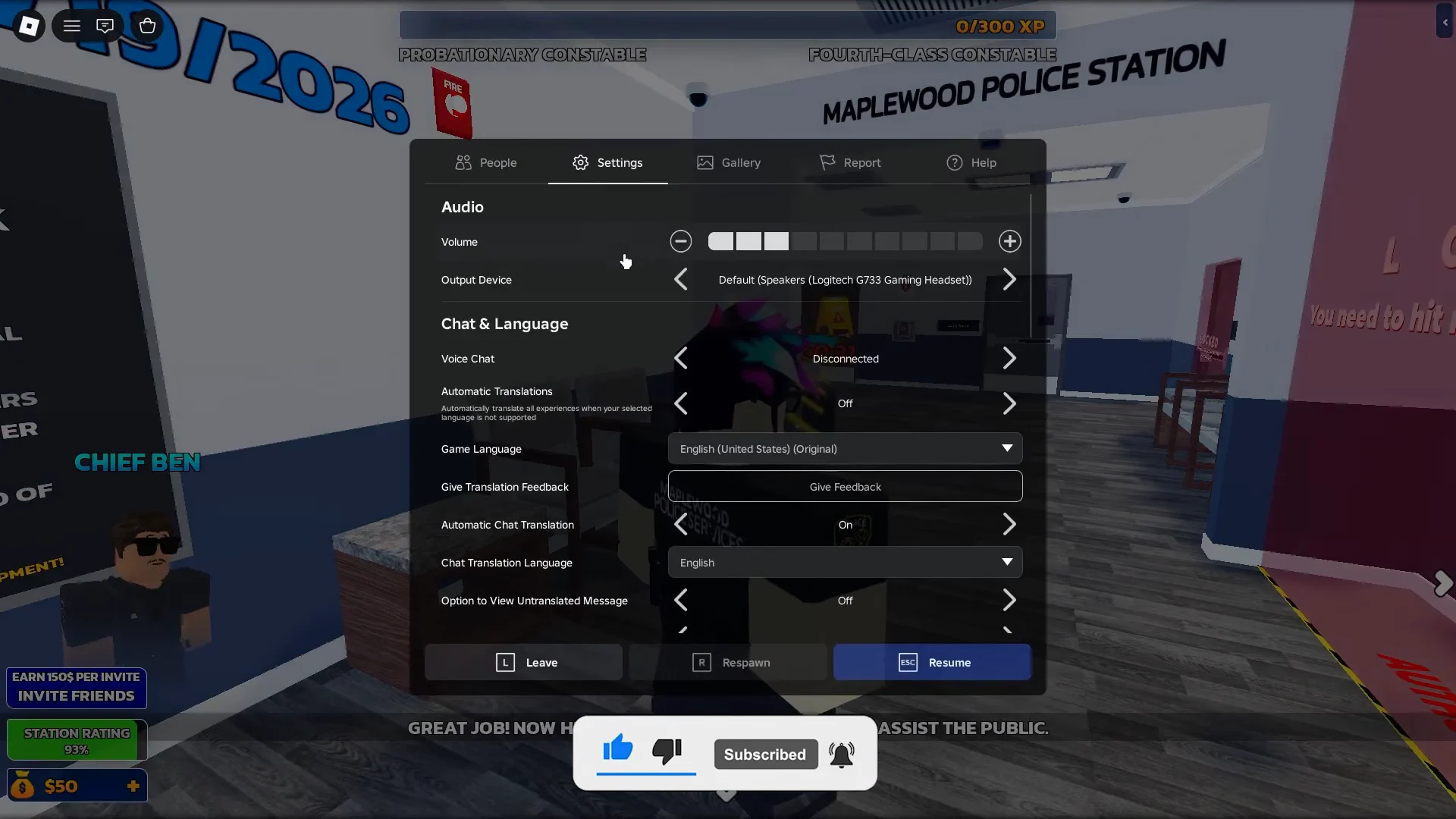
Each shift begins in the locker room, and bright yellow chevron arrows on the floor point you toward your next task. The main hallway holds an update board with the latest changes, and you can turn off the in-game background music or mute Roblox audio from the settings menu before you get to work. You can launch the experience from its official Roblox page.
Station Rating: the 35% threshold that locks your pay
The Station Rating is a global percentage shared across the whole station. Completing tasks pushes it up, while dirty floors, ignored visitors, and unhandled suspects drag it down. Once it falls under 35%, a Critical Station Warning appears and every player stops earning cash and XP until chores bring it back above the line. Left unchecked, it can bottom out at 0%.
The end-of-day breakdown tallies these actions as positive and negative points. Here is how the common ones score:
| Action | Points |
|---|---|
| Front desk assistance | +3 |
| Wet spill cleaned | +2 |
| Dirty station | -1 |
| Failed to assist visitor | -5 |
| Failed to unclog toilet | -5 |
| Unprocessed suspect | -7 |
| Uncompleted medical call | Counts against you |
Maintenance stacks up fast when you play alone. Spreading tasks across several officers keeps spills, suspects, and calls from piling on one person and sinking the rating.
Front desk tasks: case follow-ups and ticket payments
ACTIVE or INACTIVE as requested and submit. For example, Ryan Lewis on Case #4893 is marked Inactive.PAID.Booking suspects step by step
E: Arrest Suspect, or bring a suspect in from the vehicle garage.SAFE, RISKY, or DANGEROUS based on what they carry. Items like a bat or a knife mark the suspect as Dangerous.Book Suspect. Fingerprinting at the Maplewood Finger Printing station may also be required, covering the right and left hand thumb, index, and middle fingers.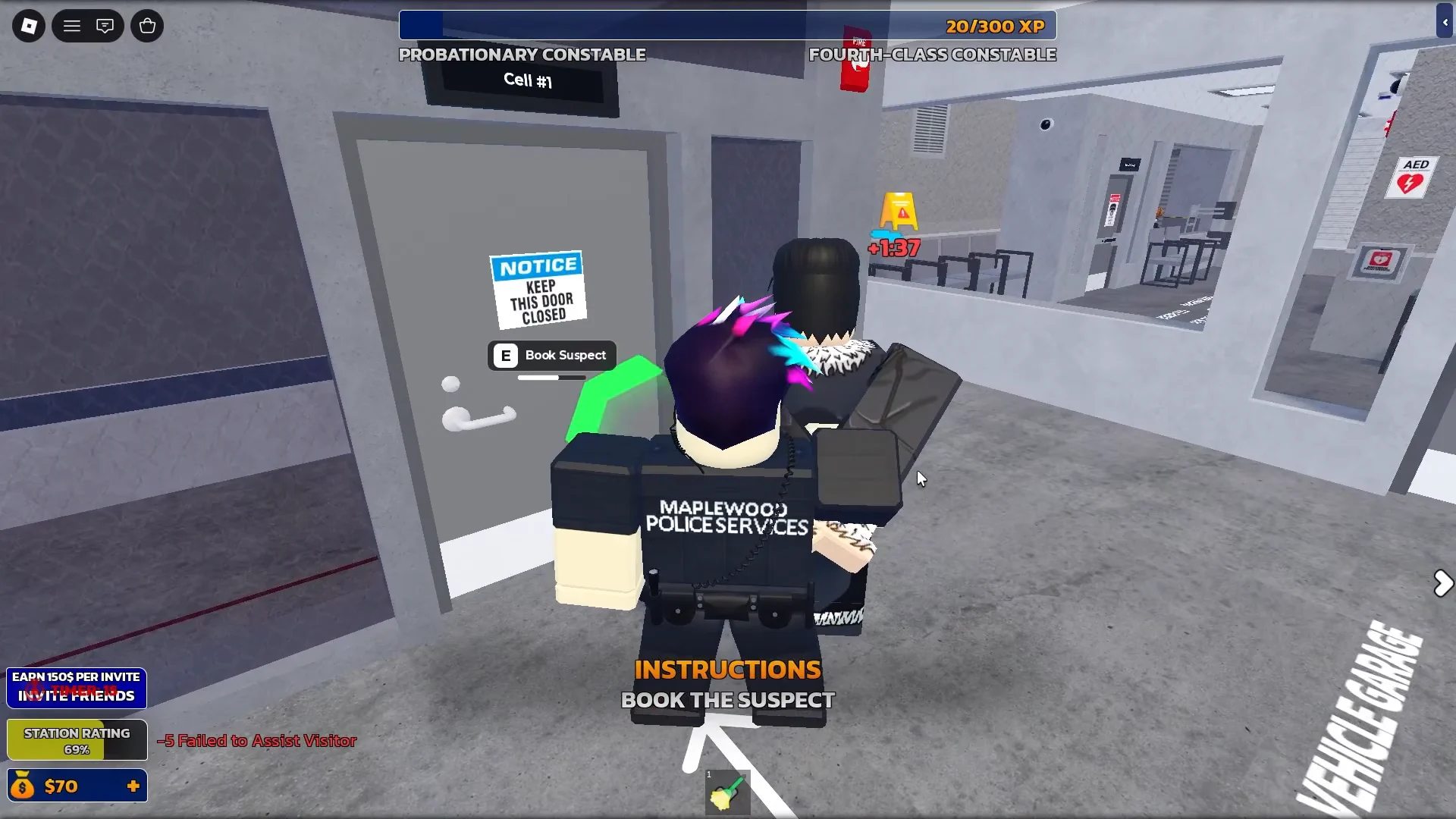
Every suspect you leave unhandled counts as an Unprocessed Suspect and costs you points, so clear the counter and garage before they build up.
Metal detector screening: approve or deny visitors
VALID.SCAN RESULTS: UNARMED or SCAN RESULTS: ARMED.APPROVE VISITOR for a clean scan, or DENY VISITOR when a weapon is detected. Ella Wilson scans clean and is approved, while a flagged visitor like Sam Scott is denied.Station upkeep: spills, detectors, and toilets
Cleaning wet spills
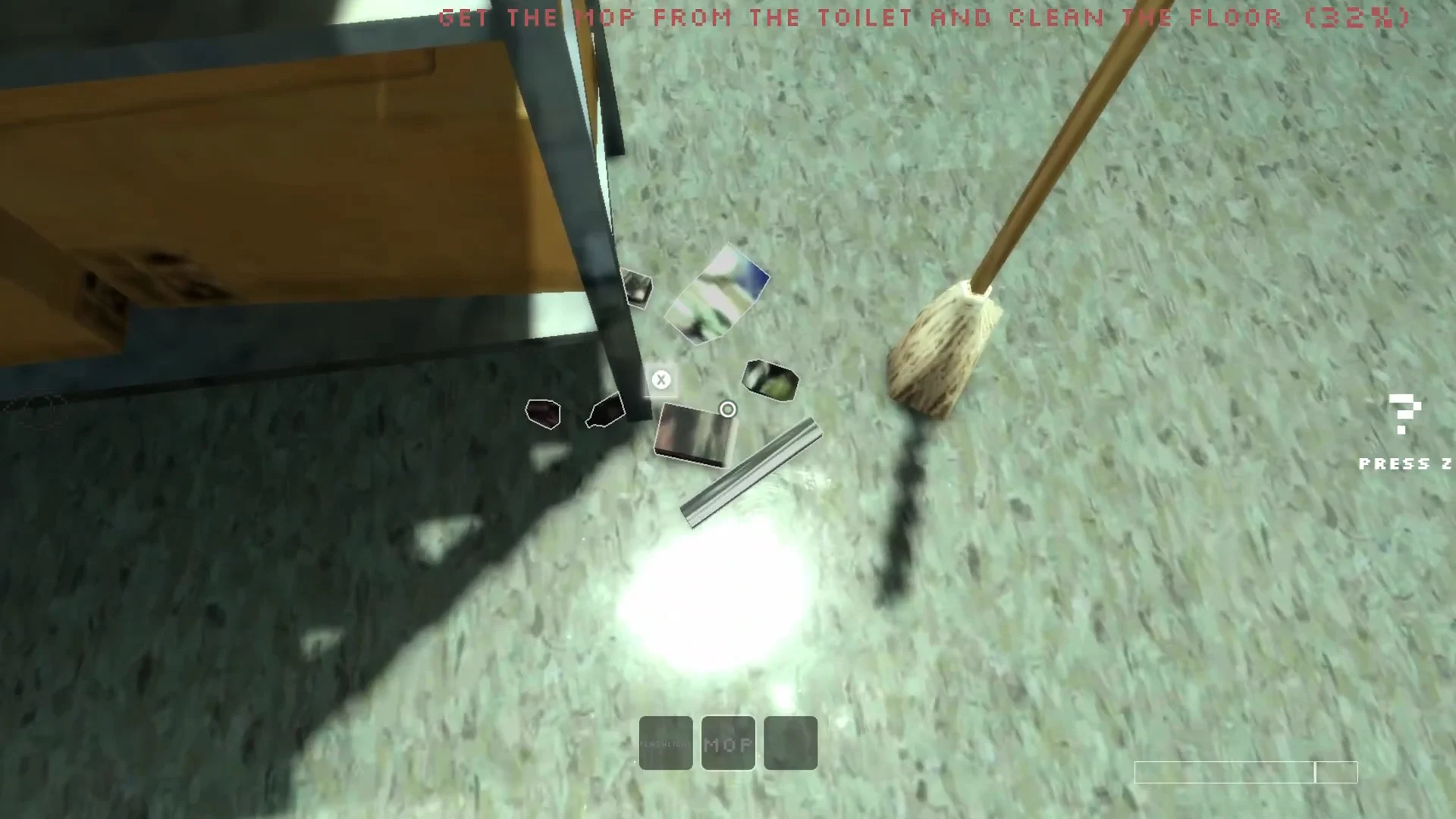
Wet spills appear across the locker rooms, hallways, and vehicle garage. Grab a mop, interact with the spill, and spam-click the circular bar until it clears. Each cleaned spill adds points and is one of the fastest ways to nudge a sinking Station Rating back up.
Repairing the metal detector
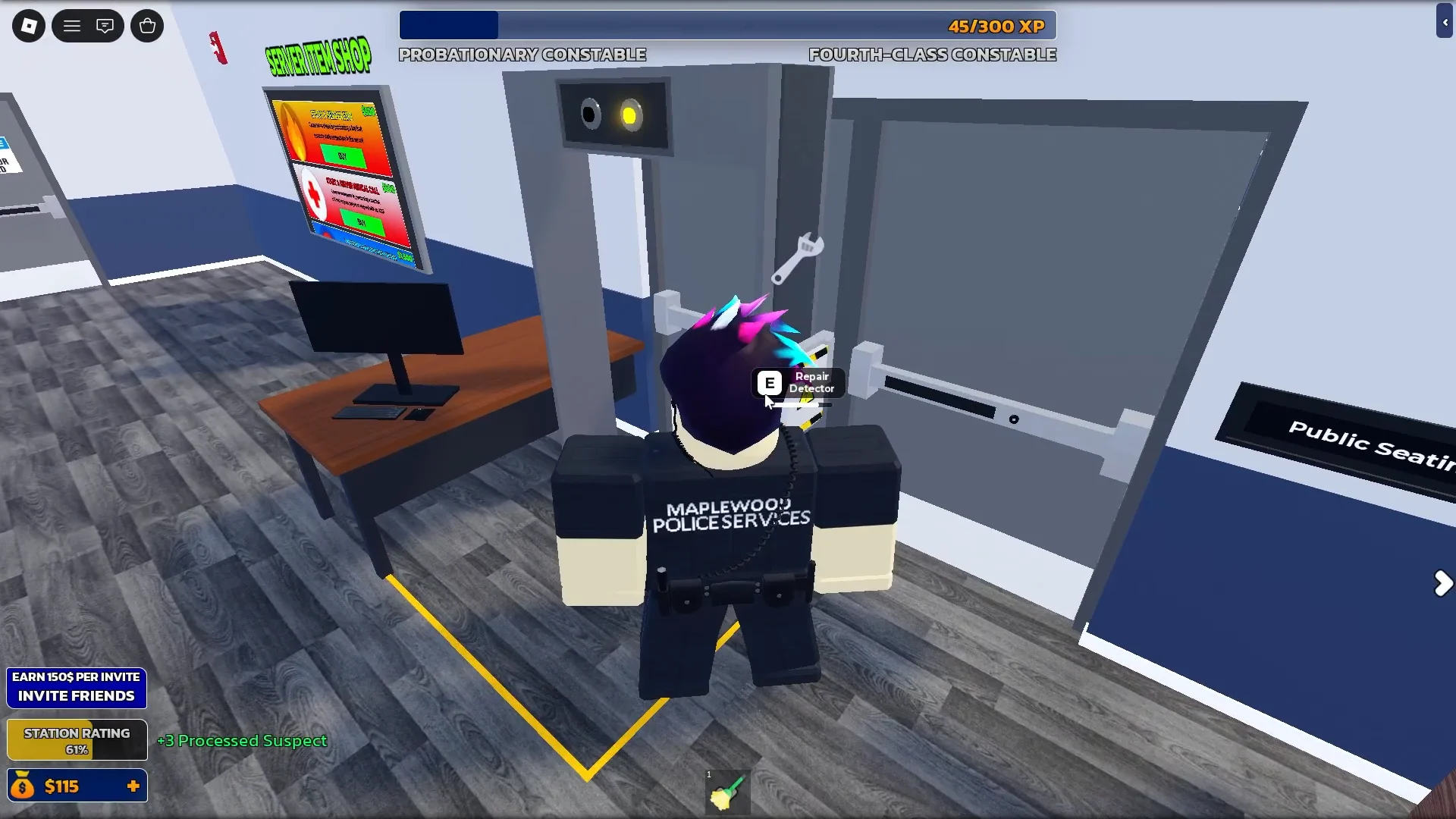
The metal detector breaks periodically. Trying to repair it directly won’t work, because the task needs a wrench first. Find the wrench on the booking counter, return to the detector, and use the Repair Detector prompt to fix it. The detector can break again during a shift, so expect to fetch the wrench more than once.
Unclogging toilets
Clogged toilets can’t be cleared bare-handed. Grab a plunger from the storage room first, then work the unclog minigame bar before the timer expires. A failed attempt registers as Failed to Unclog Toilet and costs you five points.
Medical emergencies and the AED
How you know the shift went well
Each day closes with a Day 1 Progress screen that lists your positive and negative points, suspects booked versus missed, 911 calls, evidence, events, and one final line, CHIEF BEN APPROVAL? YES or NO. A shift that ends with more positive points than negative and a booked-suspect count that matches the arrivals earns approval. A messy run, such as +34 positive against -132 negative with four suspects missed, ends in disapproval.
You still collect your paycheck at the end of the day regardless of the score, with the dispenser handing over a $100 check signed by Chief Ben. But remember that any time the Station Rating sits below 35%, that cash and your XP are frozen until you mop, book, and screen your way back above the threshold.