Career mode in Seafarer: The Ship Sim is built around a single idea. You take paid maritime work from harbors, grow your standing at each port, and turn owned ships into long-term investments. Contracts, campaign chapters, and free trade all run through one hub called the Job-Log, and everything you complete feeds back into your reputation and your bank balance.
Quick answer: Open the Job-Log at a harbor, pick a contract by difficulty and remaining shifts, then press Start. Finishing jobs earns money and harbor reputation, which unlocks new ships, regions, and missions.
How jobs are organized in the Job-Log
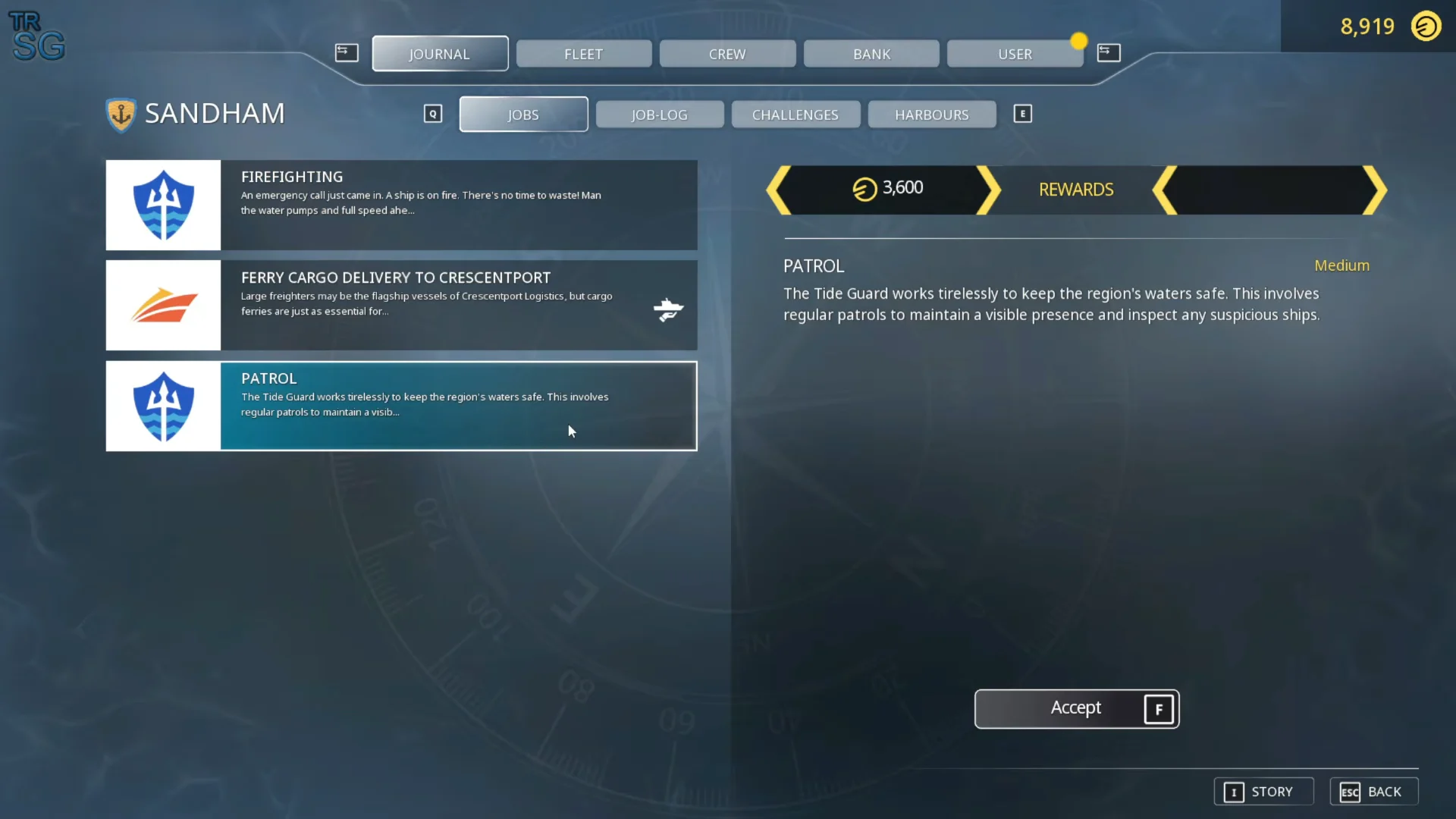
The Job-Log is the menu that holds every kind of work you can take. It sits under a top row of tabs covering Journal, Fleet, Crew, Bank, and User, so you can switch between your contracts, your ships, and your finances without leaving the interface.
Inside the Jobs area, the layout splits into four sub-tabs that separate the different work you can pick up.
- Jobs — the harbor contracts you can accept right now.
- Job-Log — the record of work you have taken on.
- Challenges — optional objectives set apart from standard contracts.
- Harbours — the ports where jobs are offered.
Each contract carries a difficulty rating and a count of remaining shifts. Difficulty runs from Medium to Hard, and the shift count shows how much work of that type is waiting, ranging from a single shift up to numbers like 21 across a busy port. Larger harbors keep more work available for every ship class, so if a small port runs dry you can sail elsewhere and keep taking jobs.
Taking on a job at a harbor
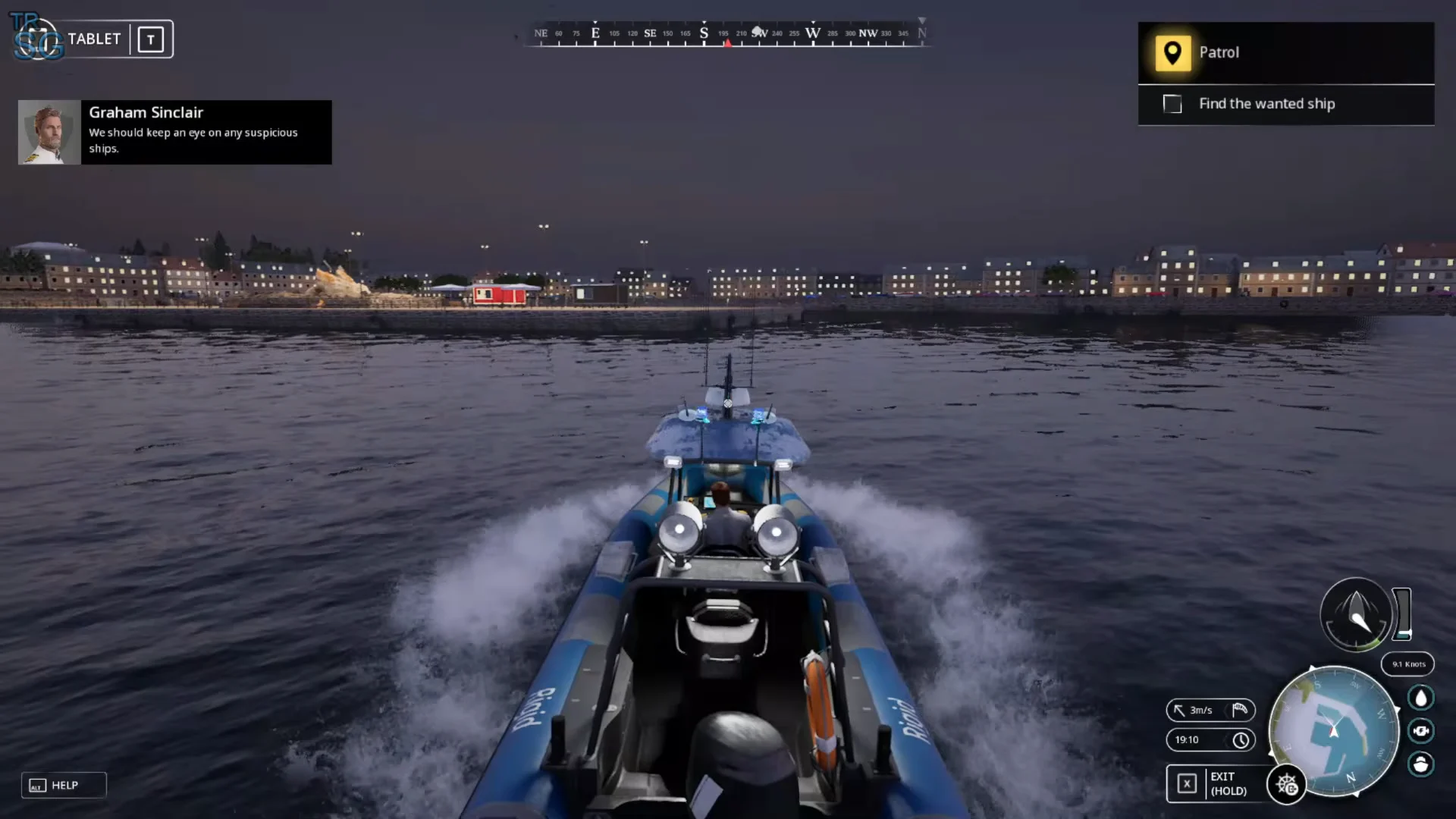
You know a job has begun when the deposit figure in your Bank moves and the objective tracker updates. Completing the final objective pays out money and reputation, then returns the contract type to the harbor’s rotation.
Multi-stage contracts and the shift system
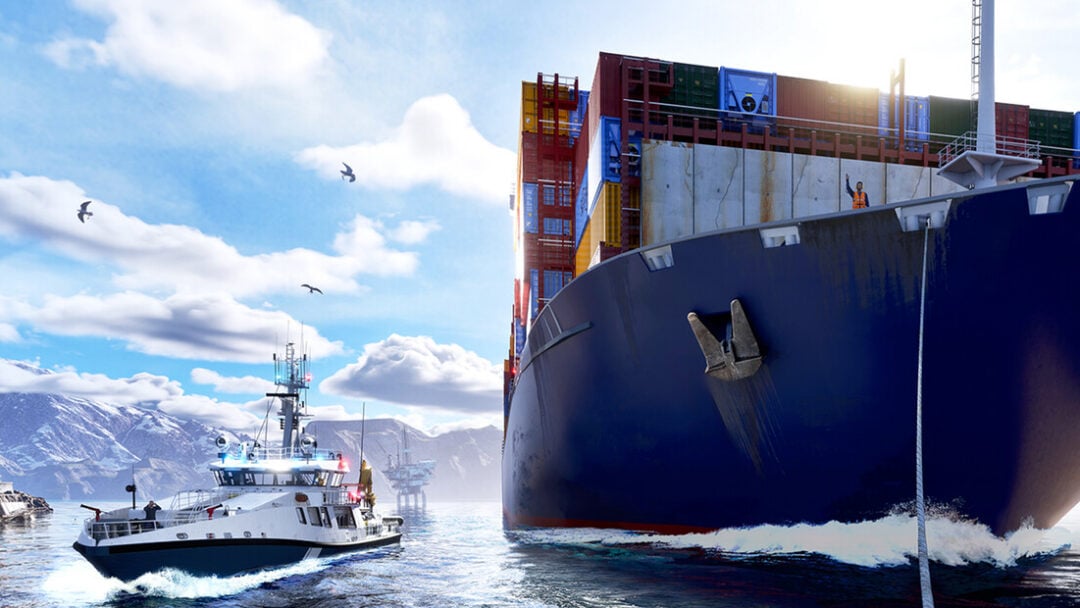
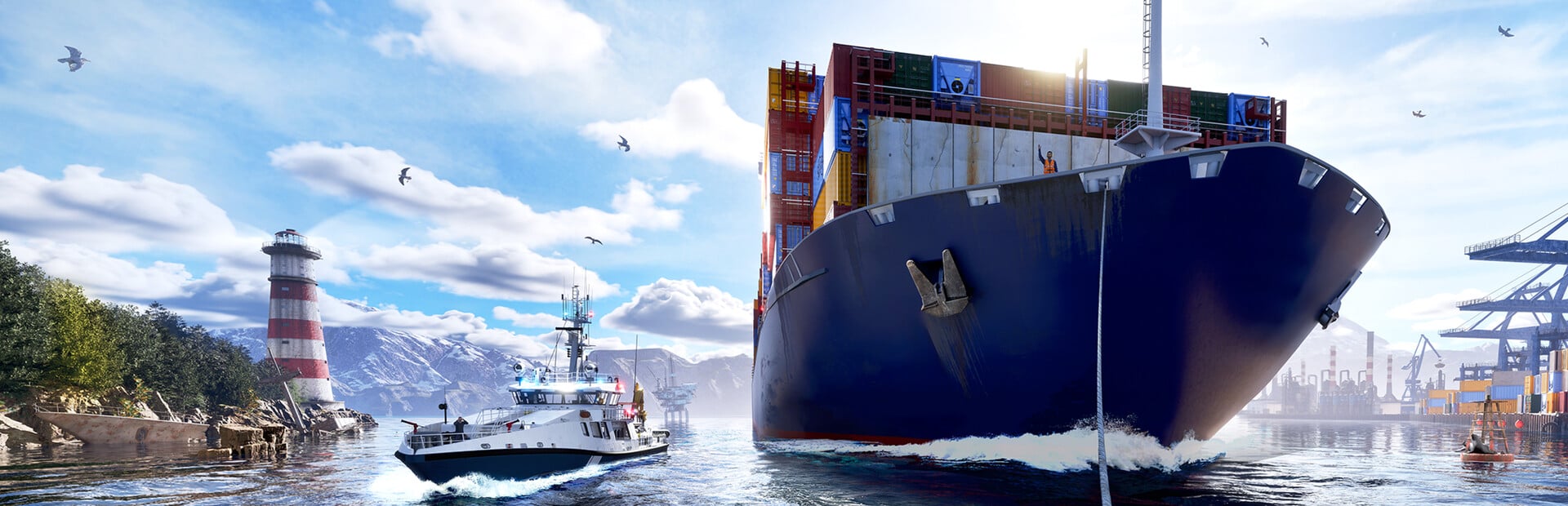
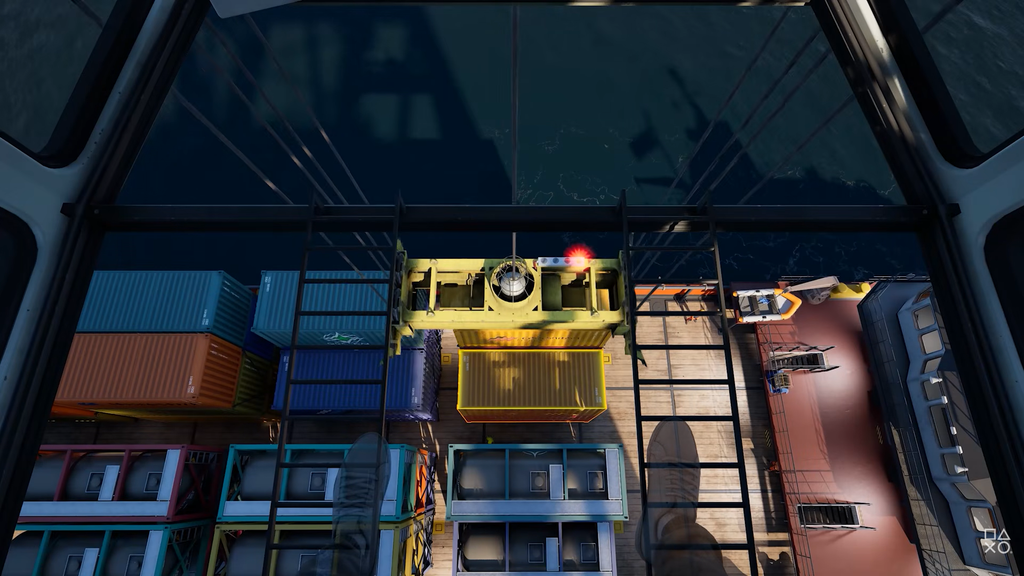
Many jobs are not a single action. A cargo run often chains loading and delivery together. You first handle the goods at the berth, using cranes for containers or clamshell buckets for dry bulk, then take the helm and sail the loaded vessel to its destination port. A container transport to Stettach or a bulk delivery to Helinghaegen both follow this pattern of load first, then steer to the drop-off.
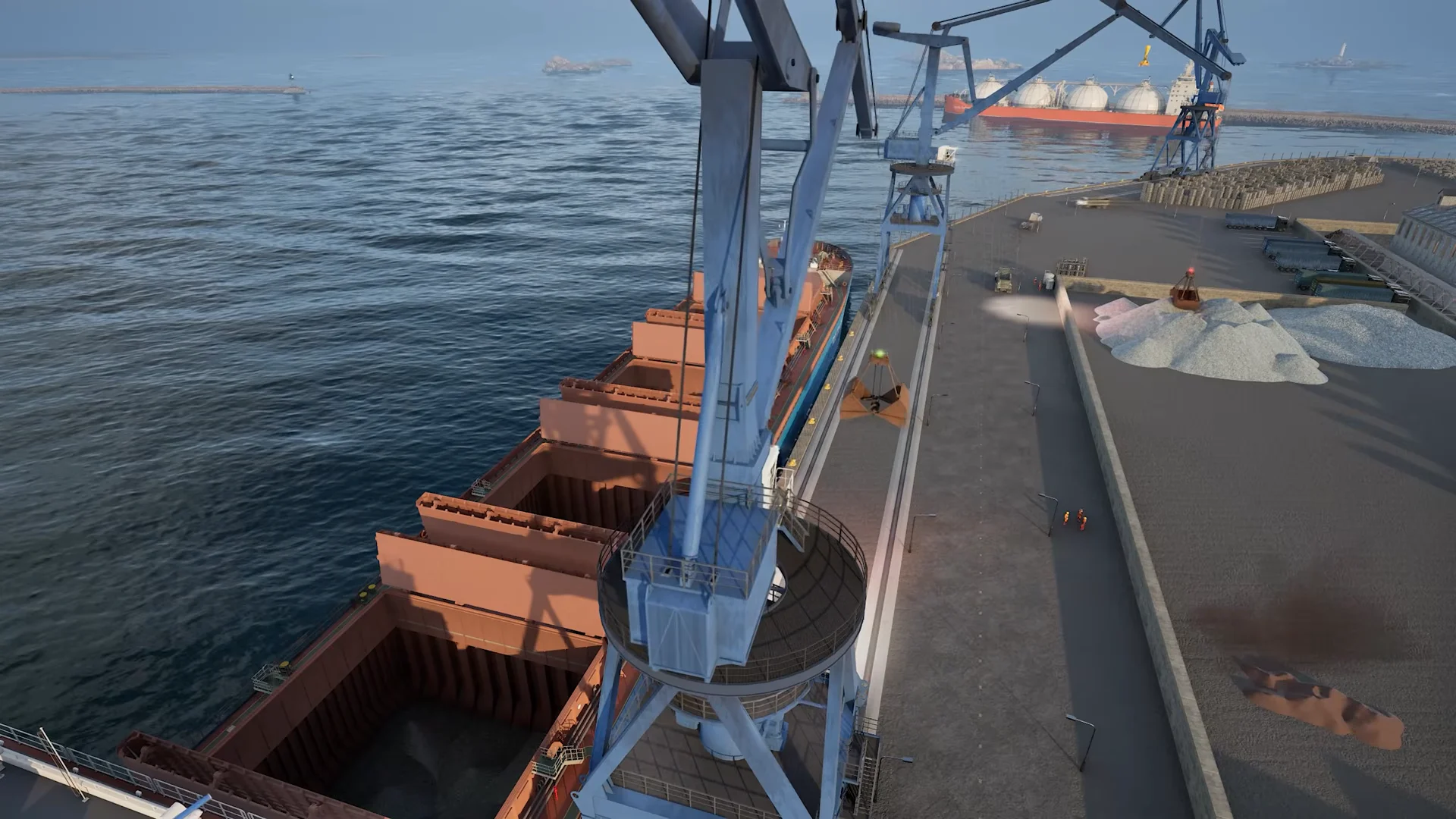
Bigger operations now run over real time. Freighters can be loaded across several in-game days, and port work continues even when you are not directly involved. A shift-based rotation lets you decide how much of each stage you handle yourself, so you can take part in the loading, the voyage, or both rather than being forced to complete every step in one sitting.
The My Career trading system
Beyond one-off contracts, the My Career system lets you run an independent business with your own ships. Instead of only waiting for a job to appear, you can study a port’s trading opportunities, buy goods, store them, move them with your fleet, and sell them elsewhere for a profit.
This starts with container trading. The point is that your owned vessels become tools and investments rather than props. Buildings you purchase in ports stop being one-time rewards and instead feed directly into your progression as part of the business you are building.
You still need income for fuel, and you can refuel without docking, so trading and contract work can run side by side to keep your bank balance healthy.
Reputation replaces experience points
Progression no longer runs on experience points and player levels. Each harbor now has its own reputation that you build by completing local work. As your standing at a port grows, it unlocks new ships, missions, and regions tied to that location.
Local reputation also rolls up into a global reputation, which gradually opens more of the world and stands in for the old level system. Existing saves carried over directly during the switch, so a player who was level 10 started at reputation level 10, and anything already unlocked or purchased stayed available.
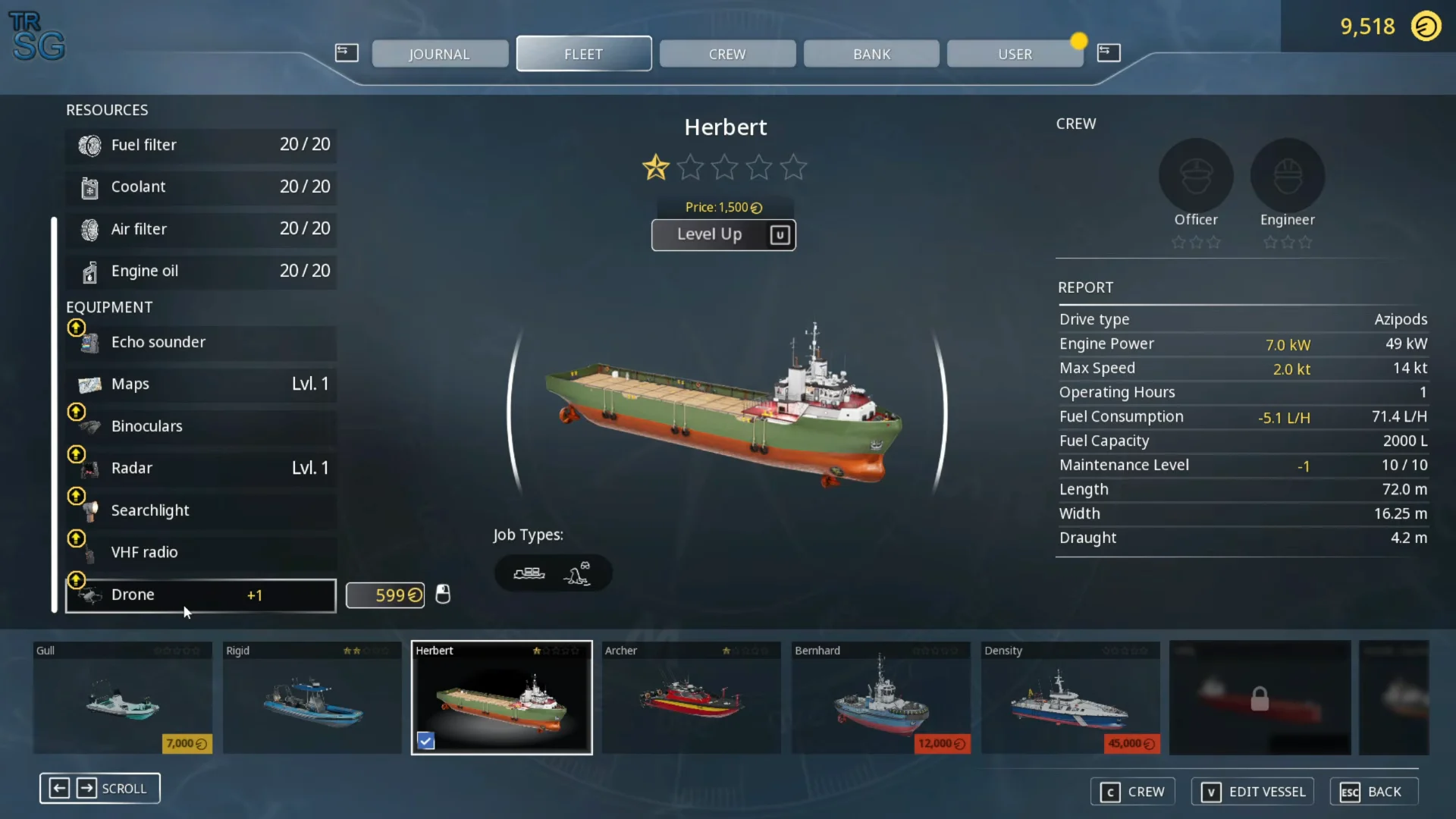
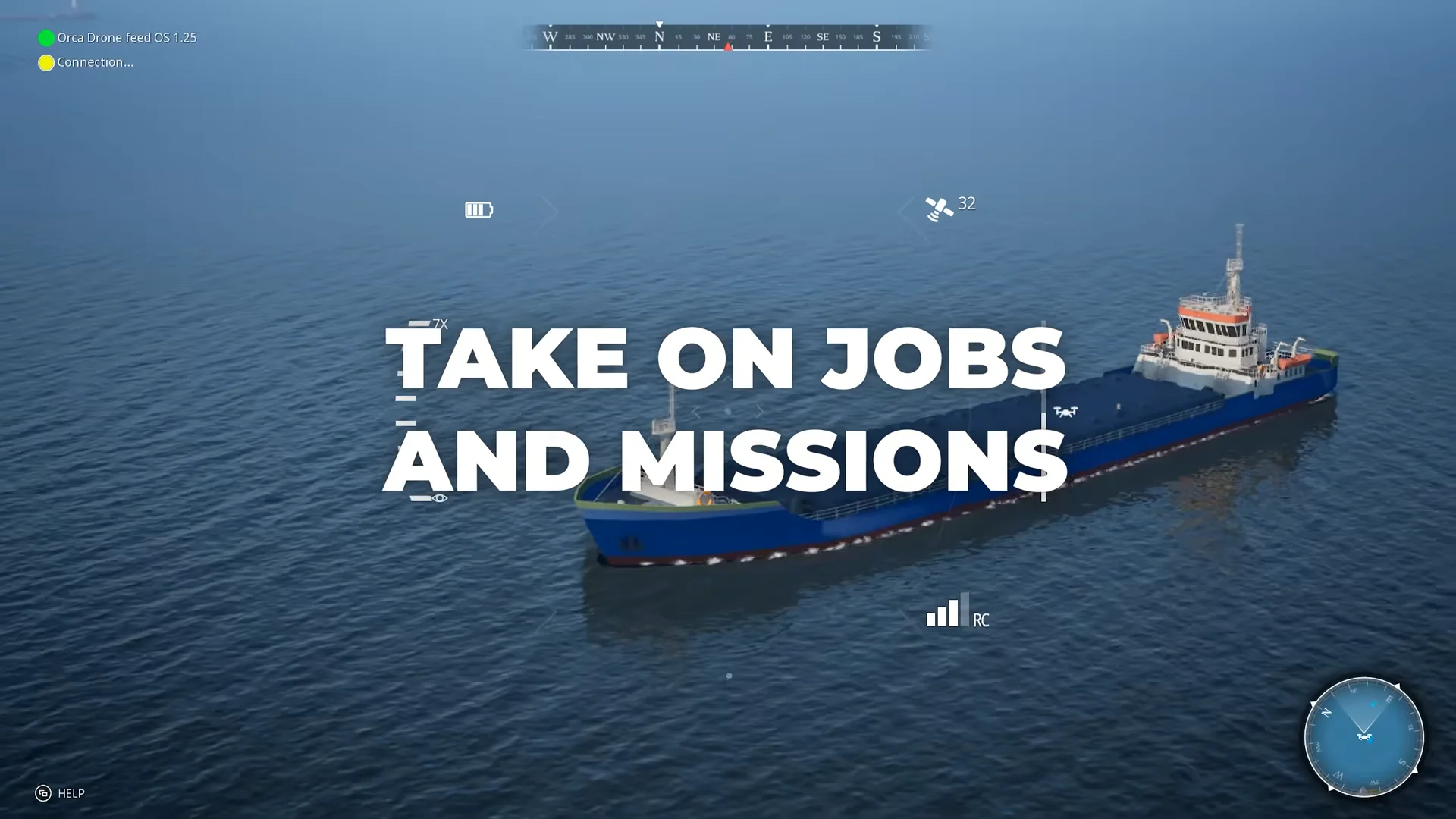
An unlockable drone is part of this gameplay cycle. It can be used with nearly every ship, giving you a view from above to scout and spot shipwrecked people in bad weather. Its range is limited, and it cannot enter harbor no-fly zones.
The story campaign
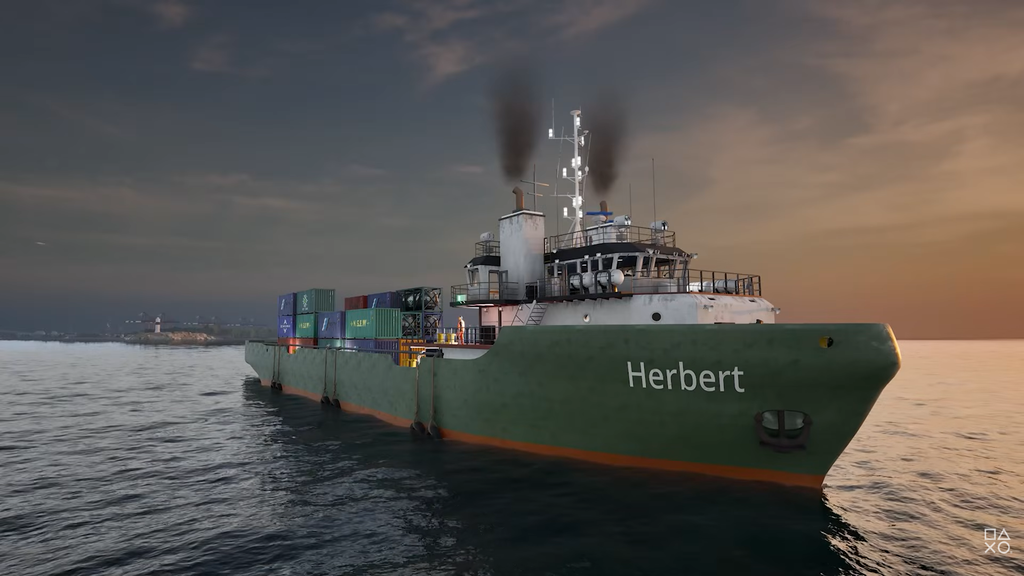
Career mode pairs open-ended work with a story campaign about Teddy, a veteran captain carrying a troubled past. The campaign starts at Chapter 01: Helping Hands: Ruben Brooks, CEO of Crossexport Logistics, hires you in person after pirate attacks hit the region.
The campaign runs through six chapters that carry Teddy’s story to its conclusion, mixing scripted rescue operations, firefighting, and high-stakes moments at sea. Once you finish the final chapter, you can keep playing your sandbox career and take on harbor work indefinitely.
Sharing jobs in co-op
Career work can be tackled with a crew of up to four players online. Rather than splitting into separate boats by default, players share duties on the same operations. That means one person can steer while others run cranes, fight fires with water cannons on a burning vessel, or pull survivors onto a rescue platform.
The same job types available solo, from cargo loading and transport to search and rescue, all support co-op, so a crew can coordinate through the stages of a contract together. Xbox play includes cross-platform multiplayer, and online multiplayer on console requires a Game Pass Core or Ultimate subscription.