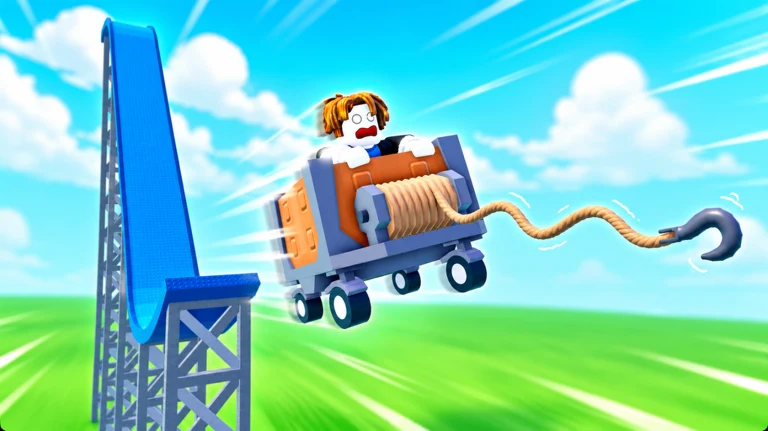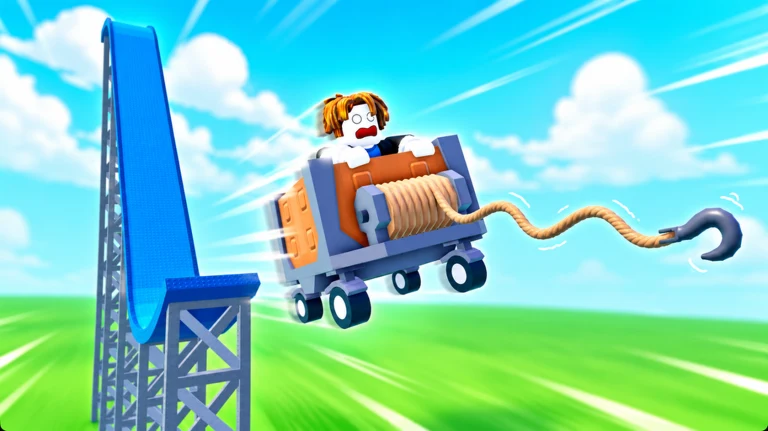
In rng dev’s Grapple Cart Obby, you ride a minecart along a rail and try to keep it from pitching into the void. Jumping isn’t part of the challenge: guide the cart, slow down for bends, and use your grappling hook to cross gaps or climb walls. The route is arranged in themed stages that open one after another, and you can play alone or alongside a partner. Start from the Roblox game page.
Quick answer: Board a 1 PLAYER or 2 PLAYER pad, steer with A/D or the mouse, tap Space to brake, and press E to grapple the red “shoot here!” targets; a “Stage unlocked!” banner confirms each clear.
Grapple Cart Obby controls
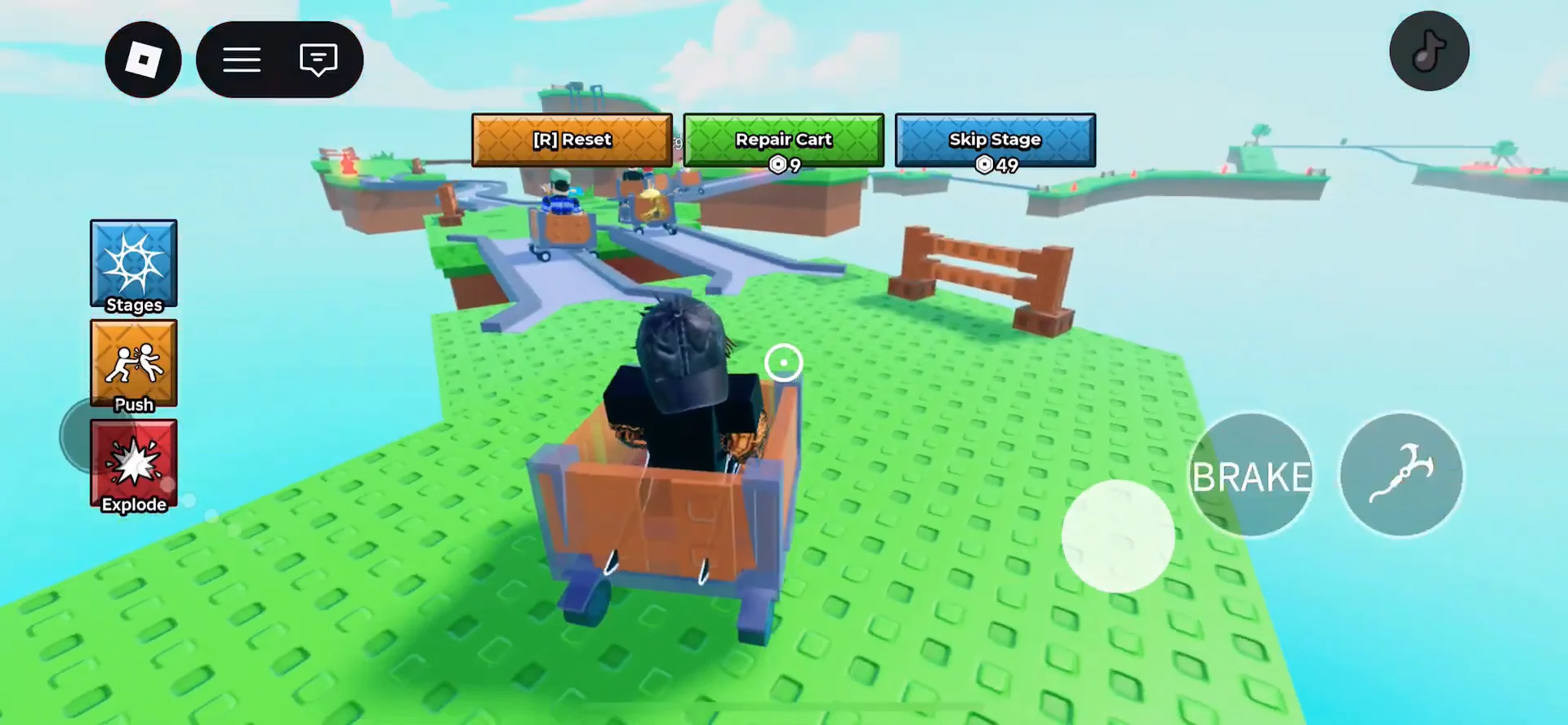
The control HUD in the bottom-left displays four inputs, covering every action. Use steering and braking to stay on the rail; the grapple gets you to places the wheels can’t reach.
| Input | Action |
|---|---|
| E | Fire the grapple hook |
| Space | Brake |
| A / D / Mouse | Steer and turn the cart |
| R | Reset your character and cart |
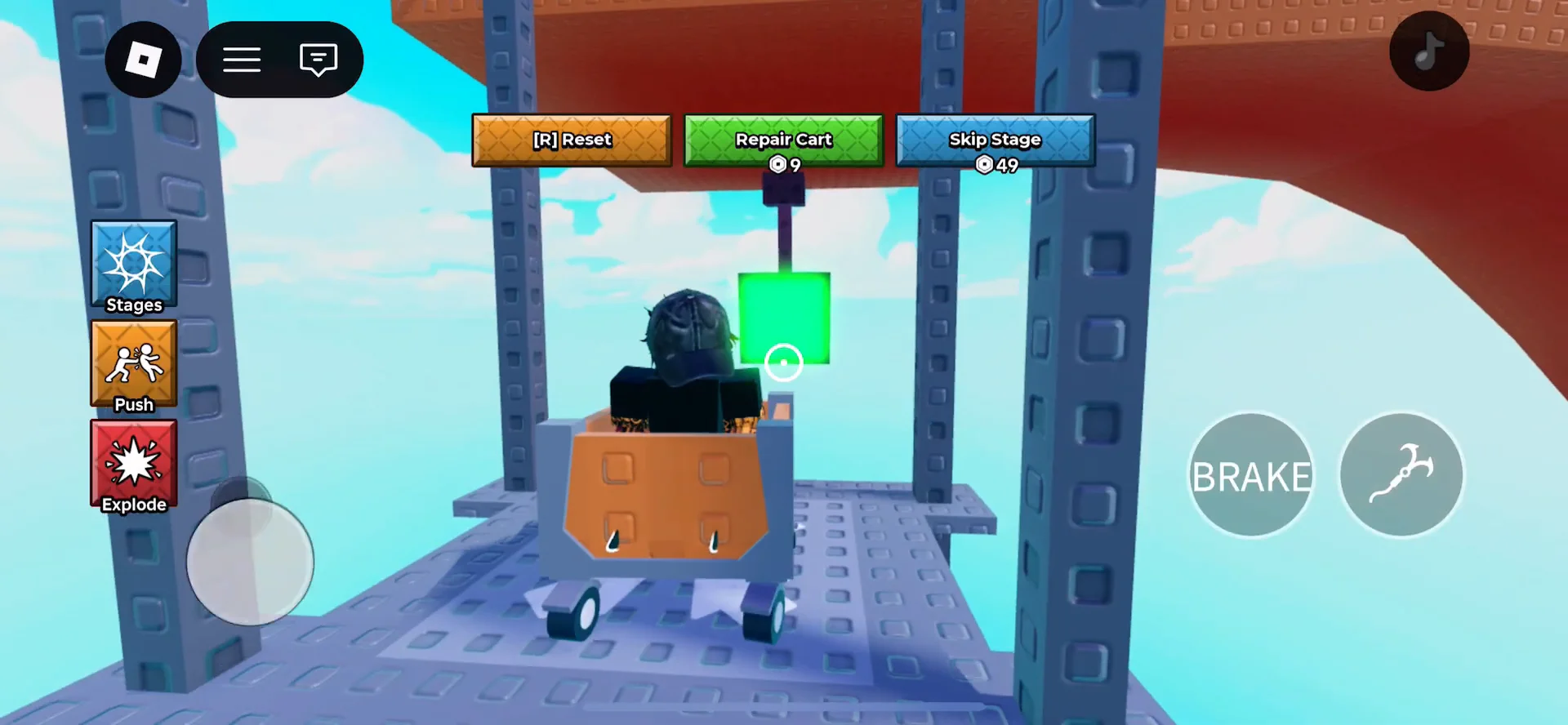
At screen-top, you’ll find two additional buttons. Repair Cart fixes a bent chassis when the wheels snag on a rail joint, while Skip Stage lets you bypass a section for Robux. Neither is required; the full course is beatable without using either.
Start a run from the lobby
The hub where you start has cart display podiums and queue pads in different colors. Step onto a pad to launch; each one takes you to a different mode.
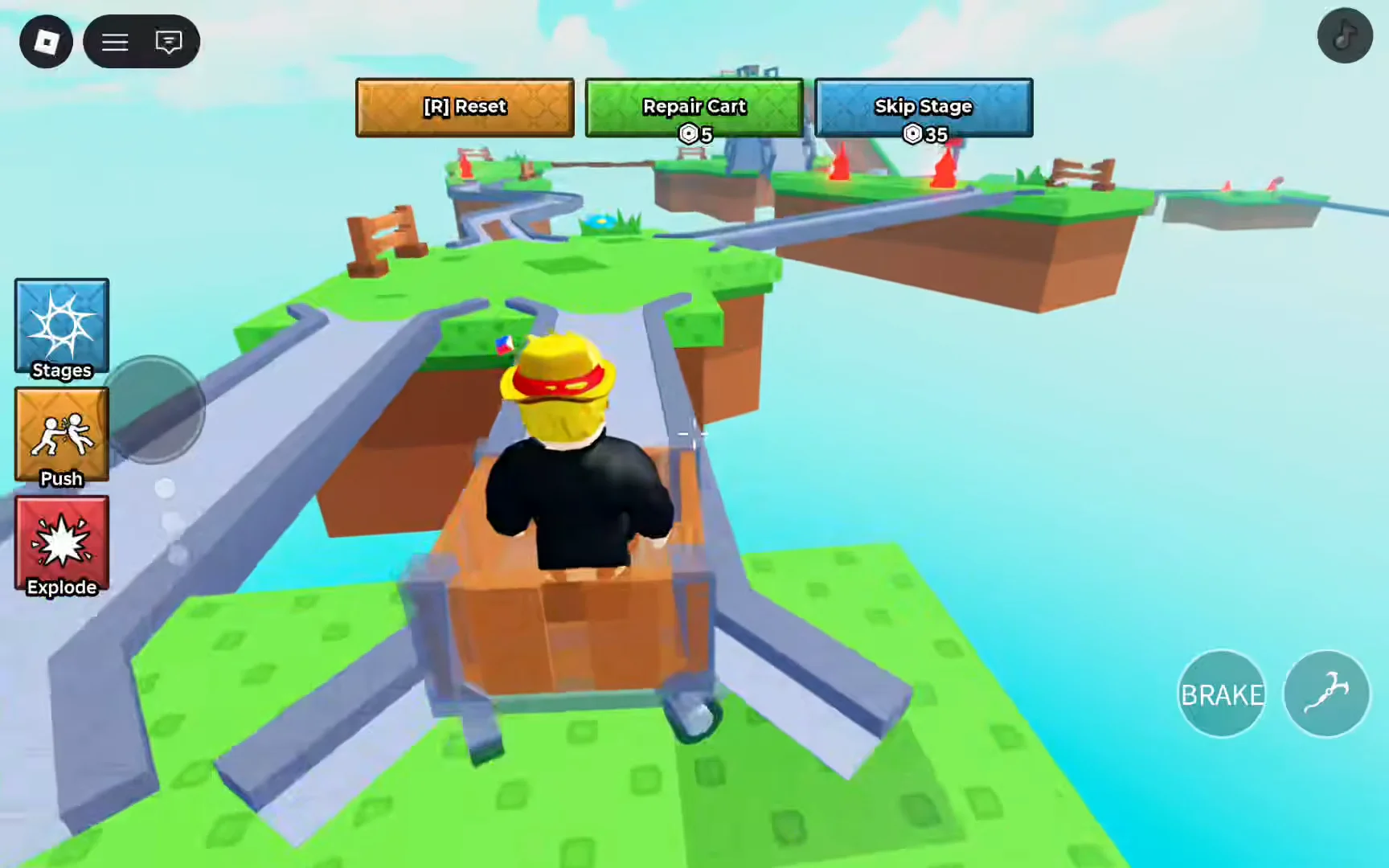
In 2 PLAYER mode, split the jobs: one player steers and the other grapples. Trying to drive and launch the hook together is a common way to send a cart over the edge.
Grapple targets, and track hazards
Your grapple is essential throughout the stages. Use E to launch its cable, then aim according to the task: red “shoot here!” targets draw the cart across gaps, and walls labeled “grapple here!” lift you toward elevator platforms.
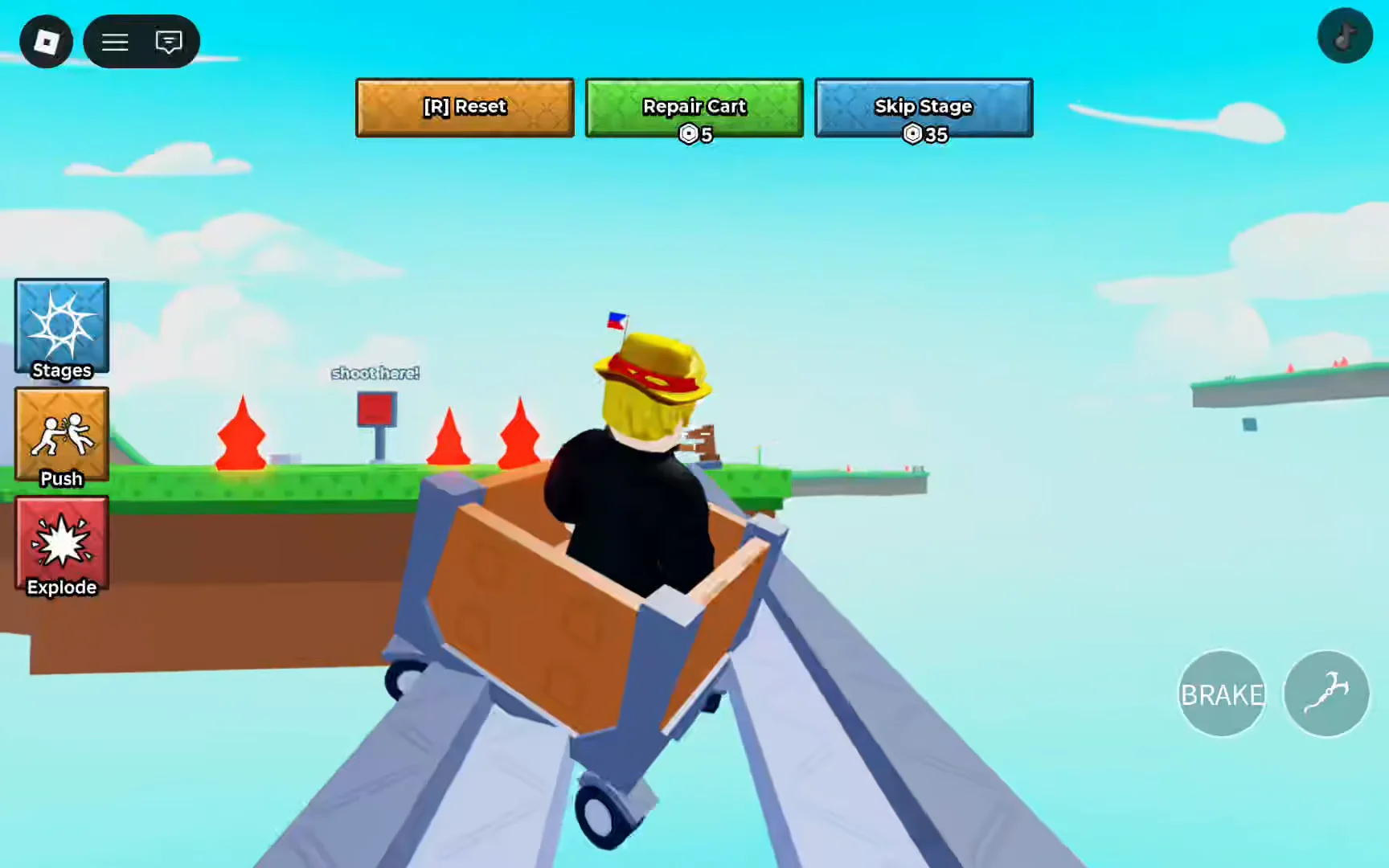
A brief grapple pull can realign the cart on a narrow rail, but too much momentum commonly leads to a fall. For a target on the far side of a chasm, aim ahead of time and ride the pull instead of launching at top speed. At certain barriers, a “Move!” counter appears with a red button; hit it to drop the gate before time expires.
Speed markers affect your movement on the track. A Fast sign or ramp boosts your speed, so you can overshoot easily; a Slow sign indicates narrow plank bridges and turns, where careful steering is more important than momentum. Contact with red hazard tiles, cones, spikes, or moving blocks sends the cart off the rail. On steep spirals, letting gravity take over is often safer than grappling, because grappling adds unpredictable momentum.
Clear the elevator and lift sections
Each stage funnels the cart into a tower lift, and this is where a lot of runs stall. Drive the cart into the gray elevator frame and grapple or press the red button inside. Once it turns green, the platform moves and drops you onto the lower track to continue.
If another cart is already jammed in the shaft, wait for it to clear. A collision here wedges your cart and triggers the “YOU DIED” screen, sending you back to the last hub.
The grassy descent right after the lift is the next trap. The track curves sharply as it drops, so brake early and take the turns slowly instead of riding the momentum straight off the cliff.
Stage progression and how you know you cleared one
The route passes through connected biomes, with each one becoming available when you reach its hub. The early sequence takes you from grassy floating islands to a desert canyon, snowy peak, city street course, jungle, and beach; the run concludes once Stage 7 opens. The Stages button on the HUD’s left shows your unlocked areas, while later ones remain locked until you clear those before them.
A section’s completion is indicated when your cart arrives in the following hub and the “Stage [number] unlocked!” banner appears. Besides confirming the clear, this marks your checkpoint if you respawn rather than buy a revive. Then get into another cart and proceed along the next themed track.
The desert stage adds its own twist right away. A zipline gap replaces the opening straightaway, so drive toward the overhead cable and grapple the moving carrier to cross to the next platform. Miss it and you drop into the void, so line up the hook before the cart reaches the edge.
Cart types and what they change
Cart display podiums in the lobby offer upgrades that affect speed or provide protection; each podium lists its price in Robux.
| Cart | Cost | Effect |
|---|---|---|
| Free Cart | Free | Standard wooden starter cart |
| Super Cart | 99 R$ | 2.5x speed and enhanced brakes |
| Kitty Cart | 99 R$ | Two lives (survives one fall) |
| Fast Cart | 199 R$ | 2x speed |
| Spike Cart | 399 R$ | Damages other players’ carts |
The Super Cart offers a well-rounded choice: its improved brakes balance out its higher speed, making it helpful on tight rails. For difficult stages, the Kitty Cart is more forgiving because it withstands one fall per cart. In shared servers, the Spike Cart can knock competing carts off the track. To browse cart skins, open the Shop’s Skins tab.
Death, respawn, and revives
If you fall off the track, a skull screen reading “YOU DIED” presents two options. Respawn costs nothing, but returns you to the lobby or checkpoint and loses your progress in that section. Choosing a Revive preserves your location and puts you back where the fall happened.
| Option | Cost | Result |
|---|---|---|
| Respawn | Free | Return to lobby or checkpoint |
| Revive | 9 R$ | Resume at your fall spot |
| 5 Revives | 67 R$ | Stock of five revives |
| Infinite Revives | 139 R$ | Unlimited revives (free with Roblox Plus) |
You can save up Revive tokens for tougher stages or purchase them through the Shop’s Revives tab. With no revives remaining, a fall leaves free Respawn as your sole choice. To recover a stuck or overturned cart, press R whenever needed; after the “Are you sure you want to respawn your character?” confirmation, you return to the hub.
Claim the Free Cart and Roblox Plus perk
Beyond the standard starter, a separate Free Cart pad hands you a cart for two simple actions.
A different popup from Roblox Plus provides a free game pass choice: Spike Cart, Super Cart, Kitty Cart, Fast Cart, or Infinite Revives. The subscription also comes with site-wide benefits, including 10% off items, free private servers, Robux transfers without fees, and avatar item trading.
Skip Stage, Repair Cart, and pushing players
Three optional Robux actions sit on the HUD, and none of them are required to finish the course. Repair Cart straightens a bent chassis, Skip Stage jumps you past a section, and the Push prompt lets you shove another player’s cart in a shared server.
- Skip Stage costs 35 Robux and moves you past a section from the top HUD button.
- Pushing another player’s cart costs 9 Robux through the [E] Push prompt.
- Repair Cart appears on the top menu bar and fixes a misaligned cart after a rail-joint snag.
Treat these as conveniences rather than requirements. Steady braking, early grapples, and slow turns through the elevator descents will carry you from the grassy islands all the way to the final beach stage, with each “Stage unlocked!” banner marking the checkpoint you keep even if the next attempt ends in the void.