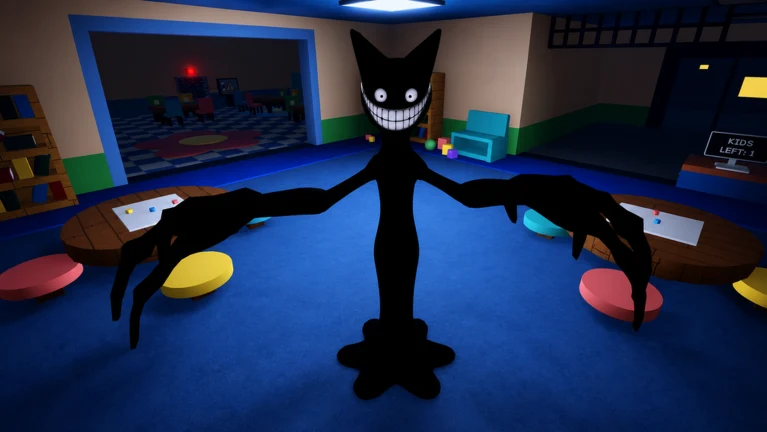
Animal Daycare is a survival horror game on Roblox from Day Dreams Games, where you play a Babysitter at Animal Daycare Corp and try to live through a series of shifts. The building looks friendly, but the loading screen sets the tone with a single line: “Not every Child Is what they Seems.” Your job is to greet animal children at the front desk, decide who gets in, feed and calm them, and hold out through the night while something spreads through the facility.
Quick answer: You run a daycare front desk, admit or reject arriving children by checking their drawings, complete care tasks like cooking, and survive nighttime events — all while keeping a Calm meter above 0, or you die.
What Animal Daycare is and how a session starts
The game is free to play in the Survival genre and supports up to 25 players, solo or in online co-op. It opens in an outdoor lobby for Animal Daycare Corp, where you step onto a queue pad to fill a slot and either wait for others or press “Start Now” to begin a solo game. A short countdown and a loading bar lead straight into Shift 1.
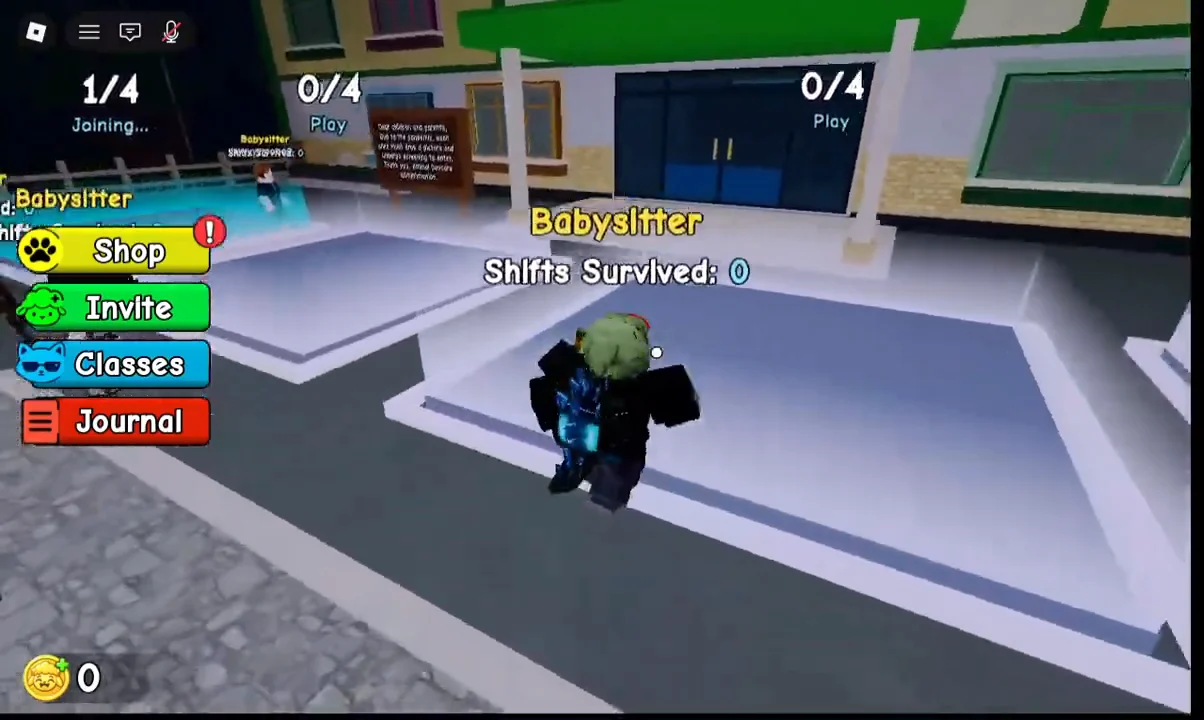
Your character is a Babysitter starting at Level 1, and the game does not force a uniform, so you keep your own avatar. A shift counter tracks how many you have survived, beginning at zero. In co-op, up to 25 players can share a lobby, which makes coordination the main challenge, since uncoordinated groups tend to admit the same visitor twice.
The front desk: inspecting and admitting children
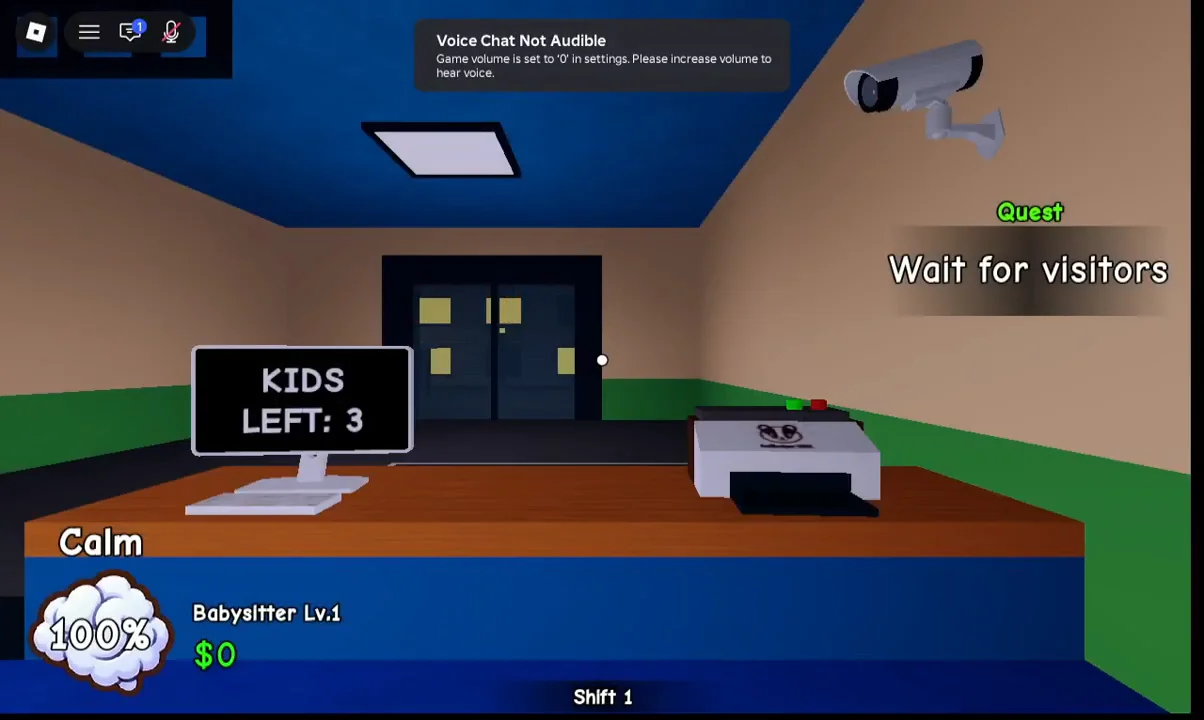
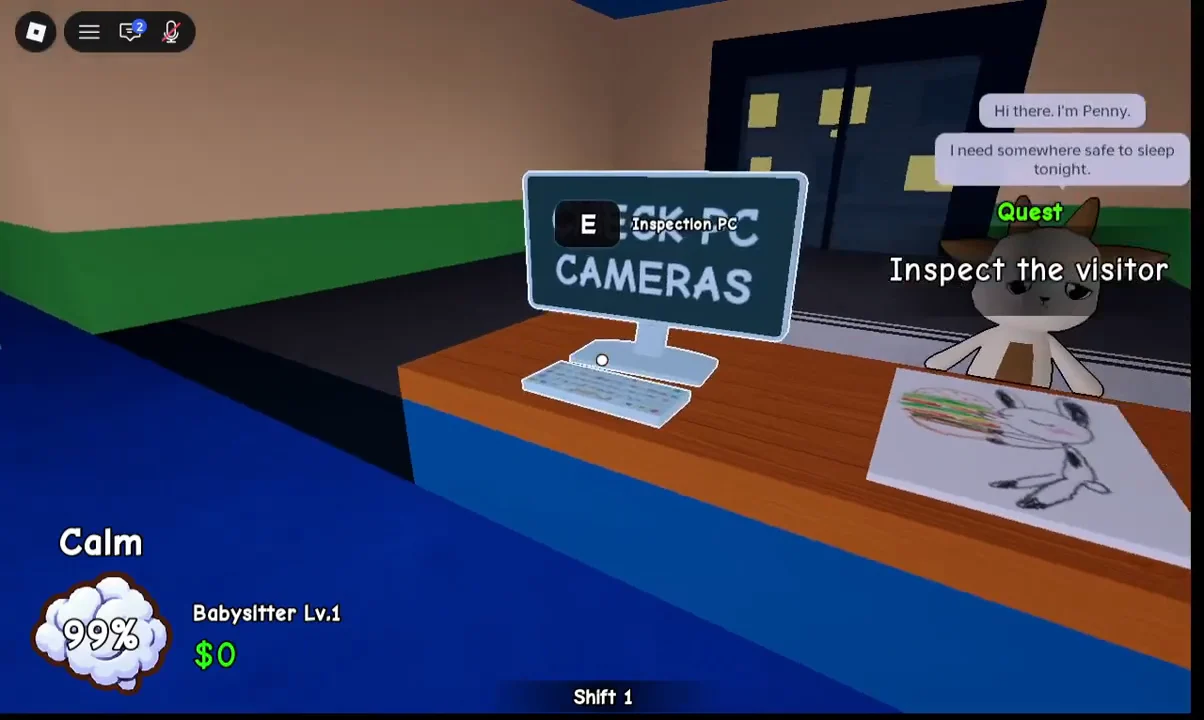
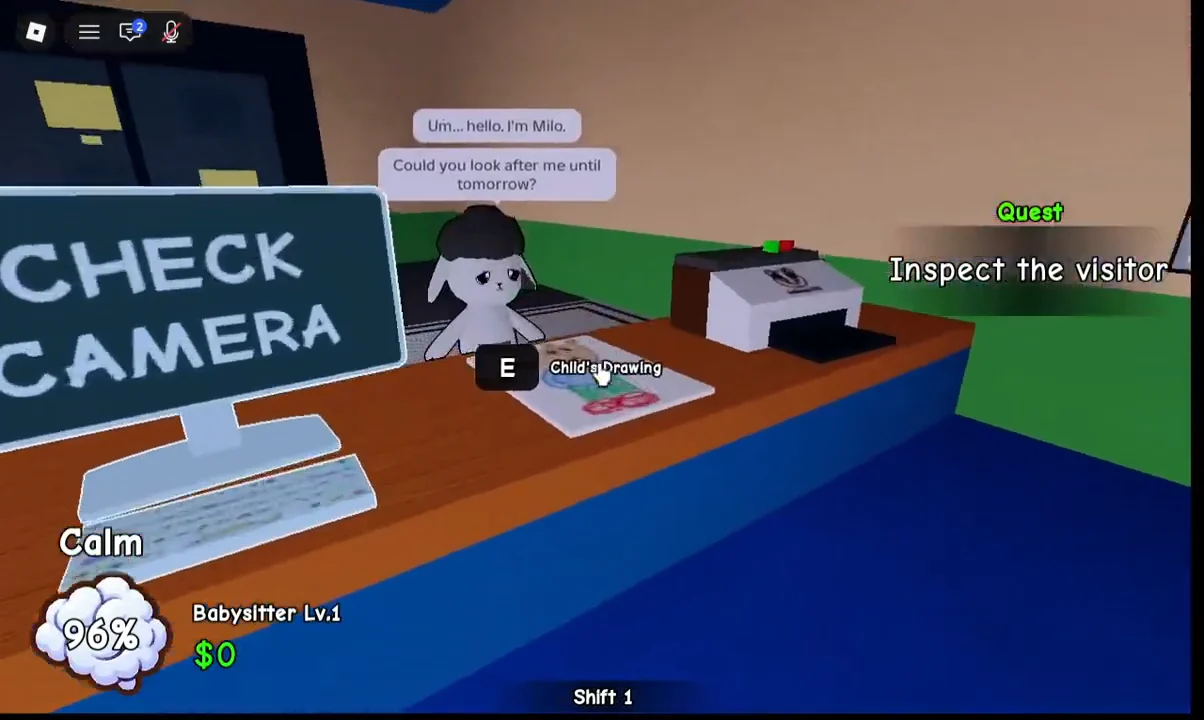
Each shift opens at the reception desk with a monitor showing how many children are left to process, such as “KIDS LEFT: 3”. Visitors walk up one at a time and introduce themselves — Penny, Milo, Teddy, Nala and others each arrive with a line of dialogue and a paper drawing left on the desk.
The drawing is the tell. You press E to inspect it, then approve the child with a green checkmark or turn them away with a red X. Penny’s drawing shows a rabbit eating a burger and reads as harmless; Milo shows a pig or dog portrait. Approved children get a badge printed at a machine labeled the AniBadger-3000, and you attach that badge to the child to finish admitting them.
Not every visitor is safe. Later shifts introduce arrivals whose drawings show tall shadowy figures, red suns, or hidden tendrils, and characters that morph into monsters at the counter. For those, the game unlocks an Emergency Button that drops security bars to reject an intruder, plus a Toy Hammer used to expose an impostor who turns away from the desk. Early on, a wrong rejection costs little, while letting an impostor inside tends to snowball into problems at night.
The Calm meter and the survival stakes
Your character’s Calm meter begins at 100 percent. A poster warns that hitting zero means death: “Keep your composure; reaching 0 means you die.” Everyday tasks and waiting reduce Calm by 1 percent per tick, while nighttime monster encounters make it fall faster.
Items you buy or unlock help manage it. Coffee in the security office restores Calm, and shop purchases like a Toy can calm crying children more quickly. This is why the game is not just a bouncer sim — leaving children unattended or standing idle both carry a cost.
Care work: cooking, yard time, and bedtime
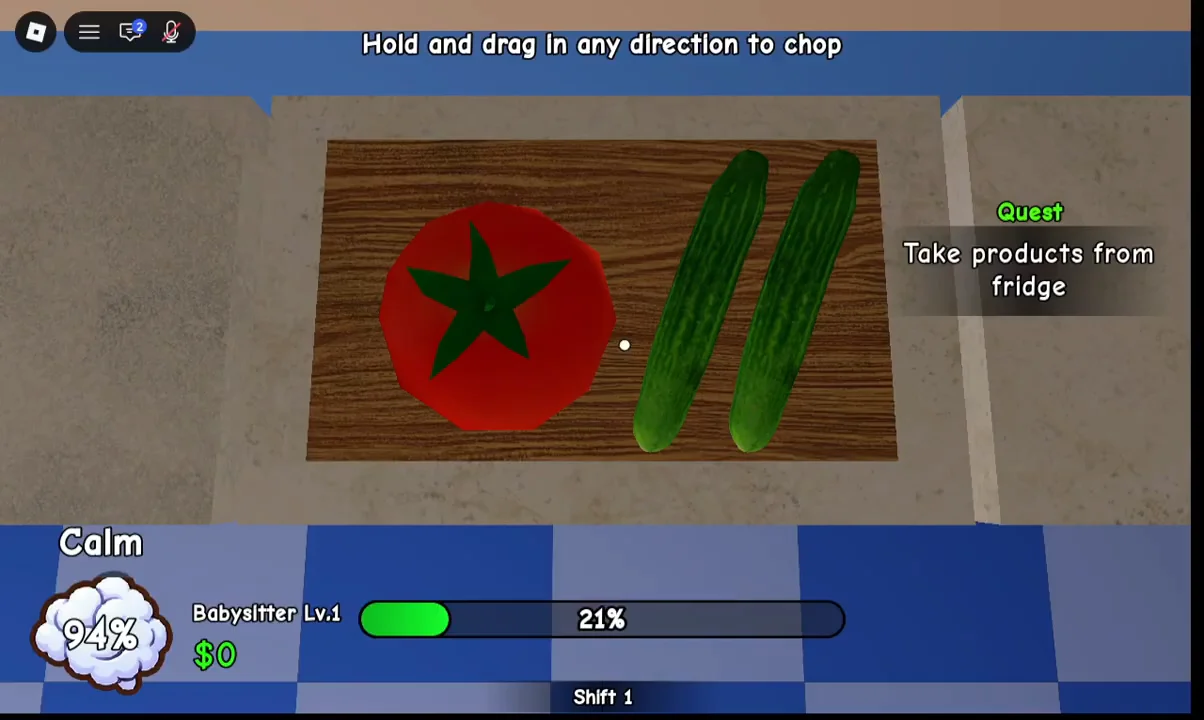
Once children are inside, a “Cooking Time!” quest sends you to the kitchen to pull ingredients from the fridge and prepare food. Meals include salads made by chopping a tomato and cucumbers on a cutting board until a progress bar reaches 100 percent, along with pizzas cooked in an oven timing game and burgers assembled by hitting on-screen prompts. Each delivered order pays $10.
Full shifts add more phases. Yard Time moves children outside for basketball, swings, and sandcastle mini-games, where you also have to catch kids trying to escape through the fence gate and rescue any grabbed by a monster. Sleep Time has you making beds in the dormitory, switching on the radio music player, and then flipping the master power to begin the night.
The infection, Inky, and the night shift
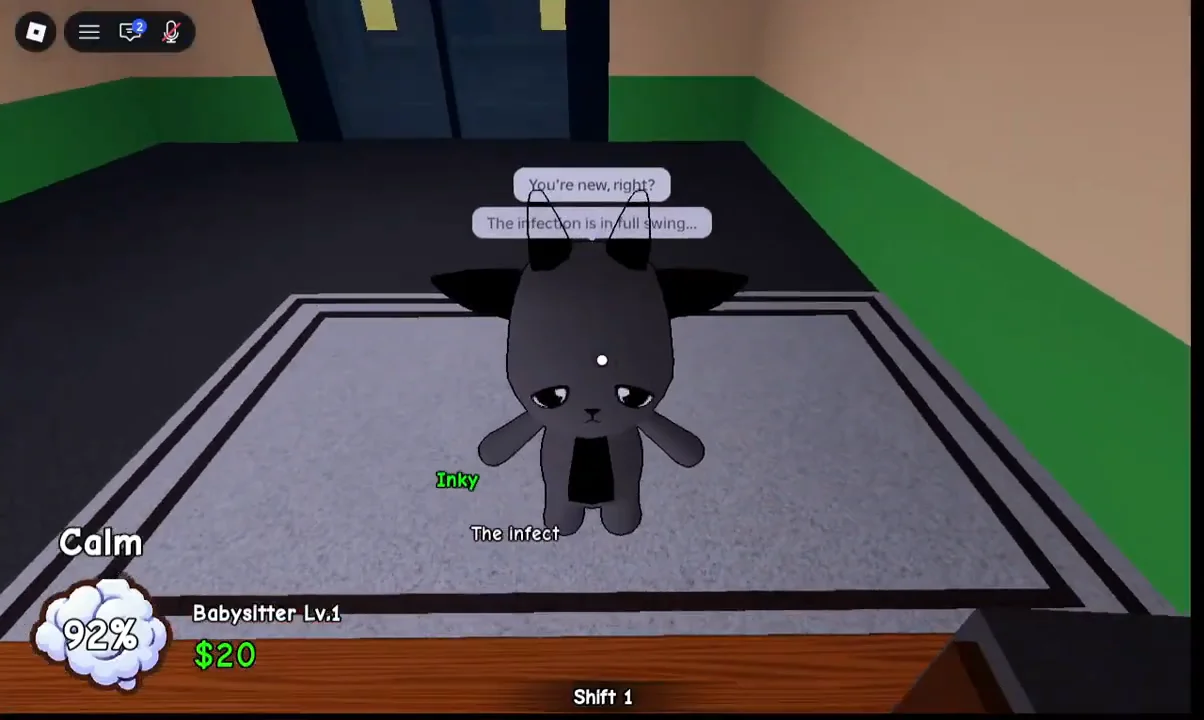
The horror thread is delivered by a dark visitor who appears at the counter with a warning. In the opening solo run this is Inky, who tells you “The infection is in full swing,” and adds “Not every child is who they say they are.” Other sessions feature a similar character named Blacky or Charlie delivering the same kind of message, sometimes flagging black puddles that later appear in the building.
Night is where the game turns into a defense loop. From the security office you watch camera feeds across the bedroom, kitchen, and garden, and use a camera Flash to scare off ghosts. Alerts pull you away to calm crying children, hold E to repair sparking power boxes, fix a malfunctioning music player, and shock intruders climbing out of vents or pushing on the yard gate. Survive until morning and a Shift Report grades your performance and pays out earnings, including Lamb Coins in later shifts.
The difficulty climbs shift by shift. Sessions run through Shift 1 into the double digits, adding a tall shadow creature that stalks the halls and drains Calm, more frequent impostors, extra hazards like black ink puddles, and a Foxy Shop in the yard selling upgrades such as an Electro Box gate, a Flashlight, a Lunchbox, and a Coffee Machine. Failing a night — for example, letting monsters overrun the bedroom — ends the run on a “Your Shift Ends Here” screen.
Where to play and what to expect first
Animal Daycare is live on Roblox and free to launch from its official listing. A first session runs the full cycle in miniature — a couple of reception admits, a cooking round, one or two rejections, and a single night — before the later shifts pile on anomalies and shop upgrades.
There are no confirmed public codes for the game right now, so there is nothing to redeem before jumping in. The core takeaway from the footage is simple: the friendly daycare framing is a cover, and most of the tension comes from reading each arrival correctly and keeping your Calm meter off the floor.