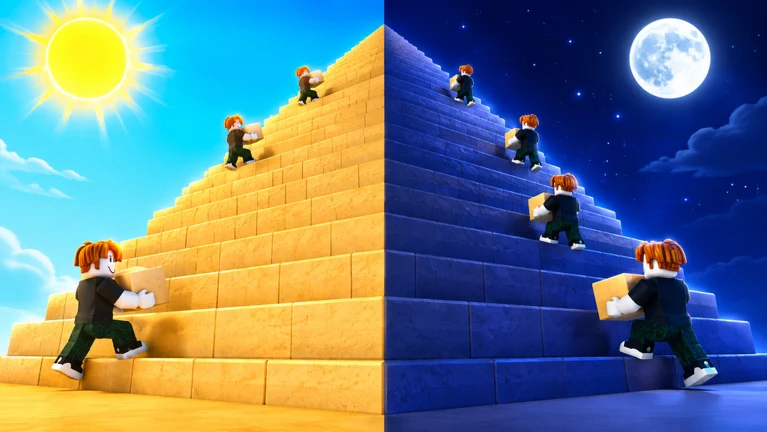
Upgrades in Build the Pyramid exist to do one thing: cut the time you spend hauling blocks between the quarry and the shared pyramid. You buy them at a single stall in the desert hub, pay with Coins you earn from placing blocks, and each purchase makes your next trip carry more or reach further. Raising your Strength at the gym works alongside those upgrades to lift your carrying capacity.
Quick answer: Walk to the tent marked with the purple UPGRADES sign, open the shop, and spend Coins (or Robux) on Bulk Pickup, Bulk Place, or Placement Range.
Open the Upgrades stall and buy an upgrade
The Upgrades stall sits under a wooden desert canopy in the hub, marked by a large purple floating UPGRADES label. A purple circular ring is drawn on the ground in front of it.
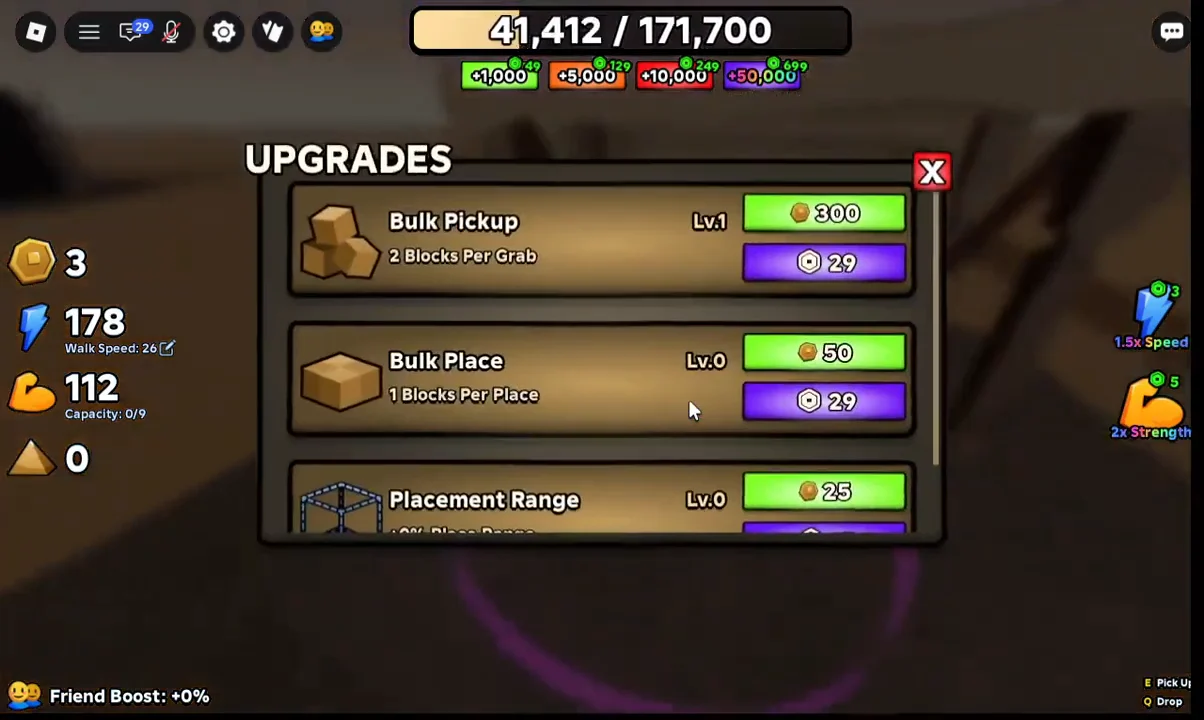
The three upgrades and what they cost
The shop holds three upgrades. Two speed up how many blocks you handle, and one extends how far you can place them. Prices climb as each upgrade’s level rises, so the numbers below reflect the early tiers.
| Upgrade | Effect | Coins | Robux |
|---|---|---|---|
| Bulk Pickup | More blocks per grab (2 per grab at Lv.1) | 300 | 29 |
| Bulk Place | More blocks per placement (1 per place at Lv.0) | 50 | 29 |
| Placement Range | Longer placement reach (+0% at Lv.0) | 25 | 15 |
Bulk Pickup raises the number of blocks you scoop up each time you grab a pile at the quarry, which means fewer return trips. Bulk Place works at the other end, letting you drop more blocks into the pyramid per placement action. Placement Range stretches how far away you can stand while placing, so you can fill more of the structure without walking around it.
Bulk Pickup and Bulk Place feed straight into your block-per-minute rate, so they pay off fastest if your goal is to finish the pyramid quickly.
Train Strength at the gym to raise your capacity
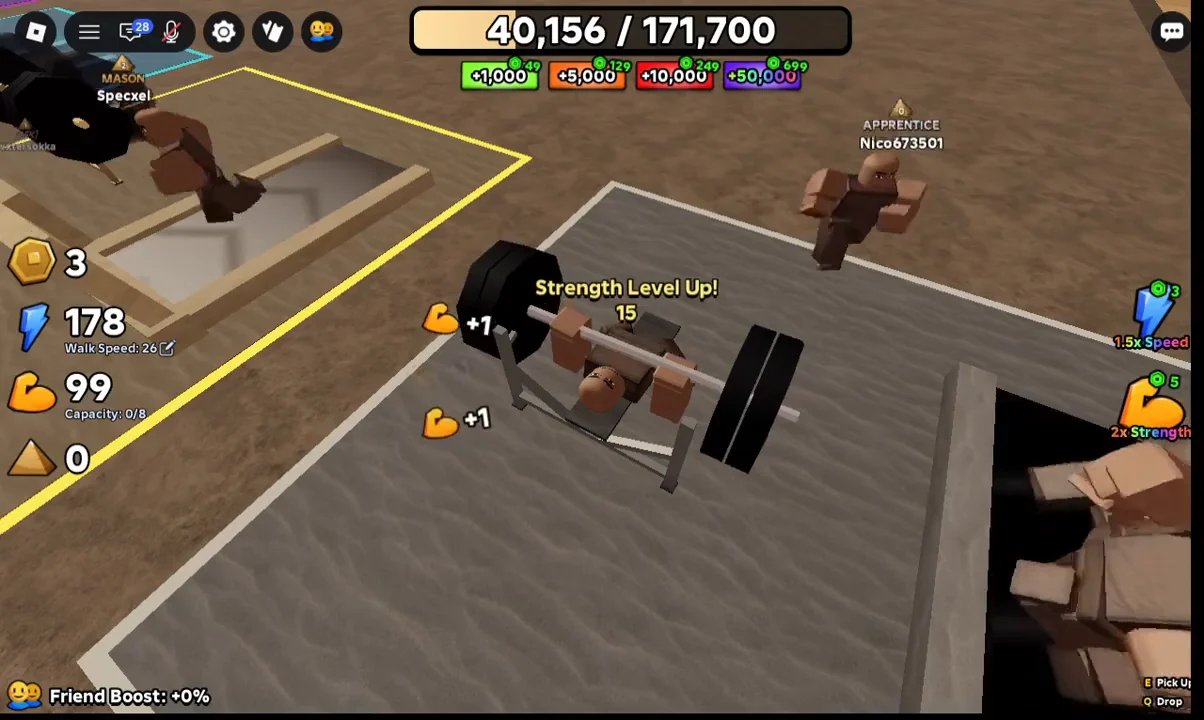
Shop upgrades are only one part of making progress. Your carrying limit is displayed at the top of the screen, for example as Capacity: 0/8, and depends on your Strength stat. Increase Strength at the bench press in the GYM area, identified by the yellow GYM sign floating above it.
Walk up to a bench press and start lifting. Each rep adds Strength points, and hitting a new level pops a “Strength Level Up!” message on screen. Higher Strength means a larger capacity, so you can carry more blocks per trip. Reaching Level 15, for example, gives you noticeably more room than a fresh character.
You can also grab a free head start. Claiming the in-game gift after liking the experience, favoriting it, and joining the developer’s Roblox group awards 1,500 Speed and 1,500 Strength, which lifts your capacity without any gym time.
Earn Coins by placing blocks
Coins are what fund the shop, and the fastest way to earn them is the core building loop. Blocks come from the supply pit, and placing them on the pyramid drops gold coins for you to collect.
E to pick up blocks until you hit your capacity. Use Q if you need to drop any.How to confirm an upgrade applied
After a purchase, the upgrade’s level in the shop ticks up, and its effect line changes to reflect the new value. Bulk Pickup, for instance, shifts to a higher “Blocks Per Grab” number once you buy the next tier. For Strength, watch for the “Strength Level Up!” prompt and the updated capacity reading at the top of the screen. When those numbers move, the change is live and your next hauling run carries the benefit.