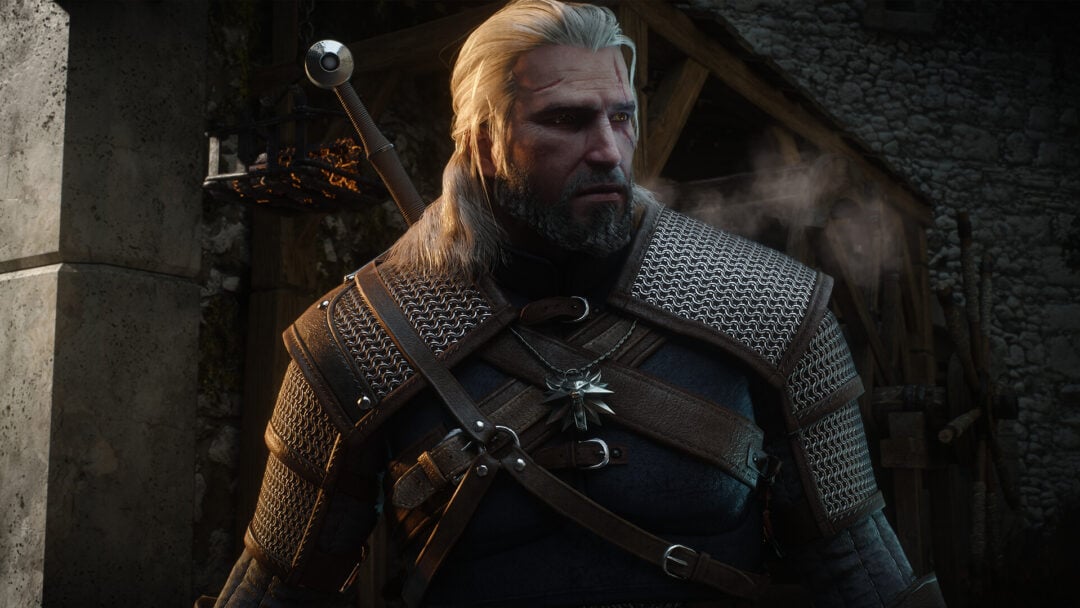
The Witcher 3 Remastered adds a Reforge system that lets you keep the stats of your strongest gear while swapping in the look of another weapon or piece of armor. It is not automatic, though. You need to unlock two specific craftsmen and visit the right one before you can restyle anything.
Quick answer: Unlock Yoana (armor) by finishing ‘Master Armorers’ and Hattori (weapons) by finishing ‘Of Swords and Dumplings’, then open their shop, choose the Reforge tab, and pick a new appearance.
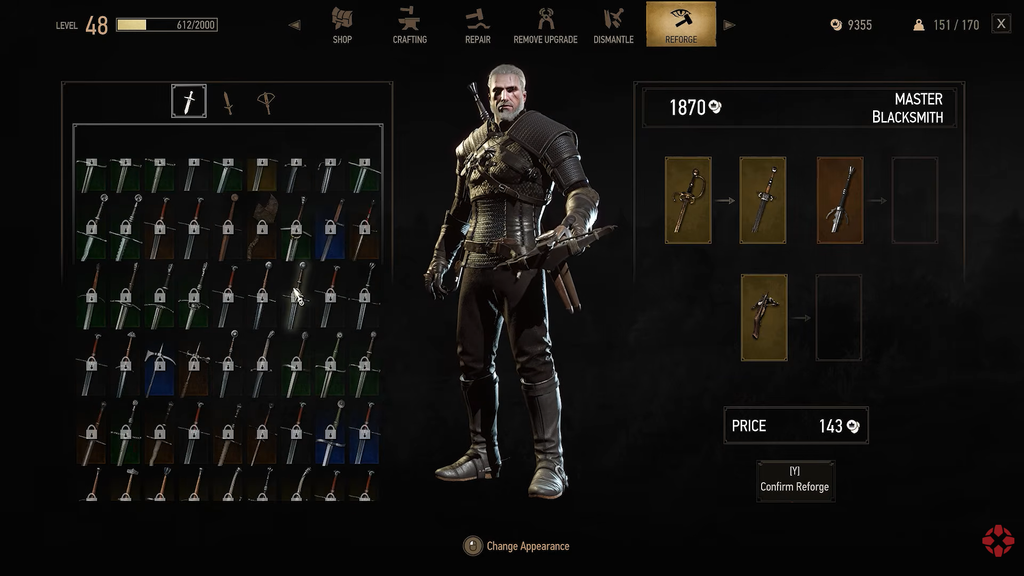
Unlock Yoana and Hattori first
Only two master craftsmen offer the Reforge service. Yoana handles armor and Hattori handles weapons, so you need both unlocked to fully restyle Geralt’s loadout. Each one becomes available after you finish a specific quest.
| Craftsman | Handles | Location | Unlock quest |
|---|---|---|---|
| Yoana | Armor | Crow’s Perch | ‘Master Armorers’ |
| Hattori | Weapons | Novigrad | ‘Of Swords and Dumplings’ |
Yoana can restyle chest armor, gloves, trousers, and boots. Hattori covers steel swords, silver swords, and ranged weapons. Both quests are reachable early, so you can start reforging well before the endgame.
Reforge gear at the craftsman’s shop
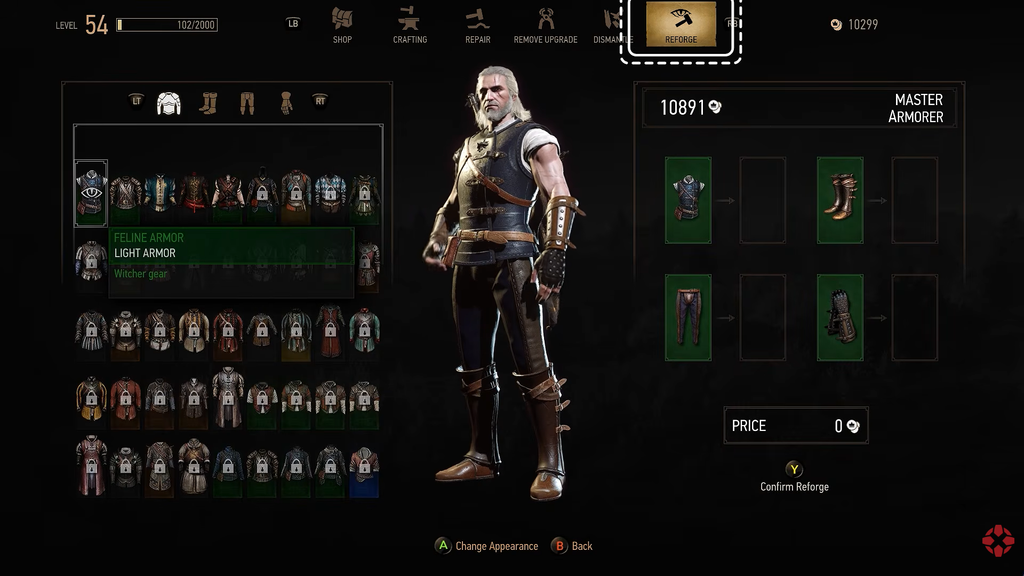
Once both craftsmen are unlocked, head to whichever one matches the item you want to change. The process is the same for armor and weapons.
How the appearance catalog fills up
Reforge draws from a personal catalog of appearances rather than every item in the game. You unlock a look by adding the matching equipment or its crafting diagram to your inventory. On a fresh save, each new weapon or armor piece you craft or loot is added to the catalog automatically as you pick it up.
Anything you sold, dismantled, or never picked up will not appear until you find or craft it again. Craftable sets like Grandmaster witcher gear are easy to remake, but one-off unique pieces are harder to recover.
Put your preferred armor and swords in your stash before upgrading an imported Next-Gen save; the base game kept no loot history until Reforge existed.
Dyes and confirming the change
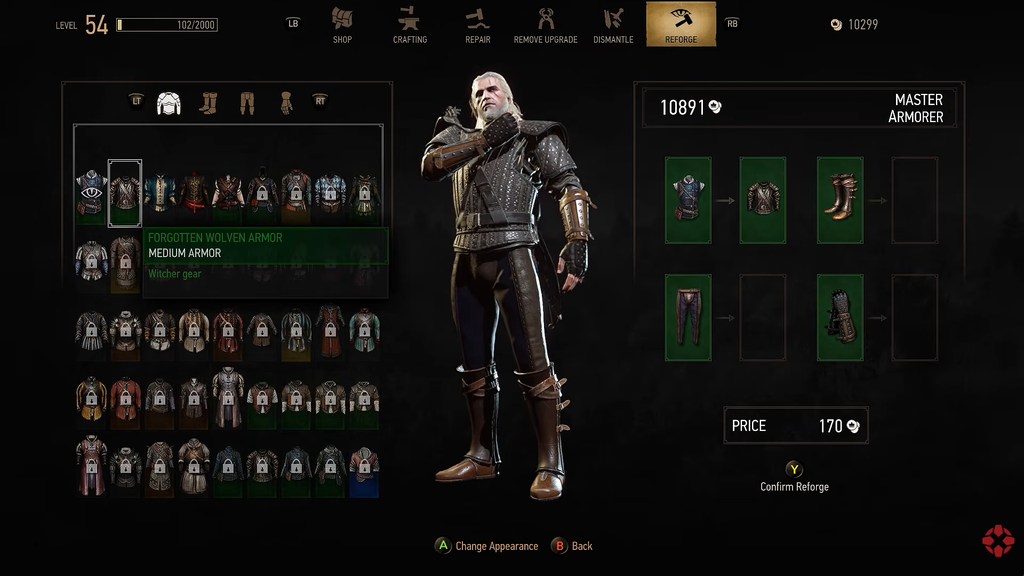
You know the swap worked when the preview shows the new model, the price is charged on confirmation, and Geralt equips the restyled item while its stats stay unchanged in your inventory. Dyes from Blood and Wine that you applied to equipment carry over to the reforged item, so a colored piece keeps its color after the appearance change.