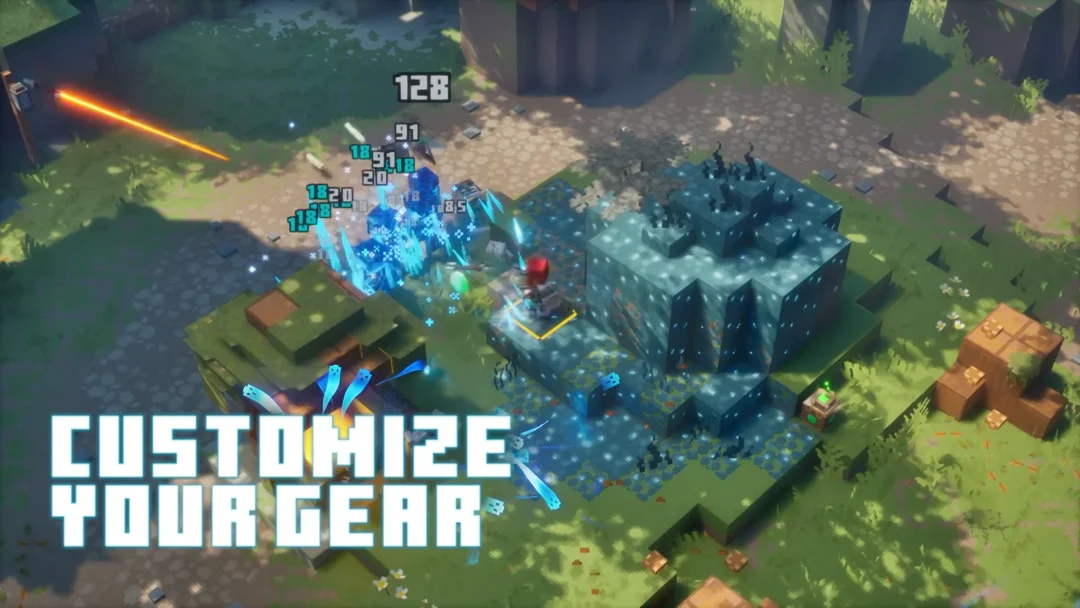
The Aurora Cape is a free, limited-time cosmetic for both Java and Bedrock editions, released alongside the launch of Minecraft Dungeons II. It carries a blue-orange-yellow gradient inspired by the Sift, with white dots across the back, and its Elytra form shows pointed wing edges outlined in white and pale green. You unlock it by watching a qualifying Dungeons II livestream and then redeeming the code you receive.
Quick answer: Watch a Minecraft Dungeons II stream on Twitch for 15 minutes or on TikTok for 3 minutes, grab the code, then enter it on Minecraft’s official redeem page before October 31, 2026.
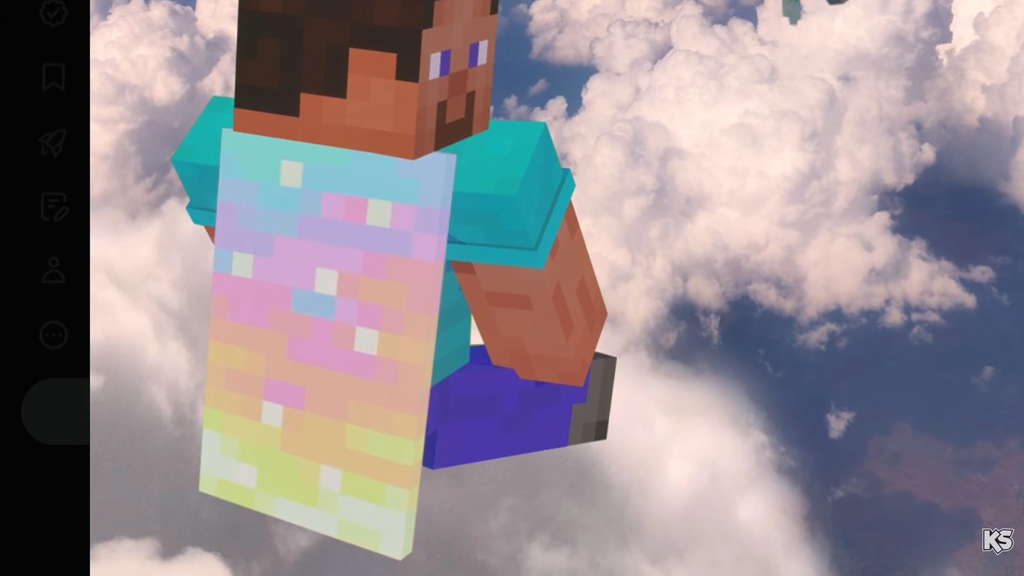
Aurora Cape claim window and requirements
The watch-time promotion runs from September 29 (12:00 AM PT) through October 14 (11:59 PM PT), 2026. In UTC terms, distribution begins at 07:00 on September 29 and ends at 06:59 on October 15. Completing either platform’s requirement is enough, so you do not need to do both.
| Platform | Watch time | Requirement |
|---|---|---|
| Twitch | 15 minutes | A Partner or Affiliate streaming in the Minecraft Dungeons II category with drops enabled |
| TikTok | 3 minutes | A Game Rewards-enabled Dungeons II livestream |
The cape is a vanilla-exclusive cosmetic. If the streaming platforms or their rewards programs are unavailable in your region, the quest cannot be completed normally, though a code from another player will still redeem correctly.
Earn the code on Twitch
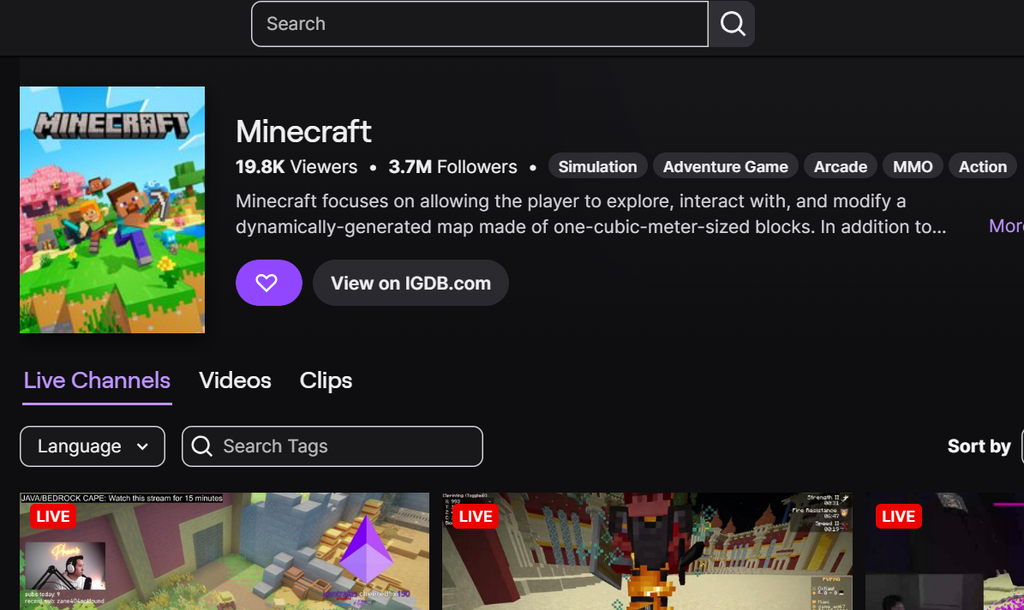
Earn the code on TikTok
Redeem the Aurora Cape code
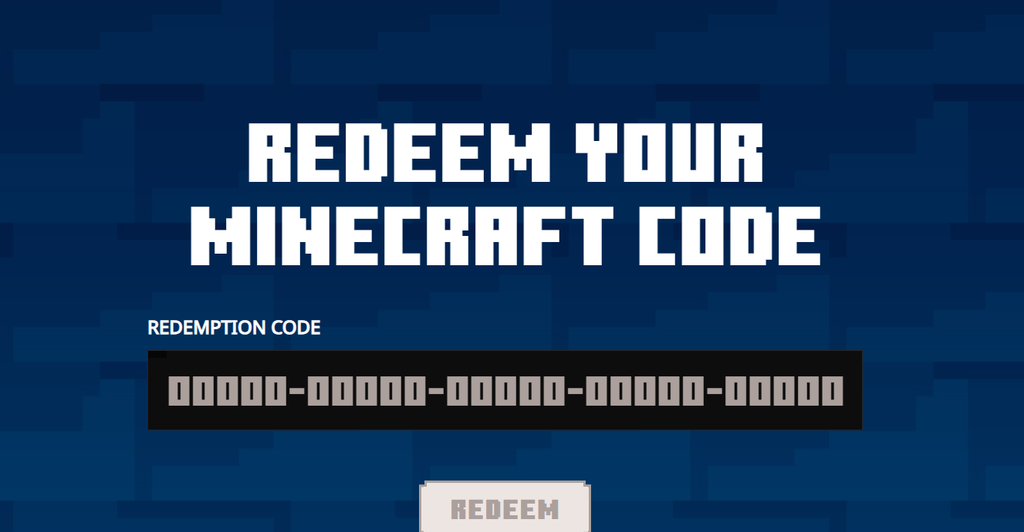
Redeem your code before October 31, 2026. Codes are set to expire around that date, even though the watch-time quest itself closes on October 14.
Confirm the cape is on your account
A successful redemption shows a confirmation on the redeem page, and the Aurora Cape is then attached to your account for good. Launch either edition to equip it: in Java, pick the cape from the skin section of the Minecraft Launcher; in Bedrock, open the Dressing Room from the main menu and select it under Capes. You can toggle it on or off and switch to another cape whenever you like.