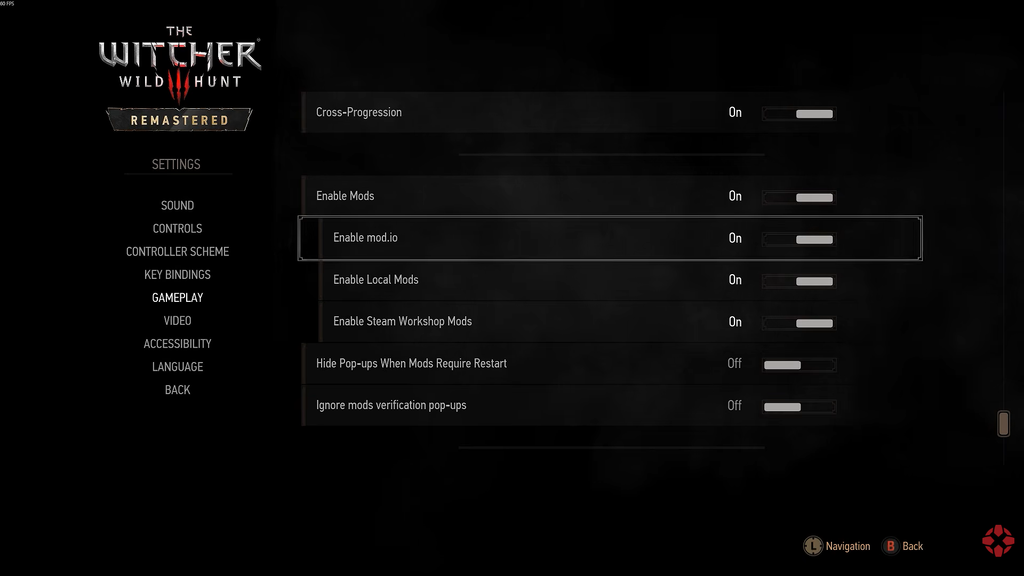
The Witcher 3 Remastered folds mod support directly into the game. You can launch it, open the built-in menu, and install community mods without opening a browser or downloading anything from an external site. The catalogue covers everything from small visual fixes to entirely new questlines, so knowing what is on offer helps you pick the right ones before you start a run.
Quick answer: Boot the game, open the in-game mod menu, and install any of the 35 available mods. For most players, the strongest picks are PERFECT No Fall Damage, Hoods, Fast Travel Pack, and Sprint in Witcher Senses.
Best in-game mods to install first
Four mods deliver the clearest quality-of-life improvements without breaking the base experience. Each one is available straight from the in-game menu.
PERFECT No Fall Damage
This mod removes fall damage entirely. Dropping off ledges that look harmless but would normally kill Geralt is no longer a problem, which makes climbing and traversal far less punishing. It suits both new players and veterans replaying the game, and there is no downside to running it from the start.
Hoods
Hoods is purely cosmetic. It enables hoods so Geralt can match the look from pre-release marketing material. There is no mechanical benefit or reward attached, but it gives the game a fashion option that many players wanted from the base version.
Fast Travel Pack
The Fast Travel Pack adds extra fast-travel points across the map, filling in the stretches of land that have too few signposts. It cuts down on long horse rides between objectives.
Skip this on a first playthrough. Riding between signposts is how you stumble onto side quests and points of interest, so the original fast-travel network is enough the first time through.
Sprint in Witcher Senses
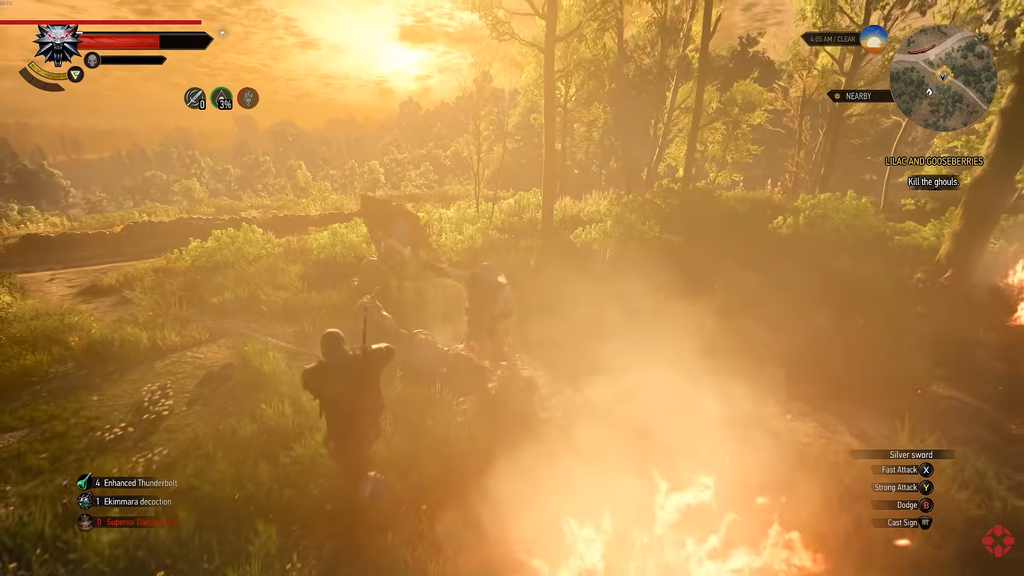
Normally you slow to a walk while using Witcher Senses to follow footprints, scents, or blood trails. This mod lets you sprint during Witcher Senses, so investigation sequences finish much faster without losing the trail the quest wants you to follow.
Every mod available in the in-game menu
When you launch the remaster, the mod menu lists the following options. They fall into a few broad groups: gameplay tweaks, visual and lighting changes, character appearance edits, and new story content.
Gameplay and quality-of-life mods
| Mod | What it does |
|---|---|
| PERFECT No Fall Damage | Removes fall damage. |
| Fast Travel Pack | Adds new fast-travel points. |
| Sprint in Witcher Senses | Lets you sprint while using Witcher Senses. |
| No Map Borders | Disables the instant teleport at the edge of the map. |
| More Money for Traders | Gives merchants more coin so you can sell more. |
| Crossbow Rework | Increases crossbow attack power to make it viable. |
| Extra Random Gwent Card from Merchants | Beating a merchant at Gwent grants more cards. |
| Ard Bombs | Enables the use of Ard bombs. |
| Bomb Won’t Explode in the Air | Bombs lose their fuse timer, so they won’t blow up while airborne. |
| No More Rolling Down Stairs | Keeps Geralt from tumbling as he runs downstairs. |
| Mutagen Tab Alchemy | Creates its own tab for Mutagen alchemy. |
| Hoods | Enables hoods for Geralt. |
| Enhanced Bear Armor Dress Change | Gives the Enhanced Bear Armor a new appearance. |
| Tucked Hair for Viper Armor | Tucks Geralt’s hair into the Viper armor collar. |
| CROW Combat Modules | A compilation of mods that reworks combat. |
| Smart Camera | Adds reactive auto-center and camera offsets. |
Visual, lighting, and animation mods
| Mod | What it does |
|---|---|
| Gameplay Mimics Fix – Next Gen | Improves shadows and lip sync. |
| Filterless Toussaint | Removes the olive filter from the map. |
| Larger White Orchard | Visually expands White Orchard. |
| Letho LOD Extended | Reduces LOD pop-in on Letho to match other NPCs. |
| No Artificial Player Light | Removes the slight glow around the player. |
| No Talk Icon | Removes the speech-bubble icon over NPCs. |
| Hurt Animation | Geralt walks and looks hurt below 30% HP. |
| 3D Eyebrows for Geralt | Adds 3D eyebrows for Geralt. |
| Geralt White Hair – Complete Edition | Changes Geralt’s hair from grey to white. |
| White Hair for Vimme Vivaldi | Gives Vimme Vivaldi book-accurate white hair. |
| Vespula Blond Hair | Gives Vespula book-accurate blond hair. |
| Ciri E3 Scabbard | Restores Ciri’s pre-release scabbard look. |
| Iris and Olgierd Scabbard Fix | Fixes the scabbard visual models. |
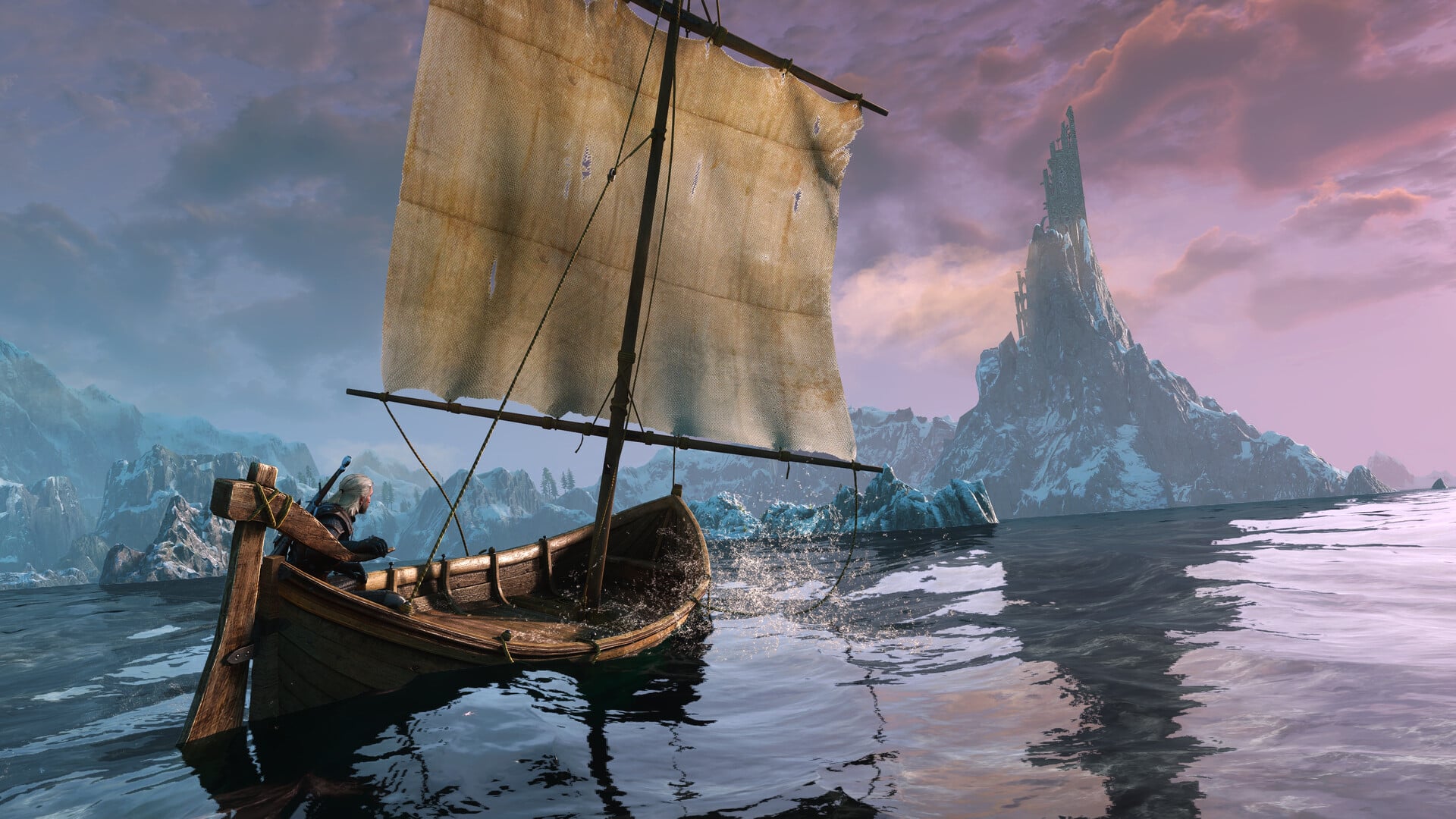
| E3 Boat | Adds the boat shown in pre-release material. |
New content and restored scenes
| Mod | What it does |
|---|---|
| Sins of the Student | Adds a new questline. |
| New Questline – The Spider and The Wolf | Adds a new questline. |
| Corvo Bianco Enhanced Collection | Adds herb planting, harvesting, and farm-management activities at Corvo Bianco. |
| Party at Chameleon | Gathers NPCs at the Chameleon to make the world feel livelier. |
| The Last Wish Final Scene Restoration | Makes a small change to The Last Wish’s closing scene. |
| Ciri Witcher Ending Restoration | Restores several ending cutscenes. |
How to know a mod is active
After installing a mod from the in-game menu, its effect appears the next time the relevant situation comes up. Cosmetic changes like white hair, 3D eyebrows, or hoods show on Geralt immediately in the character view. Gameplay mods such as No Fall Damage or Sprint in Witcher Senses confirm themselves in play, for example when a drop that would normally hurt leaves your health untouched. New questlines and restored scenes appear in your journal or trigger during the relevant quest.
Because the whole process runs inside the game, there is no separate mod manager to configure and no external files to move. Pick what fits the run you want, install from the menu, and load in.