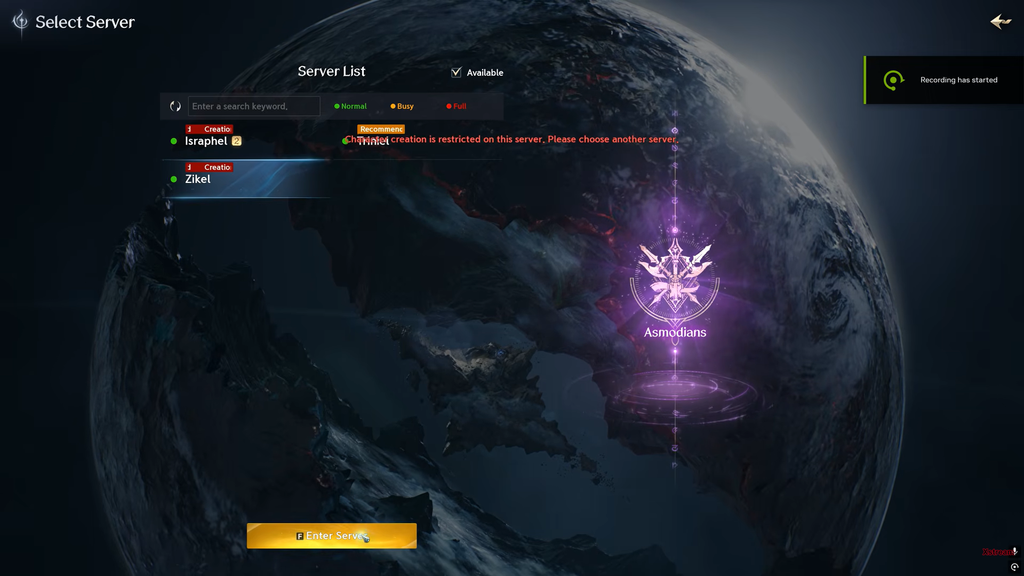
Since Aion 2 went live on October 5, 2026, players picking a world and trying to make a character keep hitting a red line of text: “Character Creation is restricted on this server. Please choose another server.” It stops you before you ever reach the game, and it usually has nothing to do with a broken download.
Quick answer: The selected server or faction has temporarily stopped accepting new characters. Switch to another server or the opposite faction, or wait for the lock to lift. Do not reinstall the game.
What the restriction actually does
Character creation locks are controlled entirely on NCSoft’s side. When a world hits the restriction, the server stops letting anyone add a new character to it, while players who already have a character there can usually keep logging in. The two things are separate: a closed creator does not mean your account or your existing save has failed.
Since the restriction is enforced by the server, local changes cannot reopen a world that has stopped character creation. Verifying files, reducing visual quality, or reinstalling the game client will not clear the block. Start by checking the server list to see whether other worlds are accepting characters.
Why a server or faction gets locked
- Server capacity: the world is full or near its limit, so NCSoft caps new entries to protect stability and prevent lag during the launch rush.
- Faction balance: if Elyos and Asmodian populations drift too far apart, new creation is held on the heavier side until the numbers even out.
Because of faction balancing, you will sometimes see one side open on a world while the other is blocked. On busy worlds both Elyos and Asmodian can be locked at once. Availability shifts as populations settle, so a world that is closed now can reopen later with no fixed timer.
How to get past the lock on a busy server
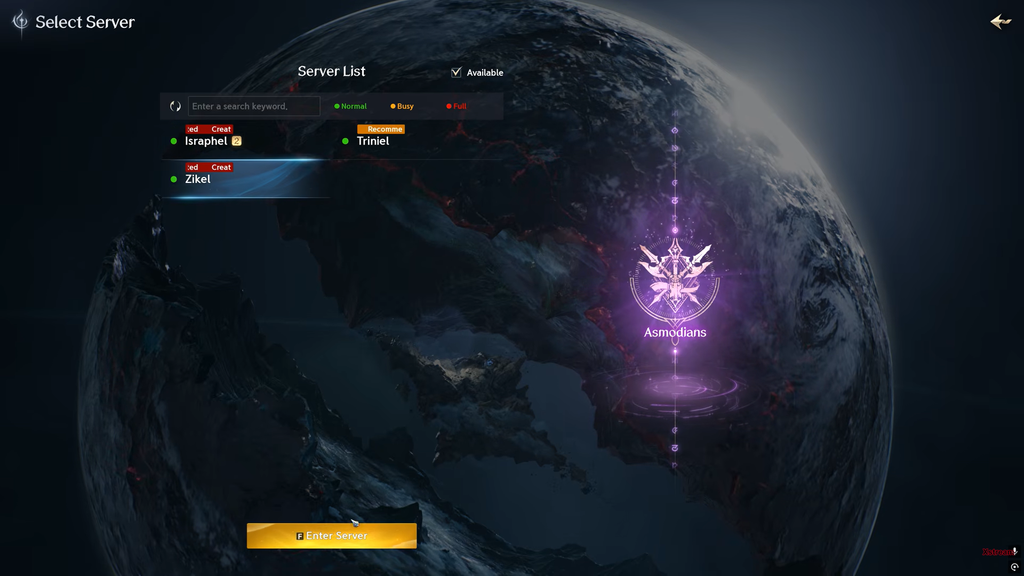
These are the practical options when one or more worlds show the restriction but others stay open. Try them in order and recheck the server list after each.
- Switch worlds: pick another server in the same region that still allows creation.
- Check the other faction: if the lock only applies to Elyos or Asmodian, the open side may let you in.
- Refresh the server list: return to server selection and reopen the list, since slots can free up quickly.
- Spam the Enter Server button: availability fluctuates, so there is a small chance of slipping into a slot the moment another player leaves.
- Play off-peak: early morning or late night, when overall traffic drops.
- Restart the client and launcher: fully close Aion 2 and Steam or PURPLE, then relaunch to reload current availability.
Refreshing and restarting only reload the latest status; they cannot cancel a lock NCSoft has actively applied. If a world stays closed after several tries, stop retrying and create on an open world instead.
If you only want to start playing, an open world you can reach now beats refreshing one congested server that may stay locked for a while.
When every server is restricted only for you
If other players are creating characters but every world shows restricted for you specifically, treat it as a client, account, or connection problem rather than a population lock. Aion 2 is sensitive to a few PC settings during its regional and account checks.
8.8.8.8 as the preferred and 8.8.4.4 as the alternate. Click OK, close the dialogs, and relaunch the game. Only change these if you are comfortable reverting them.If the block persists across every world after those changes, it points to a strict regional lock or a flagged account. In that case the remaining workaround is to register a fresh game account set to the Taiwan region, or connect through a VPN to a Taiwan server before launching and attempting creation.
Creation restriction versus a login queue
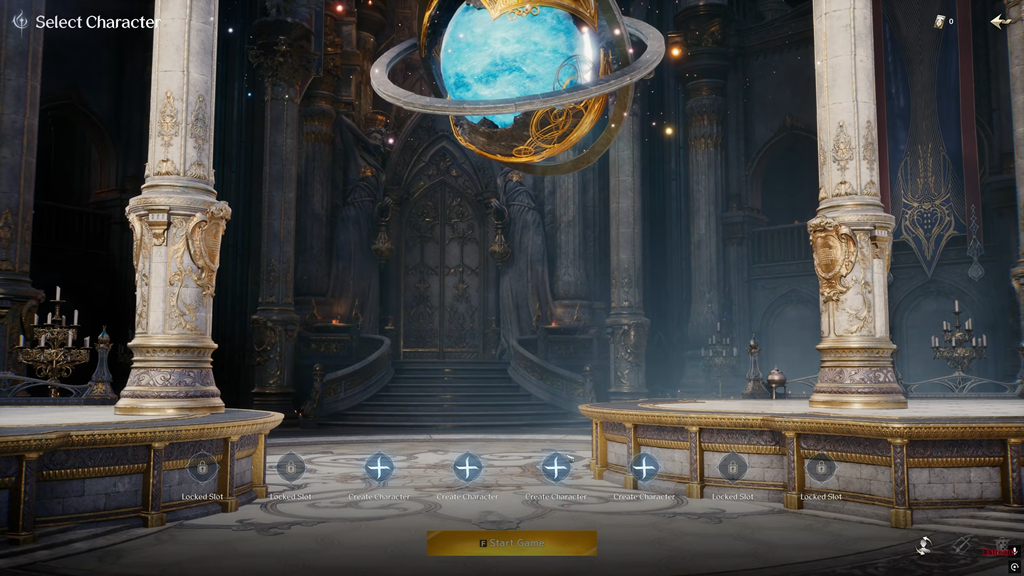
A login queue delays entry to a world where one of your characters already exists; a creation lock prevents you from making a character there at all. A busy world can have both conditions, but they affect different things. Changing how long you expect to wait in line won’t make character creation available.
If you can still see and play an existing character, the creator being unavailable does not mean your data is gone. If you cannot create a character despite already having one on that world, determine whether you are trying to add a second character or whether the original has actually disappeared. Treat these as separate problems.
Don’t remove a character you already have just because that world currently bars new character creation.
Joining friends and the October 14 transfers
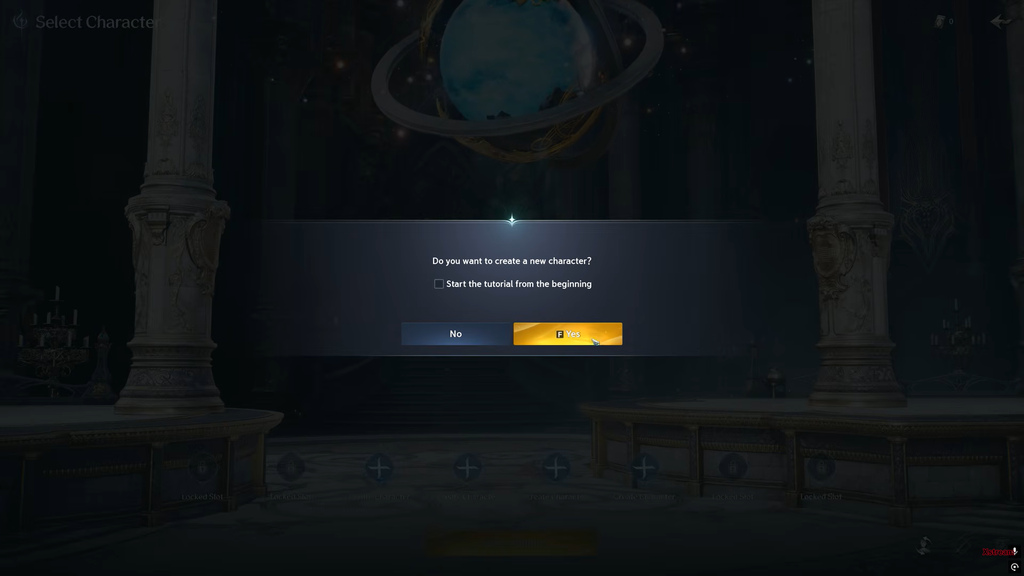
The restriction is especially important if your friends or guild are already based on a world that has stopped allowing new characters. Knowing people there won’t let you bypass the block. Your practical options are to wait until creation opens again, start together on a world that currently accepts everyone, or begin elsewhere and transfer later.
NCSoft has confirmed that server transfers start October 14 and will be free at first, but the initial conditions are narrow. Transfers must remain within the same faction. At the outset, Early Access characters can move only among Early Access servers, not onto servers in the commercial launch pool. A temporary character on a random world therefore may not be able to join your friends’ world later.
- If your group is Elyos, create on an Elyos world you could realistically transfer from.
- If your group chose Asmodian, repeat the process on the Asmodian side.
- A character made in Early Access and one made on a commercial launch server are not promised a path to the same home world under the initial rules.
The server list inside the client is the most accurate live indicator, because launch capacity changes fast. Once the restriction clears and your chosen world reopens, you can create normally and the red message disappears. Until then, either hold for that specific world or pick an open one that fits your faction and your transfer plans.