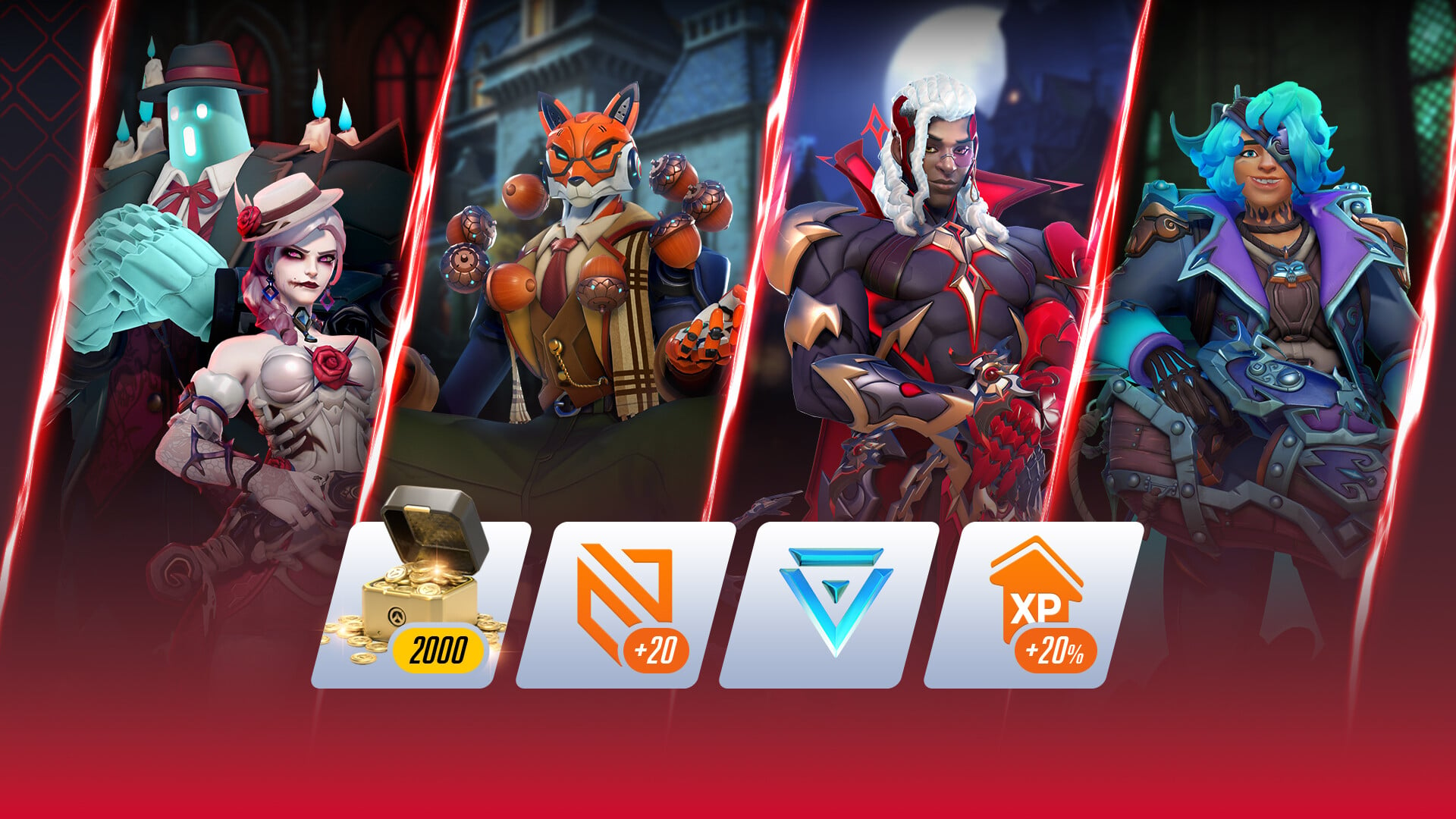
Overwatch Season 5 arrives alongside a fresh Twitch Drops campaign that hands out six free cosmetic rewards for watching the game on Twitch. The whole set runs through early November, and you can collect it by watching eligible streams while your accounts are linked. Everything below breaks down what you get, how much watch time each reward needs, and how to claim it in-game.
Quick answer: Link your Twitch account to Battle.net, then watch any Overwatch stream with Drops enabled. Rewards unlock at 30 minutes, 1, 3, 6, 10, and 15 hours of total watch time, and you must claim each one before November 3, 2026.
Season 5 Twitch Drop rewards and watch times
Six drops are available during the campaign: two profile avatars, two sprays, and two loot boxes. Watch time is cumulative, so you do not need to claim one drop before you start earning progress toward the next.
| Watch time | Reward |
|---|---|
| 30 minutes | Heroes of Heart Avatar |
| 1 hour | Hollow Hearts Avatar |
| 3 hours | Hollow Hearts Spray |
| 6 hours | Lootbox |
| 10 hours | Heroes of Heart Spray |
| 15 hours | Epic Lootbox |
All six rewards attach to your Battle.net account and appear inside Overwatch once claimed. You can earn them even if you do not currently own or play the game, though you will need the game to use the cosmetics.
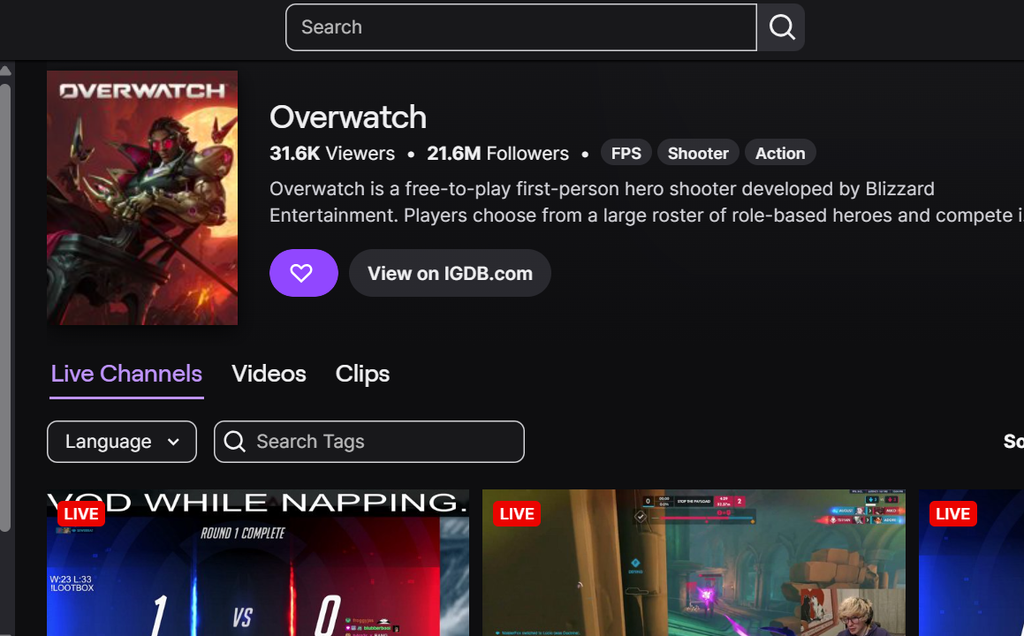
Link your accounts and claim the drops
You can earn Drops in a PC or Mac web browser, or through the Twitch app on Android and iOS. Twitch on consoles, smart TVs, and other TV devices does not offer Drops.
What the loot boxes contain
Both loot box drops pull from the standard Overwatch loot pool. The two tiers differ in their guaranteed rarity floor.
- Lootbox (6 hours): four cosmetic items chosen at random; at least one is guaranteed to be Rare or above.
- Epic Lootbox (15 hours): guaranteed to include at least one item of Epic rarity or higher.
Loot boxes do not contain paid collaboration content, so cosmetics from limited shop bundles will not appear inside them.
Campaign dates, tracking, and eligibility
The campaign began on October 6, 2026 and runs through November 3, 2026. Claim every drop you earn before the end date, since unclaimed progress does not carry over once the campaign closes.
You can check how close you are to the next reward in the Drops & Rewards tab, found under your profile in the top-right corner. Earned rewards expire seven days after they are claimed if no Battle.net account is linked, so complete the account connection first.
Participation is limited to supported regions, which include North America, Latin America, Europe, the Middle East, Africa, South Korea, Japan, Taiwan, Southeast Asia, Australia, and New Zealand. Once your accounts are linked and the rewards appear in Overwatch, the set is yours to keep.