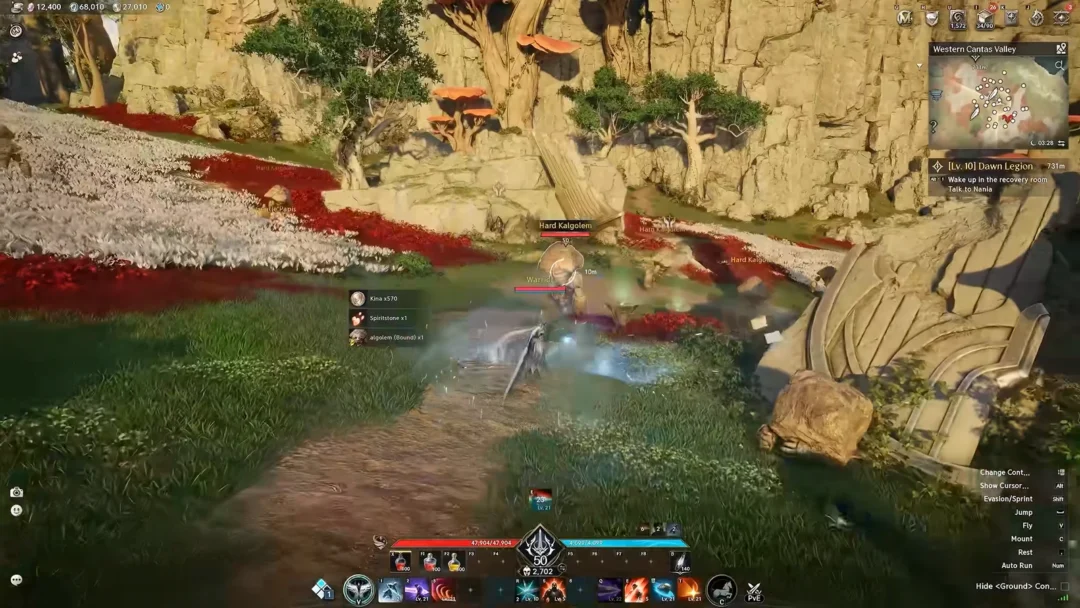
Aion 2 splits in-game communication across several chat channels, from the server-wide common channel to faction talk, private whispers, party and force chat, and your legion hub. Moving between them takes a couple of seconds once you know where the channel selector lives.
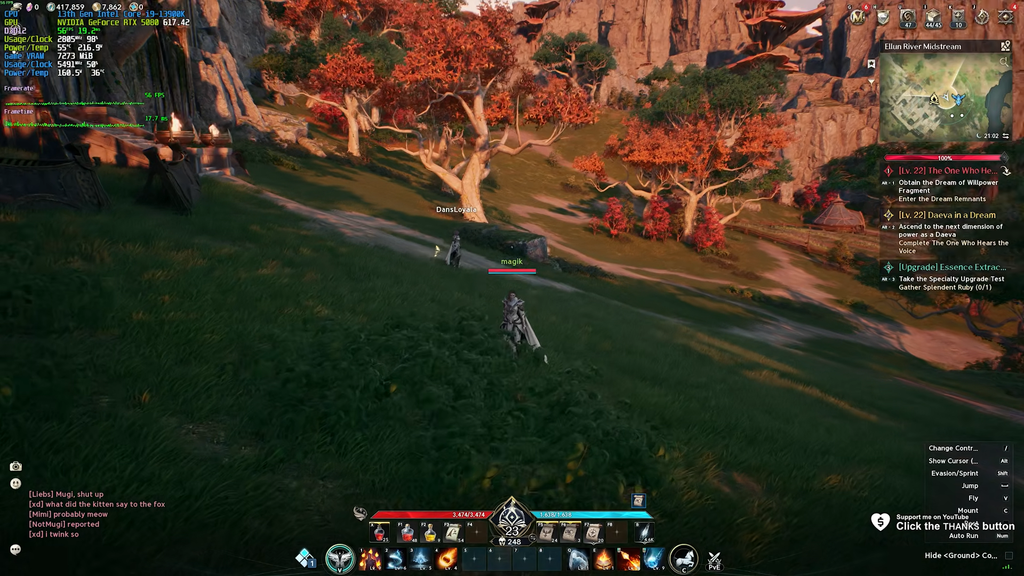
Quick answer: Press Enter to open the chat box, hold ALT, click the channel name next to the text field, and pick a channel from the pop-up. You can also type the channel shortcut and press Space.
Switch chat channels in Aion 2
The channel selector is tied to the chat box, and the ALT key is what makes the chat interface clickable. Follow these steps after you have selected a server and logged in to a character.
You know it worked when the channel label beside the text field changes to the one you selected. Only active channels appear in the list, so if you are not in a legion, for example, the legion channel will not show up until you join one.
Chat channel shortcuts
The faster method skips the menu entirely. Type the channel’s shortcut in the chat box and press Space to jump straight to it, then write your message.
| Channel | Shortcut |
|---|---|
| Common | /s |
| Faction | /t |
| Event | /e |
| Whisper | /w |
| Shout | /h |
| Party | /p |
| Force | /f |
| Force Notification | /a |
| Legion | /l |
| Dungeon | /d |
Typing in the Shout channel puts a speech bubble with your message above your character’s head, so nearby players see it over your avatar rather than only in the chat log.
Which channels you can use
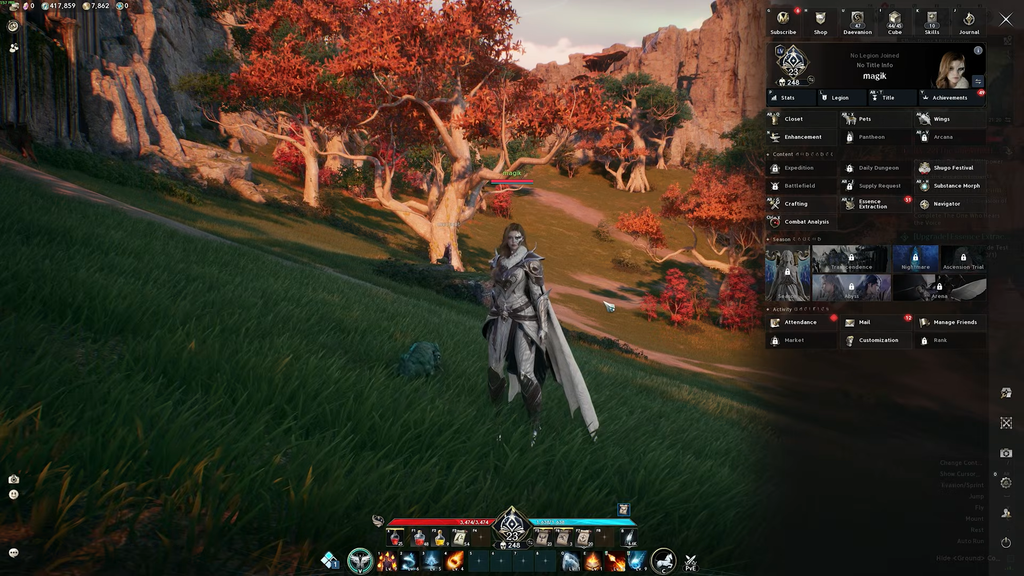
Your server and faction determine which channels you can use. Channel chat cannot reach members of the opposing faction or players on other servers. Cross-faction communication is possible only when you visit that faction’s server from within a Spacetime Rift.
- Common, Faction, and Event reach your own server and faction.
- Party, Force, and Dungeon only appear while you are in that group or content.
- Legion appears only if you belong to a legion.
- Whisper works across servers, but not to players in a different server group.
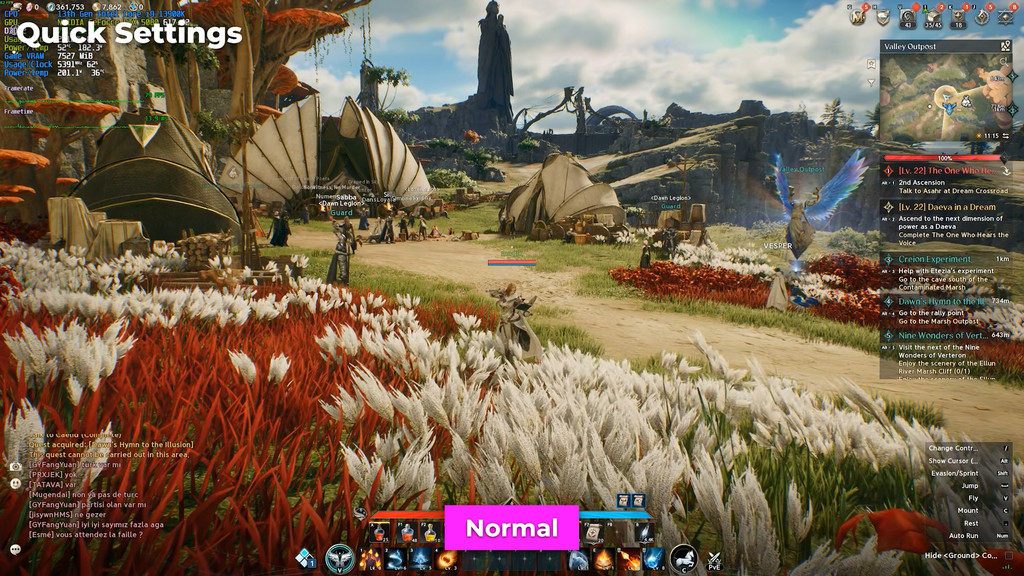
Check your channel chat history
Every active channel keeps a readable log for your current session. The chat bubble icon next to the chat box opens it.
Following a friend into their area channel
Some players mean something different by “channel” here. Aion 2 splits busy zones into separate copies of the same area so a single spot is not overcrowded. If a friend is on your server and the map shows you both in the same place but you cannot see each other, you are in different area channels.
Open the menu attached to your friend’s target frame and select Follow Channel to enter their version of the zone. This option is unavailable in some places: if a friend is doing an instanced quest, you cannot join them inside it.
In PvP locations like the Abyss, population balancing may automatically transfer you to a different area channel. This intended behavior removes you from your party or force, so you must invite each other again; it isn’t a bug.