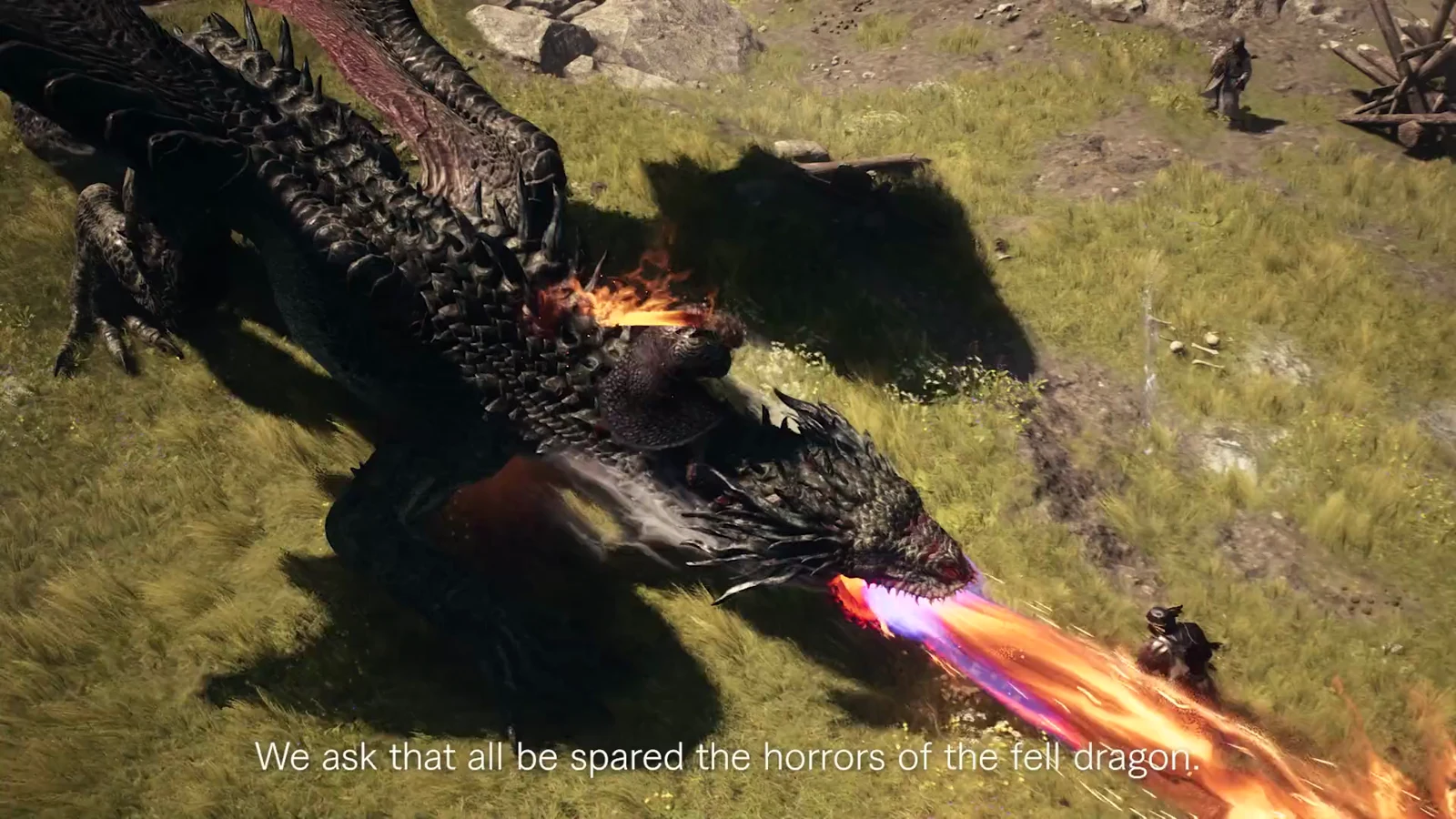
Dragon’s Dogma 2 runs on three difficulty modes that sit far apart from each other. Normal is the balance CAPCOM built the game around, Casual softens the survival and economy systems, and Hard turns combat lethal in exchange for faster progression. Picking one is a commitment, because the game does not let you freely swap between all three mid-run.
Quick answer: Choose Normal for the intended run and access to every achievement. Casual lowers costs and stamina drain but permanently blocks the Closure and True Arisen achievements. Hard raises enemy damage for more XP and Discipline.
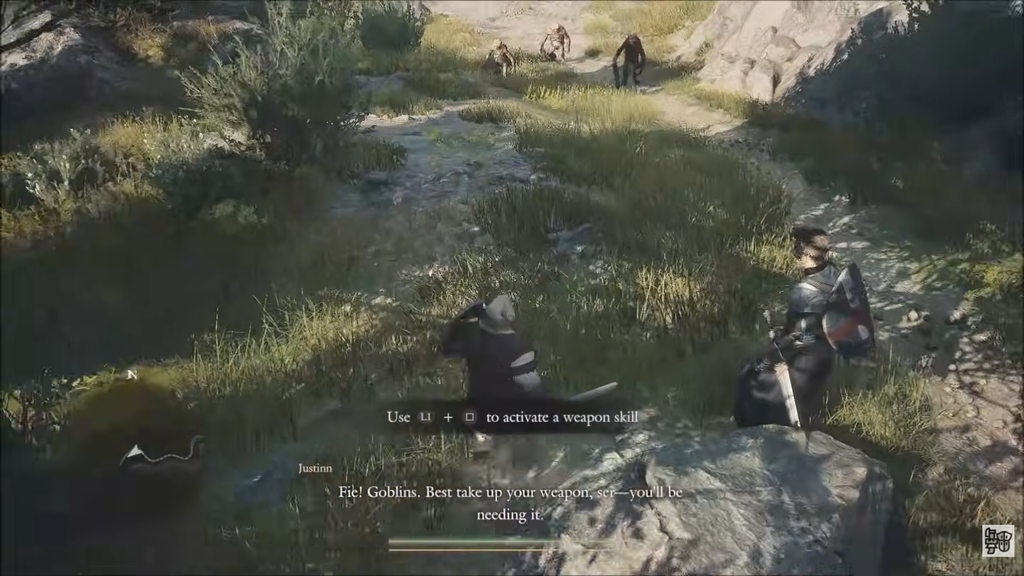
The three difficulty modes compared
| Mode | What it affects | Best for |
|---|---|---|
| Normal | Default balance, costs, stamina, weight, Dragonsplague | Players wanting the intended experience and all achievements |
| Casual | Non-combat values only (costs, stamina, weight, Dragonsplague) | Players who want a relaxed run and do not mind losing two achievements |
| Hard | Combat only (enemy damage, enemy types, XP and Discipline) | Experienced players wanting a tougher fight and faster leveling |
Normal is the baseline. Costs, stamina consumption, weight limits, and the consequences of Dragonsplague all behave exactly as CAPCOM tuned them. If you are new to the series and want the standard pace, start here.
What Casual mode changes
Casual mode was added in Patch 2.01, the major title update that arrived in September 2024. It leaves combat untouched and instead eases the systems around travel, carrying, and survival. The specific changes are:
- Inn fees are reduced
- Ferrystones cost less
- Sprinting outside of combat drains less stamina
- You can carry more before reaching Heavy or Very Heavy weight
- Pawns recover from Dragonsplague on their own, without triggering any calamitous consequences
Casual mode locks you out of the Closure achievement. Because True Arisen requires every other achievement, losing Closure also makes True Arisen impossible on that playthrough. Anyone chasing the full completion should avoid Casual.
What Hard mode changes
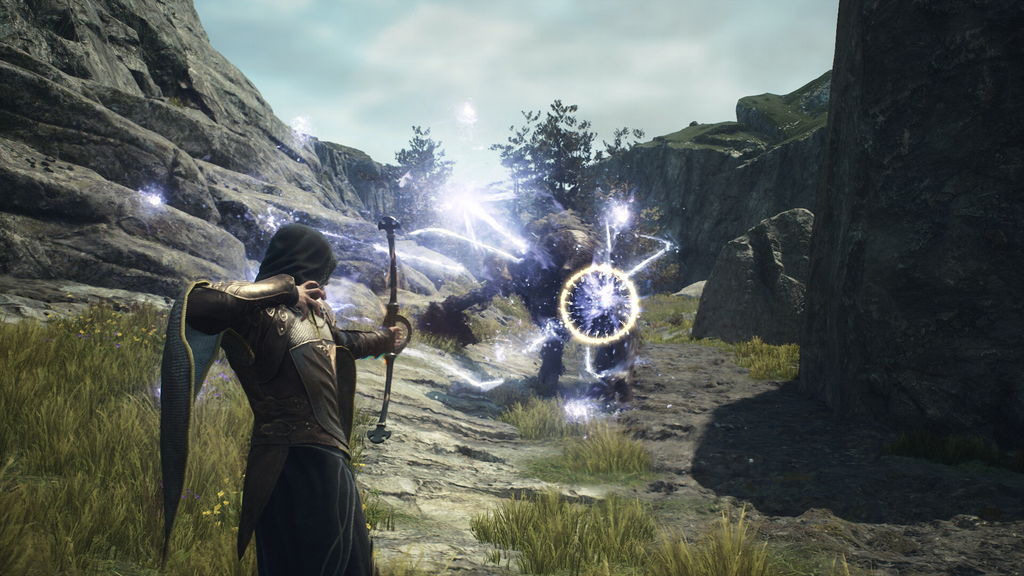
The Dark Arisen DLC added Hard mode, whose effects are confined to combat, unlike Casual. Foes inflict much heavier damage, and some locations contain more dangerous enemy types than appear on Normal or Casual. A powerful strike may kill you instantly, making defense and positioning far more important.
The payoff is faster growth. Defeating enemies on Hard grants extra XP and Discipline, which speeds up leveling and vocation ranking. Enemies also tend to feel more durable than on Normal.
The sharpest spike is Norgan, the region exclusive to Dark Arisen. Enemies there hit extremely hard and appear in large numbers, so you need a solid build before stepping in or you will be overwhelmed.
How to change difficulty
The rules for switching depend entirely on the mode you started in. You can only change difficulty freely if your save file began on Normal.
If you started on Normal
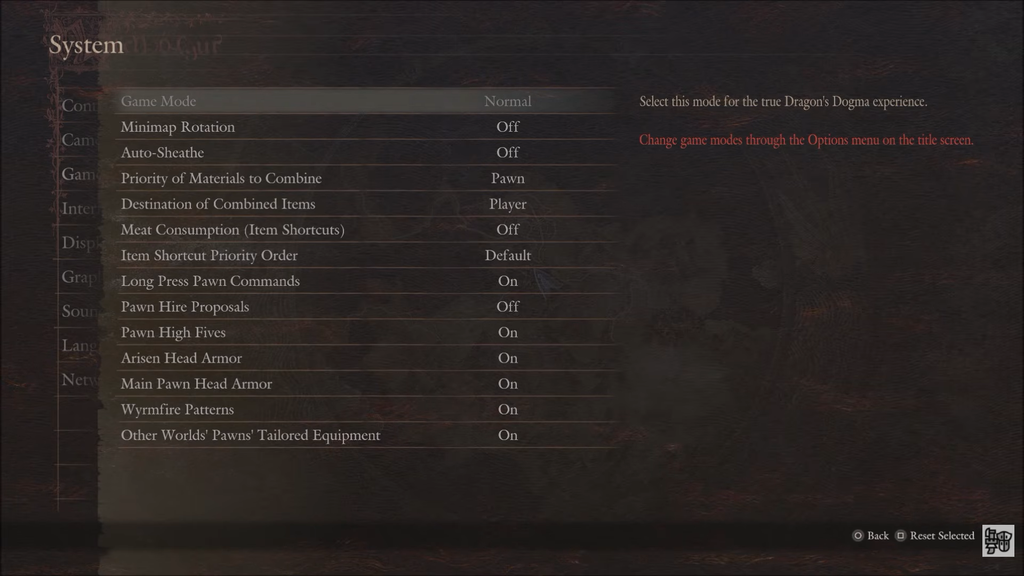
Once you move from Normal to Casual, you cannot return to Normal during the same playthrough. You can only pick Normal again when starting New Game Plus.
If you started on Casual or Hard
A save that began on Casual or Hard cannot change difficulty mid-campaign. You have to finish the game first. After you roll credits, the Title Screen shows a Restart Game with Current Level and Equipment option. Picking it lets you choose your difficulty again while keeping your progress.
Which mode to pick
Because swapping difficulty is restricted, choose with your whole run in mind. Normal is the safe default and the only way to keep every achievement open while still facing real combat pressure. Pick it if you are unsure.
Go Casual if you care about the world and story more than the survival grind, and you are fine giving up Closure and True Arisen. Choose Hard if you want a punishing combat challenge and the faster XP and Discipline that come with it, and you are prepared for Norgan’s difficulty wall in Dark Arisen.