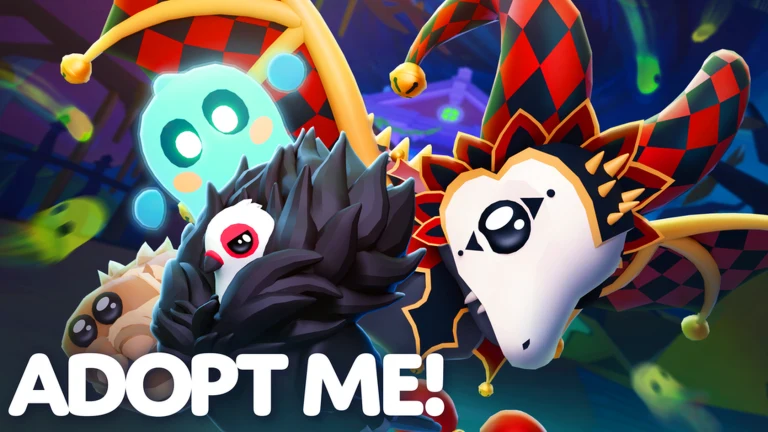
The Skelicorn is a Halloween event pet in Adopt Me, and you cannot buy it straight away. It sits dormant inside a caged skeleton near the Manor until you power it back to life with a Lightning Lever. Once the lever is installed, the pet becomes available to purchase for Candy Corn.
Quick answer: Claim the free Lightning Lever from a Crypt coffin, carry it to the machine left of the Manor, install it to revive the Skelicorn, then buy the pet for 120,000 Candy Corn.
What you need before you start
Two things gate the Skelicorn. The first is the Lightning Lever, an uncommon untradable item that only drops from Crypt coffins. The second is Candy Corn to cover the purchase price once the pet is unlocked. The lever itself costs nothing.
- The Lightning Lever, pulled from a coffin on the Crypt’s Lower Level II.
- Crypt Keys to open coffins, earned from daily tasks and the Ghost Gallery boss.
- 120,000 Candy Corn to buy the Skelicorn after the lever is installed.
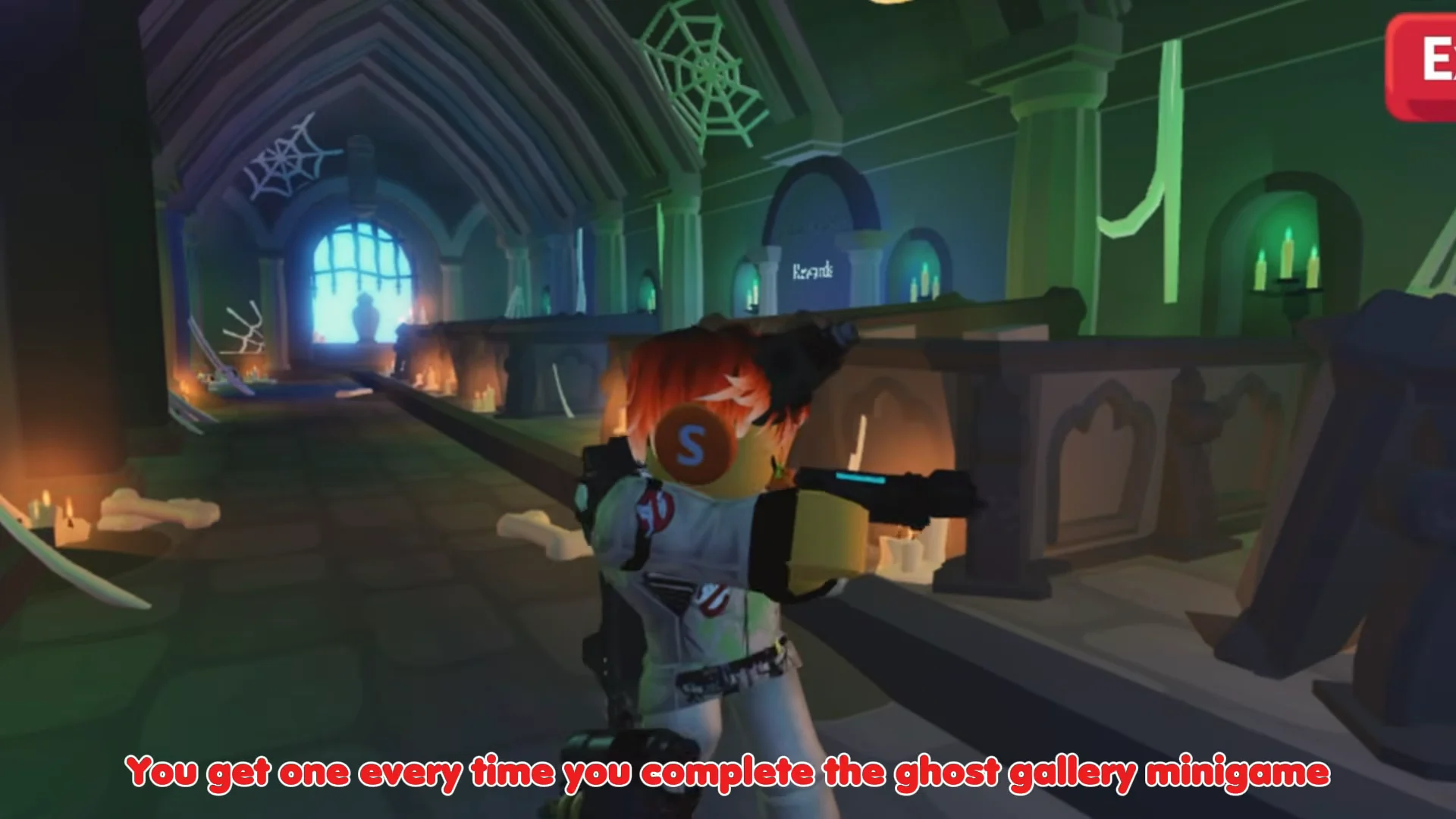
Crypt Keys are your scarce resource. You get four per day from the Halloween daily tasks and one more each time you defeat the boss in the Ghost Gallery minigame inside the Manor. Keys cannot be traded and vanish when the event ends, so spend them as you earn them.
How to get the Lightning Lever from the Crypt
The Crypt is a four-level dungeon reachable near the Manor. Each level is lined with coffins, and every coffin needs one Crypt Key to open. Coffins hand out Candy Corn, a Crypt Twig, or the way down to the next level. The Lightning Lever appears as a listed reward on the Lower Level II board.
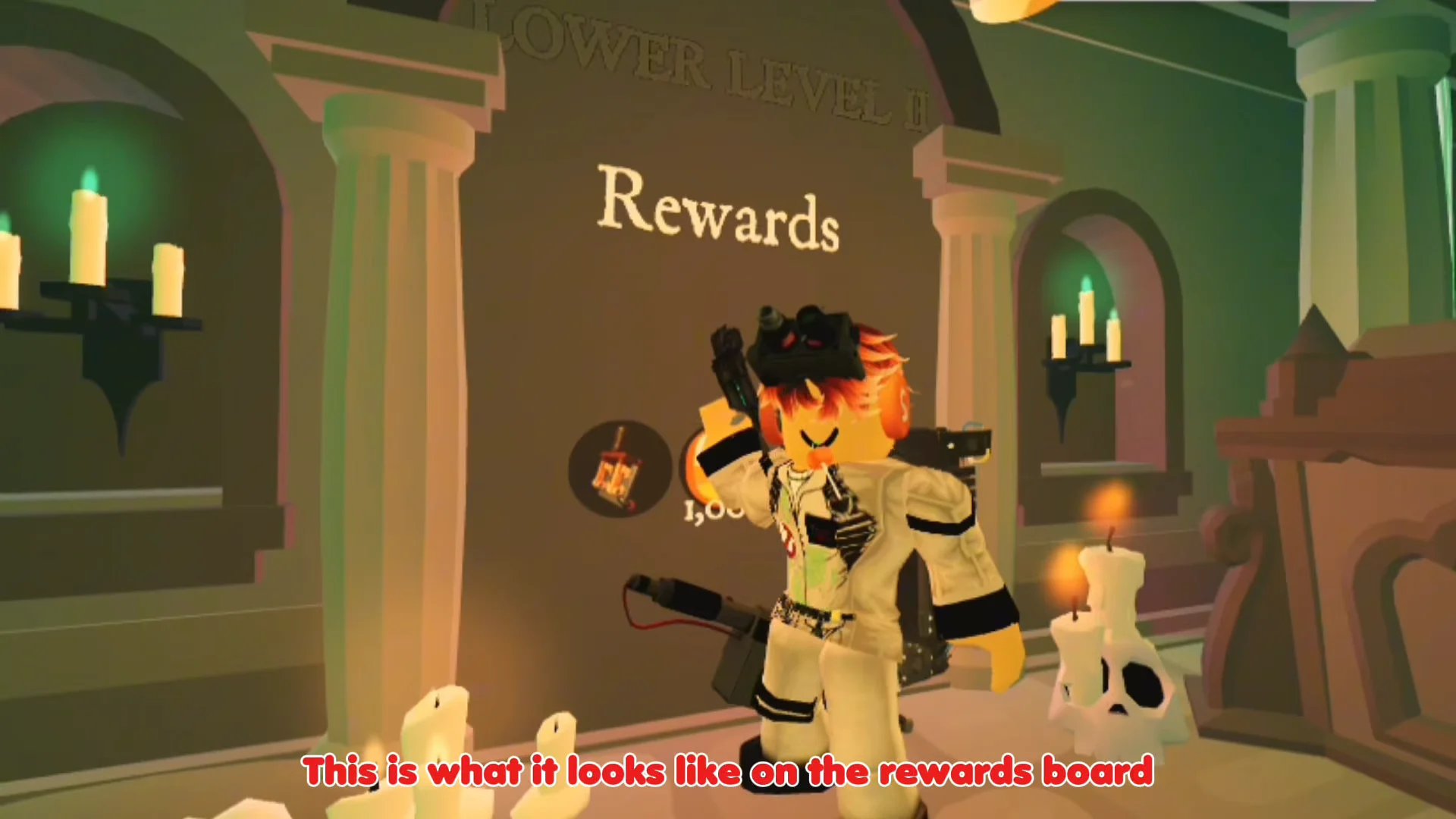
Coffin rewards are random, so the lever may not come from the first grave you open. If the reward does not appear, finish claiming the level and reset the Crypt, then try again with fresh keys.
Install the lever and buy the Skelicorn
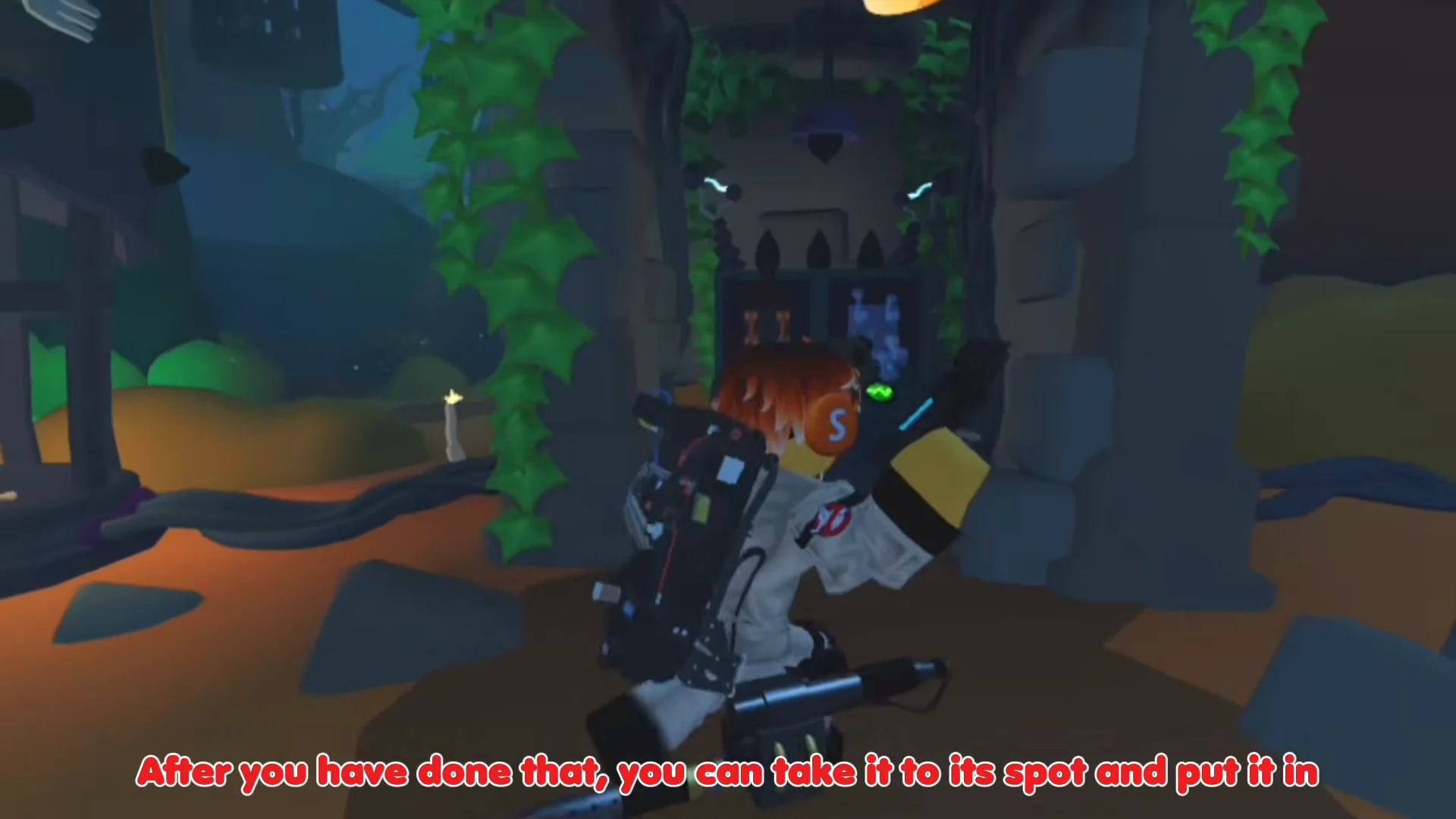
With the lever in your backpack, head back to the caged skeleton. The machine you need sits in the alcove to the left of the Manor, marked by an “Install Lightning Lever” prompt. Before the lever is in place, the console shows “Hm. Needs more conduction.”
How to confirm the Skelicorn is yours
You will know the unlock worked when the skeleton in the cage animates and the “New Pet Discovered! SKELICORN” card appears on screen after the purchase. The pet then lands in your inventory like any other Adopt Me companion. The install only has to be done once per account, so the cage stays active afterward.