Star Wars: Galactic Racer shipped with online multiplayer for up to 12 players and full cross-play, but no local split-screen. A fan-made mod called SWGRCouch closes that gap on PC, adding a dedicated couch mode for up to four racers on a single machine.
Quick answer: Install the UE4SS loader files into your game’s Win64 folder, drop the SWGRCouch mod into ue4ss\Mods\, then add SWGRCouch : 1 to the top of mods.txt. A split-screen option then appears on the main menu.
What the SWGRCouch mod adds
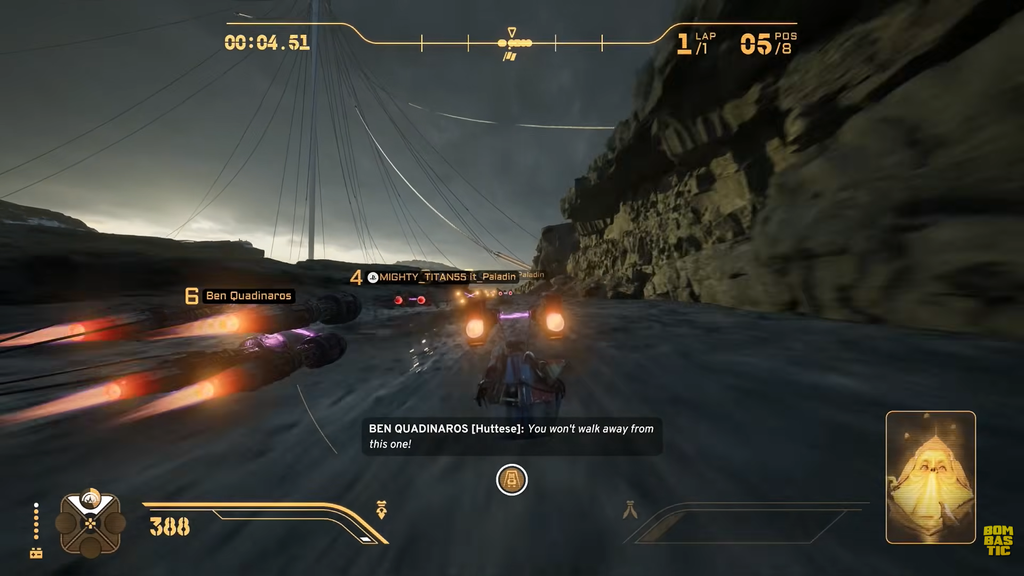
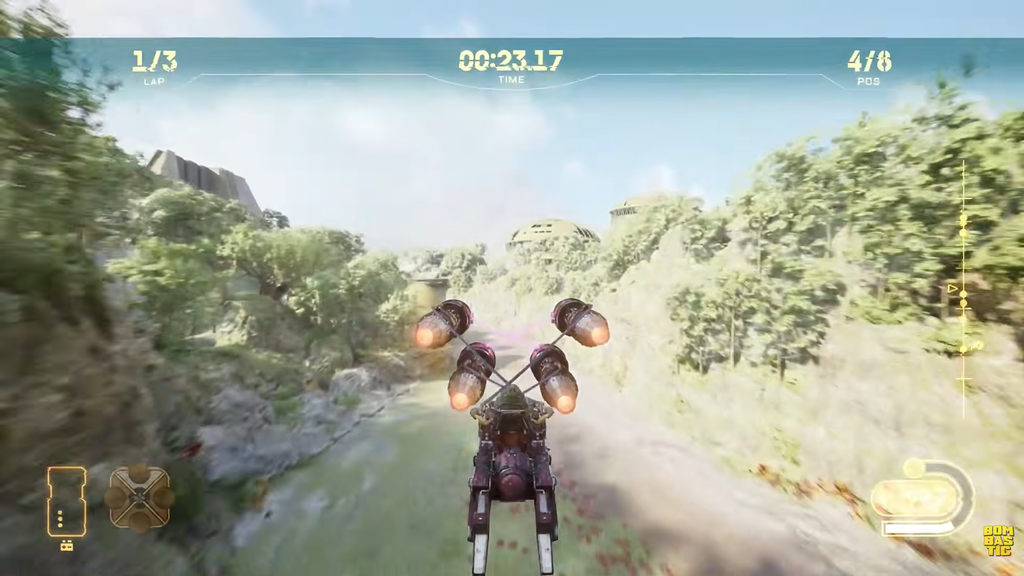
SWGRCouch is a free UE4SS Lua mod built by zhelan that inserts a SPLIT SCREEN tab into the main menu. Each player picks an individual class and vehicle, then the group chooses the planet and mode to race. The mod gives every player their own HUD, menus, and camera rather than sharing a single view.
Danger effects and on-screen messages are kept separate for each racer, so one player’s warnings do not clutter everyone else’s screen. If you wreck your vehicle, you do not get stuck staring at a black panel. Instead you spectate the other racers until the event ends.
Version 0.9.0 is still under development. Tests have involved two and three players, while the target player count is four. The mod is PC-exclusive and requires a legally purchased Steam copy of the game. Lucasfilm, Disney, and the developers have no affiliation with it.
What you need before installing
- The PC (Steam) version of Star Wars: Galactic Racer installed.
- The latest SWGRCouch release package from its mod page.
- Access to your game install folder, specifically
\Griffin\Binaries\Win64\. - Enough controllers for everyone, since this is local play on one machine.
Install the split-screen mod
ue4ss-build, SWGRCouch, and ue4ss_signatures directories.ue4ss-build\dwmapi.dll and the whole ue4ss-build\ue4ss\ folder into your game’s \Griffin\Binaries\Win64\ directory. This installs the UE4SS loader alongside the game executable.SWGRCouch\ folder into ue4ss\Mods\. This is the mod itself, sitting next to any other UE4SS mods you run..lua files from ue4ss_signatures\ into ue4ss\UE4SS_Signatures\. These signature files let the loader hook into the correct game version.ue4ss\Mods\mods.txt in a text editor and add the line SWGRCouch : 1 to the very top of the file. Save and close it. This tells UE4SS to load the mod on startup.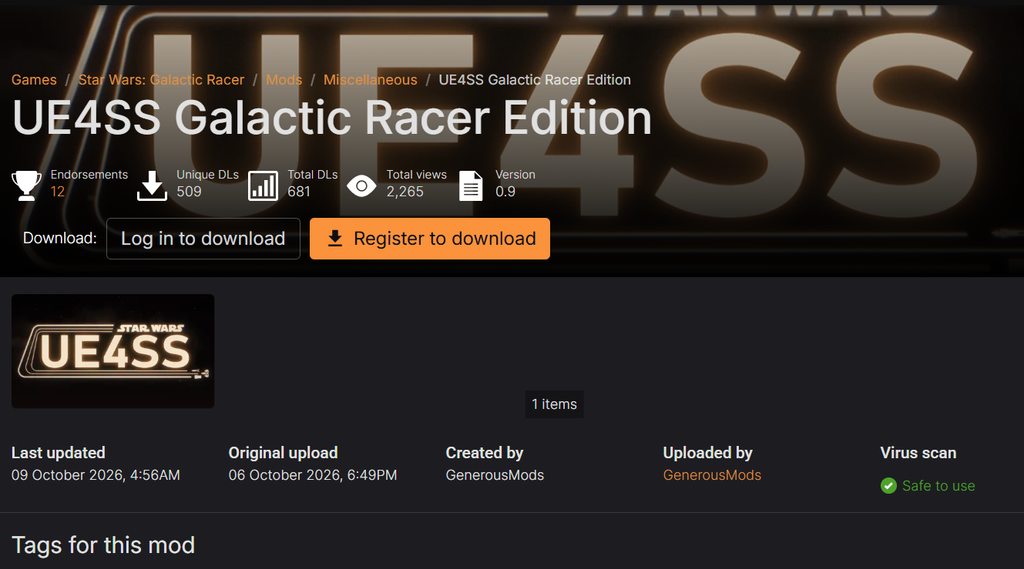
Confirm it worked
Launch the game and look at the main menu. If the installation succeeded, a split-screen option appears on the main menu. Open it, have each player select a class and vehicle, then pick the planet and mode to start racing together on one screen.
Console players are out of luck for now
SWGRCouch only works on PC because consoles have no mod support. On PS5 and Xbox Series X|S, local split-screen would have to come from an official update by Fuse Games. The team has said it is listening to the community and what matters most to players, so official couch co-op remains possible if demand is high enough, though no such feature is currently confirmed.